Being a tech enthusiast is an expensive hobby.While almost any hobby can get pricey at the high-end, buying tech comes with associated costs that don't always equal quality.Sometimes, buying the most expensive thing isn't necessary, and that's definitely the case when it comes to some networking gear.
With networking, you obviously want your network to be as good as it can possibly be, so you're likely to spend more than needed.I was in that exact same boat.Once I understood what made these networking gadgets and devices expensive in the first place, I got a lot better at spotting when the premium made sense and when I was just paying for hardware I would barely use.
Here are the 6 devices I no longer overpay for.Gaming routers The ping tax is so real I've previously talked about the disadvantages of buying an expensive router, and for most households, I stand by my opinion.Gaming routers are one of the easiest networking devices to overspend on because they sound like they were built to solve the one problem every online player hates most: lag.
Or bad ping, lag spikes, packet loss, rubber-banding, and sudden disconnects, to be more precise.Slap "gaming" on a router, add some aggressive antennas and a dashboard full of priority sliders, and suddenly $500+ starts to feel reasonable.But oftentimes, what you're paying for is really that gaming-centric branding.
A gaming router help, but only in specific situations.If your connection gets slammed by downloads, uploads, streams, and other devices at the same time, good QoS or traffic prioritization can help keep your game packets from being buried.But it won't fix ISP issues, weak Wi-Fi, or distant servers.
TP-Link Dual-Band BE6500 Gaming Router $180 $220 Save $40 Supported standards 802.11.be, 802.11ac, 802.11ax, 802.11g, 802.11n Some high-end gaming routers can cost over $600.I prefer this TP-Link router - it's still Wi-Fi 7, but the price makes more sense.Speeds 6500 Megabits Per Second $180 at Amazon Expand Collapse Wi-Fi 7 mesh kits Wi-Fi 7 mesh kits are another trap I understand far too well.
They promise newer standards, faster theoretical speeds, 6GHz performance, Multi-Link Operation, better backhaul, and whole-home coverage in one neat package.That's the kind of thing that makes you want to forgive the high price tag.But with mesh, the expensive part isn't always the one that you'll actually feel the effects of, echoing through your entire network.
If most of your devices are still Wi-Fi 5, Wi-Fi 6, or wired, they won't suddenly become Wi-Fi 7 just because the router is ready for the future.A cheaper Wi-Fi 6 or 6E mesh kit, or even a good router with a wired access point, can be the better buy if your real problem is coverage.Related The best upgrade to my home media setup was this $13 device A switch to connect my Switch.
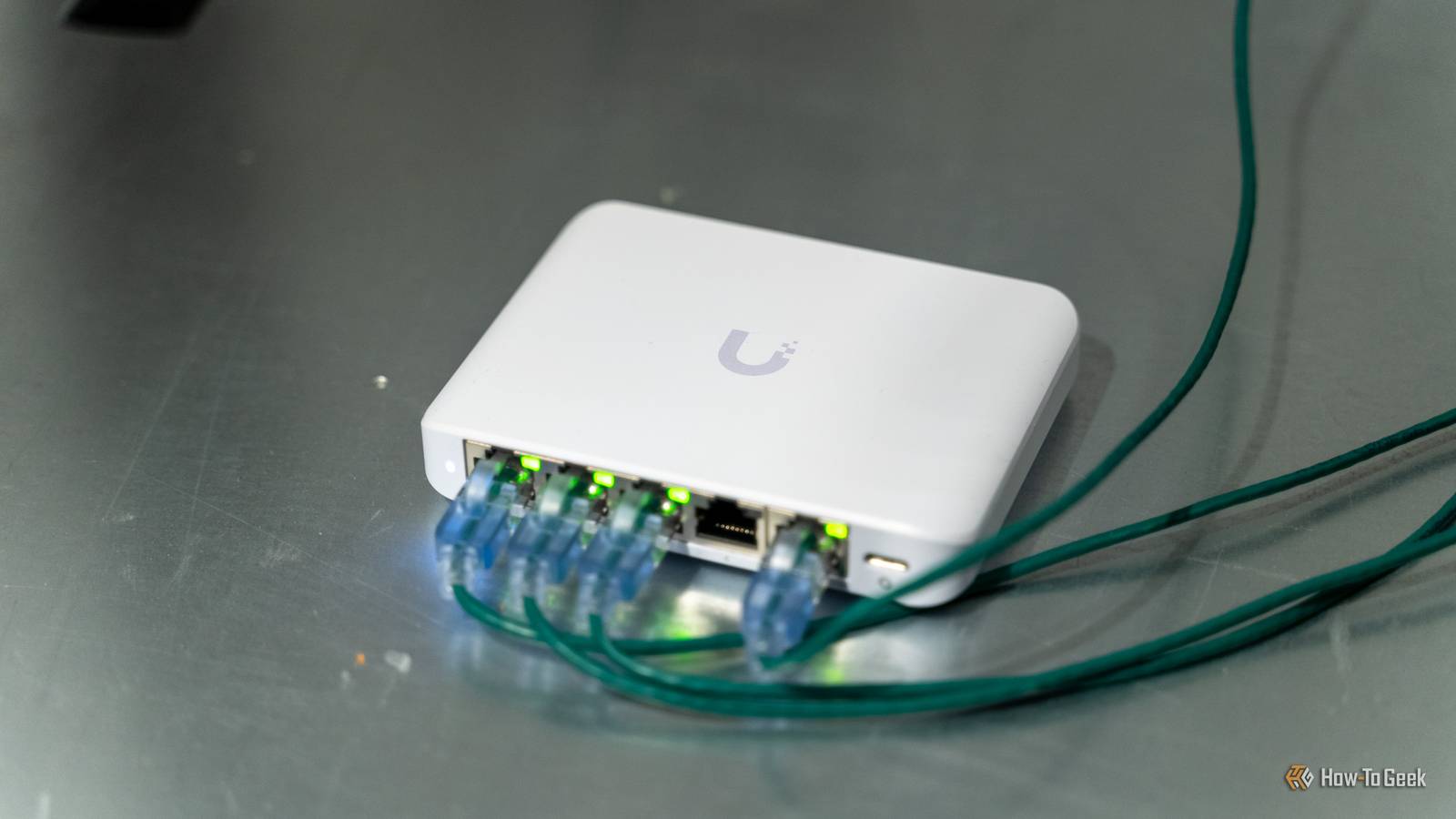
Posts 7 By Adam Davidson Fully managed switches Don't buy a dashboard for five cables A fully managed switch can cost more because it can handle things like VLANs, link aggregation, traffic monitoring, access control, port settings, remote management, and plenty of other features that make total sense in a business network or a serious homelab.For a normal home setup, though, that can be complete overkill.If all you need is basic connectivity in the same room, a basic unmanaged switch will usually do the job at a lower price.
I only think it's worth paying for managed features when you can name the exact thing you're going to configure, not when you just want more Ethernet ports.(You can use an adapter for that too, by the way.) PoE switches Power budget gets expensive fast PoE switches are genuinely useful, and that's what makes them a hazard to shop for if you're like me and have limited self-control.Power over Ethernet lets one cable carry both data and power to devices like access points, security cameras, and VoIP phones, which is incredibly neat if you want to achieve a clean setup.
But there's a problem: the pricing is quick to climb once you start adding more ports, higher per-port wattage, and a larger total power budget.If you only need to run one access point or camera, a huge PoE switch can be a massive overbuy.A small PoE switch, a switch with only a few PoE ports, or even a single PoE injector can make much more sense.
10 GbE switches Most homes need multi-gig first I love the idea of 10GbE, but this is one of those upgrades where the rest of the network has to earn it first.A 10GbE switch costs more because faster networking means more expensive switch hardware, more heat, more power, and sometimes extra costs for SFP+ modules, DAC cables, network cards, or better cooling.For a lot of homes, 2.5GbE is the smarter middle ground.
It's already much faster than plain gigabit, many new motherboards and mini PCs support it, and it's far cheaper to build around than a full 10GbE setup.Cable modems and modem-router combos The rental fee escape has limits I'm not a fan of renting your modem or your router from your ISP.It's a pointless expense that adds up.
But it's also easy to overspend in the name of future-proofing when you try to avoid this rental disaster.The pricier models usually cost more because of their DOCSIS version, multi-gig Ethernet ports, ISP certification, or built-in router and Wi-Fi features if they're combo devices.It's better to look for options that are neither too cheap or too expensive, and make sure all the gear fits together.
Spend your money right Obviously, expensive networking gear isn't per se.It's good, or better than the cheap alternatives.But it's not always worth overspending on, so before you splurge, take everything else into account and remember: a network is only as good as its weakest part.
UGREEN Cat 8 Ethernet Cable Brand UGREEN These cheap Ethernet cables remain one of my favorite networking-related purchases.They're not the priciest, but they're fantastic quality.$10 at Amazon Expand Collapse
Read More