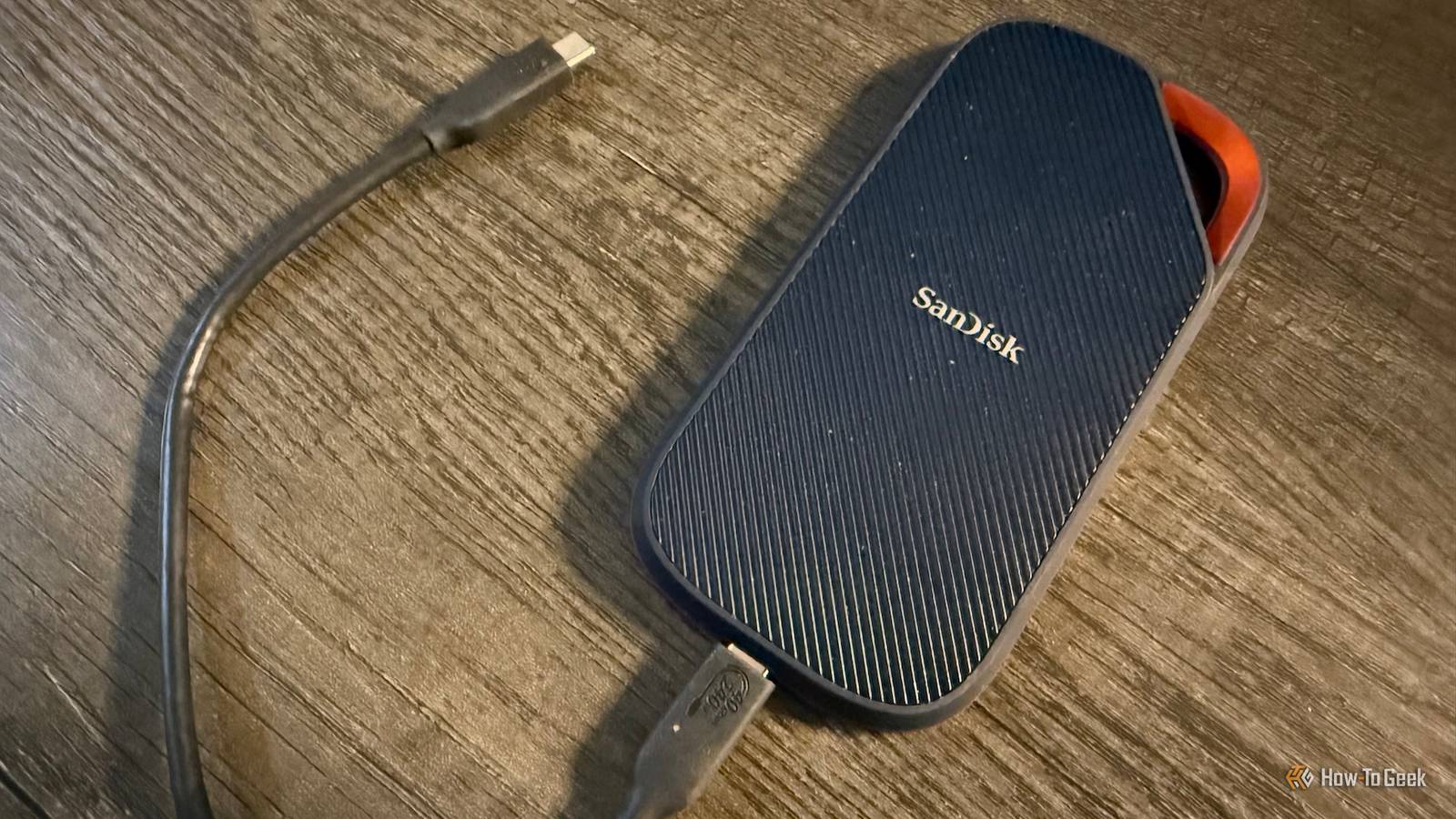
Keeping up with modern PCs means upgrading components fairly often, and it's easy to just throw away old hardware if you can't sell it to someone.For some components, like SSDs, there's no need to throw it away.There are plenty of easy ways to reuse them! Turn it into a recovery drive In a perfect world, you'd never have to worry about a potential data-destroying disaster.
But we don't live in a perfect world.You may get lucky and never suffer some sort of OS damage or corruption, but personally, I like to have some layers of redundancy in place to keep my stuff safe.Having a physical backup is a great countermeasure, and creating a recovery drive well ahead of when you actually need it will save you a lot of headaches.
An old SSD is perfect for something like this.You never know when your OS is going to throw up an error or get corrupted, preventing you from accessing your system and your files.You don't need a brand-new SSD to function as a recovery drive.
An old one serves just as well, and can give you a way to diagnose errors, remove malware, or completely reinstall your OS if it comes to that.Making a recovery drive out of your old SSD is also incredibly easy; with Windows, you just connect it to your computer, open the Recovery Drive app, and follow the instructions.It's simple and takes no more than a few minutes.
The peace of mind you get by using your old SSD in this way is much more valuable than letting it collect dust in a bin.Make a NAS out of the old SSD If you're the type of person with a robust, multi-layered home setup, creating a NAS for it is one of the best ways to optimize everything.A NAS can centralize all of your files, including photos and videos, allowing them to be accessed on any compatible device.
You can use old SSDs for this.Now, admittedly, you might need more than one, and I probably wouldn't use a newer NVMe SSD for a NAS, but if you have SSDs even older than that, a NAS is a viable alternative to junking them.Creating a NAS is a little harder than making a recovery drive, but you have a lot of options.
If it's your first time, I recommend looking into OpenMediaVault or TrueNAS SCALE.A NAS is generally under a consistent workload, being on all the time and all, so you might want to combine your old SSDs with some dedicated NAS hard drives.But as long as you're only using the NAS for fairly light workloads, such as media streaming, even an SSD-only NAS will probably be fine.
At any rate, experimenting with the old SSD is still more valuable than chucking it in the garbage.Use it as extra storage for a home console I bought my Xbox Series X years ago, and it didn't come with a whole lot of internal storage compared to the size games tend to be these days.Now, admittedly, a lot of newer video games require more modern, speedy storage.
In fact, the old SSD I have hooked up to my Xbox right now usually can't play the newest games because it's too slow as an external storage option.If you only play the newest games, then sure, using your old SSD as extra storage for your home console isn't going to do much good.I, personally, have a huge library of games on my Xbox, and well over 80% are old enough to be stored on an old SSD and run just fine.
You can use an old SSD, whether external or internal (with the help of an adapter) to give your home console a lot of extra space, so you don't have to play musical chairs with your game library so much.If you have a SATA SSD, you'll need to set up a SATA-to-USB enclosure.If you have an NVMe SSD, you'll instead need a M.2 NVMe-to-USB enclosure to connect it to your console.
Buying one of these enclosures usually only costs around $10-$20, but that's a lot cheaper than buying a new SSD for your home console if you were thinking about it.The performance won't be quite as good as the internal storage of your console, but it'll be good enough for plenty of games.Use the SSD with a router for media sharing If you want to be able to access something like movies on your home network, setting up a NAS isn't your only option.
There's a simpler alternative you can look into.Many routers have a USB port that allows them to accept USB drives.So, if you have a SATA or NVMe SSD, you can turn it into an external SSD with the right kind of adapter and connect it directly to the router.
As long as you enable it in your router settings, you can turn on file sharing.By doing this, all the files on that SSD will be made available on devices using your home network.Admittedly, the performance of this setup will not be as good as an actual NAS, but it's much quicker and simpler to put together.
You also won't need to buy the same amount of extra hardware a NAS would require, as this setup would only require an enclosure, which is pretty cheap.Ultimately, there are a lot of ways to reuse old computer hardware, which is more important than ever with how expensive a lot of components are right now.At the end of the day, it's almost always better to reuse something instead of throwing it away if it can be helpful.
Some components really do become worthless after a certain point, though; just be sure to recycle them if it comes to that!
Read More