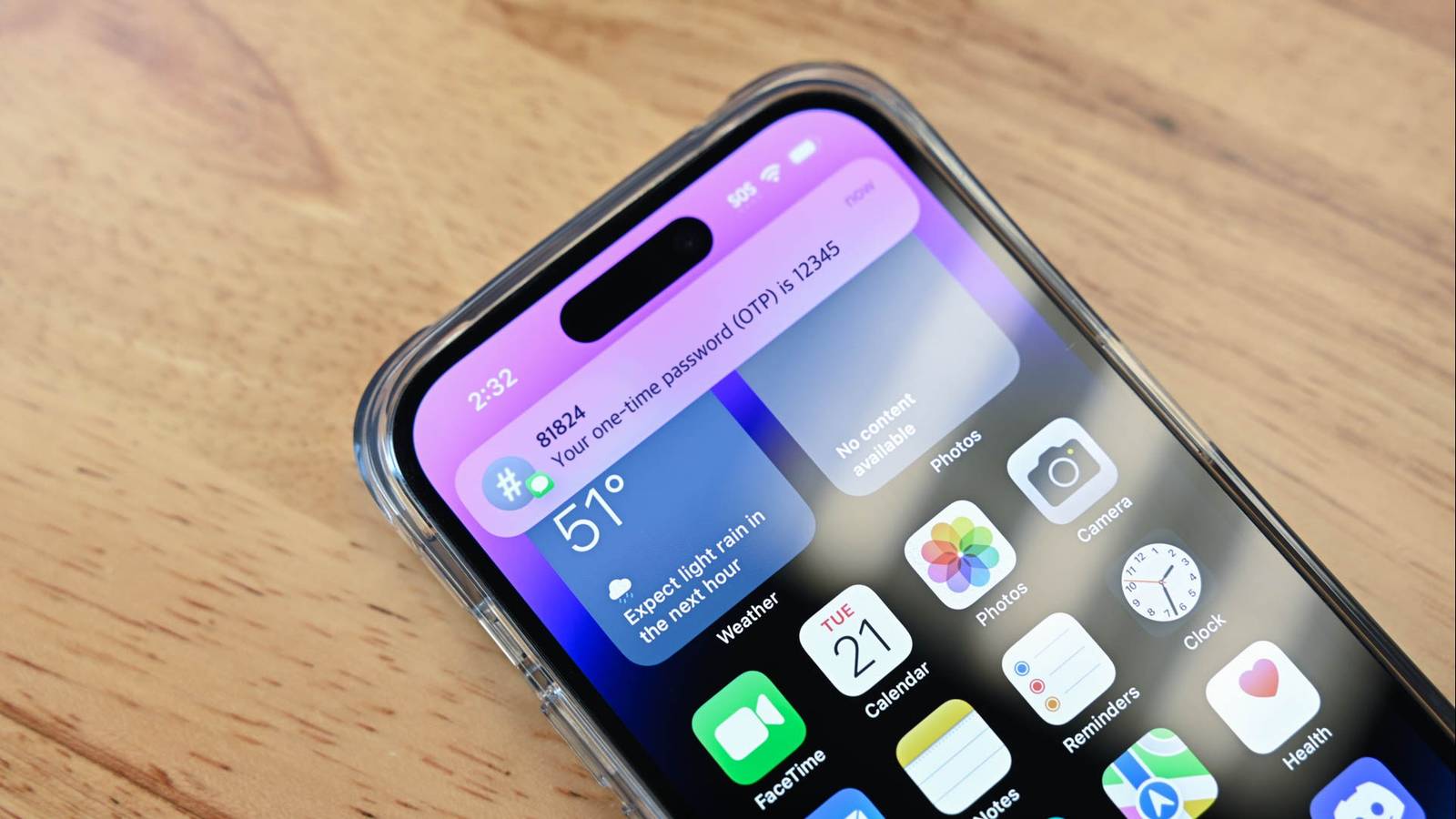
Two-factor authentication is a popular way to add another security measure to an online account.Unfortunately, an alarming number of services, applications, and websites still use SMS authentication for 2FA, which is one of the most insecure approaches around.If you can avoid using it, you should.
Why use SMS 2FA in the first place if it is so bad? There is a downside to convenience There has been a security arms race between malicious attackers, users, and service providers for years.Originally, logging in was as simple as entering a username and password, but poor password security practices made that unreliable as a sole authentication method.Additionally, without additional measures, there was no way to recover a lost password if that was the only login method.
SMS two-factor authentication arose as a way to combat fraudulent access to accounts.After all, the odds of a hacker compromising someone's password their phone simultaneously are pretty low.It is also appealingly simple.
You try to log in, enter your password, get a text message, and you're set.However, it has problems.SIM Swapping The most common attack against SMS two-factor authentication is called SIM swapping.
Normally, your phone number is associated with a SIM card.It is the part of your phone that authenticates you to the cellular network.In older phones, that SIM card was a physical card that you could move between devices.
Newer phones allow you to use an eSIM, which is just a digital version of the physical card.Most phones today still have both.A SIM swapping attack works via social engineering.
A would-be hacker finds someone they'd like to target, then collects as much information as they can about them, like their birthdate, address, and other personal information.With that information in hand, they call a cellular service provider and convince customer support to swap your current number to a new SIM card.They'll use the information they collected to "prove" that they're actually the victim.
If they're successful, they'll start receiving any and all SMS 2FA codes on their phone.Once that happens, they'll likely be able to gain access to any account that uses SMS 2FA as a protective measure.SIM Swapping is particularly difficult to protect against because the primary means of attack is social engineering.
You can create every technical barrier you want, but people are always going to be a weak link in every security setup.SMS invites phishing Another problem with SMS 2FA is phishing, technically called "smishing" when it takes place over SMS.In this case, the problem with SMS 2FA isn't a vulnerability in the technology itself, but our familiarity with it.
Say, for example, that you have an account for some website that uses SMS 2FA.You're used to seeing prompts related to logging in to that site arrive as a text message.Would-be hackers exploit that familiarity by sending you a fake SMS message that closely resembles the message from the real service.
Oftentimes, the fake message will contain a link to a fake copy of the real service, prompting you to "log in to authenticate" or "log in to secure your account." Without thinking, you enter your email and password, and the worst happens: Your login details are compromised.What should you use instead? Authenticator apps are the answer If the only two-factor authentication method available to you is SMS, you should still use it.Just be sure to be on the lookout for phishing attempts.
You may also be able to put safety measures in place with your provider that make it harder for someone to pull off a SIM swapping attack.However, if you have other options, there is an option that is just as convenient but vastly more secure.Besides SMS and email, authenticator apps are the most common 2FA method out there.
Instead of generating a code that is sent to you via SMS, authenticator apps typically work by generating a new code every 30 seconds.The Authenticator app itself is protected by your phone's security, and so long as you have a strong pin, your authenticator app will be quite secure.Subscribe to our newsletter for 2FA security guidance Get clear, actionable 2FA guidance—subscribe to the newsletter to learn practical ways to avoid SMS vulnerabilities, recognize SIM swapping and smishing, and choose safer authenticator app options to better protect your accounts.
Get Updates By subscribing, you agree to receive newsletter and marketing emails, and accept our Terms of Use and Privacy Policy.You can unsubscribe anytime.There are a ton of authenticator apps out there.
Some popular options include: Microsoft authenticator Google authenticator Authy Bitwarden I use Bitwarden as a password manager and pay for it yearly ($10), so I use their authenticator app instead.They all provide the same basic functionality, so just whichever you like the best.It is impossible to escape the digital world, and in the era of data breaches, AI-driven phishing, and countless other threats, it is essential to be as proactive as possible about security.
In services that support it, it takes only a few minutes to switch from SMS two-factor authentication to an authenticator app.Bitwarden OS Windows, Mac, Linux, iOS, Android Supported Desktop Browsers Chrome, Edge, Safari, Firefox, Opera, Brave Get started for free at Bitwarden Expand Collapse
Read More