There are multiple ways to repurpose an old Android device, such as using it as a dedicated media player or a dashcam.With the right apps, you can turn an old device into almost anything.With that in mind, I started looking for a way to add a home security camera to my house without spending a pretty penny on a dedicated camera.
Getting my old phone ready for its new duties Setting everything up to convert my old phone into a security camera There are many different ways to repurpose an old device, especially since modern smartphones are so advanced in both hardware and software.This is a stark contrast to the past, when yearly upgrades brought significant improvements.Today, people tend to hold on to their phones longer, and even when they upgrade, their old devices often still work perfectly well.
A security camera has been on my wishlist I’ve always wanted to get a security camera for my house, especially so I can see what is going on when I am not home.To be honest, one has been sitting on my Amazon wishlist for quite some time, but I always forgot to buy it.Garmin Dash Cam Mini 2 Garmin's Dash Cam Mini 2 is small enough to hide behind your rearview mirror, records crisp 1080p video, and more.
If you have Wi-Fi in your vehicle, it can alert you even while you're away from the car. See at Amazon Expand Collapse Blink Mini The Blink Mini Indoor Camera is an excellent security camera that is easy to set up, with 110 degrees field of view, HD-quality video, night vision, two-way audio, and Alexa integration.See at Amazon See at bestbuy Expand Collapse Blink Video Doorbell (2nd Gen) $24 $60 Save $36 Bring your home (and front door) into the modern era with an upgraded Video doorbell featuring 150-degree head-to-toe views, night vision, and person detection.Track who comes and goes, package deliveries, and more, all on a budget. Buy on Amazon Expand Collapse Unlike other types of cameras, such as dashcams or video doorbells, indoor security cameras are relatively inexpensive, with some models starting at around $25.
However, while that price is reasonable, paying nothing is even better.That is why I decided to turn the Android phone collecting dust in my drawer into a security camera instead of buying one.With the help of an app and a few accessories, I could save that $25 for something else, like paying bills.
Picking the right app for my needs When looking for the right app, I did not want one that simply turned my phone into a security camera.I had a more specific set of requirements.These included the ability to save motion-detection clips and work across both Android and iOS.
With those criteria in mind, I chose AlfredCamera.As mentioned, it is free, works on both platforms, and can save clips whenever motion is detected.Putting it all together But finding an app was not the only thing I needed to do—I also had to set everything up.
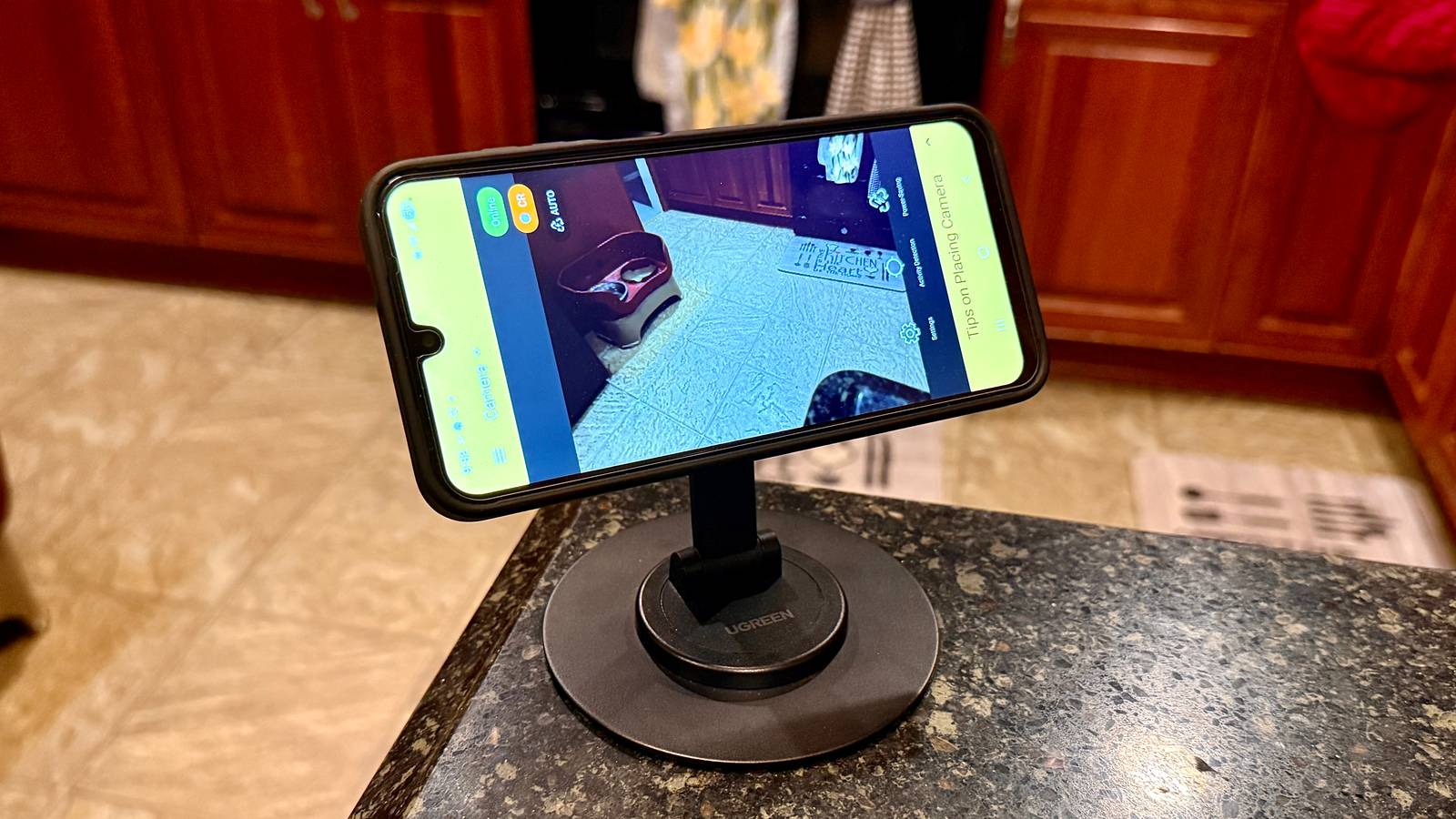
This included getting a stand and a reliable power source.For the stand, I chose a magnetic mount because it made attaching and repositioning the phone easy when needed.While my device did not have magnets built into it like MagSafe, I bought a case that added compatibility with magnetic accessories.
You could also use a clamp-style stand, but I preferred the magnetic option for the added convenience.Regardless of which type you choose, make sure it is adjustable.A stand with only one height or viewing angle may not work well for your specific setup.
Second, I purchased an extended USB-C cable to keep my older phone powered for extended periods.While the app includes a power-saving mode that dims the screen while continuing to record, I still keep the phone plugged in, especially since the battery is not as strong as it was when the device was new.Keeping an eye on my house Putting the app to the test Once I had everything set up, it was time to put it into action.
I left for the day and periodically checked in to see how things were going at home, including what my pets were up to.Motion detection was enabled Within the app, I enabled motion detection so that I would receive a notification whenever something moved in front of the camera.Enabling it was easy, but I could adjust the sensitivity level, ranging from low to high, depending on how much activity I wanted the camera to detect.
By default, the app had the sensitivity set to medium, but I quickly changed it to low because I was receiving too many motion notifications.When I did, the app asked why I was lowering the sensitivity so it could personalize the experience a little better.You can control multiple aspects of the camera Motion detection wasn’t the only feature I could control; I could also rotate the image, switch between the front and rear cameras, turn on the flashlight when it was too dark, and enable low-light mode.
There was also an option for me to activate a siren that would continue sounding until I pressed the button again, with the sound playing through the phone’s speakers at maximum volume.Video recording is available (but is limited) Even though I mostly used the app to check the live stream, I was happy to see that it also recorded video whenever motion was detected.However, because I was using the free plan, video storage was limited.
I’ll be honest: viewing footage directly in the app wasn’t particularly straightforward, and I was prompted to upgrade multiple times.However, I was able to save the videos to my camera roll and view them there instead.Wyze Cam v3 See at Amazon See at Best Buy Expand Collapse When comparing it with a Wyze camera, both Wyze and AlfredCamera allow you to view a live stream.
However, video playback on Wyze is only available if you pay for a subscription or install an SD card in the camera.Why I went with just the app The reasons why I chose this over an expensive setup To say that everything about the app is perfect would be a lie.There are multiple things that a Wyze security camera setup does better than the app.
One of those is video quality.While it is not horrible on the app, AlfredCamera locks HD recording behind a subscription plan.Deals Deals on phone accessories: mounts, cables & power Explore discounts on accessories and everyday tech to turn a spare phone into a security camera.
Save on magnetic mounts, extended USB-C cables, cases, power banks, and other smart-home gear - shop deals now to stretch your budget.Deals Explore Accessories & Everyday Tech Deals However, for what I needed a security camera for, the app checked all the boxes.I wanted to check in on my house when I was not home, and the app did that for me and more.
It notifies me when there is motion, allows me to talk through the app—like if I need to tell my dog to get off the couch, and lets me control multiple settings even when I am not home.It also goes into power-saving mode on the phone when the screen has been idle for a long time.Furthermore, it is more portable.
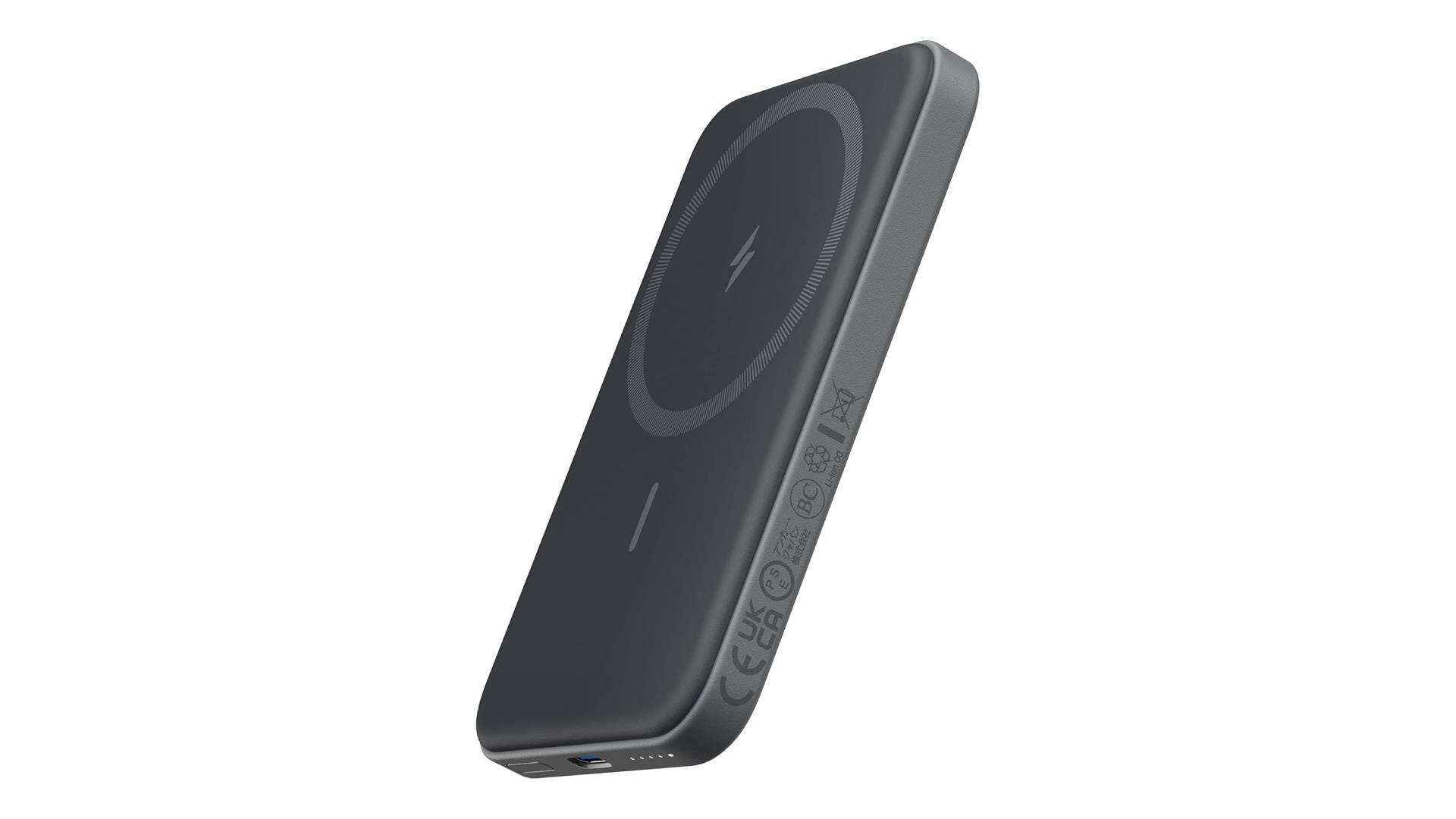
I do not need to keep it plugged into an outlet; I can move the phone freely, and if it does need power, I can plug it into one of my larger power banks.Security cameras are great, but for now, I do not need to spend money on one when a free app does everything I need.This is not to say I will not get one later, and when I want to dive deeper into my home security setup, I may invest in a more expensive system.
Read More