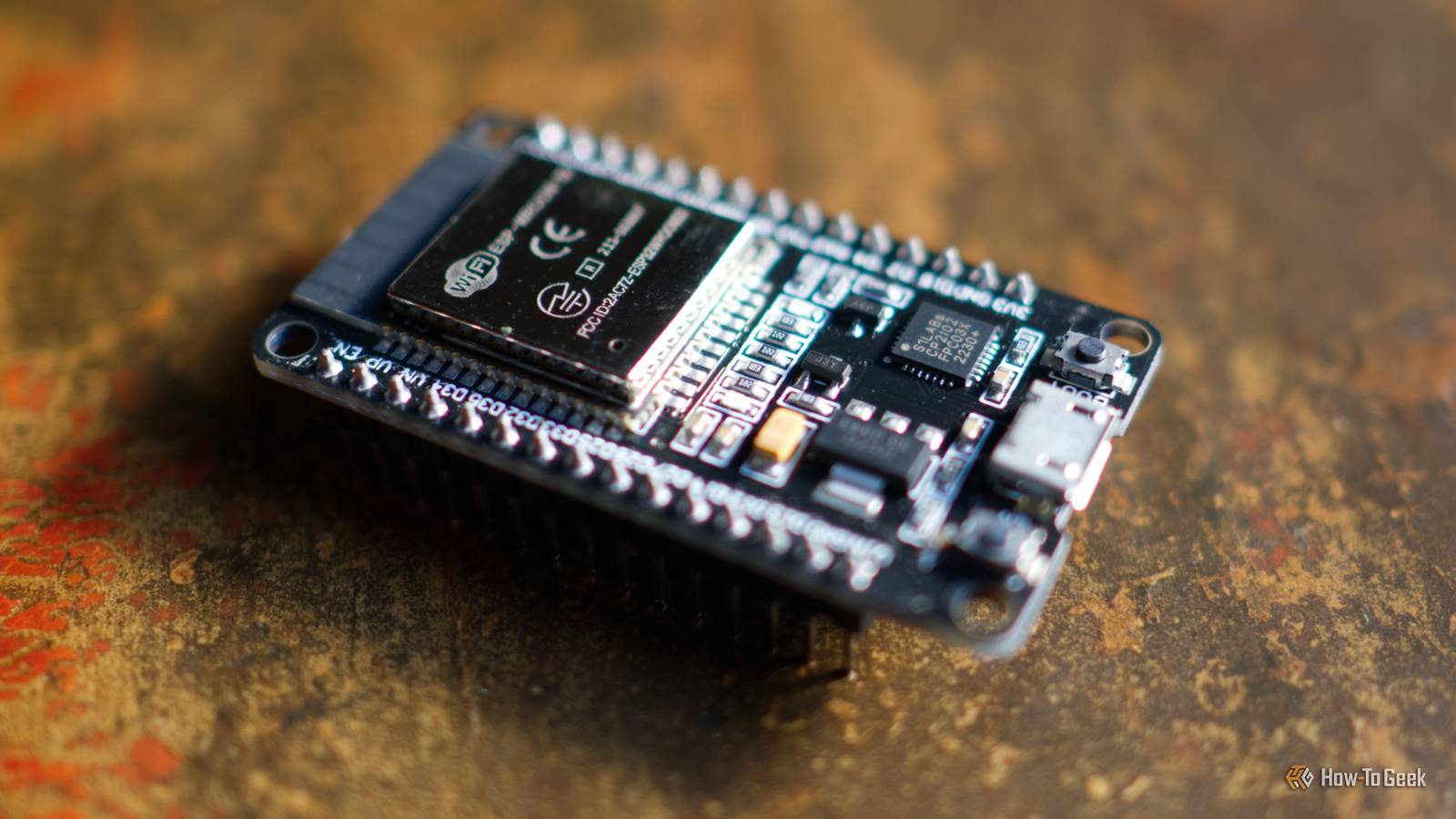
Your desk is your command station, and no command station is complete without the right equipment.Make yours even better with an ESP32, some extra components, and these easy-to-follow build guides that add fun and useful toys and accessories to your desktop.Your own DIY StreamDeck Customize the buttons to suit your use case The StreamDeck is basically a macro pad for accessing frequently-used apps and functions.
You can use them to launch software, run commands, switch cameras during streaming sessions, and anything else you can trigger with a keypress.There are all sorts of StreamDeck-adjacent ESP32 projects, but today I’m choosing to highlight the SauceDeck.This neat little device has 12 hardware buttons, two rotary encoders, and a TFT display.
It’s powered by an ESP32-S3, built on the Arduino framework with PlatformIO, and uses a 3D-printed enclosure and buttons.The default buttons point to apps like Teams and VSCode, but you can customize and print your own (or resort to numbers or symbols).The rotary encoders are perfect for changing your computer and microphone volume quickly, too.
InterDesk desktop switching tool KM not KVM InterDesk is a tiny ESP32-S3-powered device that was designed to control a Windows PC using a macOS laptop.It works by sending keystrokes and mouse input to the ESP32 over Bluetooth, which turns them into standard human interface device (HID) instructions as if they were being delivered by USB peripherals.The app it relies on was built with Electron, React, and TypeScript so that it can run on Mac, Windows, and Linux.
The author stresses that the only testing that has been done involves the aforementioned MacBook-to-Windows PC combination, but that other platforms should work.The project requires literally no soldering, only that you flash the microcontroller with the supplied firmware and run an app.Wi-Fi LED matrix clock and weather station A beautiful open-source desktop clock There’s beauty in simplicity, and the ESPTimeCast is a gorgeous example of this.
This is a free project with an optional paid element in the form of a premium 3D-printed enclosure that you can buy to support the author.Alternatively, you can design your own using a 3D printer, some wood, and whatever you have lying around.The project works with the ESP8266, ESP32, ESP32-S2, ESP32-S3, and ESP32-C3 chips, and the MAX7219 LED matrix display.
In addition to displaying NTP-synced time, the ESPTimeCast also displays weather data and is compatible with the optional companion extension to detect music and video titles, messages, timers, and even interface with Home Assistant.The project is fairly easy to follow and will teach you some basic wiring skills.You can install the firmware using a web browser, receive over-the-air updates as they are released, and configure options like automatic dimming so that the clock doesn’t blind you in the middle of the night.
You’ll find even more information on the project’s GitHub page.This amazing -themed calendar Inspiration for your next E-Ink project The LilyGo EPD47 is a 4.7-inch ePaper display with an embedded ESP32-S3 that’s perfect for small visual projects.This project author admits that they set out to make a minimalist calendar using the E-Ink display when “inspiration struck” and this battle scene just happened.
We’re very glad that it did.What at first glance looks like the Game Boy screenshot hides all sorts of useful information, including today’s date, upcoming appointments, the weather conditions, temperature, and humidity.The battle scene background changes based on the weekday, and the monster sprites change based on the current weather conditions.
The project pulls this information from Home Assistant.Related 5 ESP32-powered E-Ink display projects to make this weekend (May 29 - Jun 1) These projects look good on ePaper.Posts By Tim Brookes FlipBuddy time-tracker Your physical time tracking buddy Close The FlipBuddy is a time-tracking cube that you control by setting it down in a certain orientation to start tracking time.
This could be how long you spend working on a specific project, how long you’ve studied for this week, or even how long you’ve been playing video games over a month.The physical act of turning a cube over will appeal to those who find software trackers a bit lackluster.The project uses LEDs to indicate which mode you are in, and the enclosure is fully 3D-printed.
The author recommends an ESP32-S3 and a 550mAh battery, plus you’ll need a few extra components like an inertial measurement unit (IMU) to detect orientation and LEDs.Though the project’s GitHub repo makes it sound like a somewhat complex build, once set up, you can use the FlipBuddy web app to download the gathered data.You can also order a preassembled FlipBuddy from the project store for €35.
If you like the concept, you should check out this weird smart home controller.Many of these ESP32 projects rely on a 3D printer for certain components and enclosures, but they’re not the only ones.Check out even more ESP32-powered 3D printing projects to make over the weekend.
Read More