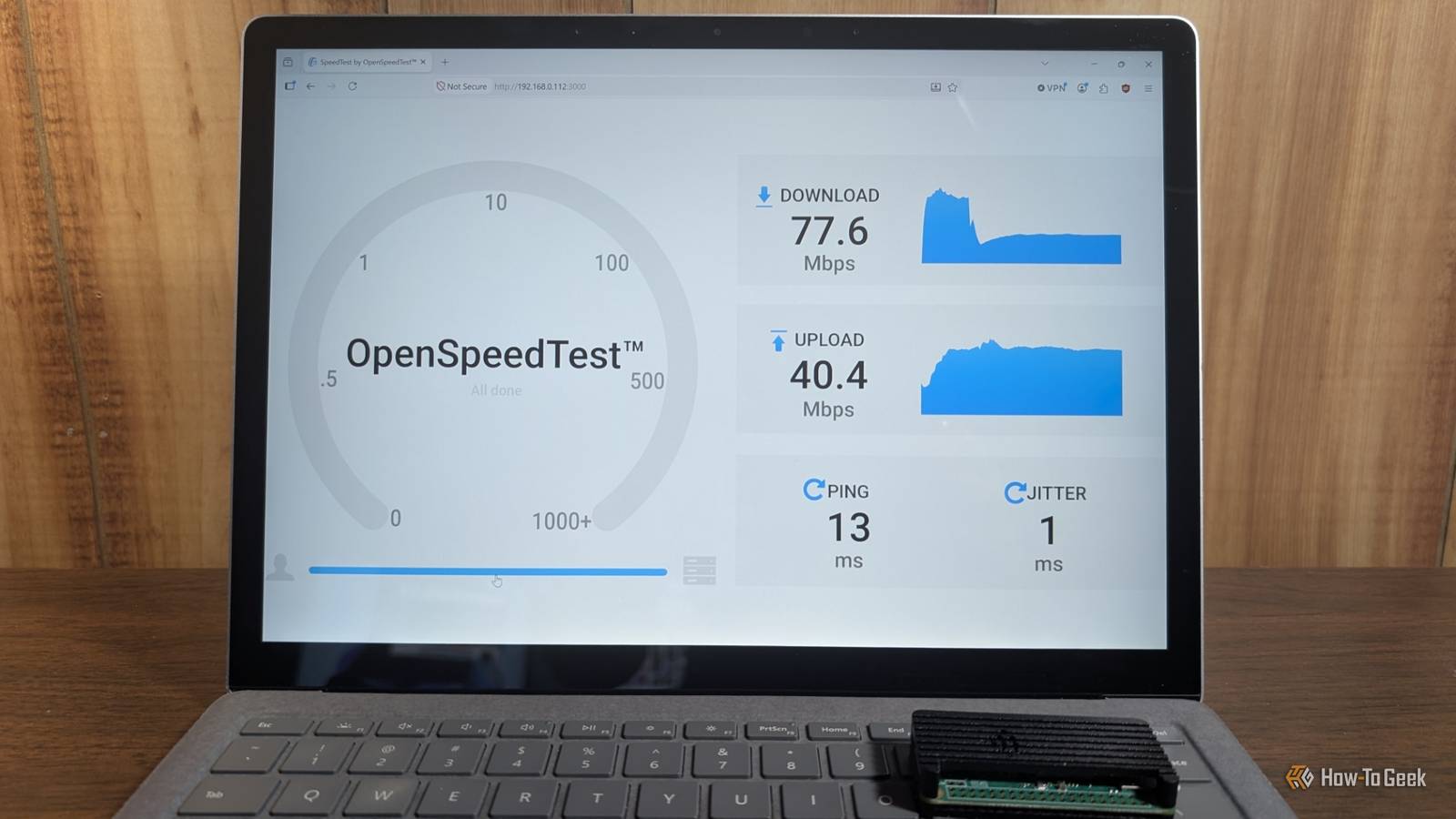
Most people run a speed test the same way you check weight on a scale, as if one number tells the whole story.The number tends to look good, but it is a really narrow way to judge your connection quality.That Wi-Fi speed test has almost nothing to do with how a connection works in real conditions.
It's better to know what it is doing before you assume it is correct.Speed tests don't show the whole picture Standard speed tests are set up to exaggerate Close The basic problem with standard speed tests is that they're built to measure a best-case scenario, not what your connection actually feels like day to day.Ookla, Fast.com, and most of the big ones were designed to measure max physical bandwidth by saturating your line completely.
That works fine if you just want to confirm the speed your ISP sold you.But it doesn't really show you how you actually use the internet.Browsing only gives out short bursts of HTTP requests, not a constant flood of data.
Gaming and voice calls run on tiny packets that need to arrive on time, not fast in bulk.So these tests are checking a number that does not have much to do with how responsive your connection feels.Then there's the server selection.
It picks whatever server has the lowest round-trip time, and that's almost always an on-net server sitting inside your own ISP's network.That sounds unfair because it is, and it only gets worse.ISPs know exactly where these servers are and what IP ranges they use, so they can prioritize that test traffic over normal sessions.
It wouldn't be very surprising if some used Powerboost tricks to give you extra bandwidth for the first few seconds, so a short test will end with an inflated rate.What you end up seeing is a best-case scenario that is far from the truth.The reason that many of these tests want to lie is that some are owned by the companies you pay for the internet.
I will not name any names, but always double-check to see who is running the speed test and if they are owned by the parent company of whoever you get your internet from.I've personally seen tests show double what others show, and the difference was who owned the test provider.Raw speed is not what makes a connection feel fast Latency and jitter are incredibly important ISPs love to throw big megabit numbers at you in their marketing.
But if you actually want to know whether a connection is any good for daily use, you have to look at the technical stuff underneath.Speed is only part of what you're getting.The big one people never talk about is bufferbloat, when your router or modem uses these giant buffers to hold packets.
The idea is to avoid dropping packets during short traffic bursts, which sounds fine but really isn't.The problem is those big queues turn into a bottleneck once the link is saturated.The minute a background update or cloud backup kicks in, the router's queue gets stuffed with megabytes of TCP data.
It doesn't matter if you've got huge raw bandwidth; your packets still have to wait, and it will feel slow.That is when lag comes in, and it's just terrible to deal with.You can actually test for this.
Sites like Waveform's Bufferbloat Test will hammer your connection and watch what happens to your latency while it's under load.A healthy connection barely moves, maybe 5 to 10ms of added delay.A bad one can spike into the hundreds, which can turn a video call into a slideshow, even when your download speed never dipped.
Jitter and latency aren't the same thing, but they do get confused with each other too often.Latency is how long a packet takes to get there.Jitter is how consistent that trip time is from one packet to the next.
A connection sitting steady at 40ms is totally fine to use.One that swings between 20ms and 90ms is not, even if the average looks okay on paper.Voice and video expect packets to show up on a regular rhythm.
When they don't, you get choppy audio, frozen frames, or that thing in games where your character snaps across the map instead of moving normally.Both of these problems can show up on a connection that has plenty of bandwidth to spare.That's why the megabit number on your bill doesn't really tell you much about what the connection is actually going to feel like day to day.
Your house ruins the signal Speed tests still have a place The biggest problem is that walls, distance, and your neighbors' routers can all kill your connection before your data ever leaves the building.Wi-Fi signal weakens as it travels, and it weakens faster than most people expect.Regular drywall barely affects it, but brick and concrete can knock your signal down to almost nothing in a single pass.
I get fast speeds right next to my router but a dead connection in my daughter's room.It's hard to debate when it is clearly just the walls.Newer Wi-Fi actually makes this worse in some ways.
The faster 5 GHz and 6 GHz bands can move more data, but they get stopped by walls more easily than the older 2.4 GHz band does.Shorter wavelengths just don't punch through solid material as well.So buying a nicer router can sometimes make your dead zones worse, not better, especially if your home has a lot of thick interior walls.
None of this shows up when you run a speed test standing next to the router.It only becomes obvious when you're actually using the house.Sometimes the test isn't lying to you.
It's just answering a different question than the one you're asking.Once you understand that, it makes perfect sense that a connection can score great on a test and still stutter the moment you actually try to use it.Related 6 networking upgrades that are a giant waste of money for most homes I’m a tech enthusiast, and I’ll never buy these 6 expensive networking devices again Posts 15 By Monica J.
White Speed tests aren't bad If your number in a speed test comes back well below what you're paying for, that's still worth knowing.This isn't a health report.It's just a single measurement of one thing under ideal circumstances, and it should land close to what you pay for.
Just keep in mind that your connection can pass that test with flying colors and still fall apart the moment multiple devices compete for bandwidth.
Read More