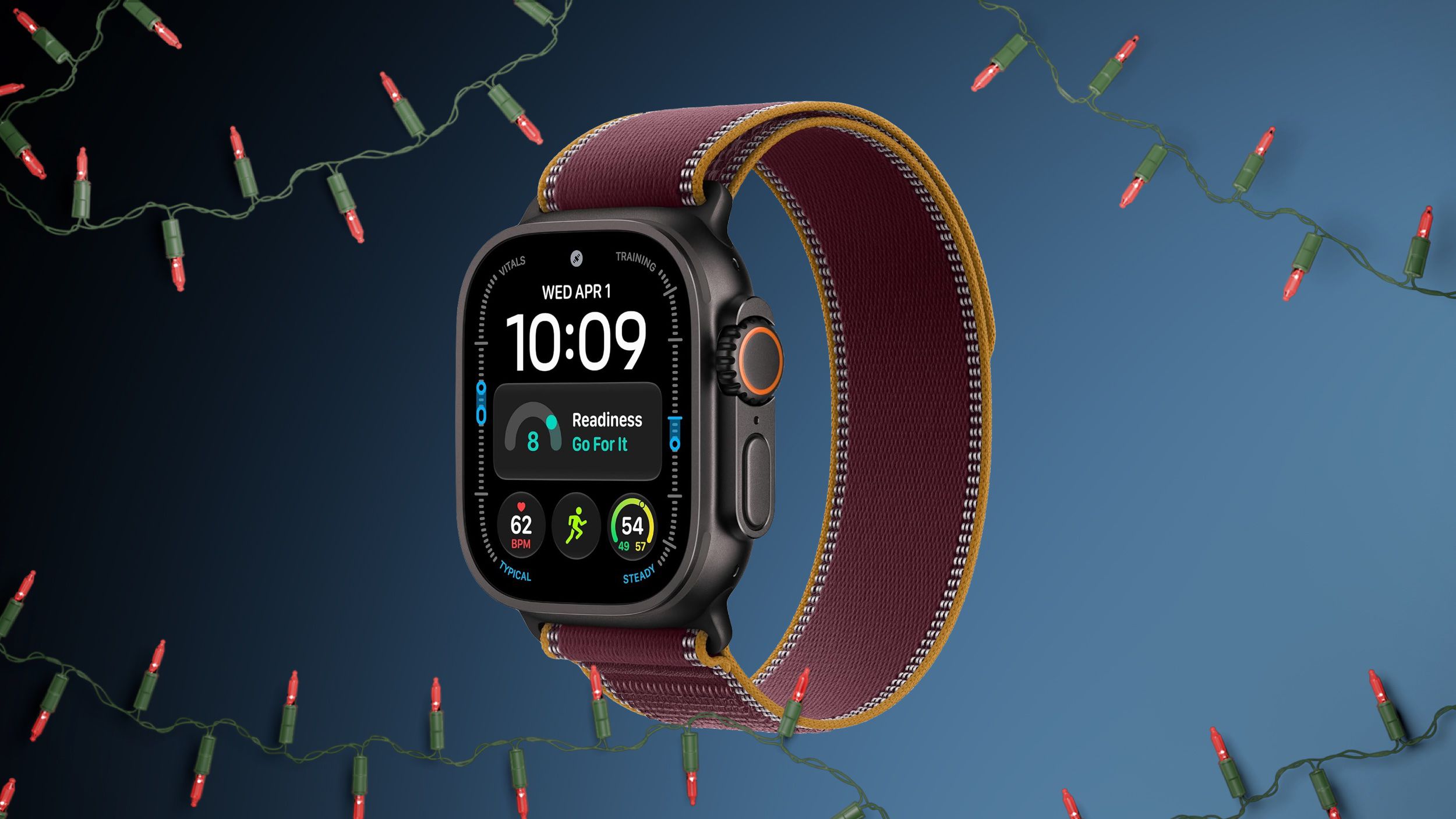
Many Galaxy Watch models can now last more than a day on a charge, but that might not fit into your routine.If you’re like me, you charge your phone overnight — it just makes sense to charge your watch, too.Here are a few tips to do it safely (and quietly).
Add How-To Geek on Google Add as Preferred Source Follow on Google Discover There’s also the issue of just how far beyond one day the watch can go.Sure, it’s nice if the battery can last a day and a half, but charging my watch at lunchtime every few days isn’t convenient.So, we charge our watches more than we need to.
Limit the max charge It’s not dead at the end of the day anyway Here’s the truth for most people: a Galaxy Watch that can last 30 hours on a charge is functionally the same as a Galaxy Watch that can last 16 hours on a charge.That extra half day is irrelevant since you’re probably charging the watch every night anyway.That’s how it is for me, too.
My Galaxy Watch 9 is rarely below 50% when I’m ready for bed.But I know if I don’t charge it, I’ll start the next day with not enough juice.The answer is to simply limit the max charge of the watch to 90% with “Battery Protection.” Close This feature cuts charging when the battery reaches 90% and doesn’t start charging again until it drops to 85%.
Instead of constantly charging the watch from 50-100%, you can shift that range more toward the middle, which is what batteries actually prefer.Find the option at Settings > Battery > Battery protection.Related You’re overcharging your smartwatch, and it’s aging the battery Help your smartwatch age more gracefully.
Posts 3 By Ismar Hrnjicevic Turn off the annoying lights Put away the sleep mask One of my personal gripes about smartwatches is how they keep the display on while charging.This is not something that phones do, so I don’t get why it’s a thing for smartwatches.Galaxy Watches do this, too, but it can be turned off.
By default, a Galaxy Watch will show the charging level on the screen until it reaches 100%.That can be annoying for those first couple of hours in bed.The setting that can fix this isn’t well labeled or easy to find.
It’s called “Show charging info.” You can toggle it off at Settings > Battery — scroll all the way down.Close Sleep mode is essential Don’t let unwanted notifications disrupt your sleep Every once in a while, I’ll hear someone say they didn’t want to call or text at night because they were afraid of waking the person up.It’s in these moments that I realize not everyone has their phone and watch set up for Do Not Disturb/Sleep mode.
Nowadays, you don’t have to choose between blocking all notifications or none at all.You can set up a specific “Sleep” or “Bedtime” mode that will block most alerts, but let important people get through in case of emergency.This mode can be automated at night, too.
Close If you use your Galaxy Watch with a Samsung phone, I highly recommend heading into the Modes & Routines app and configuring Sleep mode.Personally, I have it set up to turn on when the phone is charging during a period of time at night.This automatically enables Sleep mode on the watch, too.
Keep the charging contacts clean An easy-to-overlook tip My last suggestion is something most smartwatch wearers don’t think much about.Galaxy Watches are charged wirelessly with magnetic pucks.Just like how a case can impact wireless charging efficiency on a phone, a grimy smartwatch underside can do the same.
Every few days, it’s a good idea to take a peek at the underside of your Galaxy Watch and make sure it’s not covered in sweat and oil from your skin.This is not something you need to do every day, but it can also help with health and fitness tracking accuracy.A clean bottom cover means no interference with charging or activities.
Practice safe charging Honestly, it’s a bit disappointing that most smartwatch batteries can’t reliably last two full days or more.Until more smartwatches can make it until the second night, people will continue to charge them every night.And that just makes the batteries degrade faster.
The good news is we do seem to be headed toward a time when 2+ days of battery life will be more common.I’ve been extremely impressed with battery life on the Pixel Watch 5, and the Galaxy Watch Ultra 2 is solid, too.Someday we’ll get there.
Related I wore a Pixel Watch 5 and Galaxy Watch 9 for a week — the winner surprised me It's a battle of form vs function.Posts 6 By Joe Fedewa
Read More