I've heard about Linux distributions designed to be difficult to break, and it got me wondering whether I could build something similar with Windows.I actually have a few good reasons to want one.I keep a PC in my garage connected to a large monitor next to my workout equipment.
In addition, I do a lot of software testing for my job, and there's a shared media PC in my living room that my family and guests can all use.In all three cases, being able to restart the computer and immediately return it to a known-good state could be incredibly useful.The idea is simple: let Windows run normally, but make most changes temporary.
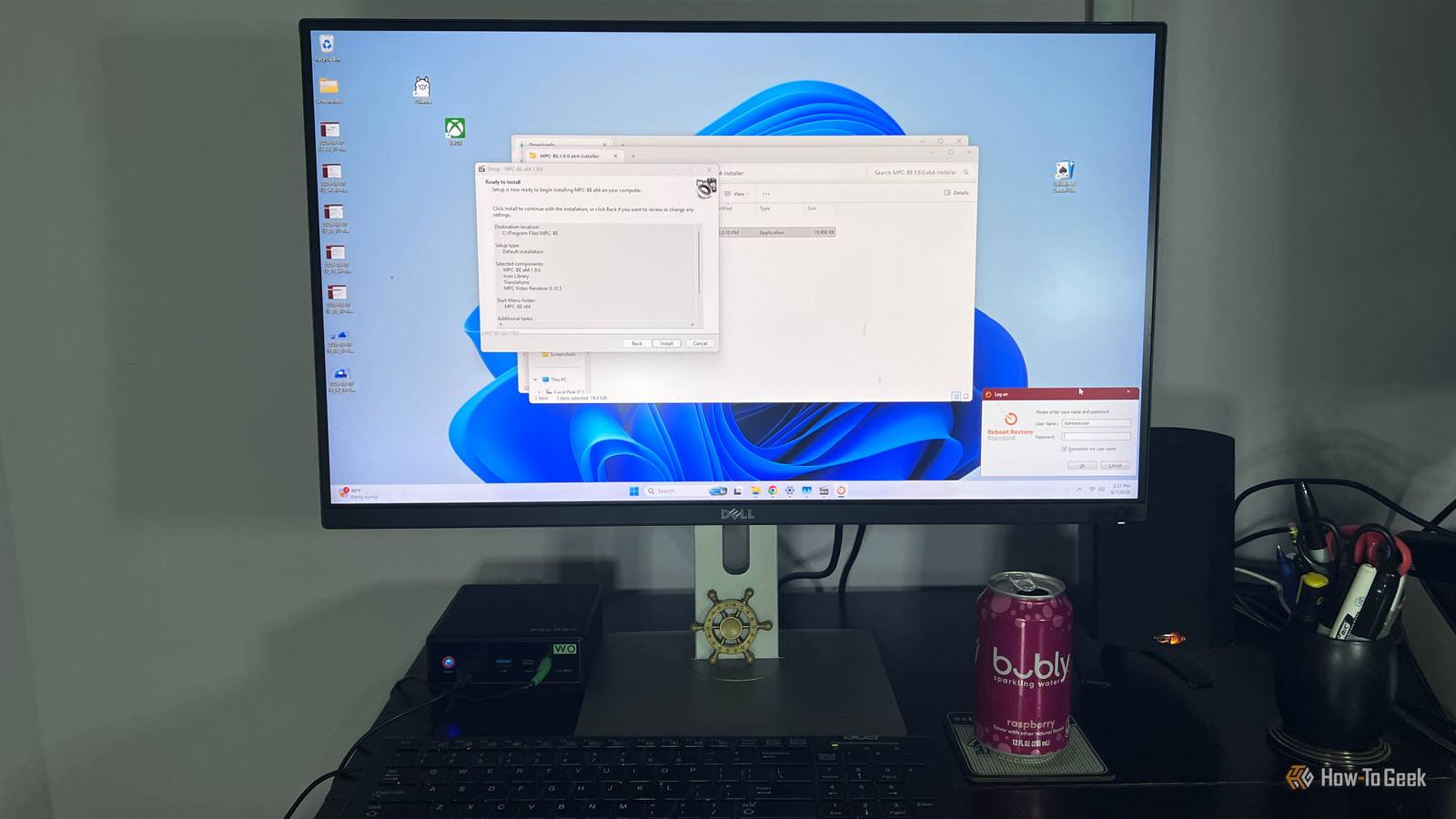
Install an app, download something questionable, change a setting, or otherwise mess things up, and a reboot puts the PC back the way it was.For my Windows 11 Home machine, I used Reboot Restore Rx Standard to do this.Windows 11 Enterprise and Education users have another option in Microsoft's Unified Write Filter, or UWF, which provides similar functionality built right into Windows.
I wanted to see how practical this kind of setup would be, and whether it could solve some real problems on the PCs I already use.Close I’m using Reboot Restore Rx Standard for this article.There is a 14-day free trial.
The company’s free version has been discontinued.Also, when I call this setup difficult to break, I don’t mean the PC can’t be hacked or that your personal information can’t be stolen.It simply means that when you reboot, the computer returns to its previously saved baseline state, undoing changes made during the previous session.
Turn a shared computer into a dependable machine Everyone can use it without leaving a mess behind Shared computers can be a real pain if you're the person who has to maintain them.My living room media PC is available to my family and guests, which means I don't always know what someone changed, downloaded, installed, or clicked before I sit down to use it again.Most of the time, those changes aren't a big deal on their own.
The problem is that they add up, and eventually I'm the one left figuring out why the browser looks different, a shortcut disappeared, or some random app is suddenly launching at startup.A restore-on-reboot setup takes most of that headache away.Someone can download a file, change a setting, move things around, or install something they probably didn't need, and the next reboot returns the PC to the baseline I created.
For example, if a guest installs a browser extension or media app while using the computer, I don't have to track it down and remove it later.I can restart the PC and know I'm getting the same clean setup back every time.That's a lot less maintenance for me.
Build a safer PC for software testing and experimentation A reboot gives me an easy way back As a technology writer, I'm constantly installing software, changing settings, and trying different ways to improve how Windows works.I also spend plenty of time in Command Prompt and PowerShell, where it's surprisingly easy to make a change and later forget exactly what you did.Most experiments work out fine, but every once in a while, I install something I don't want, change a setting that causes another problem, or end up spending more time undoing my testing than I did running it.
A restore-on-reboot PC gives me a much easier way to experiment.For example, if I'm testing an unfamiliar media player for an article, I can install it, change its settings, let it add file associations and shortcuts, and use it normally.If I decide I'm finished with it, I don't have to uninstall it and hunt around for everything it left behind.
I simply reboot, and the PC goes back to the baseline I started with.The same idea works when I'm experimenting with Windows settings or commands.It doesn't make risky software safe to run, but it does give me a convenient way to undo changes that would otherwise stick around and cause problems later.
Keep a garage PC running reliably It should work the same way every time I need it My garage also doubles as my gym, so the PC out there has a few different jobs.I use it when I'm working on my motorcycles, tractor, or golf cart, whether I'm looking up a repair procedure, watching a how-to video, or pulling up a parts diagram.Other people also use it while they're working out, usually for music, videos, or whatever else they want on the large monitor.
That means the computer can go untouched for weeks and then suddenly get used several times a day by different people.That's exactly the kind of PC I don't want to spend much time maintaining.If someone downloads something, changes a browser setting, installs an app, or leaves the desktop cluttered, I don't want to discover it the next time I'm trying to look up a repair in the middle of a project.
With the PC returning to the same baseline after a reboot, I know what I'm going to get when I turn it on.I can set it up with the browser, bookmarks, media apps, and other tools I want, then essentially forget about it.Even after sitting unused for a few weeks or getting heavy use for several days, a restart puts it right back where I expect it to be.
A self-resetting PC is more useful than I expected I wouldn't use this setup on every PC I own, but it makes a lot of sense for shared and single-purpose machines.It cuts down on maintenance and keeps random changes from slowing me down.For the right PC, being able to reboot and start fresh is genuinely useful.
Read More