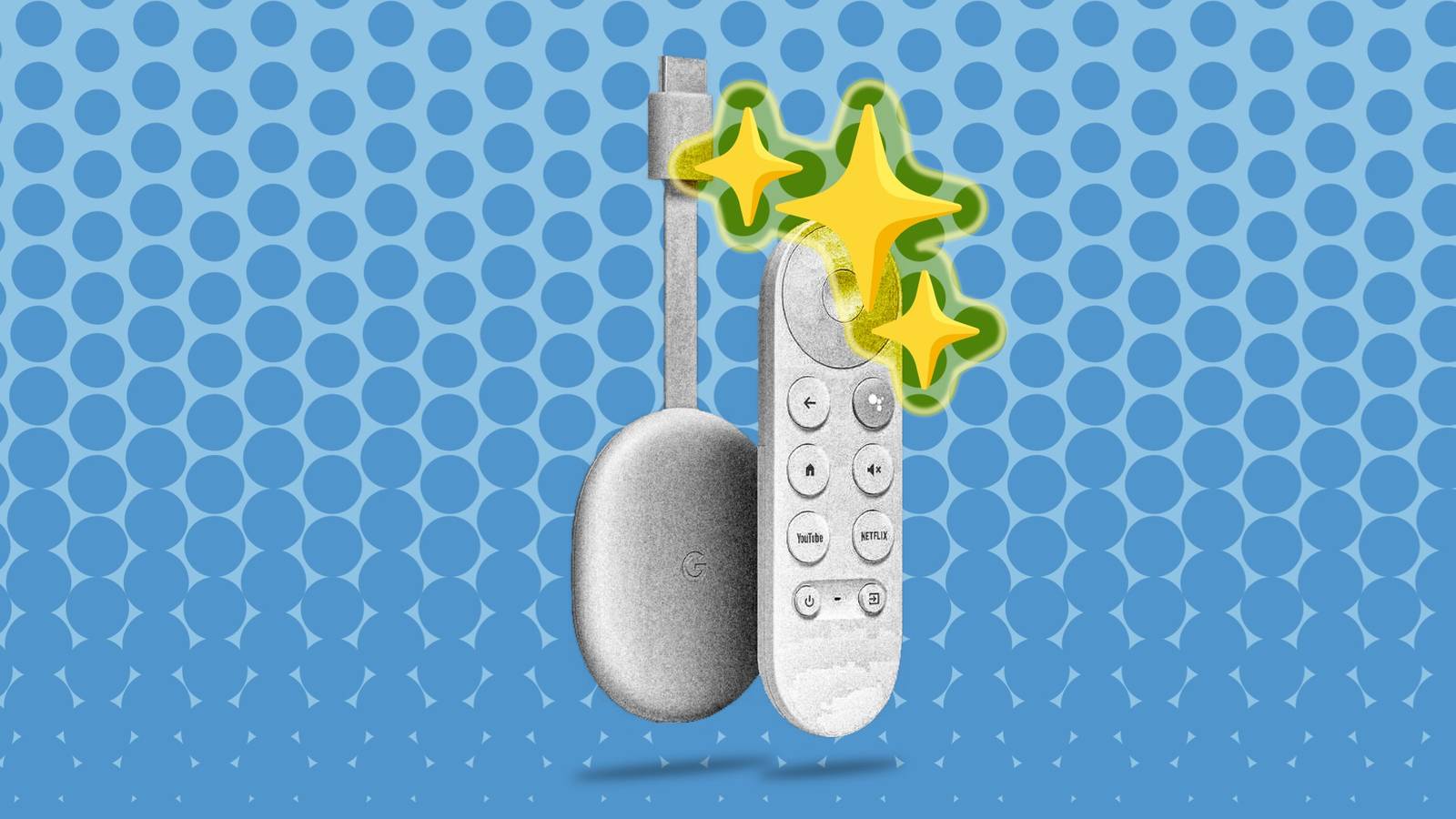
Streaming devices tend to have a longer shelf life than phones, but like everything, they get slow over time.You don’t have to banish your old Android TV, Chromecast with Google TV, or an Onn device to the tech graveyard just yet, though.Now, there are varying degrees of “old” when it comes to a streaming device.
Most of the time, they still technically work, but doing anything on them feels like swimming against the current.The best thing you can do is uninstall as much as you can and limit the device to one specific app or function.Retro gaming console Cheap and easy The thing to remember about Google TV devices is that they’re still Android at heart.
That means it’s more than powerful enough to handle the emulation required for retro video games.To get started, you'll need a Bluetooth controller—ones that work with a PC or gaming console often pair just fine—and an app like RetroArch or one of the many standalone emulators.Connect your newly minted console to a small dedicated monitor or even an old CRT if you want maximum authenticity.
Just like that, you have a dirt-cheap nostalgia rig that doesn't require you to tie up your main gaming setup.Local media player Skip the stremaing Close If your Google TV box isn’t getting any sort of software patches anymore, disconnecting it from the internet is a good idea.That doesn’t make it useless, though.
Install a local media app like VLC or Kodi before pulling the plug.Then, with a USB stick or an external hard drive full of your favorite movies, TV shows, and music, you’ve got a media center that plays anything you own without the hassle of changing discs.Music console display Turn your Google TV into a music hub Smart speakers are great for playing music, but you have to do everything through your phone—and you don’t get to display cool album cover art.
Use your Google TV to create a front-end display for a music console.Plug the Google TV into a small, inexpensive display, and then connect that to your high-quality speakers via Bluetooth or cables.Now, you can use the remote to navigate Spotify, YouTube Music, or your own music server app.
Watch OTA TV anywhere in your home All it takes is one extra piece of kit If you’re one of the millions who have cut the cord, you might use an over-the-air (OTA) antenna to watch local channels.Did you know you’re not limited to whichever TV can connect directly to the antenna? With an HDHomeRun tuner and the app on your old Google TV, any TV in your home can be an old-school “dumb” TV.Watch local news, sports, and network TV in your basement, garage, or backyard, all through a simple, dedicated device.
HDHomeRun Flex 4K Connectivity Ethernet Dimensions 7"L x 5"W x 2.2"H The HDHomeRun Flex 4K has four tuners for watching four streams at once.It's capable of streaming 4K TV channels (if any are available in your area).$200 at Amazon Expand Collapse Security camera feed display Keep an eye out The most common way to check your home security cameras is by pulling out your phone, unlocking it, and opening an app.
If your cameras integrate with Google Home or support a third-party Android TV app like TinyCam Pro, you have an easy solution.Plug your old Google TV into a small, cheap monitor and set the app to display a grid of your security feeds.You now have a dedicated, always-on monitor for your home.
It’s pretty nice to be able to glance at the front door or your sleeping baby anytime without fumbling for your phone.Related 5 ways to repurpose an old Android phone Don't let that phone rot away in a drawer.Posts 6 By Bertel King Your old stuff is waiting to be repurposed As mentioned at the top, the key to repurposing an old Google TV or Android TV device isn’t necessarily doing something revolutionary and unique with it.
By simply limiting the device to one specific task, you can squeeze out some extra life without reinventing the wheel.
Read More