Whether your homelab consists of an ISP-provided router and a mini PC or a whole rack that takes up the corner of your spare room, it could always benefit from a few considered upgrades.Here are seven ideas, ranging from very cheap to slightly expensive.A label maker Signposts for your homelab It can be difficult to keep up with an ever-expanding homelab.
This is particularly true if you settle on a fun naming scheme for your various bits of hardware.Naming your various components after characters sounds like a great idea until you’re trying to work out which is Ryu and which is Ken.That’s where a simple label printer comes in.
Sure, you could scribble things down on paper and stick them on, but it’s better to punch some proper labels out that will stay put and always be readable.Use the label maker to label various Ethernet ports, bits of hardware, drive bays, and even the other computers on your network so you never forget what is what.Label printers also have uses all over your home, so you’ll find lots of reasons to burn through a few rolls of tape.
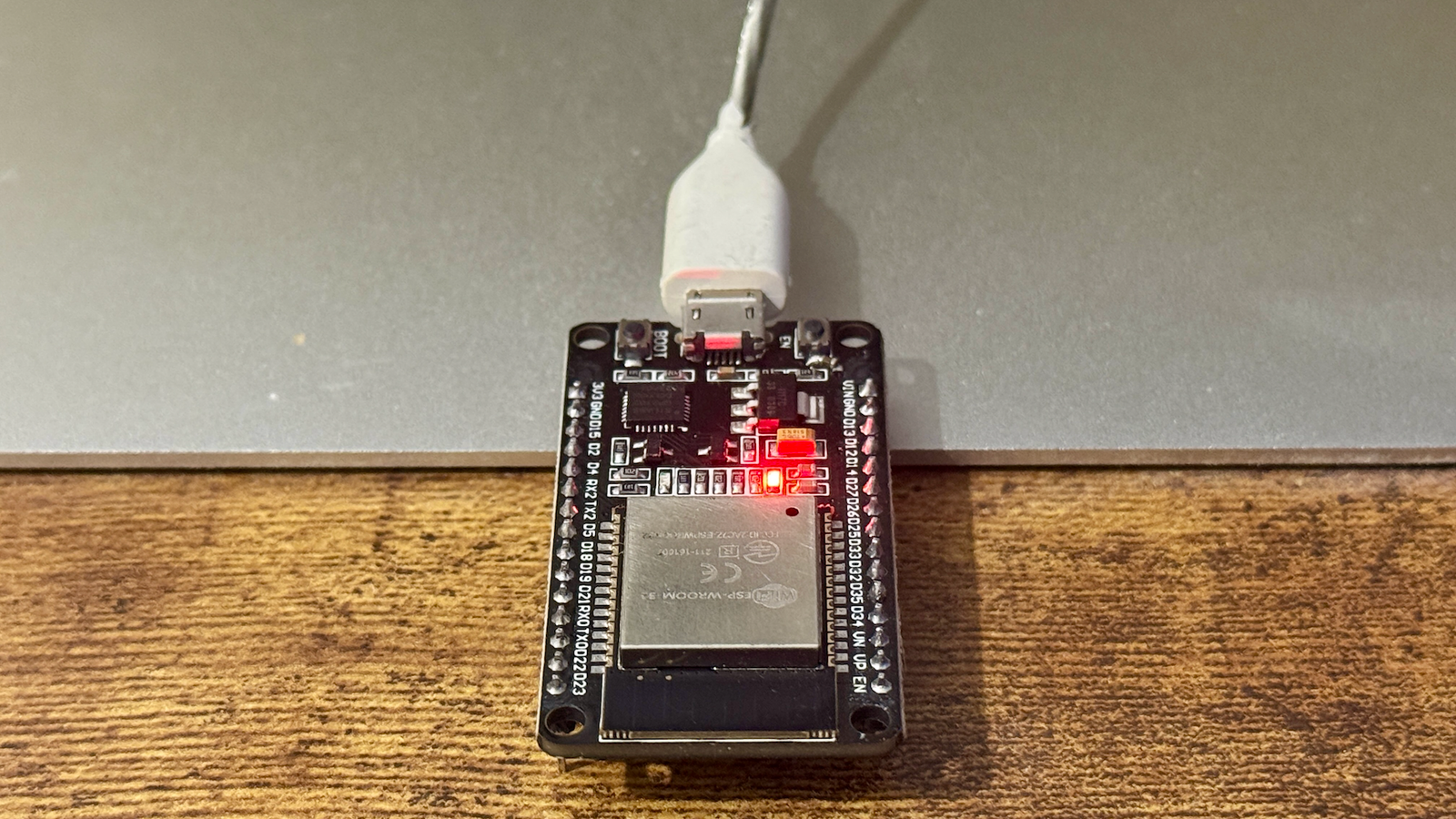
ESP32-powered uptime monitor Outsource your monitoring to a microcontroller It can be useful to monitor your homelab’s uptime so that you can spot issues that demand your attention at a glance.In order to properly do its job, an uptime monitor should be entirely separate from the rest of your stack.It’s no use having an uptime monitor running on the server you want to monitor because when the server disappears off the network, so too does your monitor.
You could buy a separate machine for this, like a Raspberry Pi, but that feels a bit wasteful (and now it’s expensive too).A more economical option is to use a tiny, cheap, low-power microcontroller like the ESP32.That’s exactly what Adam Conway from How-To Geek’s sister site XDA-Developers has done.
Like all of his projects, you’ll find the source code over on Adam’s GitHub page.Alternatively, a simple ESP32-powered internet connectivity monitor can notify you at a glance with a flashing LED whether your internet connection is online or not.WLED lighting Give your homelab that look Your homelab is first and foremost functional, but there’s no denying that a small rack of blinking lights and whirring fans can look pretty cool too.
If you want to lean into this aesthetic, you can roll your own addressable RGB lighting using an ESP32, some LED strips, and WLED.If you combine WLED with Home Assistant and integrate your homelab monitor, then you can even use different lights and patterns as a notification system for hardware problems, excessive heat, connectivity issues, and more.Energy-monitoring smart plugs Practical uses and interesting insights Understanding your homelab’s energy usage can help you make better hardware decisions.
The easiest way to do this is with an energy-monitoring smart plug connected to a platform like Home Assistant.You can plug your whole homelab into a power strip, then pass the strip through an energy-monitoring plug (as long as the total load doesn’t exceed the plug’s rating).With this information, you can get a real-time reading of what your homelab’s energy draw is, how different services affect your power bill, and whether or not you’re making wise decisions.
You might be convinced that expanding your homelab with an old business desktop like the Dell Optiplex is the right way to go, but if you’re not actually using the extra performance, then that old laptop you decapitated might be the better choice.Energy-monitoring smart plugs also give you the opportunity to trigger automations based on power draw.This is especially useful for getting notifications when the power draw spikes or drops unexpectedly.
For example, if the power draw is suddenly reduced, then this could mean a device has failed, so you can set up a notification.ESP32 Marauder Break your own Wi-Fi security The ESP32 Marauder is a penetration-testing device that includes a suite of offensive and defensive tools for testing network security.The Marauder is useful to anyone with a Wi-Fi network, but if you’re so far down the tech rabbit hole that you have your own homelab, then you’ll get plenty out of it.
The good news is that you can build a Marauder for very little, with the ESP32 Marauder Cheap Yellow Display variant offering excellent value for money.An Android smartphone It’s better than leaving it to rot in a drawer As an iPhone user, I had no idea there were so many ways to use an Android smartphone in a homelab.Such a device makes an ideal always-on network monitor or standalone security camera, with Python vastly expanding your device’s homelab possibilities.
You can even just use the phone as a dedicated clock or play with the various sensors.3D printer The priciest upgrade with the most potential Close 3D printers aren’t exactly cheap, but for your investment you get near-limitless possibilities and an opportunity to save some money along the way.Arguably one of the best ways to use a 3D printer in your homelab is to create racks, mounts, and other objects on demand.
Along the way, you can make your own NAS enclosures, cable management hacks, and print all manner of storage and mounting solutions to tidy your messy homelab up once and for all.Beyond the homelab, there’s a lot you can do with a 3D printer.If you’re into self-hosting, you might want to look into projects like OctoPrint or the Bambu Lab alternative Bambuddy to keep everything local.
Not started a homelab yet? You don’t need much to get started!
Read More