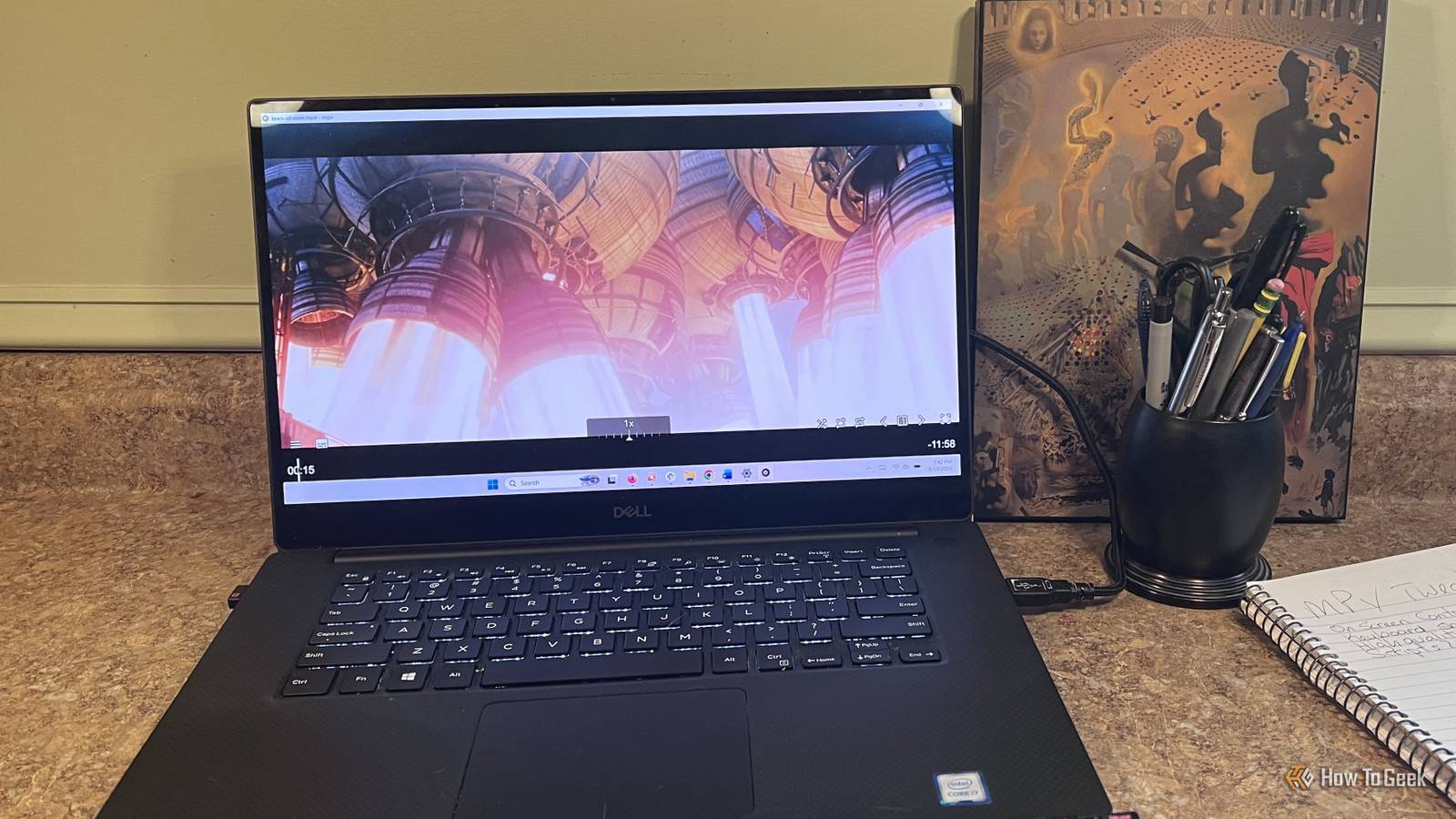
I've been using VLC for years, so when I recently started reading about mpv as a compelling alternative, I decided to give it a try.My first impression wasn't great.mpv opened my videos just fine, but compared with VLC, it felt almost unfinished.
The interface is sparse, there aren't traditional menus full of settings, and a lot of the conveniences I was used to simply weren't there.That minimalism makes more sense once you know where mpv came from.It traces its roots back to MPlayer and later mplayer2, projects built around lightweight playback, keyboard controls, configuration files, and extensibility rather than a traditional desktop UI.
mpv has carried that philosophy forward.It's fast and highly customizable, but it expects you to decide what you want from it.After spending some time changing the controls, improving the on-screen interface, and tweaking playback, it stopped feeling incomplete.
At this point, it's ready to compete with VLC for the top spot on my PC.I gave mpv a proper on-screen interface uosc made mpv feel much more like a desktop media player Close The first thing I wanted to change was mpv's interface.Its built-in on-screen controller gives you the basics, but compared with VLC, it felt pretty light.
If keyboard shortcuts are your thing, you may not see much reason to change it.For me, though, I wanted a little more on screen.I still wanted mpv to stay lightweight, but I didn't want to memorize a shortcut every time I needed to change a track, adjust subtitles, or work with a playlist.
I installed uosc, a third-party interface that adds a better control bar, menus, track selection, and playlist controls without making mpv feel bloated.On Windows, download uosc.zip, press Windows+R, enter %APPDATA%, press Enter, create a new folder named "mpv" if it doesn't already exist, open it, and extract the ZIP into that folder.Once that's done, restart mpv and open a video.
Moving the mouse toward the bottom of the window brings up the new controls, while the hamburger menu on the left gives you access to additional options.It still feels like mpv, just with the things I expect from a desktop media player much easier to reach.I changed the controls to match how I actually watch videos A few custom shortcuts made mpv much easier to use Close mpv already has plenty of keyboard shortcuts, but some of the defaults didn't line up with the way I normally watch videos.
I wanted the arrow keys to handle short jumps backward and forward, the up and down arrows to control volume, and the spacebar to remain an easy play/pause button.Fortunately, mpv lets you remap virtually any keyboard or mouse control through an input.conf file.On Windows, press Windows+R, enter %APPDATA%\mpv, and press Enter.
Right-click inside the folder, choose New > Text Document, and name the file input.conf.Open the file in Notepad and add one shortcut per line.For example, LEFT seek -5 jumps back 5 seconds, RIGHT seek 5 jumps forward 5 seconds, UP add volume 5 raises the volume, DOWN add volume -5 lowers it, and SPACE cycle pause toggles playback.
Save the file and restart mpv.You don't have to remap everything.I started with the controls I use all the time and left the rest alone.
That's one of the things I like about mpv: I can change the handful of shortcuts that matter to me without having to relearn the entire player.Make sure Windows doesn't leave .txt on the end of input.conf, or mpv won't recognize it.Here are some additional shortcuts you may decide to add: f cycle fullscreen — toggles fullscreen m cycle mute — mutes or unmutes audio PGUP add chapter 1 — jumps to the next chapter PGDWN add chapter -1 — jumps to the previous chapter I tweaked video playback to get better picture quality mpv has a higher-quality rendering mode built in Close Once I had the interface and controls where I wanted them, I started looking at video quality.
mpv's default settings are designed to balance picture quality and performance, which makes sense for something that has to run on a wide range of hardware.My PC has enough graphics horsepower that I was willing to trade a little extra GPU usage for better scaling and cleaner-looking video, especially when I'm watching lower-resolution content on a higher-resolution display.mpv already includes a high-quality profile for exactly that purpose.
To enable it permanently, open Notepad and add profile=high-quality on its own line.Choose File > Save As, browse to %APPDATA%\mpv, name the file mpv.conf, and change Save as type to All files before saving it.If you already have an mpv.conf file, just add the line to it instead.
Restart mpv, and the profile will be loaded automatically whenever you play a video.The high-quality profile uses more demanding scaling than mpv's normal defaults, so the difference will be easiest to see when video is being resized rather than when you're watching a native-resolution source.I also added deband=yes beneath it.
Debanding is meant to reduce visible color banding, blocking, and other compression-related artifacts, which can be especially noticeable in skies, shadows, and other smooth gradients.mpv notes that it can slightly soften very fine detail and requires a little more processing power, so I wouldn't pile on a bunch of video options just because they're available.For me, these two were enough to improve playback without turning mpv.conf into another project.
If you want to customize mpv even further, scripts are where it gets interesting There's a lot more there if you want it I looked through mpv's script directory more than once, tempted by things like thumbnail previews on the seek bar, automatic subtitle tools, and SponsorBlock-style segment skipping.I never ended up adding any of them because uosc covered what I actually needed, but it's easy to see how far you could take things.That's part of what makes mpv interesting.
It feels less like a finished media player and more like a kit you can build around the way you actually watch videos.mpv is worth your time What makes mpv interesting is how little it takes to turn it into a much more complete media player.A better interface, a few control changes, and some playback tweaks cover most of the things an average user is likely to miss, while scripts leave plenty of room to add more later.
mpv makes a strong case for anyone who wants something lighter and more customizable.
Read More