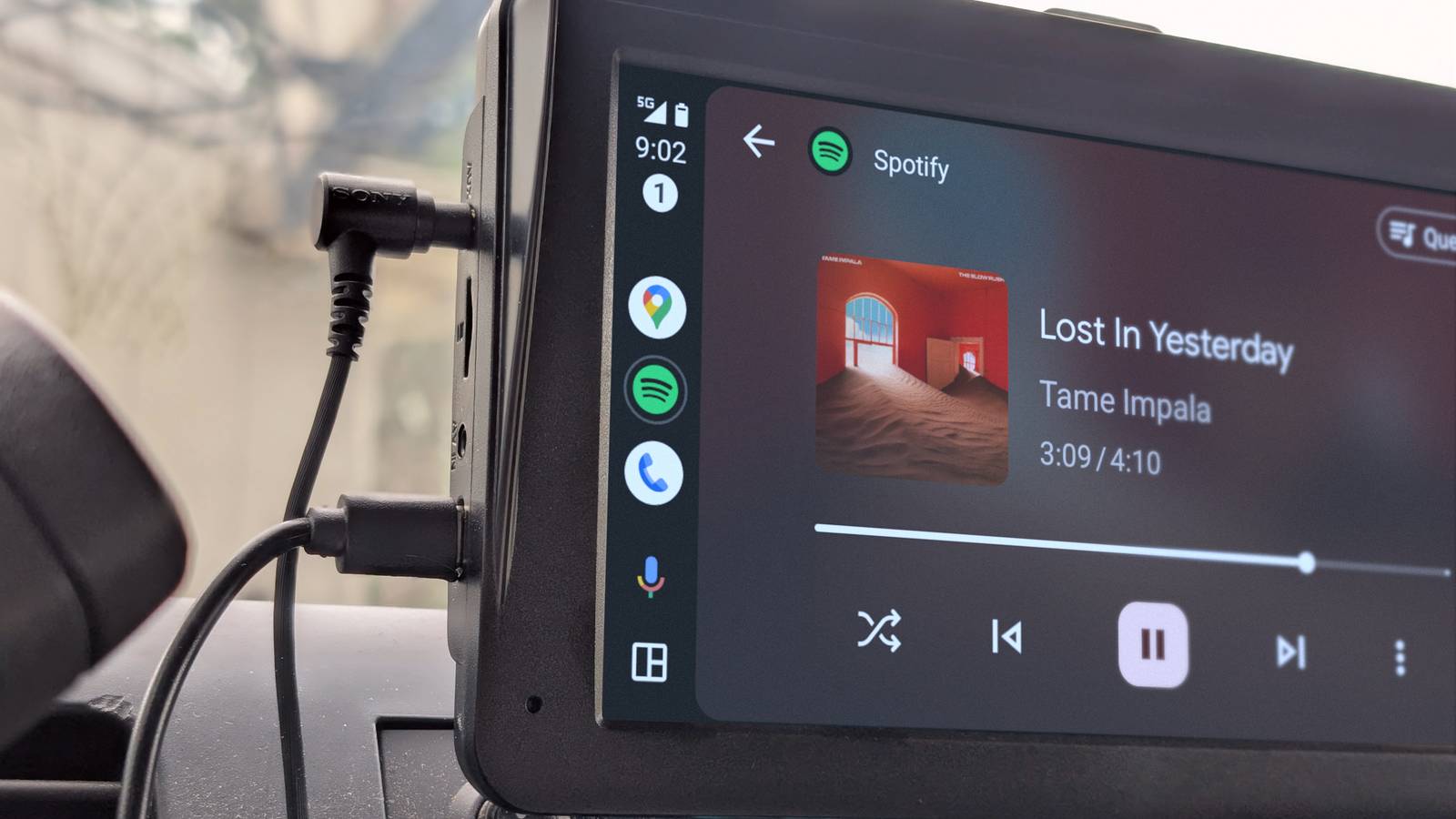
Reaching for a tiny navigation tab across your car’s infotainment display isn’t exactly convenient or anyone’s idea of safe driving.Google appears to agree on this small and frustrating problem.Android Auto 18.2 is moving the in-app navigation bar from the top of the screen to the side.
It’s a relatively small change but one that makes sense if your car has a wide screen.Add How-To Geek on Google Add as Preferred Source Follow on Google Discover Android Auto is moving app navigation bars to the side Easy access means safer interactions behind the wheel Close Until now, apps on Android Auto had menu options in a strip across the top of the screen.This made them difficult to reach on modern cars with wide landscape displays.
The familiar horizontal navigation bar now becomes a vertical sidebar along the left edge of the screen.This makes the options closer and requires less finger travel to reach.Users don’t have to hunt through menus or reach across the screen.
The rest of the display area remains for the app’s content.The change makes better use of the widescreen estate, but the only trade-off is that you’ll see slightly fewer items at once.The new in-app navigation menu covers Spotify, YouTube Music, and Amazon Music.
The change isn’t exclusively to music-streaming apps.Android Auto’s system dialer is also adopting the new layout.Beyond this, the screenshot also shows Spotify now featuring a larger Now Playing bar with album artwork and playback controls.
The redesigned interface has been spotted in Android Auto version 18.2.664604 release, with before-and-after screenshots of supported apps by the folks at Android Authority.The latest update is in line with Google’s broader plans for Android Auto that were teased at I/O earlier this year.But don’t expect it on your dashboard immediately because the availability seems limited, and Google hasn’t announced a wider rollout or which apps and cars will support the new layout.
Related Android Auto is getting a major makeover: 4 changes to know about Keep an eye for the new look.Posts 21 By Sanya Shah While the new in-app navigation interface is a welcome change, it isn’t necessarily a win situation for everyone.A lot depends on the size and aspect ratio of the car’s display.
A layout that works well on a wide panel might feel cramped on a small screen.But for anyone who uses Android Auto frequently, making controls easier to reach is a sensible improvement.Source: Android Authority
Read More