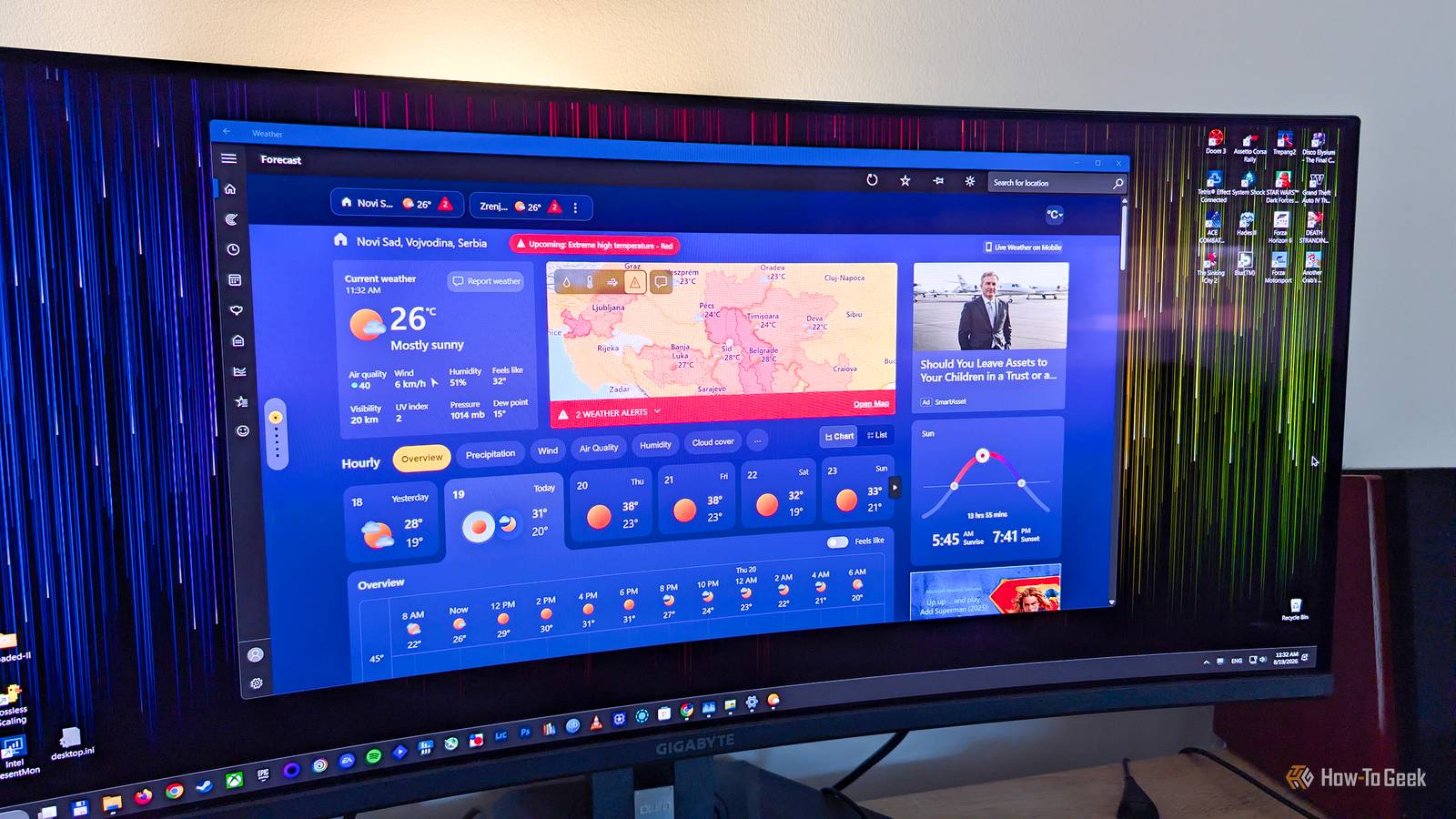
While I don't have the built-in MSN Weather app on my Windows 11 PC (I deleted it ages ago), I decided to reinstall it to see whether those recent reports about the app using more than 1GB of memory on Windows 11 weren't overblown.And, well, I was indeed surprised, and not in a positive way.MSN Weather does indeed use more than 1GB of memory But not all the time Close After opening the Microsoft Store and installing the MSN Weather app, I was greeted with the app using more than 1GB of RAM moments after I launched it for the first time.
The memory usage continued to hover around the 1GB mark while using the app and switching between different tabs.But the situation wasn't completely bleak.For instance, letting the app idle in the background would drop memory usage to about 500MB, which is far from great but still only half of what MSN Weather can eat when actively used.
Further, while memory usage can peak at 1GB and slightly above that (I noticed a maximum memory usage of about 1.2GB during my testing), the app usually uses between 700MB and 800MB or so when active, with those 1GB+ peaks occurring when you move between different tabs.On the flip side, it looks like the Home tab, the one you'll likely spend the most time on while using the app, is the most memory-hungry of the bunch.While you can increase memory usage to more than 1GB when jumping between tabs, staying on the Home screen and doing nothing can eat up anywhere between ~800MB and ~900MB of memory, which isn't great.
To add insult to injury, the app also serves you ads.They aren't intrusive, and I found only two ads per tab at most, but still.So why does the built-in Windows weather app, of all things, eat more than 1GB of memory? MSN Weather is an unoptimized WebView2 app Basically a website wrapped inside a desktop app UI Close MSN Weather uses so much memory, even when idle, because it's not your regular desktop app.
Instead of being a native Windows app based on the WinUI framework, MSN Weather is a WebView2 app, meaning it's basically a website wrapped into a desktop UI.As you can see below, expanding the main Weather process in Task Manager unveils nine different processes in total.Some of those are Chromium processes used by WebView2, which is based on the same Chromium engine as the full-fledged Edge browser.
What the WebView2 Runtime provides is a way for developers to use web technologies (HTML, CSS, and JavaScript) to build apps and display web content inside a desktop app UI.While it makes creating Windows apps easier than ever, WebView2 isn't exactly an optimization champion because its Chromium-based architecture includes multiple processes and comes with a certain amount of memory overhead, which can result in high memory usage.This doesn't bode well for Microsoft Instead of optimizing Windows, Microsoft is doing the exact opposite A simple weather app chewing through more than 1GB of RAM is anything but good PR for Microsoft's operating system at a moment when memory prices have gone through the roof, when we might see the return of 8GB laptops and prebuilt PCs, and when Microsoft is ostensibly working hard to optimize Windows 11 and improve its memory efficiency.
For comparison, a weather app I use on my Windows PC, Lively Weather, takes only about 170MB of RAM when active.That's almost five times less than MSN Weather, which is kind of embarrassing for Microsoft.Worse still, just a few months ago, a report surfaced showing that Microsoft's fresh-out-of-the-oven Copilot app was also a WebView2-based app capable of eating almost 1GB of memory when idle and more than 1GB of RAM when actively used.
If Microsoft wants to convince the public that its plan to optimize Windows isn't just a PR stunt, the company has to do better.For starters, it's high time for the MSN-branded weather app to go out the door and for us to get a proper, WinUI-based native Windows app that will have its memory munchies in check.While we're at it, the company ought to also deliver a new Copilot app that, as well, isn't a memory-devouring web wrapper but a native Windows app that won't waste RAM.
Granted, some of Microsoft's recent moves, such as allowing users to remove Bing results from Search (I can't wait for the update to reach the public release channel, since it's only available to Windows Insiders at the time of writing), introducing the Low Latency Profile that should fix responsiveness issues, bringing back the movable Taskbar, and promising to make Windows 11 work better on 8GB of RAM are all praiseworthy.However, the fact that the OS still has multiple instances of built-in web apps, each of which can use more than 1GB of RAM on its own, is a serious issue that has to be addressed if Microsoft really wants to make Windows 11 easier on memory.Luckily, you can simply uninstall MSN Weather from your PC The good news is that you don't have to keep MSN Weather on your PC.
If it's already installed, you can uninstall it in a jiff.If you want to have a Weather app on your Windows PC, I recommend just opening your browser and visiting your favorite weather forecast website or installing a third-party weather app.Personally, I like the aforementioned Lively Weather, a native UWP app that looks excellent and uses only about 170MB of memory when active and just a few megabytes when idle.
Read More