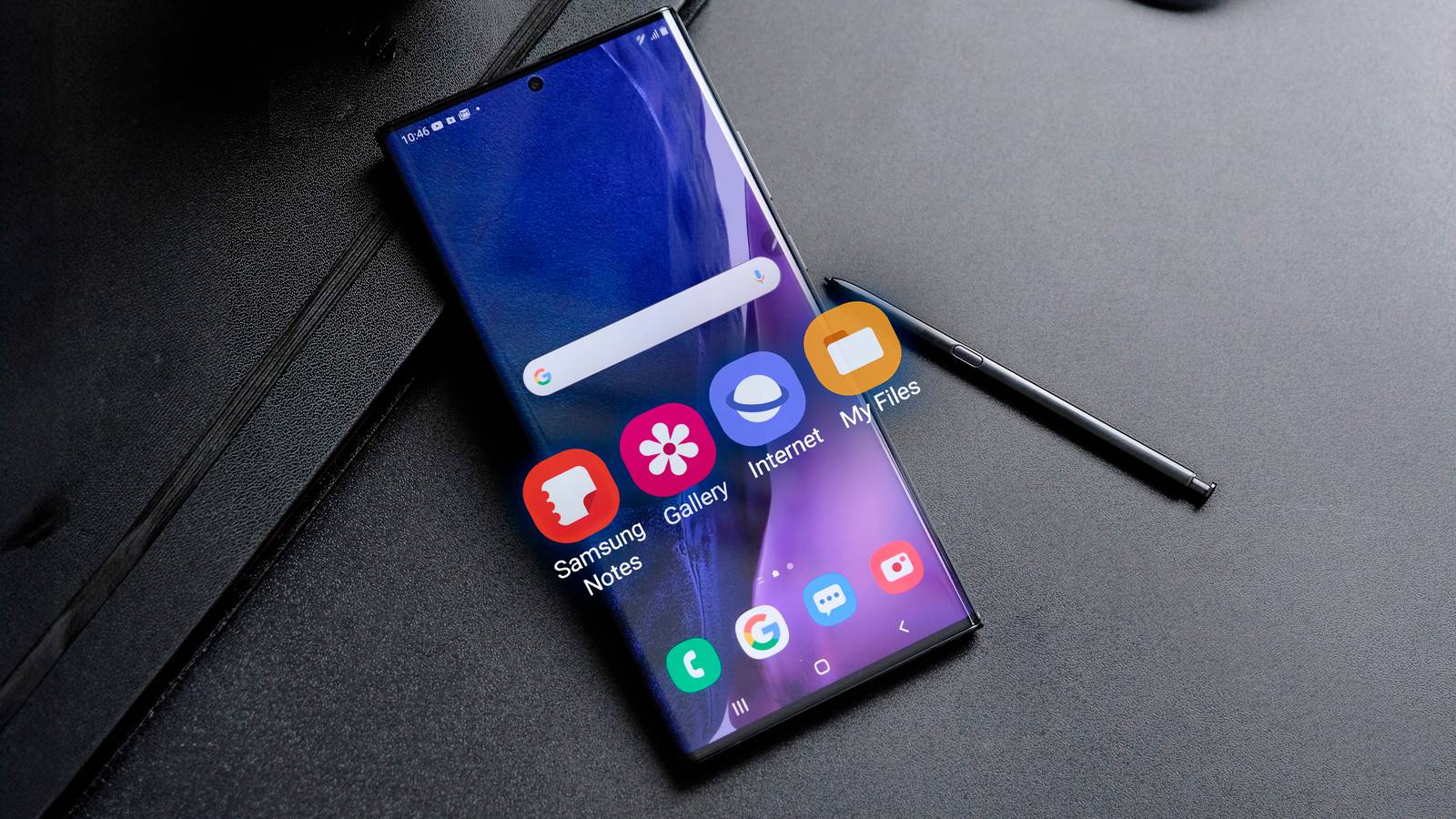
Modern Galaxy phones come with plenty of built-in apps to make your life easier.Many work pretty well, but most have clear limitations.Samsung's ecosystem is getting more and more closed by the moment, which is a big part of why many of these Galaxy apps fall behind alternatives you can easily download from the app store for free.
Getting the most out of your phone usually means stepping out of the box and out of the built-in ecosystem.Whether you want a cleaner, more secure browser or a note app that works across multiple devices, plenty of options can replace your Galaxy's preloaded apps.In many cases, third-party apps can help you get the most out of your Samsung device.
Samsung Keyboard There are tons of more secure options Close As a keyboard, Samsung Keyboard isn't inherently wrong.It gets the job done, feels intuitive, and comes with a decent amount of customization.If you download Keys Café, a module for Samsung's Good Lock customization app, you can get even deeper personalization.
My problem with Samsung Keyboard is its data collection: every keystroke is recorded and uploaded.If you want to limit this data collection, you lose access to things like predictive text, auto-replace, and any smart typing features.There are a ton of great alternatives if you're looking for an offline keyboard.
I recently swapped to TypeWise for a while, and really enjoyed its layout.However, I ended up switching to something else because I didn't want to pay another subscription fee.I now use FUTO Keyboard, which is privacy-focused, fully offline, and completely free.
Samsung Browser Not particularly nice to look at This is another feature on Galaxy devices that works fine, technically.People have a few gripes with it, though.It doesn't offer much cross-platform support, it occasionally runs into website compatibility issues, and every now and then it lags when trying to resume a session.
It runs on Chromium, but lags behind Google Chrome on updates, meaning you could miss vital security patches.One of my personal gripes with it is that it just isn't nice to look at.It also doesn't feel particularly intuitive.
For a while, I just used Google Chrome, which also came preinstalled on my Galaxy phone, but I have since switched to the Brave Browser.There are a lot of benefits to Brave, with my favorites being its built-in ad blocker, its strong performance and efficiency, and the fact that it is considered to be among the most secure browsers out there.It also offers some paid features, such as a VPN and AI, but they don't particularly appeal to me.
Samsung Pass No cross-platform support I am horrible at remembering passwords.For a long time, I changed my password almost every time I was prompted to sign in to something, which is obviously not efficient.Samsung Pass made things better, but it can only be used on Galaxy devices, which is a clear limitation.
I wanted something that I could use on a bunch of different platforms, and something a little more secure.The clear choice here is Bitwarden.Ask most people for a password manager recommendation, and Bitwarden is likely to come up.
It works seamlessly across many platforms, offers plenty of extra features, and includes open-source client apps that independent security experts can audit.Samsung Find I'm not particularly brand-loyal This is another case where the Galaxy app's biggest limitation is that it is limited by Samsung's ecosystem.Samsung Find is the brand's built-in tool for locating devices.
It uses Bluetooth pings to help you track and find your devices.It is mainly limited to tracking Samsung-branded items, though.It also relies specifically on Samsung devices for Bluetooth pings to find your devices, meaning if Galaxy adoption is relatively low where you are, it won't work at its best.
One of the most obvious alternatives is Google Find Hub.It has some pretty clear benefits over Samsung's built-in tool.I'm not brand loyal by any means, and a lot of my devices come from multiple brands.
I get the appeal of an ecosystem, but I'd rather buy individual devices that fit my needs.Google Find Hub works on any Android device, which already gives it a strong edge in my case.It also leverages a massive crowdsourced network of millions of active Android devices worldwide, meaning it has a much larger network to draw on when locating your devices.
Samsung Notes I needed some extra functionality In truth, if you're looking for a clean and simple notes app, then Samsung's built-in option is one of the best.It is really easy to navigate and is set up so that you can jot things down quickly.You'll also notice some pretty clear advantages when it comes to handwriting and stylus use.
Also worth noting is just how well Samsung Notes handles PDFs.However, a couple of use cases are better served by an alternative notes app.I wanted a note-taking app with better organizational tools and some cross-platform compatibility.
Of the options I tested, I stuck with Microsoft's OneNote.It also allowed me to create collaborative notes, allowing me to have shared notes and checklists with my wife, which works great for things like grocery lists.My Galaxy's built-in tools are good, but sometimes the alternatives just work better Samsung has a pretty large network of tools and apps, and very few of them perform poorly.
In most cases, I wasn't driven away from my Galaxy device's built-in apps because they were bad; I was drawn to alternatives because they offered a few extra features that better fit my use case.Personalization is the name of the game at the end of the day, and building your smartphone the way you want it rather than just relying on built-in apps is almost always the right path to take.
Read More