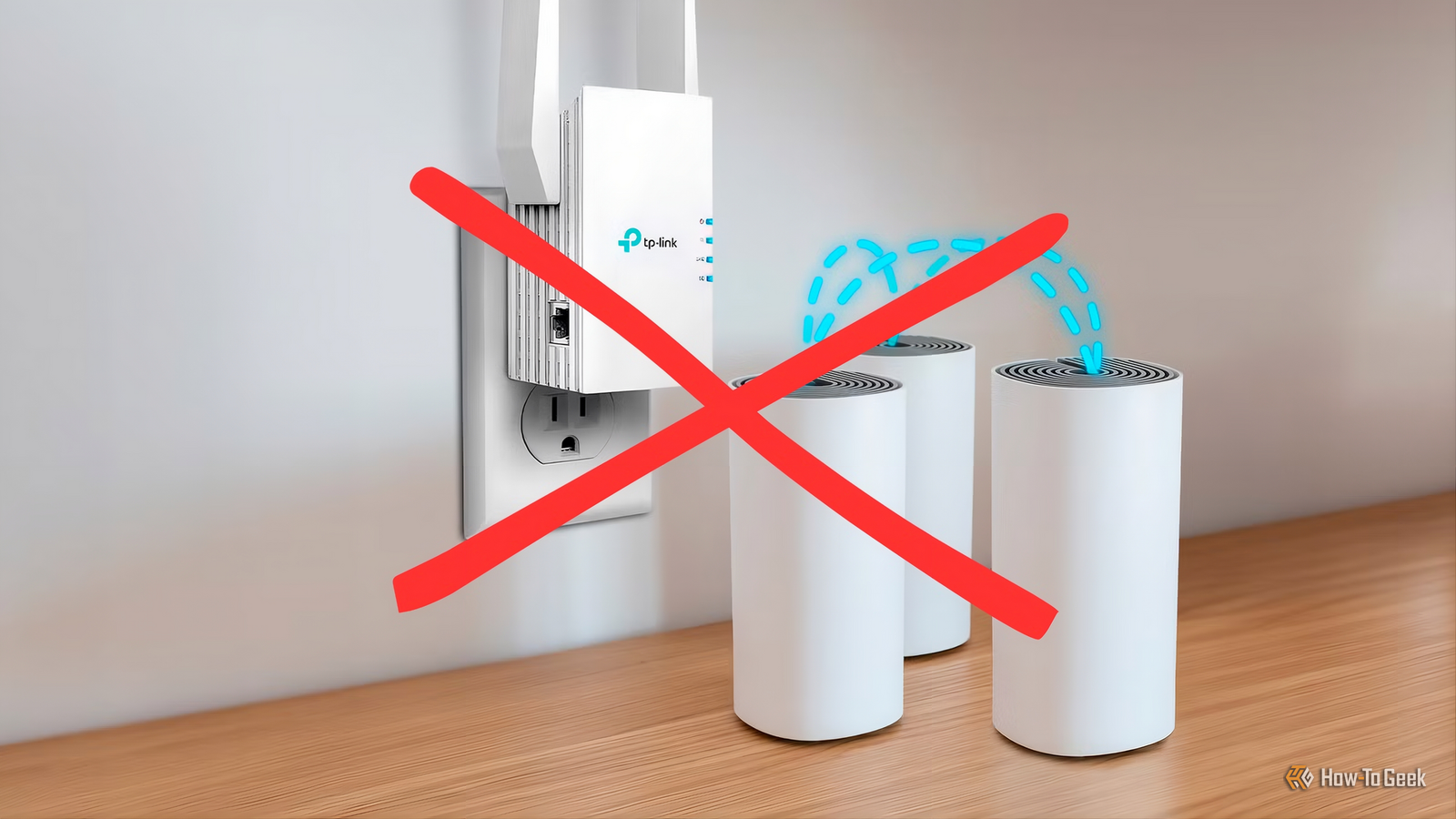
Wi-Fi is one of the best inventions in history, but also one of the worst.I have spent so many hours of my life troubleshooting Wi-Fi dead zones or spotty performance that the only devices in my home that use Wi-Fi are those that absolutely need to.Thankfully, the arrival of mesh Wi-Fi systems that regular people can afford has done a lot to improve Wi-Fi coverage.
No more crappy extenders, and no more huddling around one central router.The thing is, depending on how you set things up, mesh Wi-Fi can still be defeated by Wi-Fi's arch nemesis: your walls.Your Wi-Fi has to get through your house And we mean that literally Close Radio waves may be invisible to us, but they are physical and interact with physical objects in the world.
We them to interact with the sending and receiving antennas on your radio devices, but they also interact with just about everything in between.That includes the walls of your home, though not all walls are made equal.There's a difference between a thin drywall, and a thick brick wall, for example.
Also, a wall that has lots of metal wiring and piping in it will be harder for radio waves to penetrate than a wall that's relatively free of them.It's not just the wall bit either.The type of radio wave matters too.
Specifically, the wavelength of a radio wave determines what it can pass through and what it can't.It's why you have that mesh over your microwave oven’s door.The size of the gaps in that mesh is calculated to let high-frequency electromagnetic energy like light pass through, but not the microwave energy that's heating your food.
2.4GHz has excellent range and is great at penetrating walls, but because of its (relatively) low frequency, it can pack much less data in, making it slower.However, the newer 5GHz and 6GHz Wi-Fi frequencies are more easily blocked, and so have less usable range as they lose too much energy passing through walls.Your mesh nodes have the same walls to deal with It's not magic, it's science Mesh systems do a great job of transparently spreading your Wi-Fi footprint thanks to a dedicated wireless "backhaul" channel.
Some mesh systems include a dedicated wireless 'backhaul' radio or band for nodes to talk, while others share the same 2.4/5/6 GHz bands used by clients.But, wireless backhaul is still a radio-based system, so your walls are going to present a problem with that fancy new mesh Wi-Fi setup too.Keep in mind that if the backhaul is going to be fast enough to carry the data of the main Wi-Fi network, it's also going to be a high-frequency signal that will have a harder time penetrating walls.
This is why you need line-of-sight between mesh nodes, or at the very least a minimum of obstructions.The dead zone is often the wrong place for another node Just think about it for a second It might make intuitive sense to put mesh units right in the middle of the dead zone where you're not getting Wi-Fi, but that doesn't help it if there's no Wi-Fi or wireless backhaul signal there! Instead, it makes the most sense to place that node at the edge of the dead zone where it has the best connection to the next nearest node in the mesh.Mesh nodes need to have coverage areas.
That allows them to "mesh," get it? You can use line-of-sight and this overlapping to carefully work around particularly troublesome walls that are filled with things that block radio waves.Give your mesh a cable and the problem changes Sometimes, the old ways are best The best solution, ultimately, is to use wired backhaul.Most mesh nodes have Ethernet ports, and while you can use these to connect devices like desktop PCs to your mesh network, you can also use them to connect the nodes themselves.
For example, you can run an Ethernet cable from your main node on the first floor to another upstairs, which can then in turn serve other nodes on that floor wirelessly.You don't need to wire up all the nodes in your mesh network, it's fine for some to be wired and for some to use wireless backhaul.It's an effective way of bridging walls and floors that impede wireless signals, and it's much cheaper than buying an additional node.
Test the connection before buying another box Before you make any drastic changes to your current mesh router setup, be sure to test whether your main mesh unit (the one connected to your internet gateway) is actually providing the right baseline performance.If that main unit's Wi-Fi is just as slow as a more distant one, you're likely dealing with another issue entirely.
Read More