I will fully admit that my title up there is a little hyperbolic.USB-C largely better than the USB types it supposedly replaced, but when it comes to what USB-C to give us compared to the reality we got, it almost feels that for every problem it solved, it created two more.While I happily use USB-C every day of my life, it just feels like it hasn't lived up to the hype quite yet, and it's not clear if it ever will.
The promise of simplicity The whole point of USB-C is that it's simple from the user's point of view.You can't plug it in the wrong way around and it's fit both for data transfer and modern charging needs.Basically, if you take two USB-C things and connect them with a USB-C cable, they should just work.
That sounds like a connection utopia, but the reality is that things are way more complicated than that, and even the geekiest of geeks can get tripped up in the details.Related A USB-C Hub Is One of the Best, Cheap Upgrades for Your Phone And it's one that will last for years to come.Posts 5 By Bertel King A connector without standards Here’s the problem: USB-C describes only the shape of the plug, not what it can actually do.
So just because two ports, or two cables the same doesn't mean they share the same features or capabilities.A port that looks identical on two devices could be a basic USB 2.0 connection on one and a full-blown Thunderbolt 4 port on another.Consider the first USB-C iPhones, where the non-Pro variants still only offer USB 2.0 through their USB-C ports! To make matters worse, manufacturers don’t always tell you what you’re getting.
Without digging into the specs (or trial and error), there’s no way to know whether that port supports fast data transfers, external displays, or anything beyond slow charging.Related Don’t Buy a Laptop if It Doesn’t Have Two USB-C Ports One USB-C port isn’t enough (and it never was).Posts 6 By Ismar Hrnjicevic Charging confusion Power Delivery (PD) was supposed to make charging standardized, but in reality it’s a mess.
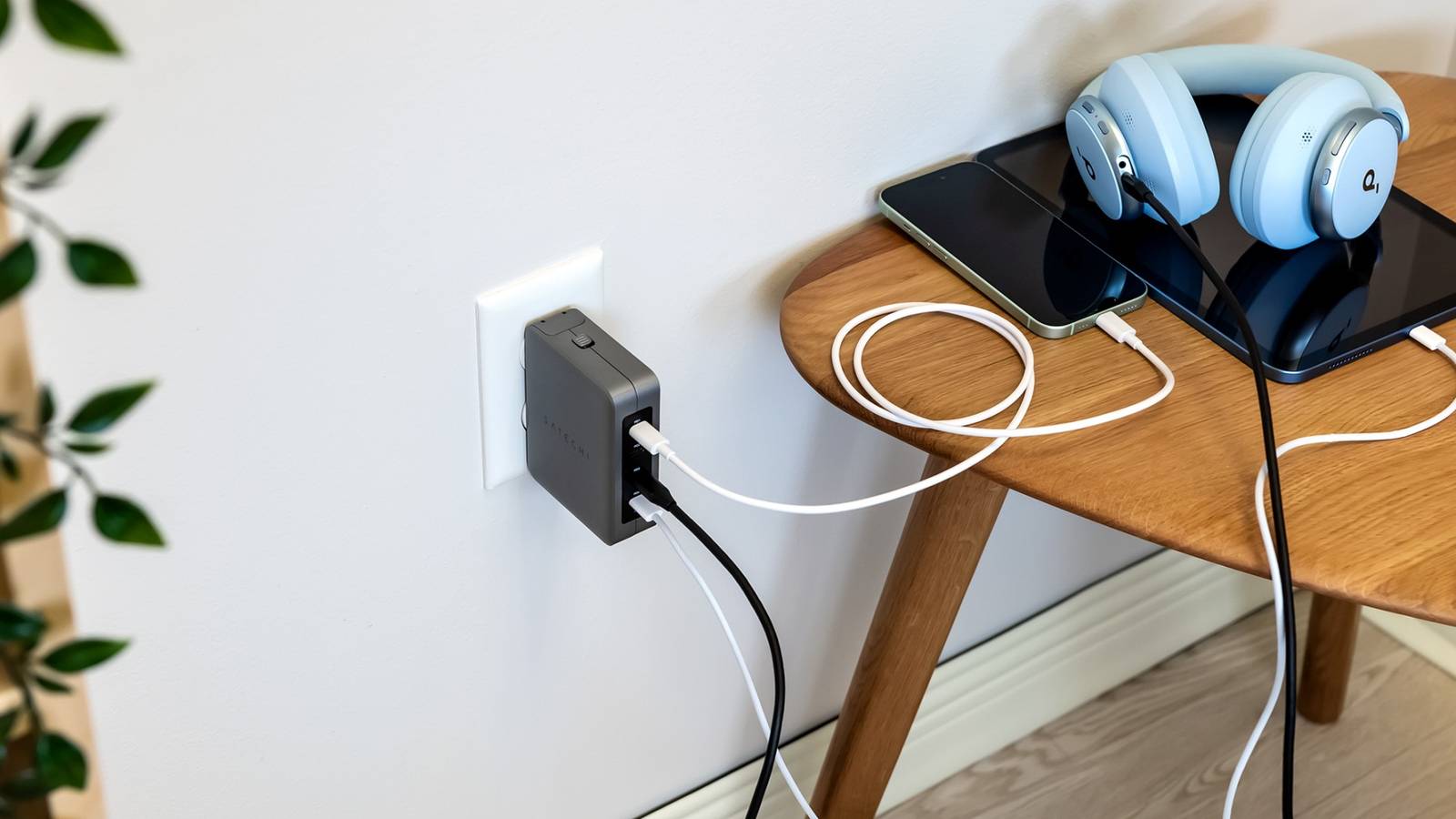
Some devices only sip power, while others demand high-wattage adapters.Not every cable can carry the same amount of juice, either.If you grab the wrong one, your laptop trickle-charges instead of powering up.
That's without getting into the various fast-charging standards that are proprietary and not part of the USB specifications.On smartphones it's even worse, with various incompatible quick charge standards in competition with each other.At least any USB-C system will fall back on the lowest common denominator that all the parts in the chain supports, but that doesn't help you understand why your phone is taking ages to charge.
Related What Is USB Power Delivery (USB PD)? It can intelligently charge power-hungry modern devices, as long as you have all the right puzzle pieces.Posts Data and video roulette One of the coolest things you can do with USB-C is use it a a display output, but that only works if the port in question supports USB-C "alt" mode with DisplayPort over USB-C.Out of my four computers with USB-C, one of them doesn't support DisplayPort over USB-C, and it's annoying because it meant I had to buy special mini DisplayPort cables just for that one computer.
The same goes for Thunderbolt 3 and later, which use the same physical connectors as USB-C, but the internal wiring and electronics are different.Usually Thunderbolt devices can fall back on USB, but some are Thunderbolt-only, and don't forget you have to use a cable too.Related Should You Use HDMI, DisplayPort, or USB-C for a 4K Monitor? HDMI, DisplayPort, USB-C, and Thunderbolt are all common now, but which is best? Posts 2 The branding fiasco It feels like the USB Implementers Forum (USB-IF) just couldn't make up their minds.
Went from USB 3.0, to USB 3.1, and now USB 3.2 can be “Gen 1,” “Gen 2,” and “Gen 2x2.” Manufacturers rarely label ports and cables clearly, and even when they do, the naming is so unintuitive that most people just give up.Subscribe for a newsletter that decodes USB-C confusion Cut through USB-C chaos: subscribing to the newsletter gives clear, practical explanations and buyer-friendly guidance about USB-C and related tech so you can make confident choices when picking devices and accessories.Get Updates By subscribing, you agree to receive newsletter and marketing emails, and accept our Terms of Use and Privacy Policy.
You can unsubscribe anytime.Now we're at least looking at labels that just tell you the wattage and speed in Gbps, which more intuitive, but assumes most buyers will understand what these numbers mean.USB-A is still here! USB-C was released in 2014, which means it's been more than a decade since this universal connector entered the market.
Yet, USB-A is still .I know it takes time for a new standard to largely replace the old, especially for something as commonplace as USB, but at this rate we'll be on a new connector post USB-C, and USB-A will still be knocking around in everyday life.I have a drawer full of USB-A to USB-C adapters, all of my laptops save for my MacBook have USB-A connectors, and new electronics (such as current-gen consoles) tend to have USB-A right next to USB-C, if they have USB-C at all.
Which reminds me of the XKCD "Standards" cartoon.Where someone decides to make a new standard that will unify and replace all the competing standards, and then only succeed in increasing the number of competing standards.Anker USB-C to USB-A Adapter Brand Anker Input USB-A Output USB-C Cable Included No Strong, durable, and small, the Anker USB-C Adapter is not only going to withstand many times of being plugged and unplugged, it has the benefit of being compatible with numerous devices for Windows, Android, and iOS.
$16 at Walmart $16 at Amazon Expand Collapse
Read More