OpenBSD is known for its devotion to security, but can it work as a desktop? The BSDs are great alternatives to Linux distributions, but this OS is probably better suited to a router or homelab project, right? What is OpenBSD? A security-focused take on the BSD tradition OpenBSD is an operating system based on the original Berkeley Software Distribution version of Unix that was first released in the late 1970s at the University of California, Berkeley.BSD, along with the GNU project in the 1980s, pioneered open-source development, since the code developed by the grad students and researchers at Berkeley could be redistributed, even though the Bell Labs-created portions were still proprietary.BSD was popular on workstations like those from Sun Microsystems, a company co-founded by BSD founder Bill Joy.
BSD eventually eliminated the Bell Labs code.Like the other modern BSD systems, OpenBSD can trace its lineage to 386BSD, an attempt to port BSD to the PC, since with the 386 chip and its MMU, commodity PCs could now easily handle Unix-like operating systems.The project's developer, William Jolitz, was slow in providing updates, so the user community split into two main groups.
One of them wanted to continue to mainly support the PC.This group became the FreeBSD project.Another wanted to support as many architectures as possible in the Unix tradition.
This became the NetBSD project.The NetBSD project split further when Theo de Raadt was asked to resign after the NetBSD developers alleged abusive behavior on his part on the NetBSD mailing lists.de Raadt founded the OpenBSD project, which would focus on security.
Since de Raadt (and OpenBSD with it) is based in Canada, the project can ship cryptographic technologies more easily than a US-based project, subject to export controls, would.OpenBSD is known for its adherence to secure coding methods, claiming "only two remote holes in the default install, in a heck of a long time" on its homepage.While OpenBSD is less popular than Linux distributions, some of its components have achieved widespread use, such as the tmux terminal multiplexer, the PF firewall, and OpenSSH.
If you use "SSH" on the command line, you're likely using OpenSSH.Even Windows now includes it by default.The current version as of July 2026 is OpenBSD 7.9.
Installing OpenBSD Surprisingly similar to Linux installation While Linux distributions like to play up their supposed "user friendliness," OpenBSD is still clearly, in the Unix tradition, "by programmers, for programmers," or at least highly technical users.If you're comfortable installing distros like Arch Linux, you'll probably feel at home with the installation process.As with a Linux distro, the first step is to download the ISO.
I set up a virtual machine for this.I then booted using the ISO image into a console-based installation environment.I chose to use the "install" option.
It walked me through partitioning the virtual drive and installing the packages, setting the clock, and setting up the user names and passwords for both root and the user I was creating.It was all straightforward, despite the reputation for BSDs and especially OpenBSD being more difficult to install and use.I was able to follow along with the prompts.
Soon, I had a working system ready to reboot into.First impressions Great for people with Linux/Unix experience When you first boot into OpenBSD, you're greeted with another text-based console.I could have set it up to start X11 on startup, but I wanted to make sure that worked first.
If you've ever installed a distro like Arch Linux or Gentoo, you'll probably feel familiar with an environment like this.You should be at least comfortable with the command line before you attempt to use OpenBSD.To access the root account, I could have used su to log into root, but OpenBSD ships with an alternative called doas.
It seems to be their answer to sudo.All I had to do was edit the /etc/doas.conf configuration file.Since my account was part of the "wheel" group, I was able to use su to log in with the root password.
This is standard on BSD systems.su - vi /etc/doas.conf I decided to set it up to mimic the behavior of sudo: permit persist keepenv :wheel This would allow any user in the wheel group to run any command as any user, with a "grace period" where you don't have to supply a password, while keeping the same environment variables in new processes.Package management Since OpenBSD isn't that useful by itself as a desktop, I had to install some more tools.
Like other systems, OpenBSD has a package manager to let me easily install new software.I wanted my favorite editor, Vim.That was easy to install using the pkg_add program: doas pkg_add vim I also added my shell of choice, zsh.
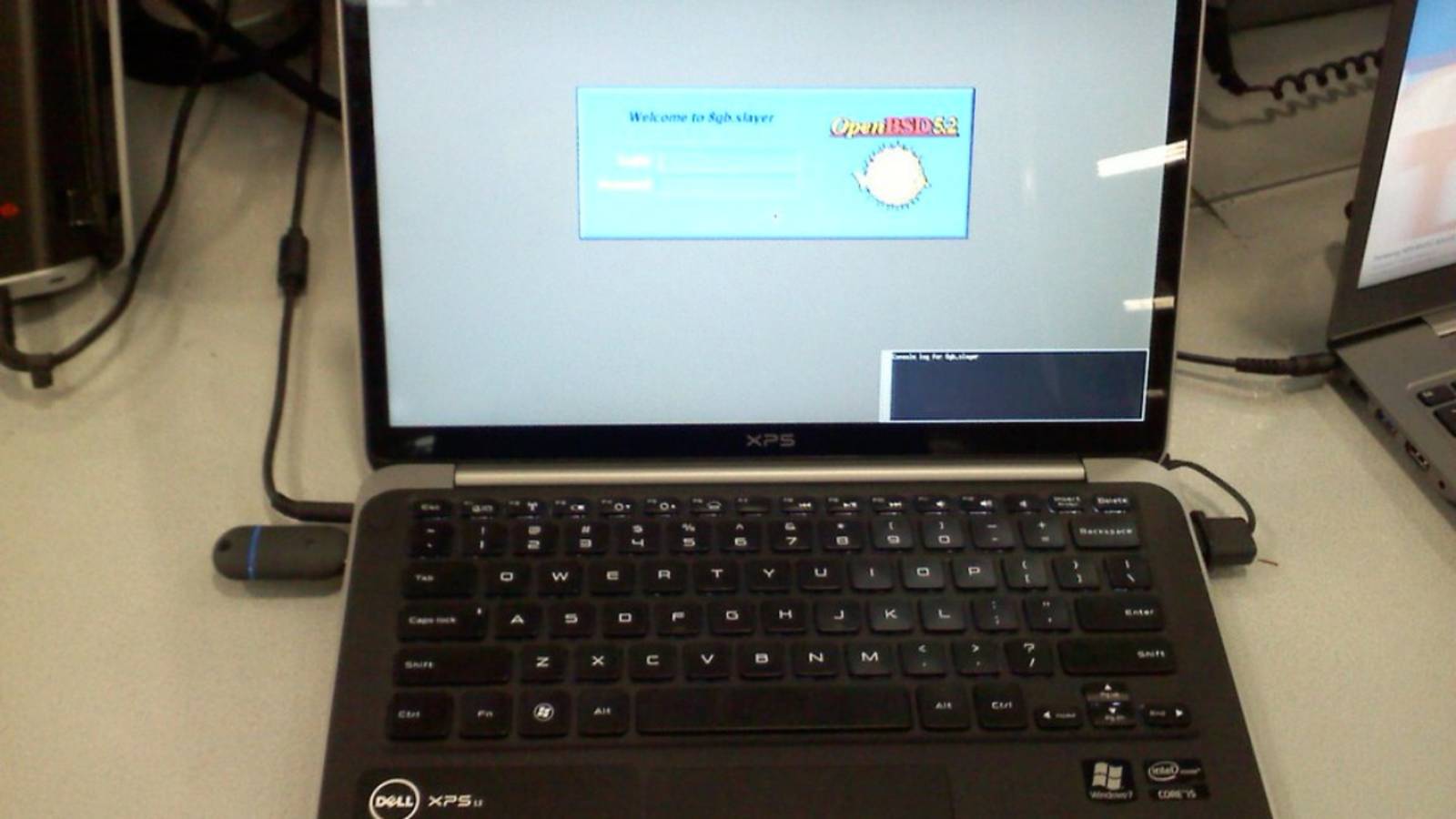
doas pkg_add zsh Setting up a Desktop Yes, OpenBSD can work as a desktop Close While using the console is serviceable, a desktop is more practical for me.The first thing is to run the xenodm display manager: doas rcctl enable xenodm doas rcctl start xenodm This will bring up the visual login screen.The default window manager is CWM.
It's usable, but like the OpenBSD homepage, it's a throwback to the '90s.I installed my favorite Linux desktop, Xfce: doas pkg_add xfce4 I also had to enable messagebus: doas rcctl enable messagebus doas rcctl start messagebus I also had to create and edit the .xsession file in my home directory: vim .xsession I just put this line in the file: startxfce4 I logged out and logged back in, and Xfce started up.I also installed some more apps, including Firefox: doas pkg_add firefox The verdict A great alternative to Linux, if you have command line chops Using OpenBSD felt familiar to someone used to Linux distributions.
The commands were familiar.A desktop system that's in a virtual machine on a desktop behind a firewall would probably not need so much security, but I appreciate the OpenBSD development team's attention to detail.Since the default system is light on resources, it might be good for reviving older hardware that might not be getting updates from Microsoft or Apple.
If you have experience with more technical Linux distros that rely on the command line, you'll also feel at home with OpenBSD.That said, the quality of the documentation in the manual pages and on the FAQ section of the website is excellent.Security-conscious Linux/Unix expert? Check out OpenBSD! While Linux gets the lion's share of attention in the world of open-source operating systems, if you're willing to take a little time and don't need as much hand-holding, OpenBSD can be a capable, security-focused desktop.
Read More