Charging a phone should be boring.You plug it in, it charges, you move on.When that stops working reliably on a Samsung, the usual instinct is to swap cables, restart the phone, and wait to see if it fixes itself.
That works sometimes, but it misses real causes that add up over time.Luckily, Samsung actually built some diagnostic features right into an app on your phone.Your phone will tell you when the port is failing Dirt and fake water warnings are usually the culprit Close Plugging in my Galaxy phone and seeing the battery barely creep up or die, or getting that stupid warning that charging's been blocked, annoys me.
Phones are basically little computers with a ton of power management stuff running in the background, so most people just assume charging issues are temporary software bugs that'll sort themselves out or clear up after a restart.Unfortunately, there's more to it than that.The USB-C port is just sitting there open to everything, which means dirt and lint and tiny chemical reactions can really do a number on it.
I used to think my old phone was just getting glitchy with age until I actually looked inside the port and saw a solid mat of pocket fuzz and black stuff I could scrape off packed in there.So don't just brush off charging failures as random glitches.The big red flag I look for when fixing a friend's phone is slow trickle charging that's nowhere near what the charger is supposed to deliver.
Samsung phones use USB Power Delivery and Programmable Power Supply to negotiate fast charging.But every time you plug the cable in, you're basically compressing all that gunk outside into a solid little brick at the back.That can lead to charging and not charging randomly, which causes issues on its own.
I think the moisture detected alert with the little water drop icon showing up on a phone that hasn't been anywhere near water is even worse because of how annoying it is to fix.Samsung's water-resistant phones have dedicated charging detector chips that constantly monitor for water.When it finds water, it triggers an immediate hard lockout.
This should help stop corrosion damage but is awful when you don't have water damage.Samsung has built-in tools to test your hardware The app checks what is actually happening in the port I used to just power cycle my phone and hope for the best whenever something went wrong.It felt like guessing.
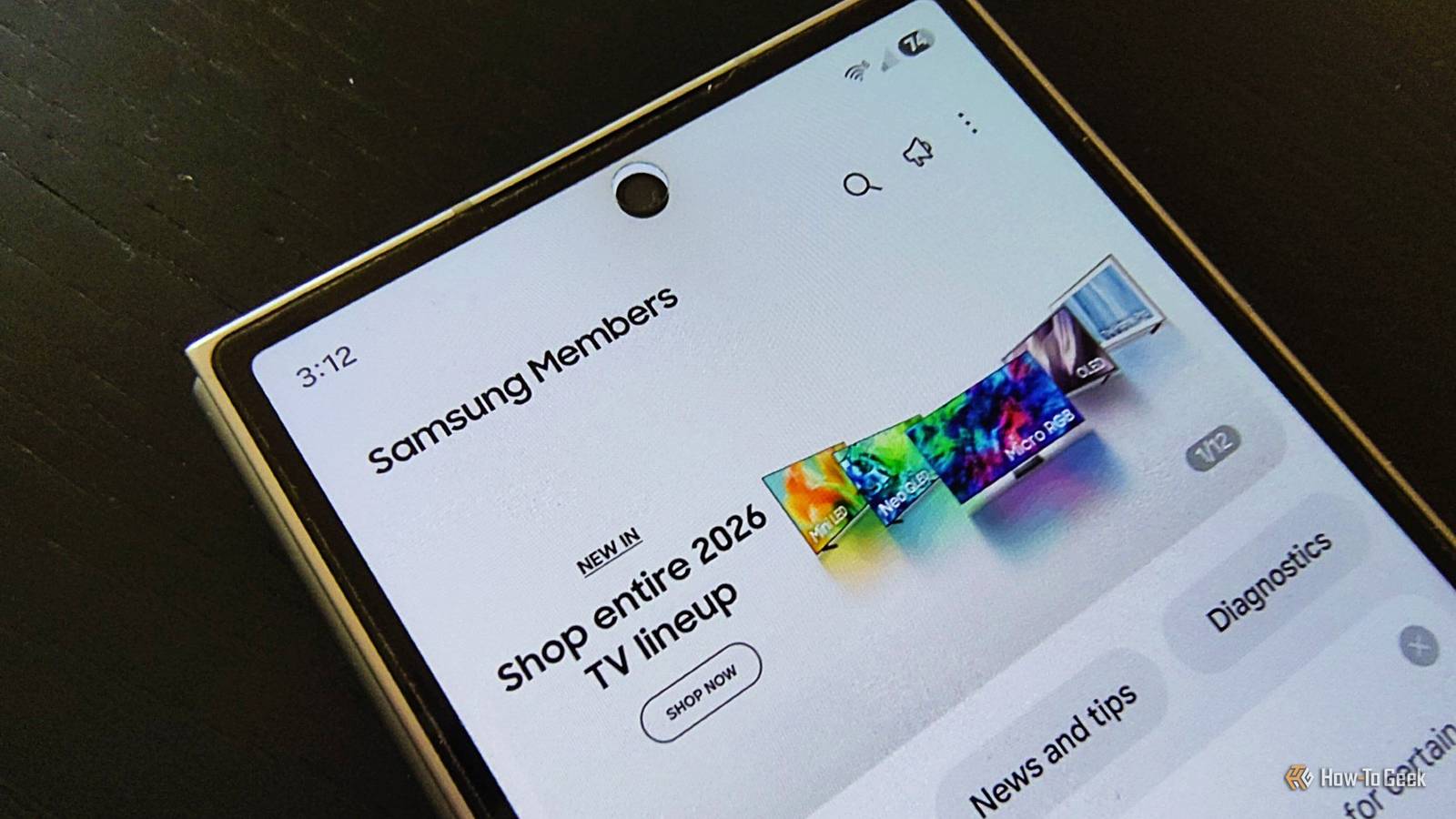
Turns out, the Samsung Members app is way more serious about checking the battery health and other parts than I expected it to be.It's not one of those surface-level things that just tells you to restart.It gives you access to real kernel-level diagnostics.
You can basically ask the phone what's physically happening with its hardware right now.I found it by going to the Support tab at the bottom of the Samsung Members home screen, tapping on Diagnostics, and then opening Phone diagnostics.From there, there are a bunch of different hardware tests you can run.
For charging problems specifically, the Cable Charging and Battery Status tests are the ones to look at.The Cable Charging test walks you through the process.When you start it, the app asks you to plug in a charging cable that's connected to power.
Once you do, it actively polls the system for a set amount of time, asking the kernel's power supply driver and the hardware registers directly what's going on with the electrical current.It's checking a few things to figure out if your connection is physically or logically messed up.It's looking to see if the physical connection itself is bad, if the Power Delivery Input Controller actually completed the handshake needed to set up a high-wattage power contract, and it checks what charging speed tier the operating system has recognized.
The thing that makes this actually useful is that it takes all these different readings and more to kind of cross-reference them to find out the cause of the charging failure.You don't just get a generic error message.It pulls the battery's State-of-Health and compares that with how stable the electrical connection to the port is right now.
Samsung hides things that other apps will show you Ampere points you in the right direction I've messed around with Samsung Members a fair bit, mostly because it's right there on the phone and feels like the official way to check things.Still, I get why people don't like these first-party diagnostic tools.These apps are built by the manufacturer, and they have a vested interest in keeping you calm and not filing warranty claims.
So when your phone is aggressively limiting charging speed because the battery got a little warm or some new safety algorithm kicked in, the system just labels it as a protective state, not a problem.Samsung Members will happily show you a green "Good" battery status and tell you it's "Normal Charging," completely glossing over the fact that your charging rate has tanked.Ampere should be in everyone's toolkit if you care about the detail that is not hiding behind a corporation.
Ampere skips the simple pass-fail checks from the manufacturer and just shows you the unfiltered numbers from the power path.Basically, it listens for the system's battery-changed broadcast and pulls exact values from the BatteryManager class.It grabs the battery voltage in millivolts and polls the current flow in microamperes.
Then it just multiplies those two numbers to show you the actual watts going into the battery cell in real time.Seeing those live numbers on screen is super cool because you can finally cross-check what the first-party app is telling you.This won't fix the phone, it tells you where to look Neither of these tools will do the fixing for you.
Samsung Members will tell you whether the port completed a proper fast-charging handshake, but it won't clean lint out of the connector or replace a worn battery.Ampere gives you the live numbers the manufacturer's app smooths over, but a low wattage reading still leaves you figuring out whether the culprit is the port, the cable, the charger, or the battery's health.Once you know what the actual reading is, you can figure out your next move instead of waiting to see if the problem disappears on its own.
Samsung Members In-app purchases No App Publisher Samsung Electronics Co., Ltd.Samsung Members checks your phone and tells you if anything is wrong.Get it here! Expand Collapse
Read More