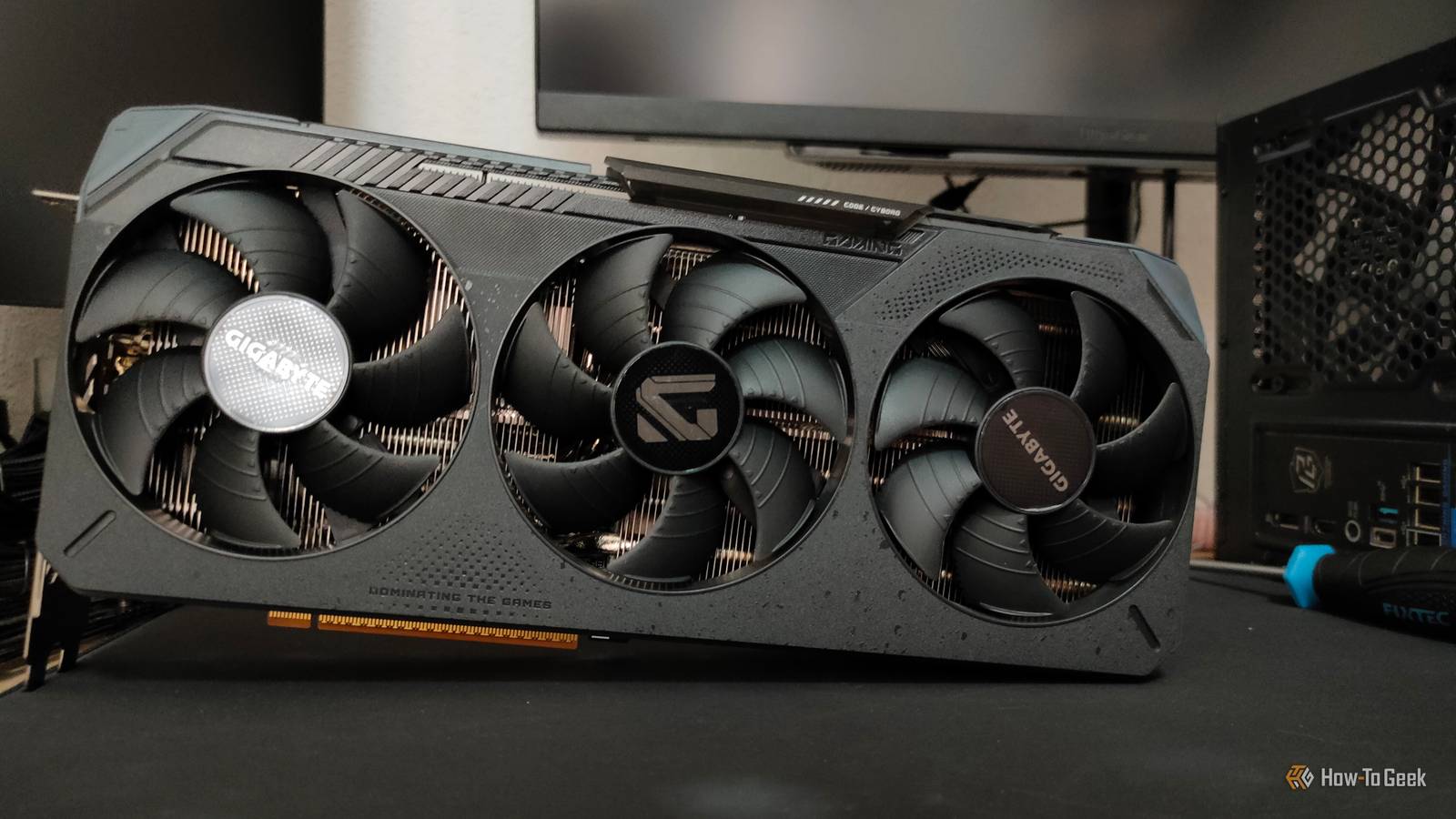
Guess what? GPUs are really, really expensive right now.I know, shocking, right? I kid, but it's true that graphics card prices have been on a rapid rise ever since the ongoing RAM shortage started.And no, it doesn't look like the prices will improve anytime soon.
As a result of this, many people have to choose between overspending and dealing with their current, not-so-great graphics card.But the truth is that there's a third option many people don't even think about, and it only costs $7.I'm talking about Lossless Scaling.
You're not stuck between a rock and a hard place It's more like a rock, a hard place, and a promising solution Like I said, now is not the best time to buy a GPU.That time's already passed.A few months ago, at the end of last year and before that, graphics cards were a lot cheaper than now; these days, it's all looking pretty bleak as far as GPU prices are concerned.
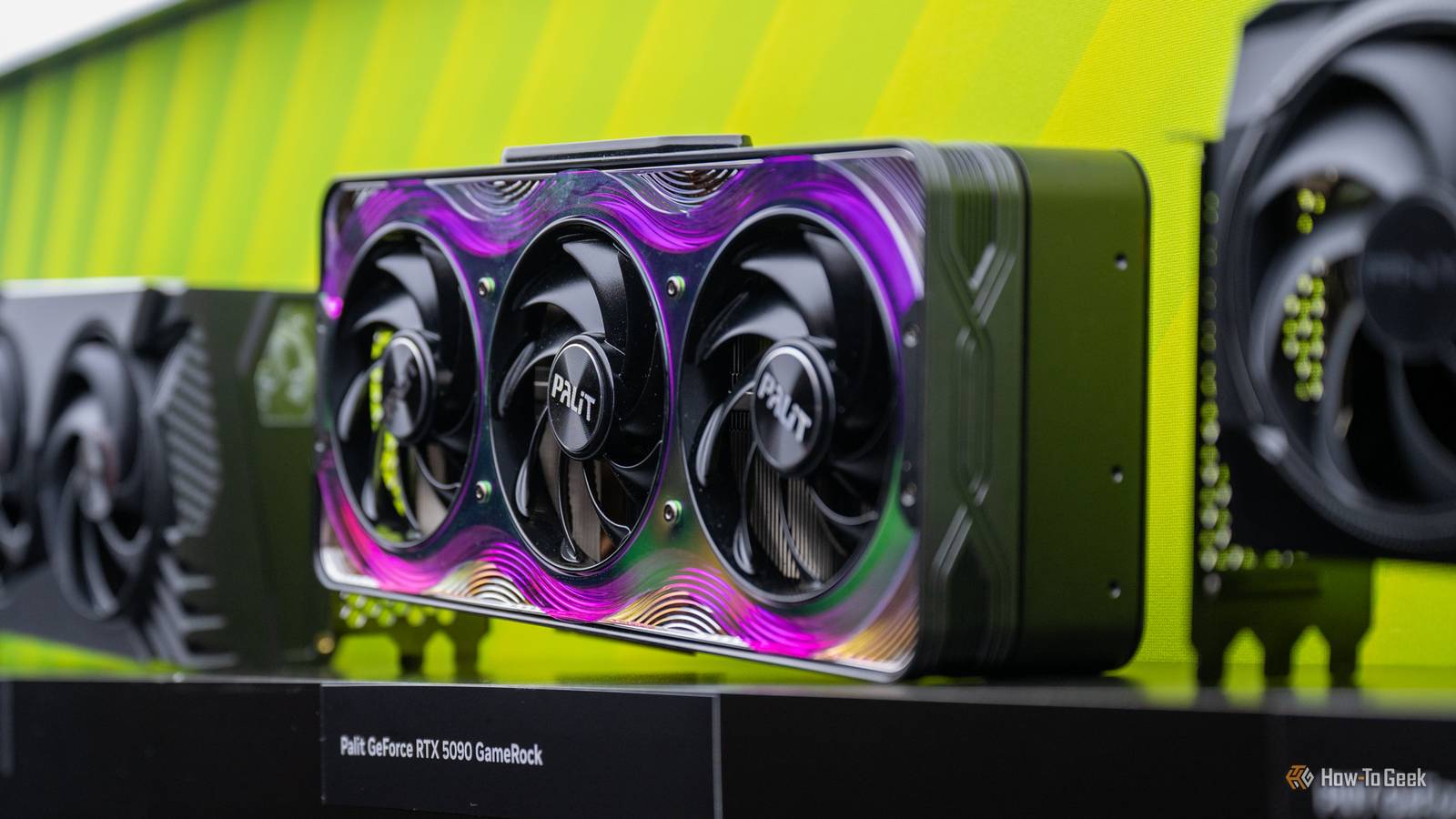
Certain models cost hundreds, if not thousands, of dollars more than they should.The cheapest RTX 5060 is $350, and while that's not too bad, the RTX 5070 Ti has soared up to $1,000 from its $749 starting price.Meanwhile, the RTX 5090 starts at $3,750, which is a whopping $1,750 above its MSRP.
GPUs are in stock.It's just that they cost a fortune.However, the alternative doesn't have to be just sucking it up and dealing with an aging graphics card.
Lossless Scaling can solve a lot of problems that older GPUs can't handle, be it due to compatibility issues or a lack of software support.Lossless Scaling can buy your GPU more time "Fake" frames, real relief So, Lossless Scaling.It costs a mere $7 on Steam, and it works with GPUs from every vendor.
But does it secretly give you a faster graphics card? Well, no, your old GPU will stay old.But LS does breathe some new life into older graphics cards.Lossless Scaling can do a lot of things, including creating additional frames to make games look smoother.
This is huge, as older GPUs are often locked out of serious frame generation due to hardware and software limitations.Plus, not all games support whatever version of frame gen and upscaling may be available to you.If you're generally interested in graphics cards at large, you've probably heard about so-called "fake frames." This is how many users refer to frames that are generated with technologies like Nvidia DLSS 4.5, AMD FSR, or Intel XeSS.
Rightfully so, as those frames are indeed not real—but if they help you get higher frames per second (fps), do you need to care? What the app is actually doing The hype around Lossless Scaling is very real At a basic level, Lossless Scaling tackles two jobs.First, it can generate extra frames between the real frames your GPU is already rendering.This makes motion look smoother and basically just gives you more fps, which is something most (all?) gamers love to see.
Second, it can upscale a lower rendered resolution so your GPU can render at a lower res, but the final image still looks great.Less work for the GPU equals better performance.Subscribe to our newsletter for practical GPU tips Explore subscribing to our newsletter for deeper coverage of GPU price trends, hands-on solutions like Lossless Scaling, and practical tips to get more life from budget or aging graphics cards—straight from hardware-focused reporting.
Get Updates By subscribing, you agree to receive newsletter and marketing emails, and accept our Terms of Use and Privacy Policy.You can unsubscribe anytime.That combination is why the app gets so much attention.
If a game does not support DLSS, FSR, XeSS, or any kind of built-in frame generation, Lossless Scaling can step in anyway, which is a huge deal for older games, weird PC ports, and budget GPUs that are stuck without the latest fancy features.Lossless Scaling isn't magic, but it can save you a lot of money And it has some other uses too Lossless Scaling isn't some magical fix-it for all GPU-related woes.If your GPU is genuinely dying or being made to do things that it's simply too old for, no $7 software can fix that.
So, if you're still unhappy with the performance of your graphics card even once you've given LS a proper try, it's time to investigate and look for solutions.Give it a try, there's not much to lose If your GPU is fine and simply just getting too old for the latest games, LS is a great first step.It's a versatile tool, and it can even let you run two GPUs in the same system, so when you finally replace your current daily driver, it can still live on inside your PC and handle all kinds of tasks with the help of LS.
It's also a lot more flexible than people realize.It's not just a tool for frame gen, and many people use it for a lot of different tasks, from unlocking higher fps in games that don't typically allow it to upscaling YouTube videos.Lossless Scaling Lossless Scaling is a cheap Steam app that can make games feel smoother by adding frame generation and can also improve image quality or performance with upscaling.
$7 at Steam Expand Collapse
Read More