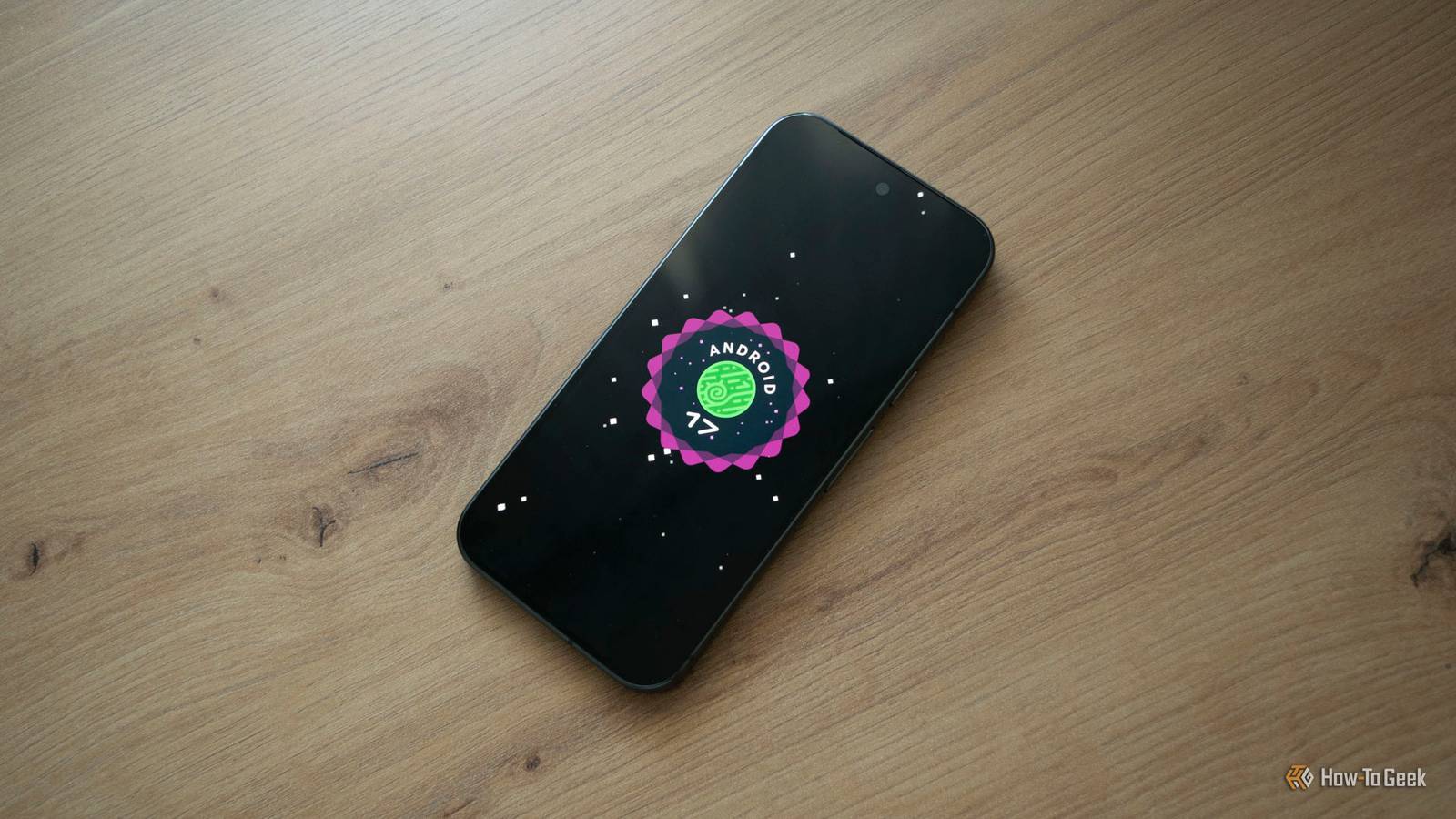
The increased heat and battery drain caused by major software updates, like the recent arrival of Android 17 on Google Pixels, can linger for days after the update finishes installing and your phone reboots.For instance, my Pixel 10 Pro recently ran hotter than usual for a few days after I installed Android 17, with its battery life also taking a turn for the worse.On the first day, its battery dropped to only 20% by the time I went to bed, a sharp decline from the roughly 40% or more it usually has left when I plug it in for an overnight top-up.
This continued for a couple of days, but after that, the phone returned to its pre-update battery life and temperature levels.Here's why this happens and why it's completely normal.Google Pixel 10 $729 $799 Save $70 Brand Google Looking to upgrade to a Pixel but not sure if you need all the bells and whistles of the more expensive models? You won't be disappointed with the standard Pixel 10 model.
Coming in striking colors, Gemini features, and seven years of updates, you can't go wrong with this purchase.$729 at Amazon $799 at Best Buy $799 at Google Store $799 at AT&T Expand Collapse Your Pixel is running overtime after a software update All that extra computing is heating it up During a software update, your phone runs hot because its CPU has a ton of work to do while the update is being installed.Once the process is finished and the phone reboots, things usually return to normal if the update was minor.
But major updates, such as installing a new Android version, can cause the phone to run hotter than usual for a few days because of various background processes that continue after the update is complete.After an update, your phone works overtime to optimize and adapt apps and organize files, all of which happen in the background, even while you're using the phone.Caches get rebuilt, files get reindexed, and apps get optimized for the new OS version, all of which require extra processing power.
In many cases, app developers update their apps to optimize them for new Android versions, which can cause a bunch of apps installed on your phone to update at once.This can also lead to additional heat, especially when combined with the background processes still taking place after the update is finished.In the case of Pixel phones, some of the on-device AI models and related data may also be updated or reprocessed following a major update, which consumes additional processing power and can lead to higher operating temperatures.
Combine that with using your phone more than usual after a major update (checking out new features and customization options, for instance), and the result is a phone that definitely runs hotter than usual.But this is a normal process, and there's no reason for concern.Your phone working in a higher gear post-update also impacts the battery life In a negative way, of course All that extra processing eats up more battery than usual, which not only causes it to drain faster but also generates more heat, further contributing to the phone feeling warmer after an update.
As I've already mentioned, you're also likely to use your phone more while playing around with new features, which has a compounding effect on power consumption and leads to shorter battery life.In the case of Pixel phones specifically, the Adaptive Battery feature may also need some time to readjust to your usage patterns after a major software update, which can temporarily contribute to increased battery drain and noticeably shorter battery life.When combined, these effects can take a noticeable toll on battery life for a few days.
In my case, the battery sat at about 20% instead of the usual 40% or more on the first night before I plugged the phone in.The next night, the percentage was somewhat higher (almost 30%), but it was still lower than I expected.After a few days, though, things returned to normal.
Don't panic if your Pixel stays hot for a few days So, in a nutshell, your Pixel running hotter and having shorter battery life is completely normal after a major software update, which the Android 17 update definitely is.These effects can last anywhere from about 24 to 72 hours.In other words, your phone may run hotter and drain its battery faster for about three days, perhaps even a day or two longer.
Deals Save on phone deals: chargers, power banks & cases Explore discounts on phones, power banks, fast chargers, and protective cases in our Phones & Mobile deals - smart savings on the essentials that keep your device charged, cool, and ready without breaking the bank.Deals Explore Phones & Mobile Deals However, if your battery life doesn't improve and your Pixel stays hotter than usual for longer than that, something may be amiss.Perhaps an app is misbehaving because it doesn't play nice with the new version of Android, or maybe the update triggered a random battery drain bug, which can sometimes happen.
The good news is that Pixel phones include various diagnostic options that can help you determine whether something is out of the ordinary, and they're worth checking if the problem persists.To do so, open Settings, search for "Battery diagnostics," and run the tests available there.You may also manually update your apps because automatic updates don't always kick in immediately after a major OS update.
Restart your phone, and do a few other things that should cool it down.If the problems persist, the best course of action may be to contact customer support.Google Pixel 10a 7 SoC Google Tensor G4 Display 6.3-inch Actua display The Google Pixel 10a is a barely updated version of the Google Pixel 9a, with a slightly brighter screen and an upgrade from Gorilla Glass 3 to Gorilla Glass 7i.
Google has shaved the remaining few millimeters from the camera bump, making it completely flat.Unlike prior versions of the Pixel a series, this model year does not share the same Tensor processor as the mainline Pixel 10.$449 at Amazon $449 at Google Store $500 at Best Buy Expand Collapse
Read More