If you're using Windows, there's a good chance Microsoft is collecting all kinds of telemetry data from your PC to help improve your user experience, fix bugs, and troubleshoot errors.While some of that data can be considered privacy-invasive, you can at least limit what Windows sends back to Microsoft by disabling optional diagnostic data.Just open Windows Settings > Privacy & Security > Diagnostics & Feedback, then toggle off the "Send optional diagnostic data" option.
The good news is that you can also disable a number of other privacy-invasive features right from the Settings menu, or even disable Windows telemetry altogether with Windows debloat tools.The bad news is that some Windows features walk a fine line between being merely privacy-invasive and outright spyware.Windows Recall Recording everything you do I bet most of you thought about Windows Recall the moment you read the title, and I can't blame you.
Even after Microsoft overhauled the way it works, Windows Recall remains a massive security risk.If you explained to someone how the feature works without mentioning its name, there's a good chance that person would think you were talking about spyware.Now, Recall works by taking snapshots of everything you do on your PC, storing those snapshots locally on your PC, and giving Copilot full access to that data so that the AI assistant can analyze it and provide answers to your search queries.
For instance, you might ask what you did last Wednesday during the afternoon, between 2pm and 4pm, and Recall should be able to tell you, along with listing which apps you used, and even what you worked on.During the initial rollout, Microsoft didn't encrypt the data being stored, relying only on "device encryption," but after going back to the drawing board, the company implemented encryption, as well as allowed users to tailor their Recall experience.You can now filter out specific apps and websites from being monitored, turn Recall off in just a few steps, or even disable it during installation.
However, Windows Recall is still a privacy nightmare, and it could be considered a sort of local spyware that has access to all your files and information by default.If someone gets ahold of your PC, they could find out everything you've been doing, including sensitive information such as bank accounts and private medical data, with just a few search queries.All it takes is leaving your PC unlocked.
Good thing Recall is only available on Copilot+ PCs.Gaming Copilot Using your conversations for AI training While regular Copilot is problematic from a privacy perspective, Gaming Copilot, which is now part of the Game Bar, goes a step further.This feature lets you use Copilot while playing games to help solve puzzles or make progress when getting stuck.
Gaming Copilot even takes screenshots of your gameplay and analyzes them to provide better responses.This isn't great with regard to privacy, but those screenshots aren't shared with Microsoft and aren't used for AI training.Where things get dicey is that, unless you opt out, your conversations with Gaming Copilot, both text and voice, are used to train AI.
Microsoft itself said so in a statement to Tom's Hardware shortly after a ResetEra user discovered that Gaming Copilot was sending their data to Microsoft's servers, including screenshots of the game they were playing.Now, I wouldn't consider this a "spyware" feature if the AI training settings were disabled by default.But these settings are enabled from the get-go.
In other words, unless you opt out, your conversations with Gaming Copilot are sent to the cloud and used to train AI, which is kind of what spyware does—minus the part where its creator threatens to disclose your data unless you pay a ransom.I had the "Model training on text" toggle enabled by default on my ASUS ROG Xbox Ally X, but I quickly disabled it after finding out about this.After I found out that Microsoft added the other two toggles (Model training on voice and Personalization and memory), I checked Gaming Copilot, and they were disabled from the get-go.
When Gaming Copilot landed on my desktop PC a while later, all three toggles were disabled by default too, likely because I use the same Microsoft account on both devices, and the settings had synced.Luckily, you can easily opt out of using your data for AI training.To do so, open the Game Bar, access the Gaming Copilot tab, open Settings > Privacy settings, and disable all three toggles found there.
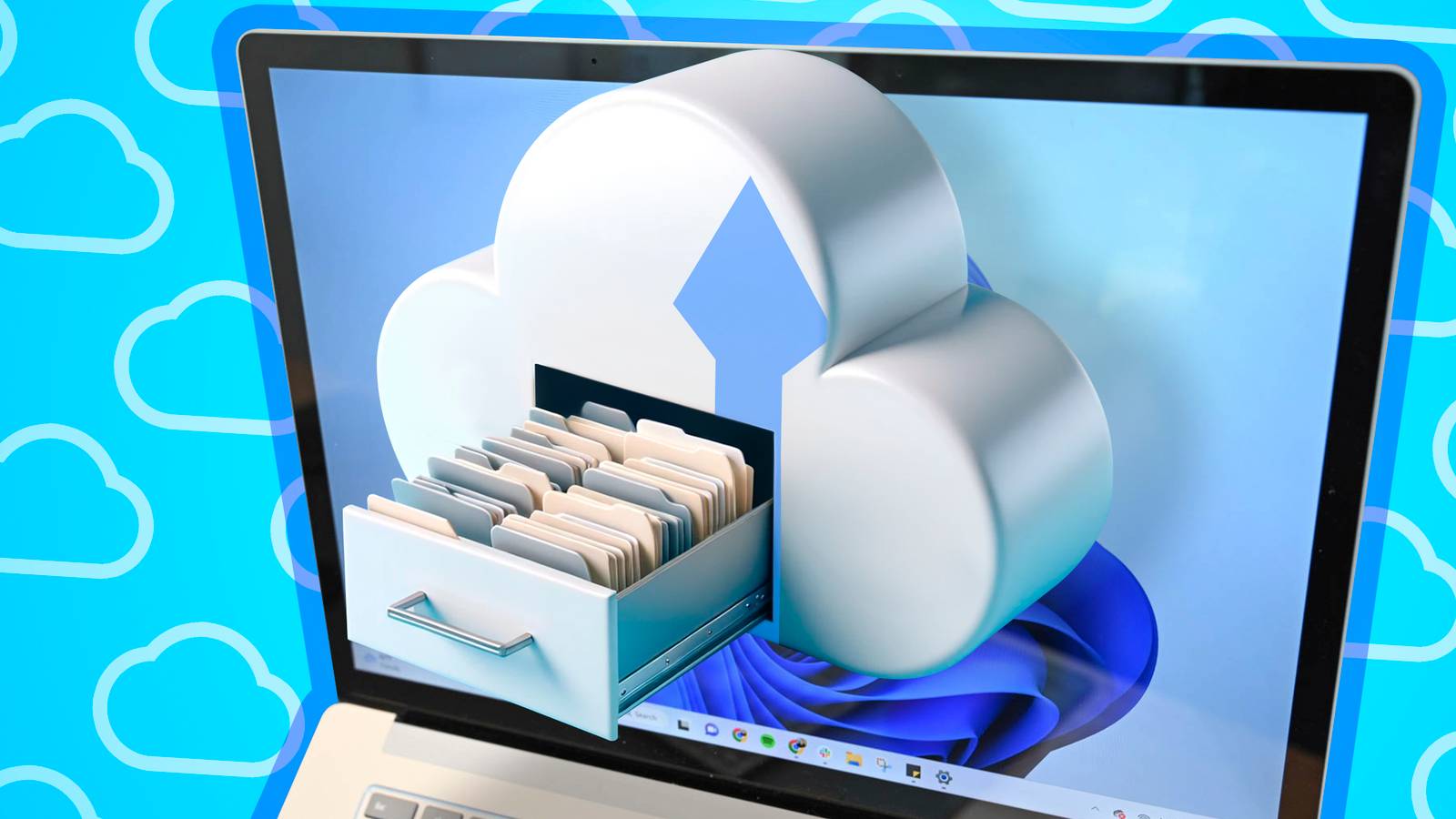
I also recommend deleting your Gaming Copilot memory and history.OneDrive More like malware, but still While OneDrive can be a genuinely useful feature, the way it works and its ability to access your files without your explicit consent are concerning.Like Recall and Gaming Copilot, OneDrive is an opt-out feature rather than an opt-in one.
In other words, it installs automatically on your PC during Windows installation and is enabled by default.Worse still, OneDrive can accidentally delete your files (if syncing to OneDrive goes astray, for instance), move files saved in folders it has access to, remove local versions of your files after uploading them to the cloud (the so-called "Files On-Demand" feature), and more.If Microsoft had made OneDrive an opt-in feature and allowed Windows users not to use it by default, it would’ve been fine.
You would grant OneDrive access to your local folders and know what you were getting into beforehand.But by granting OneDrive control of certain folders without explicitly asking for the user’s permission, Microsoft makes the app look like malware.That’s why many people, myself included, have completely removed OneDrive from their Windows PCs and will likely never use it again.
Related I Got Fed Up With OneDrive, So I Replaced It With Something Better You aren't stuck with OneDrive forever.Posts 4 By Nick Lewis Start menu website recommendations Your browsing history is anything but private Some time ago, Microsoft implemented a shady Windows 11 feature that uses your Edge browsing history to show website recommendations in the Start menu.As always, the feature is opt-out rather than opt-in, and it functions similarly to spyware.
It transmits your personal data to another service without your knowledge, which then uses that data to create custom-tailored recommendations in your PC's Start menu.Subscribe to the newsletter for Windows privacy fixes Make privacy a priority: subscribe to our newsletter for practical, no-nonsense coverage of Windows privacy and telemetry.Find step-by-step opt-out guidance, clear settings walkthroughs, and careful analysis to help you regain control of your PC data.
Get Updates By subscribing, you agree to receive newsletter and marketing emails, and accept our Terms of Use and Privacy Policy.You can unsubscribe anytime.You aren't informed that the feature is active, and then all of a sudden your Start menu is filled with personalized website recommendations based on your browsing history, which should be private.
Instead, your browsing history is used to provide recommendations that anyone opening the Start menu on your PC can see, effectively throwing your privacy out the window.You can disable this feature by opening Settings > Personalization > Start.Once there, locate the "Show websites from your browsing history" option and toggle it off.
I also recommend disabling the "Show recommendations for tips, shortcuts, new apps, and more" toggle, found in the same menu.Windows has turned into a privacy-last operating system Over the years, Windows has turned into an operating system with no respect for privacy, serving as a front end for Microsoft to try selling you one of its software products.New updates constantly introduce privacy-invasive features that are opt-out instead of opt-in.
The system bombards users with ads and recommendations based on how they use their Windows PCs, with some features behaving more like malware or spyware than tools designed to improve the way we interact with and use Windows.It’s a crying shame, because once upon a time, Windows was a great OS that gave you total control.Your data was for your eyes only, and making a mess was your own doing, instead of something triggered by a random update that changed your settings, introduced a bug, or re-enabled a service you had already disabled half a dozen times.
Proton Drive 6 Number of Accounts 1 Price Per Month Starting at $5 Proton Drive is a cloud storage service that protects your files with high-end encryption.Usability could be improved, however.Cloud Storage Starting at 5GB See at Proton Expand Collapse
Read More