Subscription fees have a way of blending into the background until you actually add them up.Dropbox, Notion, and Google Photos feel reasonable on their own, but together they're quietly pulling a good deal of money out of your account for services that also happen to hold your files, your notes, and your family photos on someone else's servers.Nextcloud is a self-hosted platform that replaces all three, and after moving everything over, I've kept the same work going without the monthly bills or the privacy trade-offs that come with handing your data to a third party.
Nextcloud Files handles file sync just as well as Dropbox You pay for hardware once and keep complete control of your files Close Nextcloud syncs across your devices and matches Dropbox in most areas.I'd also argue it beats Dropbox in more than a few areas.The desktop apps for Windows, Mac, and Linux integrate directly into your file manager, supporting virtual files just like Dropbox's Smart Sync.
So your files show up as placeholders and only actually download when you open them, so you're not burning through hard drive space.It syncs only the changed parts of a file instead of re-uploading the whole file every time.The iOS and Android apps let you access files offline and automatically upload your photos in the background, so it feels just like what you're used to.
Setting it up on your own hardware is more involved than just signing up for a cloud service, but it's gotten a lot easier than it used to be.You can run it on pretty much anything, and once it's up and running with a domain name and SSL sorted out, connecting your devices is just installing the app, typing in your server address, and picking which folders to sync.Dropbox runs at $10 a month and storage limits eventually force you into a higher tier.
With Nextcloud, you pay for hardware once, and that's really it.If you already have a spare PC, then you'll be fine.However much storage you put in the box is how much you have; you don't have to deal with caps, fees, or a monthly bill showing up.
With Dropbox, your files live on their servers, encrypted with their keys, which means they have access to them even if they don't use it often.When you're running Nextcloud on your own machine, you hold the keys, the data never leaves your network, and nobody else is in a position to look at it.Nextcloud Notes and Tables replace most of what you use Notion for You lose a few complex features but keep your data private Switching away from Notion might sound tough, but Nextcloud Notes and Nextcloud Tables cover most of what you use Notion for.
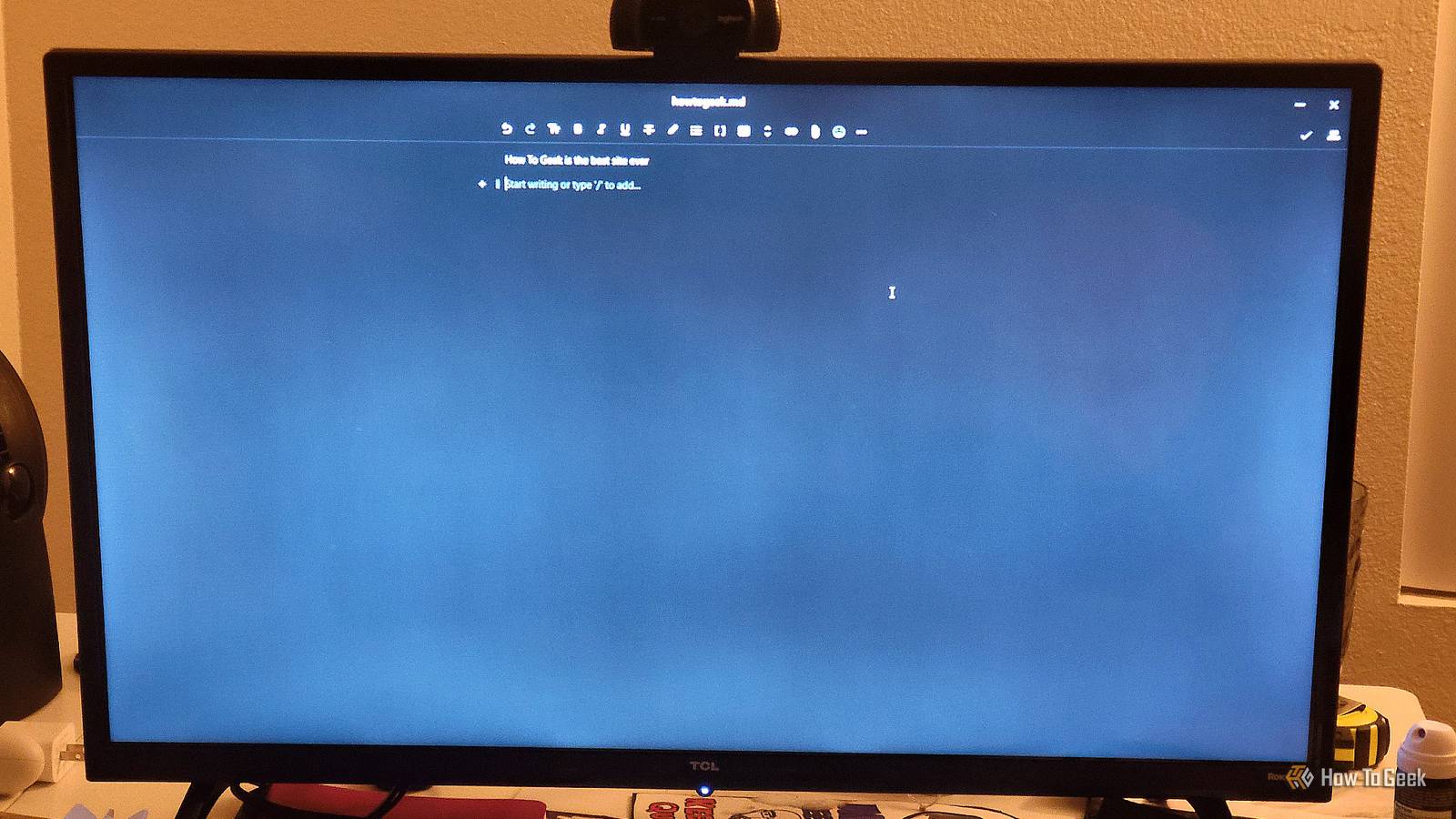
Nextcloud Notes gives you a clean, three-column markdown editor.It isn't fancy, but it gives you a clean space to write documentation, take meeting notes, or sketch out a project.It syncs across your phone and desktop, so your notes are wherever you are.
You can also share them with specific groups of people or pull them into something like Nextcloud Collectives if you want a shared knowledge base your whole team can access.For the database side of things, that's where Nextcloud Tables comes in.It's basically Notion's database feature, just self-hosted.
You can build structured workspaces from scratch or start from a template, and the column types you'd expect are all there.Tables can import CSV and spreadsheet files while matching the format automatically, making the move easy.You do give up a few things.
Nextcloud Notes is strictly a markdown editor, not the visual drag-and-drop app Notion is.Tables are well-made and can do a lot, but if you've built out anything with complex relational databases, lookup columns, or nested parent-child structures, you'll hit some walls.Those features are still being worked on.
Moving between separate Nextcloud apps also feels a little less fluid than Notion's way of working.The biggest reason to make this switch is control over your data.Just like with Dropbox, Notion keeps your data on its servers.
That means you're trusting a third party not to log it, share it, or use it to train an AI model.Even if you don't expect a company to use AI, plenty of them actively do.Nextcloud Memories backs up your photos without monthly limits The app gives you smart photo search without sending your pictures to Google Google Photos became the standard option because it worked so easily without making you think about storage.
When Google eventually killed its free unlimited storage tier, it started to feel like every photo you took started eating into a 15 GB limit shared across your entire account.With 4K video becoming standard on phone cameras, that space ran out fast, leaving you stuck with another monthly bill.Aside from space limits, privacy became a bigger concern for me over time.
Google's own policies let it use your content to improve its services, which in plain terms means your family photos and location history are being fed into their AI and facial recognition systems.Moving to a self-hosted Nextcloud server solved both problems for me.That way, I don't have to pay for storage upgrades, nor do I need to hand over my family's personal data as the cost of admission.
The Nextcloud app called Memories covers most of what Google Photos does.You start with the Nextcloud mobile app on your phone, which runs in the background and automatically uploads new photos and videos to your server as you take them.On the server side, Memories lays everything out in a clean chronological timeline that handles large libraries.
For search and photo recognition, there's a companion app called Recognize that does facial recognition, object detection, and even landmark identification.It all runs entirely on your own server.The models download locally and process everything there, so your kids' faces and your vacation spots never leave your own machine.
Memories includes shared albums and a map view using your photos' GPS data, so you aren't missing key features.Self-hosting isn't always great Nextcloud has its issues.The initial setup takes time, and apps like Nextcloud Notes and Tables aren't as good as the commercial alternative.
You'll notice the gaps if you want the perfect alternative right away.However, once everything is running, the day-to-day experience is closer to those paid services than most people expect, and the monthly fees disappear entirely.If you already have a spare machine sitting around, and you're comfortable doing basic server setup, you should switch.
Read More