Looking to build your first software application but not sure where to start? Web development might be the best place.That's where most developers start, including me.After so many years of programming, I think it was a wise decision.
Building your own mobile or desktop native app sounds exciting.More importantly, native apps have some clear advantages.That said, starting with web apps will score you some easy wins and prepare you for later if you want to transition to mobile or desktop apps.
Native app tools ask for more from your computer than web development ever does Heavy IDEs and platform-specific machines raise the bar even before you start I remember when I first started mobile app development in Android Studio.I had an 8GB RAM laptop.It was apparent as soon as I launched the IDE and started working on a project.
Now, even on my new laptop with 16GB of RAM, I still see some lag here and there.This is to say that Android Studio is quite a heavy tool to run on your PC.That's not all.
Whenever I created a new project, I had to calculate my storage as well.Each project took quite a lot of space.Not to mention, Android Studio itself was a large app.
Google's own requirements page confirms this.It lists a minimum of 8GB of RAM for Studio, 16GB of RAM for Studio and the emulator, and 32GB of RAM as recommended.If you want to enter the iOS world, things are a bit trickier.
To start building for its platforms, Apple tells you to download Xcode from the Mac App Store.In plain words, you need a Mac to build a native iPhone app.If you start with web development, the bar is much lower.
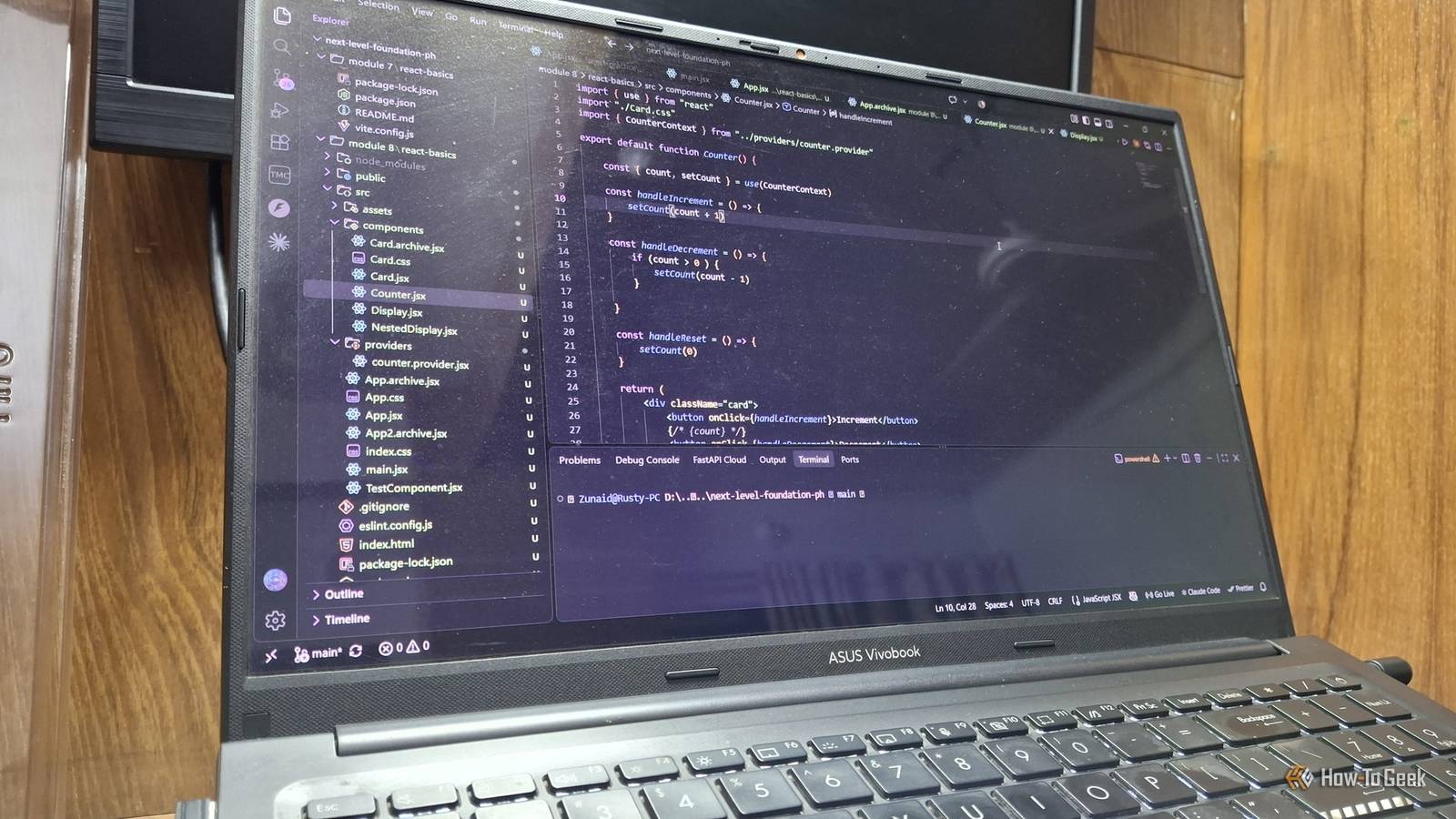
Get a good code editor such as VS Code, a popular web browser, and you're already set.Along the way, when you reach a more advanced stage, you'll need to install libraries, frameworks, and other tools.But the point is, you could get started in about 30 minutes.
Related Google's new AI Studio can build Android apps now, and the results are surprisingly functional Your dream app is just a few prompts away.Posts 4 By Zunaid Ali Sharing a native app takes far more steps than sharing a link Building, signing, testing, and verification Building an app for mobile and desktop is only half of the job done.Then comes the more tedious part.
Sharing and distributing.Depending on which platform you're targeting, you have to go through different processes and meet specific criteria.If you're planning cross-platform, that's twice or thrice the work.
Android As of September 30, 2026, participating app stores in Brazil, Indonesia, Singapore, and Thailand won't install apps from unregistered developers on certified devices.Google plans to roll this out globally in 2027.A Full Distribution account costs $25, but that mainly applies to developers who distribute outside Play.
Play Console developers can register their apps through Play instead.There's also a free Limited Distribution account, but it only covers up to 20 devices.On Google Play, new personal accounts must run a closed test with at least 12 testers, opted in for 14 straight days, before you can even apply for production.
Apple Publishing on the App Store needs the Apple Developer Program, which costs $99 a year.Even Mac apps shared outside the App Store need it for notarization.Windows Even a signed EXE can trigger a SmartScreen warning.
According to Microsoft, building enough reputation can take several weeks and hundreds of clean installations.Close Now compare that to developing web apps.For a simple static site, you can push it to GitHub and share a live link via GitHub Pages.
That's as fast as a git push command.To be fair, once your web project becomes more complex, you'll have to add frontend frameworks, a backend server, and a growing database.That will incur some extra costs.
You could get away with something like Vercel's Hobby Plan, but it has limitations.Even so, that's a much cheaper deal than what you see in the mobile development realm.Your web skills don't go to waste when you switch to desktop or mobile Mobile apps and desktop apps may rely on a backend too Here's something I wasn't aware of when I was new to development.
You can have one backend system for your web and mobile app.Both clients call APIs from your server.So, just because you choose web development first doesn't mean you're wasting any time or effort on it.
Besides, while all three verticals have their nuances, they all require UI design.In web applications, you're using CSS.On Android, you'll probably use Jetpack Compose, React Native, or Flutter.
Likewise, there are different tools for other platforms.However, there are also many things in common.There are many design principles that overlap.
That is to say, many of your web dev skills will transfer when you start developing native apps for smartphones and desktops.What's more interesting is that you can nowadays build apps for all platforms using one technology.Electron allows you to build desktop apps with JavaScript, HTML, and CSS.
VS Code, Slack, and Discord are all built with Electron.Mobile isn't left out, either.Tauri builds desktop and mobile apps from a web frontend.
A minimal Tauri app can be under 600KB.Similarly, Capacitor runs web apps natively on iOS and Android.Related Hate Windows' RAM usage? Wait until you find out about Electron apps Stop blaming Windows for RAM bloat—Slack, Discord, and VS Code are the real culprits.
Posts 1 By Jorge A.Aguilar Start from the browser, then jump to other devices At the end of the day, it all depends on your interest.If you're determined to start coding your first Android app, feel free to do so.
However, if you're totally new to this and haven't decided which path to take, then I'd recommend going with web development.There's nothing to lose.Even if you decide that it's not for you, you can switch to a good foundation.
Read More