Computers have improved drastically year over year.With these changes, we've also lost some things along the way.Many of them are just legacy connectors and features that we honestly don't have much use for in mainstream PCs in 2026, like bulky parallel ports or floppy disk drives.
Add How-To Geek on Google Add as Preferred Source Follow on Google Discover However, there are a few features and design choices that I genuinely think could still be useful in modern PCs.Some of them haven't disappeared completely, while others have taken on a different form, but if I had it my way, I'd still have them all in every PC.A physical switch to change your PC's performance without opening any software A sport mode for your PC Close If you were around in the 1980s and 1990s and had the privilege of using an IBM PC-compatible machine, there's a good chance it was equipped with a fairly self-explanatory turbo button on the front panel.
Counterintuitively, the button was actually designed to allow you to slow the PC down, not give you extra performance, as turbo mode ran the PC at its normal clock speed.The reason it existed was that some newer machines ran at faster clock speeds, but when the turbo button was disengaged, it would slow the clock speed down.This was necessary because some apps relied on processor speed for timing and wouldn't work correctly if the CPU ran too fast.
Once apps stopped relying on CPU speed for timing, the button became obsolete and largely disappeared.However, in the modern era of powerful components, this button could genuinely be useful.A dedicated turbo button that lets you switch between two configurable profiles, one optimized for performance (potentially with a custom overclock) and another for silence, would be an incredibly convenient feature for gaming PCs.
When you're playing late in the evening, you could switch to silent mode, but when you need maximum performance and don't care about noise, you could engage turbo mode.The best part is being able to change modes on the fly, without having to rely on software or restart your PC.Interestingly, the button has found a second life in some high-performance mini PCs.
For example, the Minisforum AtomMan G7 PT has a physical button to engage performance mode, which boosts the TDP from 65W to 85W, scaling the fan speed with it.That's all I really want for my desktop.Related The age of desktop towers is coming to an end, these tiny PCs are what's coming next As much as it pains me to say this...
Posts 4 By Monica J.White PS/2 ports gave keyboards and mice a direct line to the PC Reliable input without relying on USB polling Before USB took over, PS/2 was the universal connector that keyboards and mice used to connect to the computer.You might think that the only reason I'm including PS/2 in this list is just that I want to get more USB ports in the back, but actually, PS/2 offers one unique advantage over USB: it's interrupt-driven.
Instead of polling, where the USB host controller checks for input at set intervals (e.g., 125Hz), a PS/2 peripheral tells the system when an input arrives by triggering a hardware interrupt.This means it doesn't have to wait for the next USB polling interval to send input, although modern USB keyboards can be just as responsive.Because of this direct input mechanism, some high-end motherboards still retain the PS/2 port, which overclocking enthusiasts use when pushing their hardware to the limit.
PS/2 also supports N-key rollover, where each keystroke gets registered when multiple keys are pressed simultaneously, unlike the six-key rollover limit of the original USB boot-keyboard protocol.However, modern gaming keyboards have largely fixed this limitation, so the real reason why I want PS/2 ports to make a comeback is to have a dedicated input interface when USB stops working.It would also free up a USB port in the back, which is always a bonus.
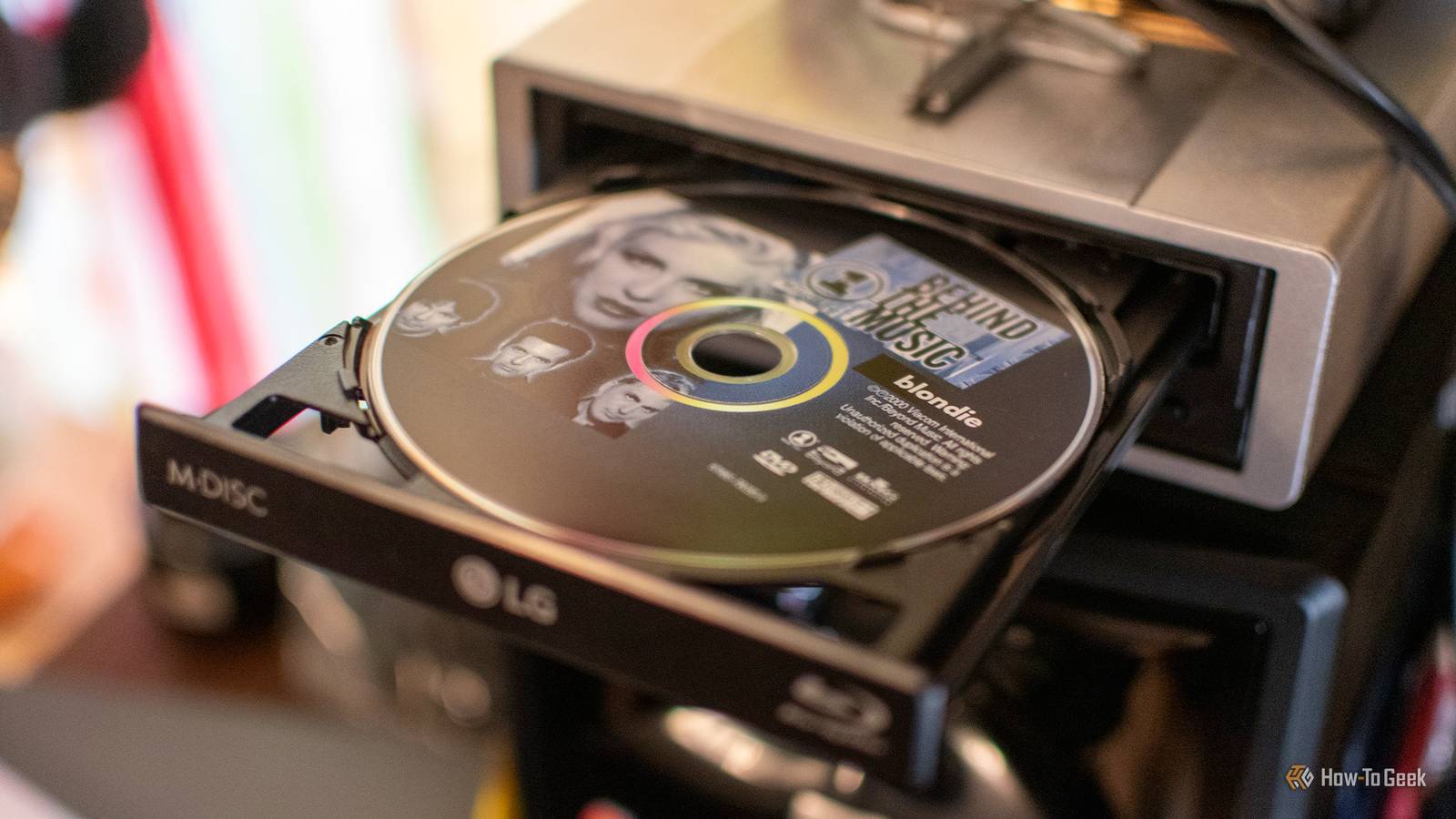
The 5.25-inch drive bay made the front of desktop PCs way more modular Your PC's front panel was always meant to be an expansion platform Throughout most of the 1990s and 2000s, desktop towers came with at least one 5.25-inch drive bay at the front, with full-size towers offering several.This spot was primarily intended for floppy and later optical drives, (now obsolete) hard drives, as well as other peripherals like card readers, front-panel USB expansion panels, and knobs to control fans.Since physical media has fallen out of fashion, case makers have gradually started removing these drive bays, which sat empty in many PCs, in favor of intake fans, eventually getting rid of them altogether.
And while some cases are still sold with 5.25-inch drive bays, they're few and far between.I think this was a huge mistake, though.That large, dedicated slot at the front for custom accessories offered a special kind of PC case customization that nothing has truly replaced.
I want a dedicated space where I can add a cool custom peripheral, like a DAC for my headphones, a display to monitor my PC's internals, or just more USB ports, while retaining modern case aesthetics and sizing (I really love mATX).Nothing has truly replaced the 5.25-inch drive bay, which is why I want it back.Socketed BIOS chips and backup BIOS chips could save motherboards from failed overclocks and updates One failed overclock shouldn't mean starting from scratch The BIOS is an incredibly important part of your PC that provides the core firmware for initializing your hardware and loading the OS.
You're likely aware that the BIOS lives on its own dedicated chip on the motherboard, but did you know that motherboards in the past used to have a special socket dedicated to just the BIOS, just like the CPU? This way, you could just replace this one chip if it got corrupted instead of throwing the whole motherboard away.Granted, this convenience came with its own drawbacks, like reduced reliability and higher manufacturing costs.That's why some motherboards started offering dual BIOS chips, so in case one gets corrupted by a bad update, you can just boot the PC up with the backup.
BIOS chips are fairly inexpensive, so the added cost of an extra chip is likely only a few bucks per board.Around the 2010s, some motherboard brands like Gigabyte started including two BIOS chips on even cheap motherboards, but even this feature disappeared over time.Today, it's limited to just a handful of flagship boards, while cheaper boards are lucky to get BIOS Flashback, a feature that lets you flash the BIOS from a USB drive without even having the CPU installed.
The cheapest motherboards omit even this.As someone who has suffered from their fair share of failed BIOS updates and failures caused by overclocking, I really wish dual BIOS boards would become mainstream again.When something messes up my BIOS, and I need to boot my PC up urgently to finish work or whatever, I don't want to have to wait 15 minutes for BIOS Flashback to finish.
I'd gladly pay extra just to get a second BIOS chip for that extra peace of mind.Modern PCs could learn a few things from the past Not every single feature and connector that PCs used to have needs to come back.That's what adapters are for.
I'd just love to see manufacturers bring back a handful of the most useful ones that disappeared over time, as they'd make modern PCs a little more convenient to use, easier to customize, and less time-consuming to troubleshoot.Related My Motherboard Has a Gaming Mode, Here's Why I've Disabled It Confusingly, all Game Mode does is reduce performance.Posts By Ismar Hrnjicevic
Read More