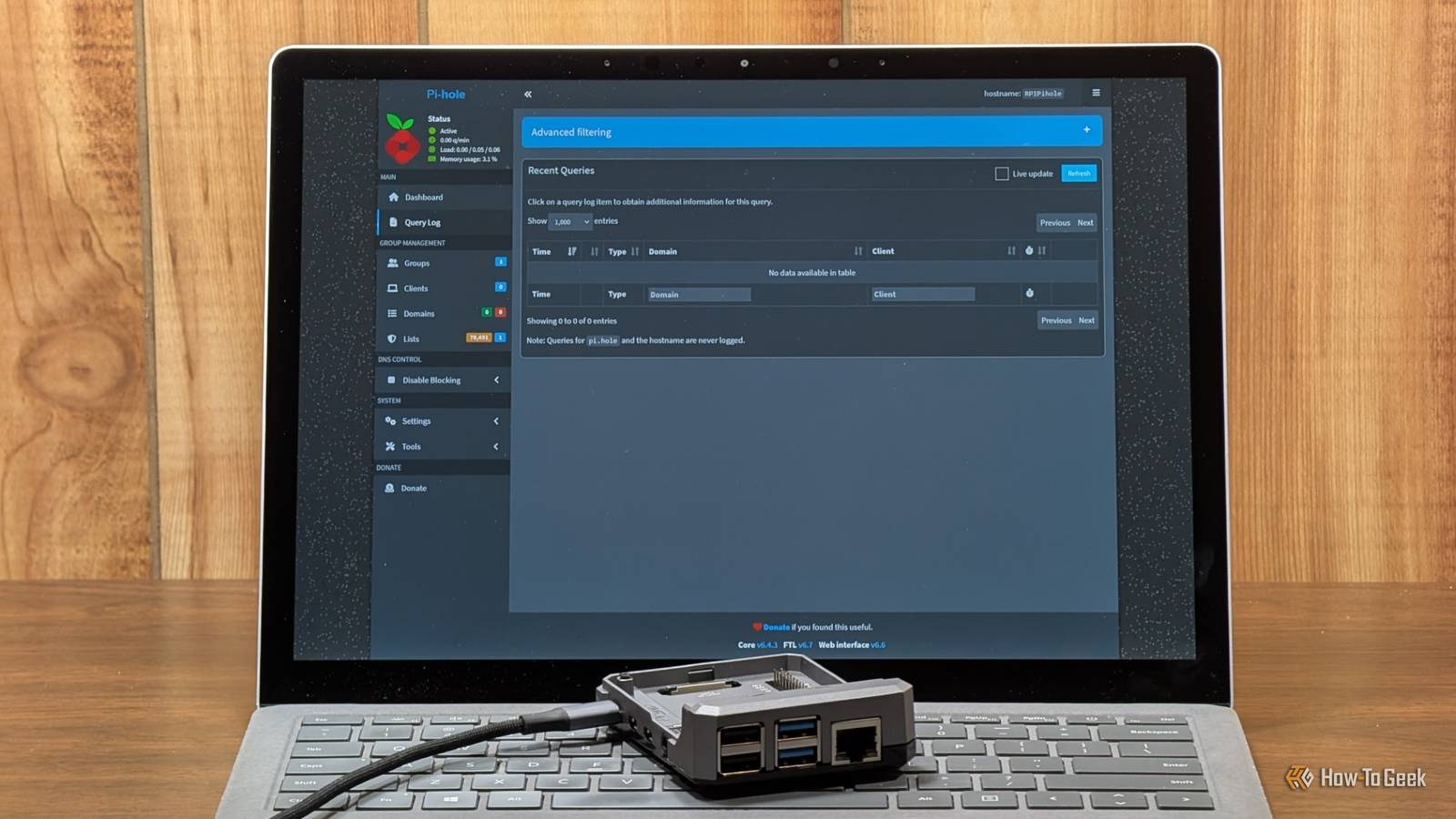
Pi-hole is one of my favorite services that solves an everyday problem without requiring expensive hardware.Install it on a Raspberry Pi, configure your devices to use it for DNS, and you can block unwanted domains while monitoring DNS activity across your network.Add How-To Geek on Google Add as Preferred Source Follow on Google Discover However, Pi-hole also handles network requests and provides an administrative interface that can expose a lot of sensitive information.
A few careless configuration choices can turn this useful service into a security liability.I think the biggest danger is assuming that a device dedicated to blocking ads does not need the same protection as a NAS, firewall, or server.Here are six mistakes that can put your home network at risk.
Port forwarding the admin dashboard to the internet Keep the administration interface private Close Pi-hole’s web dashboard can display DNS query history, client devices, blocking statistics, and other information about your network.Depending on your configuration and query retention settings, someone who gains access could learn about your browsing habits and the services your devices use.Forwarding the dashboard’s HTTP or HTTPS port through your router exposes it to internet-based attacks.
A strong password helps, but it cannot protect against every software vulnerability or authentication bypass.I understand the temptation to check Pi-hole while traveling, especially when a website refuses to load, and you suspect a blocked domain.However, exposing the dashboard is unnecessary when you can access it through a VPN.
WireGuard and Tailscale let you connect to your home network remotely and access Pi-hole through a private connection.This gives you remote administration without making the dashboard publicly accessible.Setting DNS to “Permit all origins” Do not accidentally create an open resolver Pi-hole needs to accept DNS requests from the devices it serves.
The danger arises when you configure it to accept requests from arbitrary sources and expose its DNS service to the internet.Pi-hole’s Permit all origins setting allows queries regardless of their origin.Combined with public access to port 53, this can create an open resolver that attackers abuse for DNS amplification attacks.
In these attacks, an attacker sends DNS requests using a victim’s spoofed IP address.The resolver sends its responses to the victim, potentially generating considerably more traffic than the attacker initially transmitted.Your Pi-hole could become part of a distributed denial-of-service attack without you realizing what is happening.
Related I ditched Google's DNS for a $20 Raspberry Pi, and I stopped handing my web history to third parties You don't need Google's 8.8.8.8: how to build a private DNS server for $20 Posts 12 By Nick Lewis For a typical home installation, configure Pi-hole to accept requests only from the networks it needs to serve.Use firewall rules to restrict access to port 53, and verify that your router does not expose the resolver to the public internet.If clients on multiple subnets need DNS access, explicitly allow those networks rather than opening the service to everyone.
Leaving the admin password blank Secure the dashboard before relying on it Pi-hole can run without an administrator password.That may be convenient on a trusted network, but it leaves the interface without an important layer of protection.This is especially concerning because Pi-hole has experienced vulnerabilities involving its configuration API.
In 2026, a newline-injection vulnerability affecting FTL allowed an attacker with network access to execute arbitrary commands on certain installations without an administrator password.A compromised Pi-hole host could give an attacker control over the service and potentially provide access to other resources reachable from that machine.Set a strong administrator password and restrict access to the dashboard.
You can configure the password through Pi-hole’s command-line interface, using the instructions appropriate for your installed version.Ignoring software updates Install security fixes before attackers exploit known vulnerabilities Pi-hole includes multiple components, including its core application, web interface, and FTL engine.Updates can address security vulnerabilities in any of these components.
The 2026 FTL releases illustrate why maintenance matters.Versions 6.6 and 6.6.1 addressed configuration-injection vulnerabilities that could lead to arbitrary command execution under affected circumstances.Running an outdated version leaves your installation exposed to problems that developers have already fixed.
Publicly documented vulnerabilities can also help attackers identify unpatched systems.Check for updates regularly and follow the official upgrade instructions.For a standard installation, pihole -up checks for and installs available updates.
If you run Pi-hole in Docker, update the container image through your usual deployment process.Related Your smart devices are quietly ignoring your Pi-hole, here’s how to stop them Hard-coded and encrypted DNS let devices walk right past your ad blocker.Posts 1 By Nick Lewis Back up your configuration before significant changes, and verify that DNS resolution works after updating.
I have seen how easy it is to forget about services that run quietly in the background.Pi-hole doesn't need daily attention, but don't leave it unmaintained just because the query counter keeps moving.Assuming two-factor authentication makes you invincible Protect the API as carefully as the login page Two-factor authentication adds protection by requiring a second verification step alongside your password.
Pi-hole supports two-factor authentication since v6, but it cannot prevent every type of attack.Vulnerabilities in API authorization or configuration handling can undermine protections provided by the login process.Pi-hole’s security fixes demonstrate why keeping the application patched remains necessary even when additional authentication is enabled.
Pay particular attention to application passwords.These credentials allow compatible applications to access Pi-hole’s API, and their effective privileges depend on the API permissions and implementation.A compromised integration can create risks that are not immediately obvious from the dashboard.
Create application passwords only when necessary, store them securely, and revoke credentials you no longer use.Review which applications can access Pi-hole, especially if you connect monitoring dashboards or automation tools.I believe two-factor authentication is worth enabling, but it should complement software updates and access restrictions rather than replace them.
Running Pi-hole without network segmentation Limit what an attacker can reach from a compromised host Pi-hole often shares a network with personal computers, NAS devices, smart TVs, and other equipment.If an attacker compromises the Pi-hole host, unrestricted access to that network could help them discover additional targets.For example, an attacker might scan for exposed management interfaces, investigate vulnerable services, or attempt to access network storage.
The extent of the damage depends on the attacker’s privileges and the protections already in place.Network segmentation limits these opportunities.You could place infrastructure services on a dedicated VLAN and configure firewall rules that allow the DNS traffic clients need while restricting unnecessary connections to sensitive systems.
If your router or switches do not support VLANs, use the firewall controls available to you.Restrict management interfaces, allow only necessary traffic between devices, and avoid giving every machine unrestricted access to the entire LAN.Related My backups were killing my network—a dedicated VLAN fixed it overnight My network was fast until the backups kicked in Posts 1 By Monica J.
White Segmentation requires some planning, particularly if Pi-hole also provides DHCP or serves multiple subnets.Document which devices need access before changing firewall rules, and test DNS resolution after making adjustments.For a homelab containing a NAS, virtual machines, and self-hosted applications, I think restricting unnecessary network access is well worth the effort.
One compromised service should not automatically give an attacker a clear path to everything else.Keep Pi-hole secure with a few practical safeguards Pi-hole does not need an elaborate enterprise security setup, but it does need sensible configuration.Keep its dashboard private, restrict DNS access to trusted networks, use strong credentials, and install security updates promptly.
After all, Pi-hole is supposed to help you control your network.Leaving its administrative interface or DNS resolver exposed can hand that control to someone else.
Read More