I have a lot of appliance manuals that I've collected over the years.They rarely need looking at, but when they do, finding the right manual can be a chore.I decided to stick NFC tags to my appliances so that I could access their manuals more easily.
Add How-To Geek on Google Add as Preferred Source Follow on Google Discover My drawer full of manuals was getting out of hand Trying to find the right manual was a job in itself My drawer full of manuals is bursting at the seams.I'm sure everyone has a drawer like it somewhere in their home, filled with the paper manuals that came with appliances and electronic devices.A lot of the manuals are probably for devices that I don't even own anymore.
When I wanted to check a setting on my dishwasher, I had to spend about 20 minutes sifting through manuals to try to find the right one.I got there eventually, but it felt like an unnecessary waste of my time.I shouldn't need to spend ages finding a manual before I can even start the real job.
I decided to figure out a way to replace my messy manual drawer.It would make my life easier and also free up my manual drawer to put to better use.Related 8 Useful Ways to Trigger Automations on Your iPhone Fire off automations based on time, location, battery level, and more.
Posts By Adam Davidson I tried saving manuals to my phone Finding the right one was equally annoying My first plan was just to replace my paper manual with digital copies.I spent an afternoon finding and downloading PDF copies of the manuals for all my appliances and gadgets and saving them on my phone.Some manuals were easy to find, but some took a bit of hunting, and I ended up scanning a couple of smaller manuals, as I couldn't find suitable PDF manuals online.
The problem was that my messy drawer of paper manuals was now replaced with a messy folder of PDF files.I still needed to hunt through the folder to find the manual that I needed, and while that was easier than searching through a stack of paper manuals, it was still a bit of a chore.What I wanted was a quick and easy way to locate and open the exact manual I needed for any specific appliance or device.
That way I didn't need to waste time looking for the right one.Some NFC tags solved the problem Scan the tag and the relevant manual opens I use NFC tags for a lot of automations, from reminding me how long I have left on my parking meter to running my bedtime automation.This seemed like a perfect fit for using NFC tags.
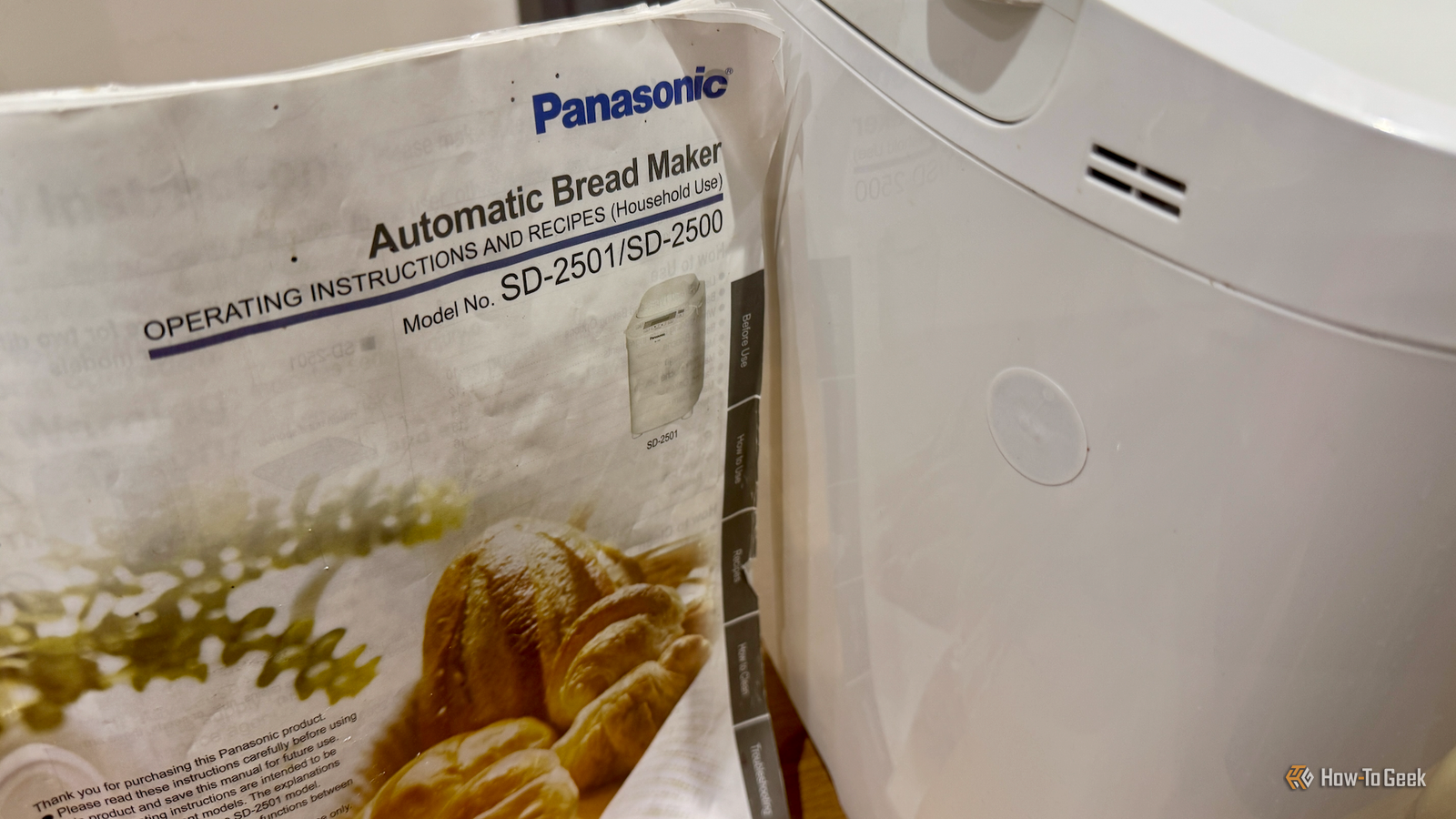
The only question was whether it would be possible to create an automation that would open the correct file, and I was pretty sure that it would be.I created a new automation in the Shortcuts app on my iPhone, using NFC tag as the trigger.I scanned an NFC tag and gave it the name Bread Maker, so I'd know which device it was referring to.
I then selected the Open File action in Shortcuts and selected the file from the Manuals folder in Files.I selected Preview as the app to open the file.I ran a test by scanning the NFC tag, and the automation triggered.
The Preview app opened the PDF of the manual for my bread maker, and I was able to scroll through to find the bread recipe I wanted to make.Using the Open File action took a long time to run Quick Look made the shortcut actually usable Close The shortcut did exactly what I wanted it to, but there was something that I hadn't expected.It took almost 30 seconds before the PDF opened in the Preview app.
The first time I ran the shortcut, I thought it hadn't worked, but then the file suddenly popped open a few seconds later.It seems this is a common issue in Shortcuts when opening files using the Open File action.I removed the Open File action and replaced it with the File action that lets you select a specific file.
I then added the Quick Look action and pointed it to the output from the File action.When I ran this shortcut, the PDF opened almost instantly.The only other change I made was to add a Vibrate device action at the start of the shortcut, to give some tactile feedback that confirms when the NFC tag has been scanned.
I then made multiple copies of the automation, scanned a new NFC tag for each one, and added a link to a manual for one of my other appliances to each new copy.Now whenever I need a manual, I just scan the NFC tag on the appliance, and the manual instantly pops up on my phone.No more hunting in drawers for me.
Now I have a free drawer Creating multiple copies of this simple automation has meant that I could finally recycle all those old paper manuals.Not only is it far easier to find the information I want for any appliance, but I've now got an entire drawer back that I can fill up with other junk.
Read More