Getting to my destination using Google Maps is only half the job.I still need to find parking, track fuel expenses, and decide which stops are worth making on a road trip.Add How-To Geek on Google Add as Preferred Source Follow on Google Discover I don’t want to juggle multiple apps, but Google Maps doesn’t cover everything I need.
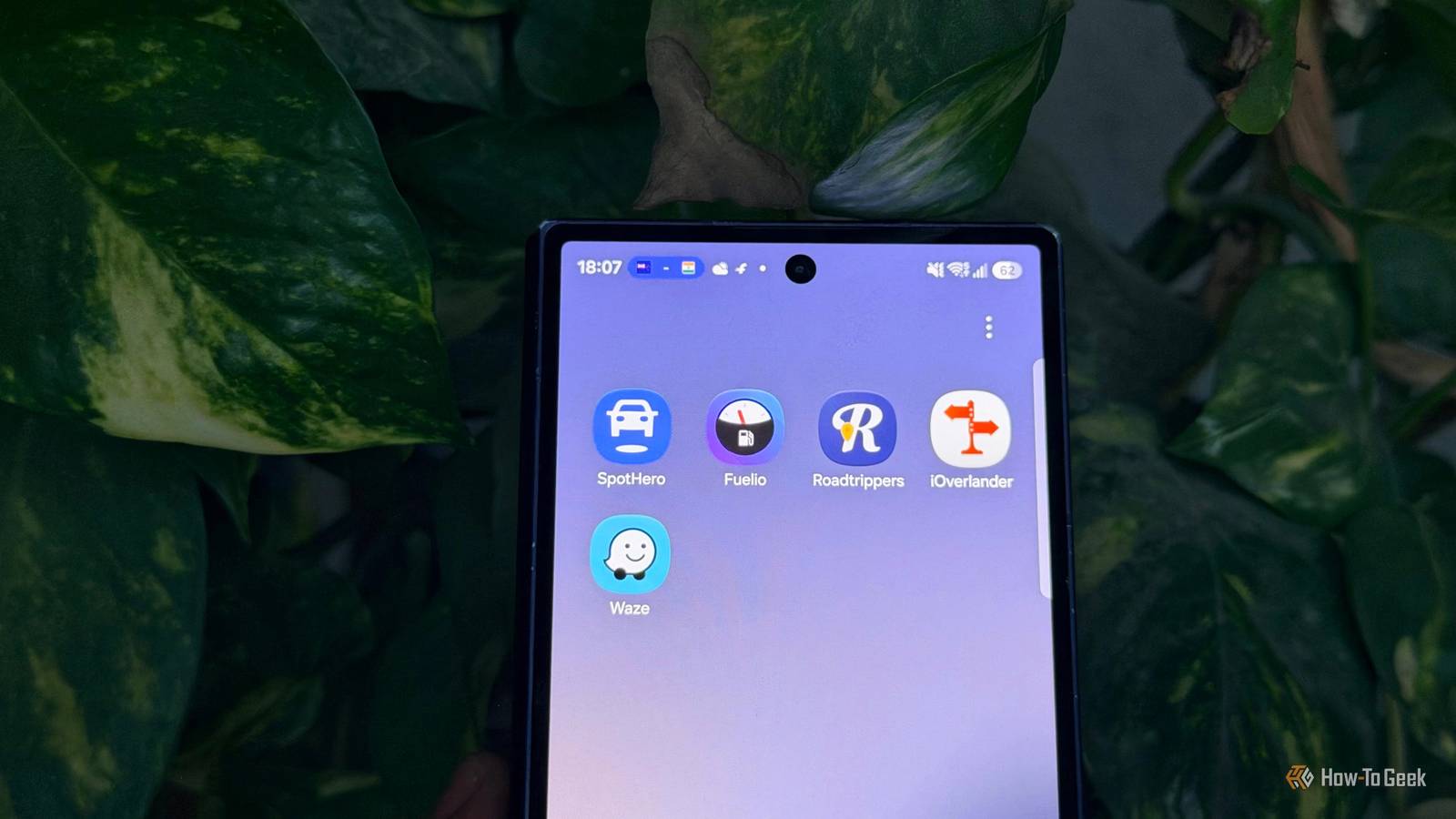
That’s where these five companion apps come in.They handle the things Google Maps doesn’t do as well, making my drives easier to plan and manage.I’ve found each one useful for a different reason, and they deserve a spot on your phone if you spend a lot of time behind the wheel.
SpotHero I can skip the parking hunt and book a spot ahead of time I always search for parking on Google Maps, but by the time I arrive, the available spots are often taken.I’ve had to drive around looking for another spot when I’d rather just park and get on with my day.SpotHero lets me compare parking garages, check prices, and reserve a spot before I leave home.
That way, I’m not relying on luck when I arrive.For example, if I’m taking my daughter shopping, the last thing I want is to circle a crowded parking lot while she’s getting impatient in the back seat.With SpotHero, I can book parking in advance and spend more time shopping.
Google Maps helps me find parking, but SpotHero helps me secure it ahead of time.That’s what makes it a useful companion app.SpotHero only shows parking spots in the US and Canada.
Fuelio The app that tracks every dollar Close I use Google Maps every day, but it doesn’t tell me how much I’m spending on fuel or what it costs to keep my car running.Fuelio logs every fill-up, tracks mileage, calculates fuel economy, and records other car expenses in one place.I can see where my money is going instead of guessing at the end of the month.
Since I drive frequently, I can also track maintenance costs and compare my car’s fuel economy over time.Google Maps helps me find gas stations and navigate my trips, but it doesn’t offer the personal expense tracking that Fuelio does.I also use those numbers when my family reviews our monthly expenses and decides how much we need to save the following month.
Because honestly, half my money goes toward fuel and the other half toward shopping.Lol.Roadtrippers Find the detours worth taking I use Google Maps to find places along my route, but sometimes I want more than the usual restaurants, gas stations, and tourist attractions.
When I’m planning a road trip, I want to discover places that make the journey worth taking.Roadtrippers helps me discover quirky roadside attractions, scenic stops, museums, and other interesting places I might not have thought of searching for myself.I can add these spots to my itinerary and plan my trip around them.
Google Maps already suggests places along my route, like some coffee shops, so Roadtrippers isn’t replacing a feature Maps lacks entirely.Its strength is its road-trip-focused discovery tools, curated attractions, and dedicated itinerary planning.For example, if I’m planning a weekend drive, I can use Roadtrippers to find interesting stops between my starting point and destination.
It helps me plan the experience, not just the drive.iOverlander I can find water, campsites, and showers in one place Google Maps is great for finding hotels and restaurants, but planning a camping trip or traveling somewhere remote takes more research.That’s where iOverlander comes in.
The app helps me find campsites, drinking water, public showers, laundry facilities, and mechanics.It also includes tips and information shared by other travelers.If I’m planning a family road trip with an overnight camping stop, I can use iOverlander to check where we can camp, refill our water bottles, and find shower facilities before setting off.
I’d rather plan these essentials than scramble to find them after a long drive.Google Maps can show some of these places, too, but iOverlander focuses on campers' and overland travelers' practical needs.Related 4 new Waze features you probably haven't tried yet Waze, why so secretive.
Posts 2 By Sanya Shah Waze The interface is not as busy as Google Maps Waze has a few driving-focused features that make it worth keeping on my phone.I especially like its customizable speeding alerts.Waze can warn me when I go over the speed limit.
I can set the threshold for these alerts, so I get a heads-up when I’m driving faster than I should.Another useful feature is police alerts.Waze users can report police sightings, giving other drivers a heads-up about what’s ahead on their route.
The smaller visual touches make Waze even better.Its icons are easy to spot, and alerts stand out without making the screen feel cluttered.Google Maps shows me plenty of useful information, but I don’t always need another fuel station suggestion when I’m approaching a turn.
Waze’s cleaner, driving-focused layout feels easier to follow at a glance.Waze wins me over with its visual design and focused driving alerts.Google Maps works better when I pair it with these apps Google Maps is still my go-to navigation app, but it doesn’t have to do everything.
These five companion apps help me book parking, track fuel expenses, plan road trips, and find useful stops.Sometimes, the best way to improve Google Maps is to pair it with the right apps.Related I tried Samsung's Driving Report, and Google Maps is missing this Google Maps, take notes.
Posts By Sanya Shah
Read More