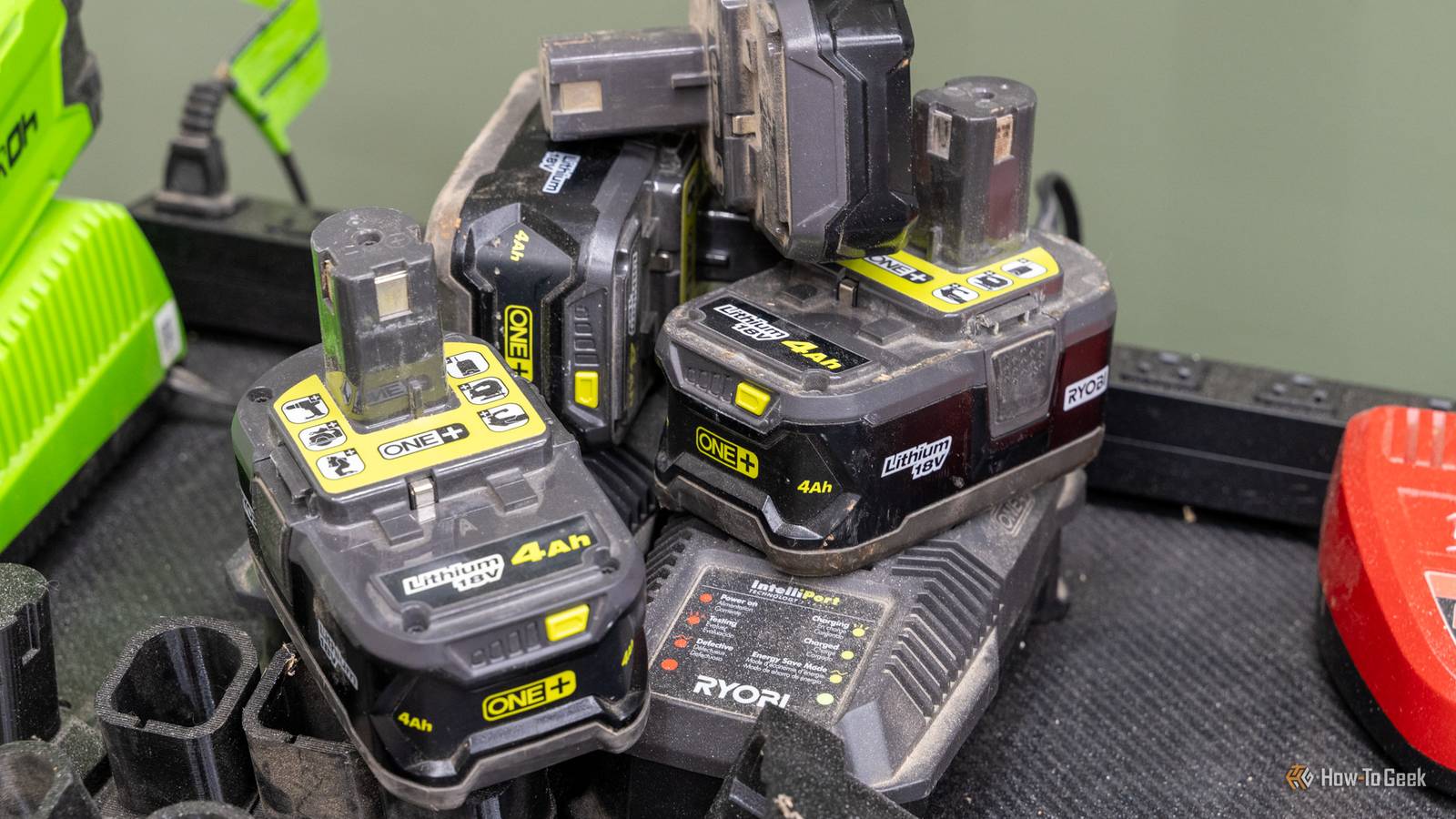
It's just the understood thing that if your Ryobi battery has four flashing lights, it's dead and it's time to buy another.What if I told you that wasn't the case? There are actually a few things to try to bring a "dead" battery back to life—and one basically involves performing surgery on the battery.Here's what the lights actually mean, why it happens, and what you can do before recycling that "dead" battery and buying a new one.
Four flashing lights doesn't mean what you think It's the battery's brain talking, not the cells Close While I've never personally run into this issue on my Ryobi batteries, there are many who have found themselves looking at four flashing lights on their battery, wondering what it means.These flashing LEDs come from the logic board inside of the battery reporting a fault.The board is designed to manage the cells of the battery, and when the board measures the voltage of the cells, it can report a fault state.
The four flashing LEDs typically indicate a cell imbalance and a protection mode lockout, though this is just from community testing, as Ryobi has no official documentation on this issue.This means that the battery's circuitry detected a problem with the cells and basically is saying that the battery is going to refuse to charge or be used until that problem has been resolved.The important thing to know though is this doesn't mean the cells themselves are bad, it could be caused by any number of issues.
For instance, a battery could be really hot and temporarily lock itself out to prevent damage.Or, the contacts could be dirty or the charger could even be going bad.Some of these packs are just locked out And a few of them can never be unlocked by you There are a few different remedies to the four flashing lights on a Ryobi battery.
The first is the simplest: let the battery cool down, clean the contacts, and try a new charger.If you do all three of those things and the battery still doesn't work, then there's another option.A soft lockout can be cleared by the J1 jumper reset inside of the battery pack.
This does require taking apart the battery, and could very likely void any warranty you might have left on the battery.Of course, an older battery that's out of warranty isn't subject to the same warranty voiding problem.However, caution should always be taken when opening up a battery because if you nick a wire or short circuit something, then that could cause harm to you, the battery, or other property around you.
A permanent lockout, on the other hand, can be a bit more persnickety to get around.One Reddit user was able to bypass the permanent lockout by changing a firmware setting.This firmware setting isn't fixed with the J1 reset, which is trivial in comparison.
To fix it, he had to dump the firmware, set that value of the memory address 0x7E90 back to zero, and then reflash the firmware.This requires a Tag-Connect cable, a SEGGER J-Link debugger, and, of course, opening the pack.This isn't guaranteed to work with every battery, either.
He confirmed it on the PBP005 board, but it might not work for all Ryobi batteries or lines.This is definitely also not a simple weekend project.There's a lot of risk involved with trying to reflash the controller of a battery pack, so do this only at your own risk.
I get why Ryobi does it, but a permanent kill switch feels like overkill There's no way back once it's tripped At the end of the day, Ryobi is going to do everything they can to help prevent liability for faulty packs or potential damage the packs could cause—it makes sense.However, I don't fully agree with how they handle it.The permanent lockout likely happens when one cell bank drops around 0.15V low compared to the others and then you charge it.
While this isn't the confirmed cause (Ryobi has never spoken on the matter), it's what the community has come to accept.Having a cutoff for imbalanced cells is understandable from a safety perspective.The variance in the cells could definitely cause damage if not repaired.
However, that's the thing—there's no way to actually repair the battery short of taking it apart and reflashing the firmware.The thing I disagree with is the fact that these batteries are basically e-waste at that point.There are still some usable cells in the battery, and not everything has to be thrown away.
I wish Ryobi had some form of repair process here for those who were outside of warranty, but they simply don't.The only avenue you might have is replacing it warranty.If you're not under warranty, Ryobi's only official solution is to recycle the battery and buy a new one.
A blinking battery isn't always a dead one Thankfully, just because your battery starts blinking doesn't mean it's time to go spend money.You might just need to let it cool down some and try a new charger.Or, you might need to take it apart and do the J1 reset.
However, I really do wish Ryobi offered a better option for people who had a lot of batteries when one of them goes bad.Here's to hoping tool batteries become more repairable in the future.
Read More