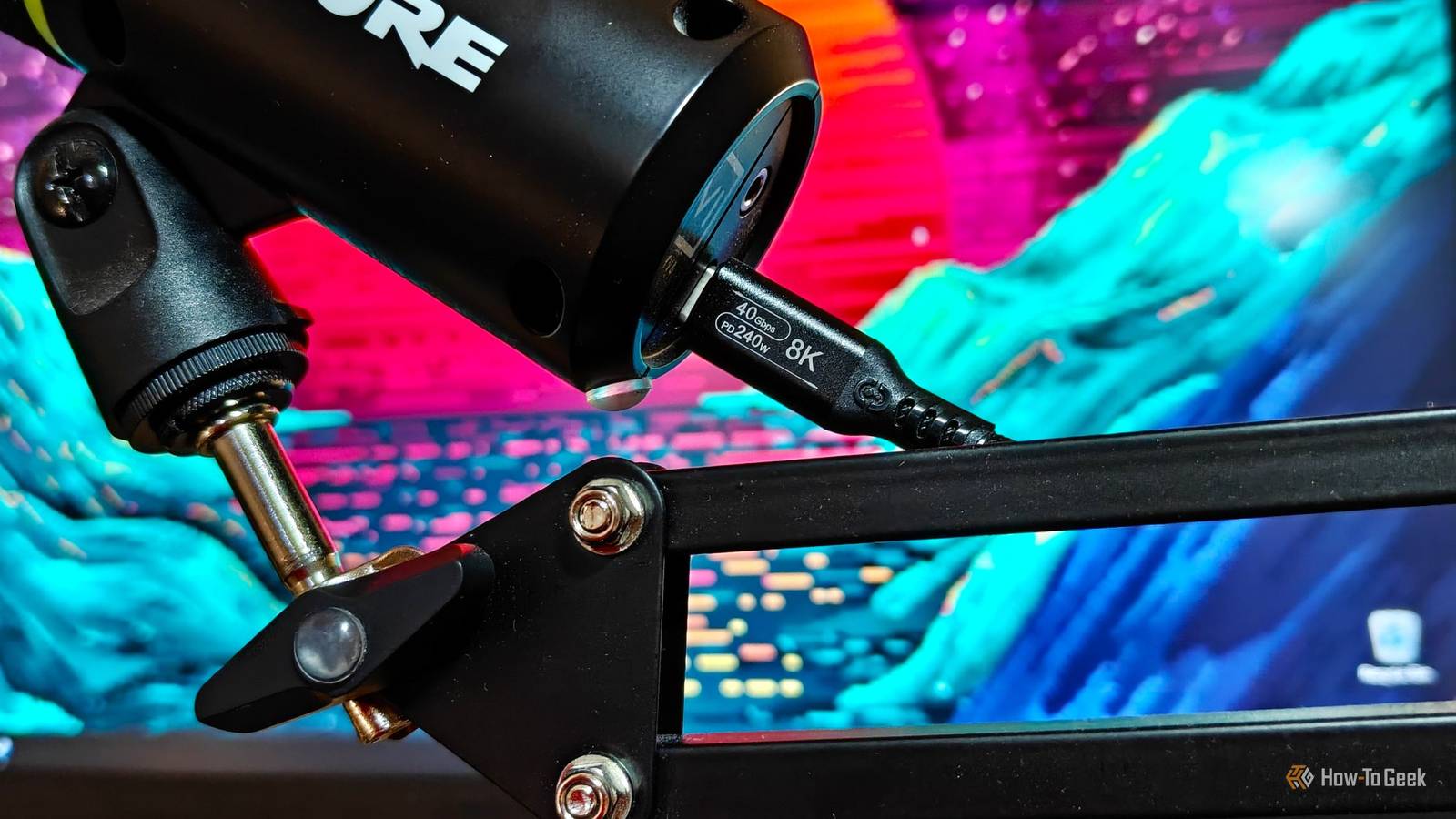
At a glance, every USB-C cable looks the same.They all use the same connector, plug into the same devices, and many support core functions like charging, transferring files, and connecting peripherals.But beneath that familiar connector lies a potentially huge difference in speed, power delivery, and device support.
In fact, some USB-C cables are powerful enough to run an entire desktop setup through a single connection—handling hubs, multiple monitors, charging, and high-speed storage transfers all at once.To unlock those capabilities, though, you need more than a basic USB-C cable—you need a proper Thunderbolt or USB4 cable.USB-C cables might look the same, but they're not The connector tells you nothing Before we get to Thunderbolt and USB4 and the things that make them special, we first need to clear up what USB-C actually even is.
First and foremost, USB-C is just a connector shape.USB-C is a lot more convenient than the USB-A connectors that they're replacing (or, rather, trying to) because it's reversible and takes up significantly less space without sacrificing capability.On top of the physical connector being the same, almost any USB-C cable on the planet is able to perform the two basic functions of charging and data transfer at some level.
On paper, this is a great upgrade over USB-A.Whether it's your desktop computer, laptop, phone, headphones, controller, keyboard, or external drive, you can use even the cheapest gas station cable to get some level of charging or data transfer between devices.However, because USB-C is just the connector type, it doesn't actually tell you anything about the specs.
There are different standards for that.Some are focused on charging (specifically USB Power Delivery, as well as proprietary fast-charging protocols), and are equipped to handle charging at speeds up to a theoretical 240W limit—but they still don’t tell you anything about data transfer speeds.That same cable that can fast charge your phone in around 20 minutes could only have USB 2.0 data transfer speeds of 480Mbps.
I discovered this the hard way when I tried transferring files from my OnePlus 15 to my PC using the original cable and found that moving a few gigabytes of music took over an hour, despite the phone supporting USB 3.2 speeds.The opposite can also be true, though.A USB 3.2 Gen 2x2 cable can handle blazing-fast file transfer speeds of up to 20Gbps that can easily max out some SSDs, but still be limited in power delivery if it isn't properly rated or e-marked for higher current.
This is where things start to get interesting, which brings me to Thunderbolt and USB4.Anker Thunderbolt 4 2.3FT Cable This Anker cable is Thunderbolt 4 certified, meaning it has passed strict Intel certification for full 40Gbps bandwidth, display output, and PCIe tunneling support.It’s not just a generic USB-C cable with claims on the label—it’s validated to reliably handle high-speed Thunderbolt and USB4 workloads.
$26 at Amazon Expand Collapse Thunderbolt and USB4 unlock impressive features that cheap USB-C cables can't Bandwidth is more important than you realize Thunderbolt is a high-performance connectivity standard developed by Intel that uses the USB-C connector, while USB4 is the USB-IF's equivalent high-performance standard, built on technology contributed from Thunderbolt 3.Each version of Thunderbolt and USB4 defines how much bandwidth and what capabilities they support.Thunderbolt 3 and 4 offer 40Gbps, whereas Thunderbolt 5 doubles that to 80Gbps of bidirectional bandwidth.
USB4 supports 20Gbps or 40Gbps, while the newer USB4 Version 2 specification raises that to 80Gbps.In any case, both of these standards use the familiar USB-C connector but offer a set of unique capabilities that dwarf those of generic USB-C cables and ports.For starters, they support PCIe tunneling, which allows external devices like graphics card enclosures and high-speed SSDs to communicate much more like internal hardware, unlocking an impressive level of performance and lightning-fast data transfers on laptops and handhelds.
Thunderbolt and USB4 are also excellent for connecting external displays, allowing you to connect monitors either directly or through a dock without sacrificing the bandwidth needed for other devices.In fact, if your monitor has a Thunderbolt downstream port, you can even daisy-chain multiple displays from a single connection.The 40Gbps pipeline doesn't stop there.
These fast and flexible interfaces are perfect for docking stations, letting you connect multiple USB devices, displays, Ethernet, storage, and other accessories through a single cable while barely making a dent in the available bandwidth.Remember the charging problem we went over earlier? While Thunderbolt and USB4 don't outline a particularly high wattage for fast charging on paper, many good cables also feature support for fast charging through USB PD.This allows a compatible external monitor or powerful Thunderbolt or USB4 hub to power your laptop while you're using those ultra-fast lanes for data, all through a single cable.
Of course, all these capabilities hinge on using a cable that can actually carry that data and isn't just another generic USB-C cable.Related Don’t Buy a Laptop if It Doesn’t Have Two USB-C Ports One USB-C port isn’t enough (and it never was).Posts 7 By Ismar Hrnjicevic A cheap cable can hold your entire setup back When the cable becomes the bottleneck The great thing about Thunderbolt and USB4 is that these two standards are officially certified by their respective governing bodies before they can be marketed as Thunderbolt or USB4 devices and cables.
However, the problem is that there are some counterfeit or misleading products on the market that try to confuse you, or straight-up print impressive figures like 40Gbps or 80Gbps on a generic USB-C cable, claiming capabilities that it doesn't actually have.Deals Deals on USB-C, Thunderbolt & Everyday Tech Accessories Explore discounts on certified cables, docks, hubs, and chargers to ensure full Thunderbolt and USB4 performance—shop deals on accessories that prevent bottlenecks, protect your setup, and deliver reliable power and high-speed transfers without surprises.Deals Explore Accessories & Everyday Tech Deals That only adds to the confusion.
People read about the impressive functionality that Thunderbolt or USB4 on their new laptop offers and assume they can use just about any USB-C cable lying around to connect powerful hubs and displays, only to later discover that the dock won't even power on, the monitor flickers, or the connection severely limits the promised bandwidth.Thankfully, buying the right cable is pretty straightforward.As long as you stick to reputable brands and mainstream retailers like Amazon or Best Buy, you're unlikely to run into that issue.
From there, just make sure the cable is a certified Thunderbolt cable or a USB4 cable that supports the same bandwidth as your device.If you've got an older Thunderbolt 3 cable lying around, it will still plug in, but it won't unlock the maximum bandwidth of a brand-new laptop that sports Thunderbolt 5.This is one of the few situations where paying extra for the right cable is absolutely worth it.
It's also worth noting that Thunderbolt supports all of the core capabilities that USB4 does, but the reverse isn't always true because USB4 implementations can vary between devices.In practice, though, as long as you buy the right cable for your setup, you shouldn't have to worry much about compatibility.Buy once, cry once The only potential downside of certified Thunderbolt and USB4 cables is the price.
While a generic USB-C cable that claims 80Gbps speeds might only cost a few bucks on AliExpress, you’re extremely unlikely to get anything close to the performance of a properly certified cable.But if you treat a Thunderbolt or USB4 cable as a core extension of your devices—something that actually enables a one-cable setup instead of constant headaches—it starts to make a lot more sense to invest in one that just works.Related The 'USB-C' label is a trap: Why Power Delivery and DisplayLink are the only dock specs that matter If your laptop drains while plugged into a USB-C dock, you bought the wrong wattage Posts 4 By Rich Hein
Read More