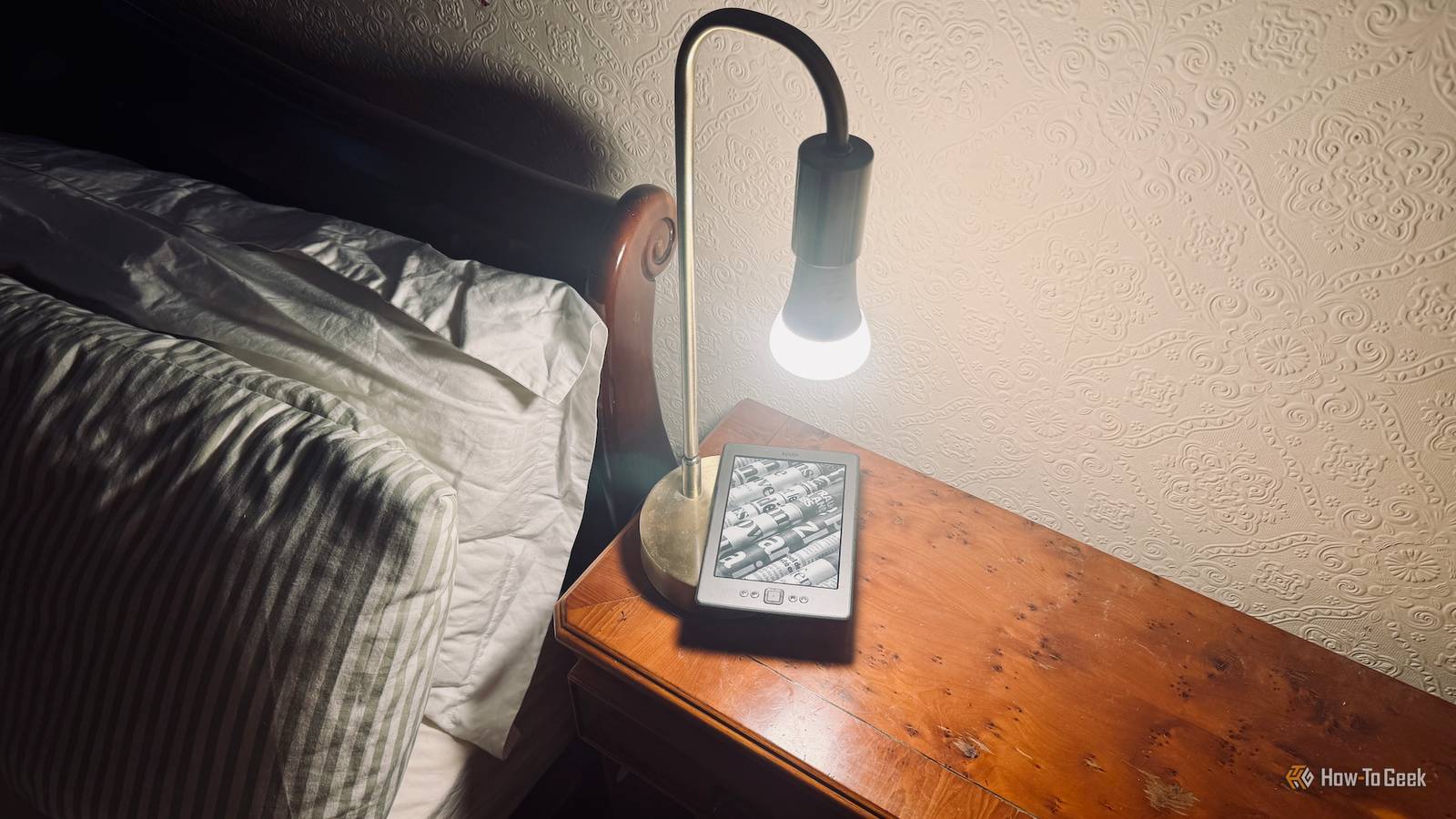
I finally decided to jailbreak my Kindle and install KOReader.Doing so has given me access to features that aren't possible on a standard Kindle.I set up an automation that turns off my bedside light when I've finished reading, and I can't get enough of it.
I wanted to see if my Kindle could trigger my smart home It started purely as an experiment I'd wanted to jailbreak my Kindle 4 for a long time, but I was too chicken.I love my ancient eReader, and I didn't want to risk bricking it.When Amazon announced that it was dropping support for my device, effectively blocking access to some of the most useful features, it gave me the nudge I needed to finally jailbreak it.
Once I'd done so, I installed the KOReader document reader app.This is a popular app for jailbroken Kindles that allows you to read eBooks on the device without using the native Amazon software.It can do a lot more than a native Kindle ever could.
KOReader supports more file formats than a standard Kindle, and it gives you more control over how your documents are displayed.It also adds some useful automation features that are the key to this project.You can use these features to perform actions when you open a book, close a book, wake the device, start KOReader, and more.
I wanted a way to turn out the light when I'd finished reading I always read a little before I go to sleep For my experiment, I wanted to try something simple that was also easy to verify.Turning a light on and off seemed like an ideal choice; it's a simple command to trigger, and the results are immediately obvious.I'd be able to tell instantly whether it had worked or not.
I always read when I get into bed at night.Reading for a while helps me to relax and makes it easier to fall asleep.I use a bedside lamp to give me light to read by, since my Kindle 4 doesn't have a backlight.
It made sense to see if I could get this light to turn on and off triggered purely by actions on my Kindle.KOReader can run scripts based on eReader events You can trigger scripts when you close a book or wake the device Close The whole setup is powered by a tiny script that has just four lines.The script turns on the Kindle's Wi-Fi, waits for eight seconds for the Wi-Fi to connect, sends a webhook request to Home Assistant over the local network, and then turns Wi-Fi back off again.
KOReader has a feature called Book Shortcuts.By pointing a shortcut at the script saved on the Kindle, KOReader turns the script into a named action that it can recognize.I then created a Profile, which is essentially a named collection of actions that KOReader can trigger.
My "Lamp" profile runs the book shortcut that triggers the script.If I select the Lamp profile and choose execute, the script runs and the webhook is sent to Home Assistant, which runs a small script in Home Assistant that turns the lamp off.The final piece of the puzzle was to use the Auto-Execute setting for my profile.
This runs the associated action based on whichever trigger you select.I chose the "On Book Closing" action, which triggers the Lamp profile whenever I close a book in KOReader.My Kindle automation has quickly become a favorite It still gives me a buzz every time it works My initial test worked perfectly: if I closed a book in KOReader, a few seconds later the light would turn off.
The problem was that the automation would run no matter when I closed a book.I updated the script so that the command would only be sent to Home Assistant if it was after 9 PM.I now use this automation every single night, and I absolutely love it.
I read for as long as I want, and when I start to get tired, I close the current book in KOReader.The eight-second delay gives me just enough time to place the Kindle down on the bedside table, and then the light turns off, as if by magic.Before setting this up, I'd have to scrabble around for the lamp's switch or use my phone or a spoken command to turn off the light, all of which would disrupt my relaxed state.
Now, I just close the book, put down the Kindle, and the light turns off.It just feels really Zen.Related I turned my fingers into a remote page turner for my Kindle Touching stuff is so last year.
Posts By Adam Davidson It's always worth trying stuff out I wasn't expecting this experiment to be something I'd end up using from day-to-day, but now I can't imagine living without it.Sometimes it's worth trying something out just for the fun of it, because you might just discover your favorite automation ever.
Read More