I'm sick of the poor quality, occasionally poor photos my phone's default camera app produces.While some of this is 100% a skill issue (I'm a hobbyist photographer ), I sometimes feel like my photos just don't look as good as I'd like.So I tested a few camera apps to see which one took the best-quality photos.
I tested a few different camera apps on my phone Desperately seeking a way to augment my mediocre photography skills Close There are a ton of different camera apps out there.Finding only three decent camera apps to test was a challenge, but I found a few that seemed interesting for what I do.I'll compare each app's performance to one another and decide which one I think looks most natural.
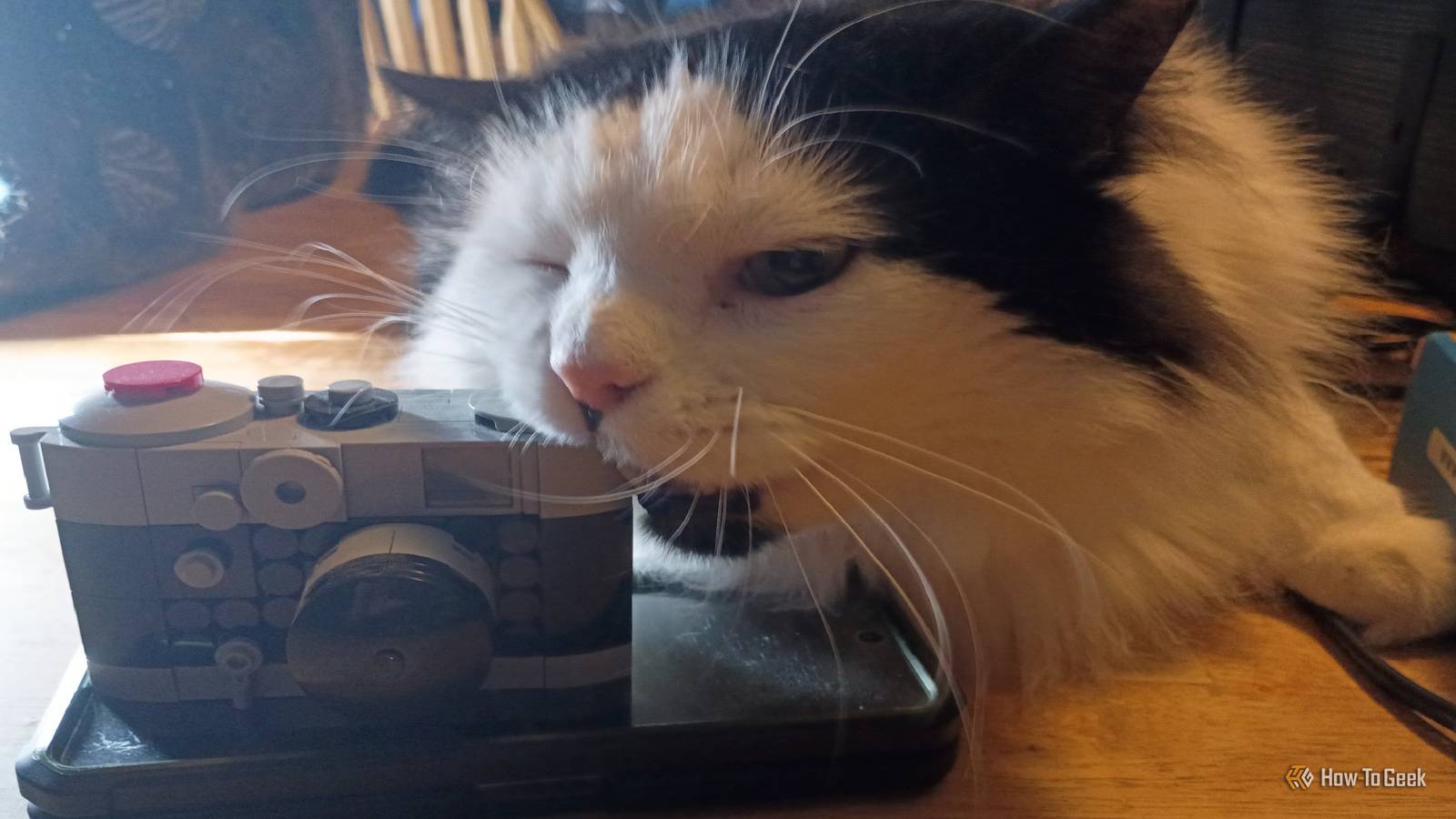
I tried to keep the photos as similar as possible, but my subject (Frank Zappa, the Cat, a.k.a."Frankie") wouldn't always sit still.Related Smartphones secretly edit every photo you take, but this app lets you see the real thing Take clean pics with zero processing.
Posts 4 By Meghan Coon Photon Camera offers incredible cinematic filters Taking photos onto a different kind of screen Close The only description for Photon Camera on the Google Play Store is "Pro manual controls with legendary film simulations." That sounded interesting, and it was well-reviewed by users, so I took it for a spin.The interface is clean, and you can start taking photos right away.But what made it more fascinating was diving into the features.
It offered the ability to choose from a huge variety of film stock.It outputs into RAW format.As a bonus, it doesn't share data with third parties.
By merely messing with the settings, I selected some old Kodak film as a reference, set it to Classic Film Mode under settings and started taking a few pictures.I explored a few different filters, but felt Default Mode looked the best.To my eyes, it was slightly better than the original image and I had a hard time believing it was taken with the same phone.
MA Camera is an awesome open-source camera app Bringing different camera modes into open-source Close As I searched for camera apps to test for this experiment, I became intrigued by MA Camera.Found in the F-Droid repository, it bills itself as "The best open-source camera app." Well, I was convinced.I downloaded and installed the app.
Right off the bat, it took a few good shots (damaged items in a shipment) that captured excellent detail.It has three different codec settings: AV1, H.264/AVC, and H.265/HEVC.Aside from that, it has a few modes (sphere, pano, photo), grid lines, and a leveling tool that helps you keep your shots steady.
That was helpful for me.The photos look good, natural, and semi-professional, putting this app above (quality-wise) my standard camera app.DSLR HD Camera lives up to its name But I could do without the ads The third and final camera app I tested was DSLR HD Camera.
It has a free and premium mode, with the free tier putting small ads at the bottom of the screen.I don't like that, but the user reviews said the quality of the images is amazing and that most of the free features work well for casual photography.So I gave it a shot.
Admittedly, the images look pretty good.It captured the color and details of my photo without using any filters or other features.I feel like it lived up to its promise of high quality photos.
Related I replaced my Pixel phone's camera app with this open-source alternative Pixel cameras have great hardware but are often let down by basic software.Posts 1 By Andy Betts Now it's time for the final showdown to see which one is the best Comparing how each app performs with two different images Close Now that we’ve discussed the apps themselves, it’s time to do a comparison of what the photos actually look like.Check out the photos of my cat above.
From left-to-right, it goes: Standard camera MA Camera DSLR Camera Photon Camera I think DSLR and Photon look the best, Standard is merely okay, and MA Camera is just a measure above Standard.Although Frankie the Cat is quite photogenic, I also wanted to test the different apps on a static object/display.So I grabbed my Special Edition copy of , arranged it on the table, and grabbed photos from each of the camera apps.
This is what it looks like with my standard camera.Even with a backlight, I still have a lot of shadow.Colors look good, but it just isn't what I would consider a high-quality photo.
It's fine for sharing or maybe even putting it on my website, but it's not what I want.I thought MA Camera's photo turned out less shadowy than the standard camera.It has a higher-quality, realistic look to it that looks more professional.
This is just through the standard settings: Out of all the comparison photos I took, this one looks the most vibrant.It'd be right at home in a magazine.I think the app makes the details pop in a way the standard, open camera, and Photon don't.
The only downside is I had to sit through an unskippable video ad for Temu e-bikes, which makes me more hesitant to use this one for any real work.This photo, taken with Photon Camera (default settings), matches the professional quality of the DSLR camera app.I just think it looks superior to the other photos.
I would use this one in a video or share it with friends when I recommend the film to them: There are clear differences (to my eye) from each of these.Standard looks .I think most folks likely wouldn’t see much of a difference between that and the MA Camera.
I like the natural look of the MA Camera’s photos and having access to the Google Pixel settings does make a difference.DSLR camera looks amazing, but sitting through ads kills the joy of photography.Photon Camera, yet again, showed me the most natural and, in my opinion, best-looking photos of both my cat and my DVD set.
Photon camera is the clear winner Half the fun of testing camera apps is testing all the different modes and comparing the quality of the various pictures I take.While all the camera apps I tested had things I liked, Photon Camera is the clear winner.It took the most natural photos (in my opinion) I'm impressed with its extra modes.
I've always wanted to get into macrophotography or stop-motion, and perhaps using this app will finally get me there.
Read More