While my Pixel 10 Pro doesn’t have the best hardware or cameras around, it packs a slew of cool and unique features that are, at least in theory, perfect party tricks.Some aren’t really that intuitive to show off to your friends, but there are a few I love to show people, especially those who haven’t seen a Pixel phone before (I’m still surprised by just how many people don’t recognize one).Add How-To Geek on Google Add as Preferred Source Follow on Google Discover Now Playing My Pixel doesn't need an internet connection to recognize songs Close I didn’t care much about Now Playing before getting my first Pixel phone.
I couldn’t even test it during those first few days when a new phone never leaves your hands, since the feature was broken.But after Now Playing got its own app and I finally tried it, it became one of my favorite Pixel features.Naturally, I started showing it off every chance I got.
My partner was the first one to experience the magic of Now Playing, with my phone effortlessly recognizing songs playing during the short segues between scenes in , a show we were watching around the time I got the Pixel.Whenever an interesting song played, I’d just grab my phone, and it would show the song’s name about 8 out of 10 times.That isn’t perfect, but it’s still impressive, considering these segues only last about 10 seconds.
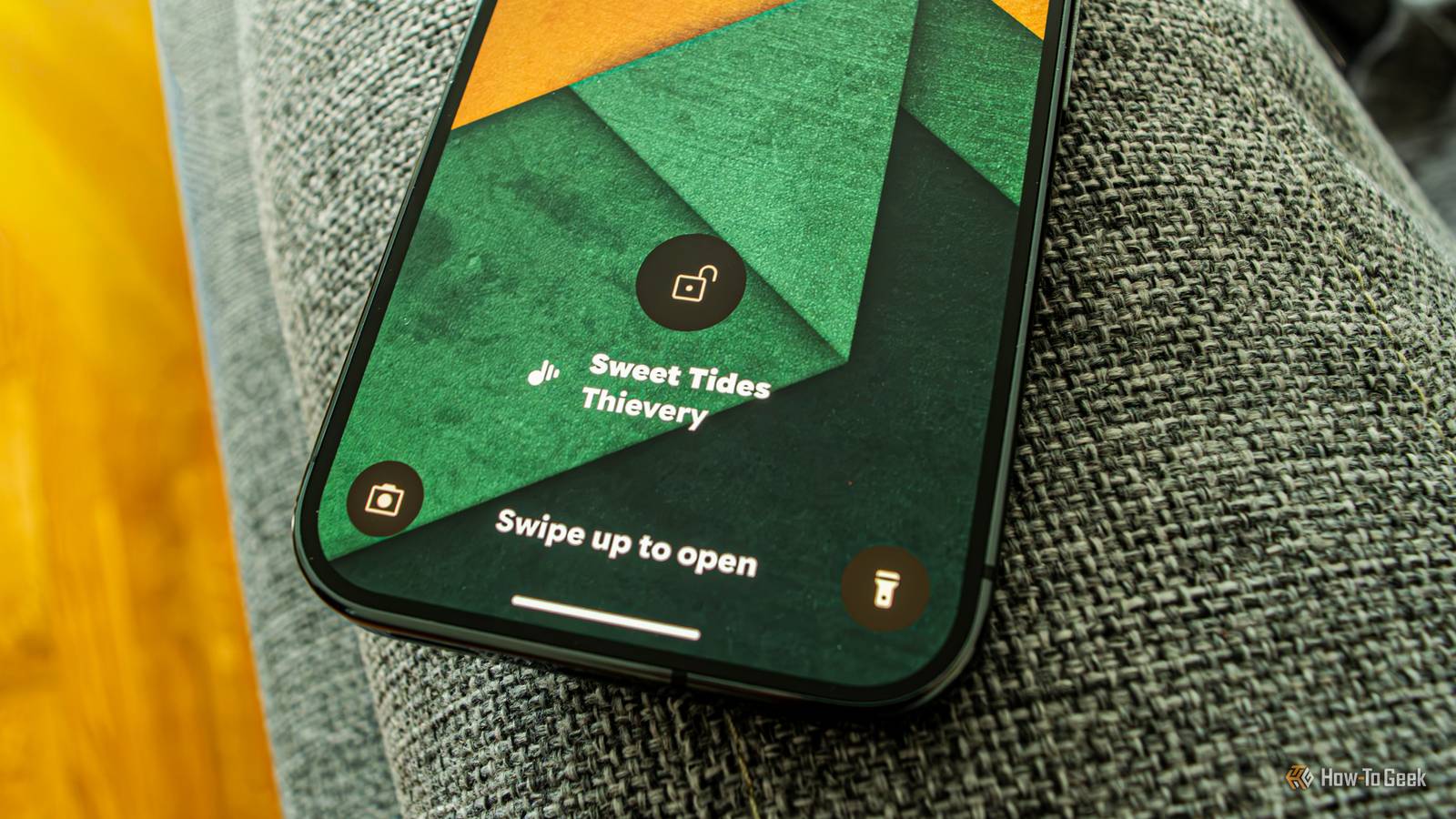
Since then, she’s always asking me to check songs playing in stores and malls, and we’ve both discovered a number of new songs and artists thanks to Now Playing.I’ve also been showing off Now Playing to my friends when we hang out for coffee or drinks, at house parties, and anywhere else music is playing.It’s a very nifty party trick, especially when you turn off Wi-Fi and mobile data, and your phone still nails most songs like it’s nothing.
Most of the time, I don’t even need to get past the lock screen, since Now Playing runs in the background and is pretty reliable.Related The closest thing to Pixel's Now Playing is already built into your Android phone Google's Now Playing feature has a hidden Android rival.Posts 1 By Joe Fedewa Pro Zoom I shot countless photos of the Moon this summer Like with Now Playing, I didn’t use Pro Zoom much at first, when I was all over my phone.
I did take a ton of photos, but I was so impressed with my Pixel’s 5x telephoto camera, which is still hands down my favorite lens on the phone, that I didn’t bother trying out Pro Zoom.I considered it a nothingburger that was nigh unusable.But then one evening, while on a stroll, I tried to take a photo of the Moon and failed miserably; it looked like a lightbulb! So I looked up how to take moon photos, and some people said I should zoom in all the way, stay as still as possible (or use a tripod), and take multiple shots until I got a usable one.
Next time, I zoomed in until the Moon took up a big chunk of the screen (around 60x, if I remember correctly).The first few shots were quite blurry, but then I figured out how to keep the phone from shaking: I'd sit down, pull my knees up, rest my arms on them, and hold my breath while framing and taking shots.After that, my moon shots started to look really solid, all thanks to Pro Zoom.
Of course, I started taking moon shots when hanging out with friends, and I’m not going to lie, most of them were impressed.Even my buddy who owns a Galaxy S25 Ultra, which has a similar feature, couldn’t get photos as good as my Pixel’s, at least not as consistently.I think I took almost 100 photos of the Moon this past summer and shared almost as many with friends.
Pro Zoom was also useful on a few other occasions.One time, I was at one of my city’s river beaches with some friends when one of them noticed a building in the distance with a sign on top of it.She wanted to know what the sign said, so I took out my Pixel and used Pro Zoom to read the lettering.
That said, Pro Zoom uses generative AI to rebuild details, so this trick doesn’t always work.Sometimes it warps letters into an unreadable mess, but when it does work, it’s like having a pair of super compact digital binoculars.Thermometer It's a crying shame Google removed it from the Pixel 11 Pro phones Close Thermometer got the same treatment as Pro Zoom: I hadn’t used it much during the first few months of owning the Pixel.
I tried it a few times, thought, “Oh, this could come in handy,” and then ignored it until late May, when it started getting hotter.One afternoon, I was surprised by just how cool it was inside the apartment, even though the weather forecast said it was almost 30°C (that’s almost 86°F in freedom units), and then I remembered that I had a thermometer on my phone.So I opened the Thermometer app and found that while it was 28°C (82°F) just outside one of the windows, it was a nice, cool 22°C (72°F) inside.
After that, I did some research and learned that the Pixel’s thermometer is quite accurate.And while it’s designed to measure surface temperature, you can also use it to get a good idea of the air temperature (its readings have been very close when I compared them to a few proper air thermometers), so I started using it virtually every day.During the August heat (the whole month was more or less one long heatwave), I’d point the phone at the scorching-hot pavement baking in the sun whenever I went to the beach with friends.
It would sometimes show temperatures above 60°C (140°F)! I’d also show them that it was still more than 30°C (86°F) outside late at night (around 11 pm) and measure just how cold our drinks were (’twas interesting that beer was always a few degrees colder than wine).One time, I convinced a buddy to go inside a bar instead of sweating on the patio by showing him it was 33°C (90°F) outside, while inside it was a relatively cool 25°C (77°F), thanks to a couple of massive ACs.Now that summer’s over, I don’t use Thermometer nearly as often, but it’s still a swell trick for showing just how hot tea or coffee is, how quickly the room cools down when I’m at a buddy’s place and he opens the windows to smoke, and how hot my handheld PCs’ screens can get when I play games at max TDP.
These aren't the only party tricks my Pixel has up its sleeve My Pixel can pull off a few more things, but I discovered that they aren’t as easy to show off as the three I shared above.For instance, before I got the Pixel, I'd thought Add Me would be the phone’s ultimate party trick, but the feature can be very unintuitive for people who haven’t used it before, and taking a photo with it takes so long that I’ve only shown it off a few times at house parties.The Recorder app, with its live transcription, is another super useful feature, but it’s not much of a party trick, especially since English isn’t a native language in my country and Recorder doesn’t support my language (I don’t mind recording my thoughts with it in English, though).
Oh well, at least I still have my moon shots.
Read More