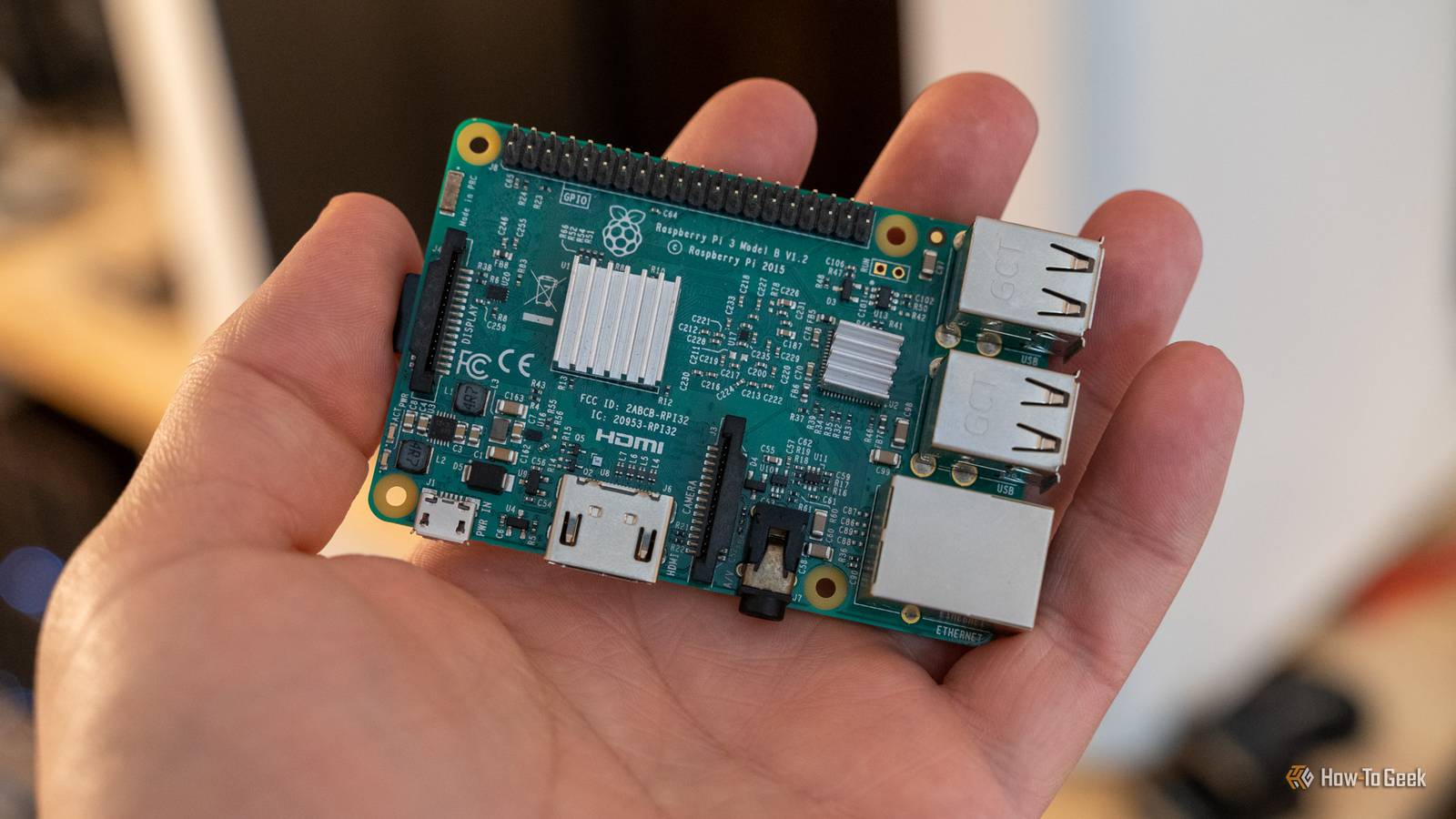
Your Raspberry Pi is actually capable of helping you save money if you put it to use in the right way.If you’re currently paying for cable with a DVR service, your Raspberry Pi can take over that task.Still paying for a password manager? The Raspberry Pi can handle that, too.
Need to track prices for Black Friday? Yep, your Pi is fully capable of doing that, as well.So, here are three projects you can do this weekend on your Raspberry Pi—and none of them will take long to set up.Add How-To Geek on Google Add as Preferred Source Follow on Google Discover Create a cable-like experience with an OTA DVR setup You don’t need to pay for a DVR to enjoy the benefits of a DVR Close I remember growing up and wanting a DVR so bad.
It was new technology at the time, which made it quite expensive.For the first part of my childhood, we didn’t have one because we simply couldn’t afford it.Eventually, Windows Media Center came out (RIP) and we were able to kind of use that like a DVR, but it wasn’t a great experience.
Today, however, many services offer DVR as just a core part of what you pay for—and cable TV or online TV services still cost a ton.Instead of paying to use someone else’s DVR, you can actually use your Raspberry Pi and do it yourself.All you need is an antenna, a network TV tuner, and a Raspberry Pi running Plex or Jellyfin.
To start with, this gives you live local channels to browse through the Plex or Jellyfin interface instead of having to run the antenna cable directly into a TV.So, right off the bat, this makes OTA (over-the-air) TV more like cable as you can watch it more easily.But, you can also use either Plex or Jellyfin to record OTA content for you.
This means you can record the football game on Sunday and watch it whenever you’re ready.There are actually more TV channels over the air now than ever before.When I was a kid, OTA TV was basically news and PBS.
Today, there are channels like Movies! which broadcast different movies 24 hours a day, 7 days a week.So, if you have some time this weekend, pick up an HDHomeRun for a one-time fee, hook it up to your media server of choice running on your Pi, and start recording content to a NAS or external drive.Replace your password manager with self-hosted Vaultwarden You’ll save money and be in control of your private information at the same time Personally, I have been a 1Password user for over a decade.
I love the service and I don’t plan to switch away from it.However, I have known quite a few people who wanted to host their own password manager to both save money and be the one in control of how secure it is—and a Raspberry Pi is perfect for that.Vaultwarden is an unofficial, Rust-based server that implements the Bitwarden client API.
Essentially, you use the official Bitwarden browser extension and other apps and they connect to your self-hosted Vaultwarden instance instead of Bitwarden’s servers.Vaultwarden supports basically all the features that Bitwarden does, including organizing and sharing passwords with others, emergency access, and even 2FA with TOTP, WebAuthn/FIDO2, YubiKey, and more.While Bitwarden does have a free plan, self-hosting Vaultwarden gives you the features of Bitwarden Premium without having to spend a dime.
Plus, you are able to be the one who controls how securely the data is stored.For instance, if you wanted to make it so your vaults were only accessibly locally, you absolutely could.Just keep in mind that Vaultwarden does need HTTPS to work.
But, that can still be done locally through Caddy or Nginx Proxy Manager paired with something like Pi-hole, ensuring your data never leaves your local network.Be ready for Black Friday price drops with PriceBuddy Stop refreshing sites on your own to see if a sale has started I spent nearly six years writing about deals and sales around the web, so I know a thing or two about tracking pricing.There are services out there like camelcamelcamel or Keepa that can track prices at Amazon or other retailers, but you’re stuck with only the notification systems they use and the information isn’t always the best in my experience.
PriceBuddy is a way that you can self-host a price tracker and be in full control of what it does.You simply paste in a URL and it checks the price on a schedule.Every time it checks, it logs the price into a history graph so you can see what the price does over time.
It also allows you to compare listings across stores to see who puts it on sale more or what the best price is at any given retailer.Notifications are also much better in PriceBuddy than other online services, as it supports app-based notifications, email, Pushover, Gotify, Telegram, Discord, ntfy, and more.All you have to do is configure your desired notification system and you’ll be good to go.
One thing to note is the developer has a handy flag in the Compose file AFFILIATE_ENABLED: 'true' that you can either leave enabled or disable.Essentially, with it enabled, any link you click that the developer has an affiliate account with will give the developer affiliate commission.This is an easy way to support the development without having to donate money if you don’t mind leaving it on, but it’s also really easy to turn off if you’d rather not have it running.
Your Raspberry Pi is way more useful when you run a few small services on it These projects aren’t all that difficult to deploy and also don’t require a ton of upkeep.But, each project can drastically improve the quality of your daily life.Running a DIY DVR for OTA content is something that I didn’t realize had come so far, and I’m considering doing it if I ever find a good deal on an HDHomeRun system.
And, while I won’t run Vaultwarden myself, it’s awesome to know that a full-fledged password manager can be completely self-hosted.Plus, PriceBuddy is something that I’m just now coming across and I plan to deploy in my homelab for sure.
Read More