Let's face it, you probably don't spend a whole lot of time thinking about your motherboard.Fair enough; neither do I.But did you know that there's a battery on it that can cause a whole lot of problems when it eventually dies? Depending on your motherboard, the consequences might be somewhat insignificant ...
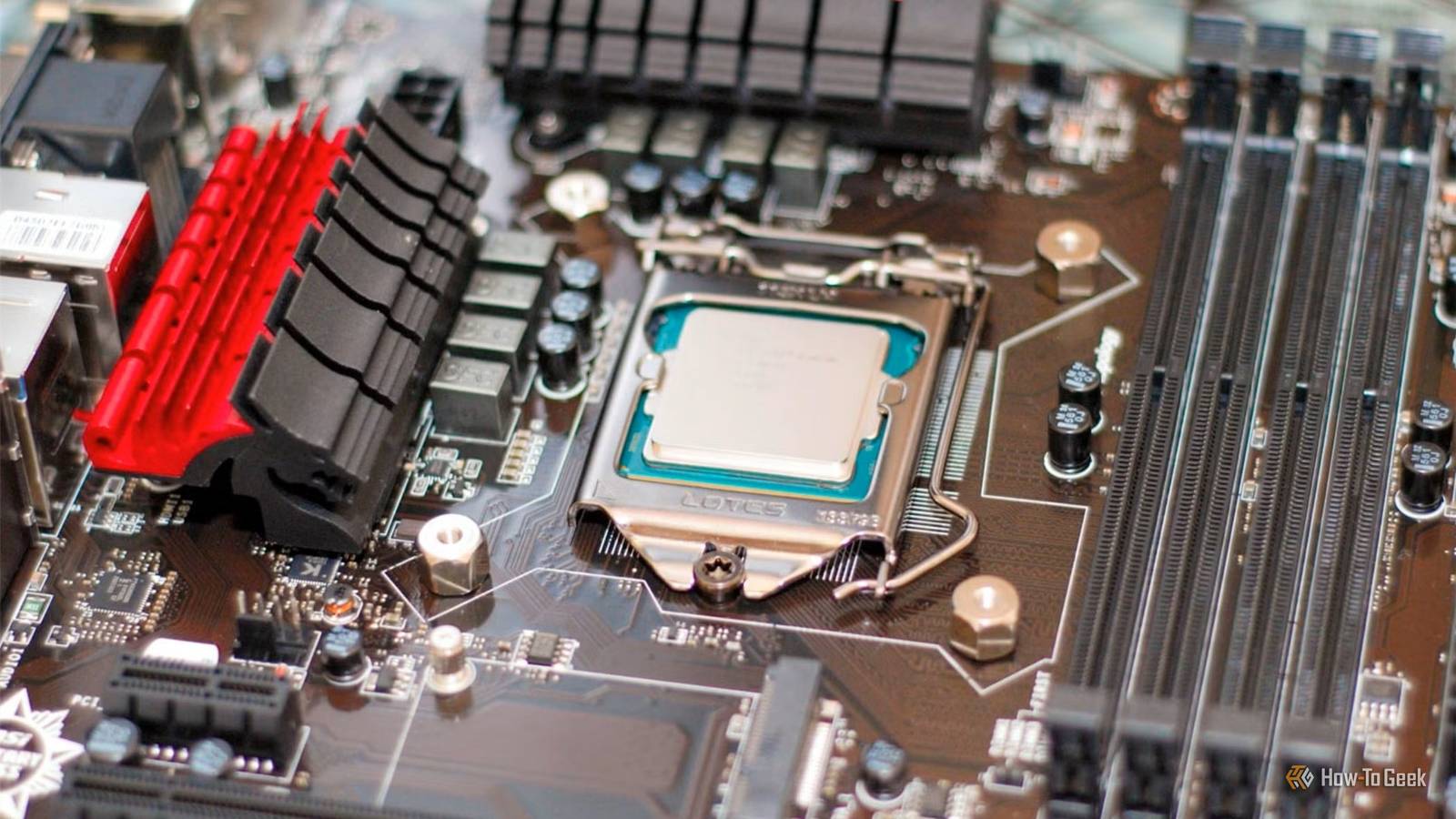
but on some models, you might end up losing your BIOS settings, leading to major performance drops.That tiny battery has one very important job Your PC still needs to remember things while it's unplugged Close If you're currently staring at your motherboard, trying to figure out which troublesome bit of hardware I'm talking about, I'll put you out of your misery.I'm talking about the CMOS battery, which is that little coin cell on your mobo.
On desktops, it'll often be a CR2032 battery.The CMOS battery is responsible for some pretty important tasks, although none of which you'll think of much (unless something breaks).It keeps certain low-level functions alive even while the computer is fully disconnected from power.
The two most notable things are usually the real-time clock and, on some boards, firmware settings.As you can imagine, judging by the size of that thing, its job isn't to power your PC.Not even a little bit.
Once the system is on, the PSU does all the powering.But when your PC is fully shut down, and also fully unplugged (so no standby power), the CMOS battery becomes important.The caveat, because there always is one, is that desktop PCs are hardly ever just fully unplugged.
You might turn yours off every day, even though you don't need to, but it still draws some power even when it's off.This means that a weak battery can go unnoticed for ages before you spot it.What happens when it finally dies? Depends on the motherboard, really.
Some systems may only forget the date and time.Others can lose all BIOS configuration and fall back to default settings the next time you boot up your PC.Modern UEFI firmware stores lots of information in nonvolatile memory, so removing the CMOS battery becomes less of a big deal, but it can still reset enough settings to make your PC perform worse than it did before.
Related Stop waiting for your PC to fail: 5 warning signs I check every month Now is not the time to buy a new PC, so take good care of the one you already have Posts 1 By Monica J.White The battery itself isn't slowing you down Your lost BIOS settings are, though This tiny, cheap battery doesn't have any impact on your PC's performance by itself.It's more that if it does die, and your settings get reset, then the important BIOS tweaks you made before may no longer be in effect.
Which means worse performance in some areas, because some BIOS settings can boost your PC, and others can actually slow it down.XMP and EXPO are the easiest to spot.If your RAM profiles go back down to their defaults instead of their technically overclocked state, your memory may be running at half the speed you'd expect.
Obviously, your PC still boots and everything seems fine, but your vastly overpriced RAM kit is suddenly even more overpriced (because it underperforms).Other tweaks can be erased, too.You could lose CPU tuning, including PBO or Curve Optimizer settings.
You could lose ReBAR configuration.Custom fan curves.You name it, it could go bye-bye the moment the CMOS battery dies.
A dead CMOS battery can make your PC stop booting normally Defaults won't always be compatible with your setup Bad performance is no fun, but at least your PC works.But what if it refuses to boot entirely? It can happen if your CMOS battery dies.Again, this isn't because the PC somehow needs the support of that minuscule battery.
It's more that if the firmware falls back to its default state, and it doesn't match the setup your system was using before, it can suddenly struggle to find the right boot path.If this sounds bizarre, I'll admit it was much likelier to happen on older or weirdly configured PCs.This is where things like boot order, UEFI vs.
legacy settings, or storage configuration mattered a lot more.Sometimes the motherboard will simply stop at POST (which you might be able to hear if you decked it out with a $5 speaker).It'll likely ask you to enter the BIOS because the settings were reset.
Other times, Windows may suddenly seem to have vanished.So, while niche and limited to older PCs, this can happen—and those older PCs that often sit around unplugged for years are actually more likely to have this problem.The symptoms are surprisingly easy to spot If you know what to look for, that is If your PC is suddenly underperforming, you'll start looking for ways to fix it.
The CMOS battery won't be your first suspect, nor should it be, unless you know the PC's been unplugged for a long time.Let's say you've exhausted all other ways to fix the problem, though.At that point, make sure you check the BIOS date and time.
That's the strongest sign the CMOS battery is on its way out.The OS may hide this by syncing automatically, so the better option is to check inside the BIOS itself.Other clues? CMOS-related warnings during startup, settings reverting to defaults, tweaks like XMP/EXPO disappearing.
Not all of this will be caused by the battery, but it can be, so it's worth checking.Replacing the battery is easy, but it's just the first step Go back through the BIOS afterward If you suspect the CMOS battery is about to call it quits, the good news is that it's super easy and cheap to replace.On most desktops, you'll shut the PC down, unplug it, find the coin-cell holder, and release the old battery.
Then, install the new one in the same orientation.As I said above, a CR2032 is extremely common, but please don't take my word for it and check what your PC actually uses.This is especially important for laptops and mini PCs.
Using a fresh battery won't bring back all those BIOS settings you might have lost, though, so your next step will be to jump into the BIOS and get that stuff fixed again.The battery itself is cheap, but it can cause a lot of trouble A four-pack of these batteries will run you less than $5, so a CMOS battery dying isn't going to be disastrous.But if you're not sure what's wrong with your PC, it's a good thing to add to your troubleshooting list, as these batteries can cause some serious problems.
Duracell 2032 Lithium Battery The humble CR2032 battery is often used for the CMOS battery, so it's easy enough to get.But check before you shop, as it's not necessarily universal.See at Amazon Expand Collapse
Read More