There are quite a few ports that you probably won't find on a modern TV.RCA and RF were some of the first to go, though for a while some TVs kept analog inputs as an option through breakout cables.Add How-To Geek on Google Add as Preferred Source Follow on Google Discover Most of us can live with that, but these days you'll probably also find there's no headphone jack.
In the past, this was an easy way to get lag-free stereo audio to any pair of headphones or speakers you like, but now we're seemingly out of luck, unless you get just a little creative.I've made some radical changes to my work setup Why do the same thing everyone else does? First, some context.I recently got rid of all my computer monitors, and now I use a 4K 55-inch mini-LED TV as my computer monitor.
My Mac, Desktop PC, Switch 2, and Blu-ray player are connected to this one TV in my office.I had a small soundbar mounted to the TV, but I never really liked soundbars, and I have a wonderful set of Logitech PC speakers that, now my ultrawide monitor's sold off, can be used with my TV.But where do I plug them in? This new TV doesn't have a headphone jack or analog audio output of any kind.
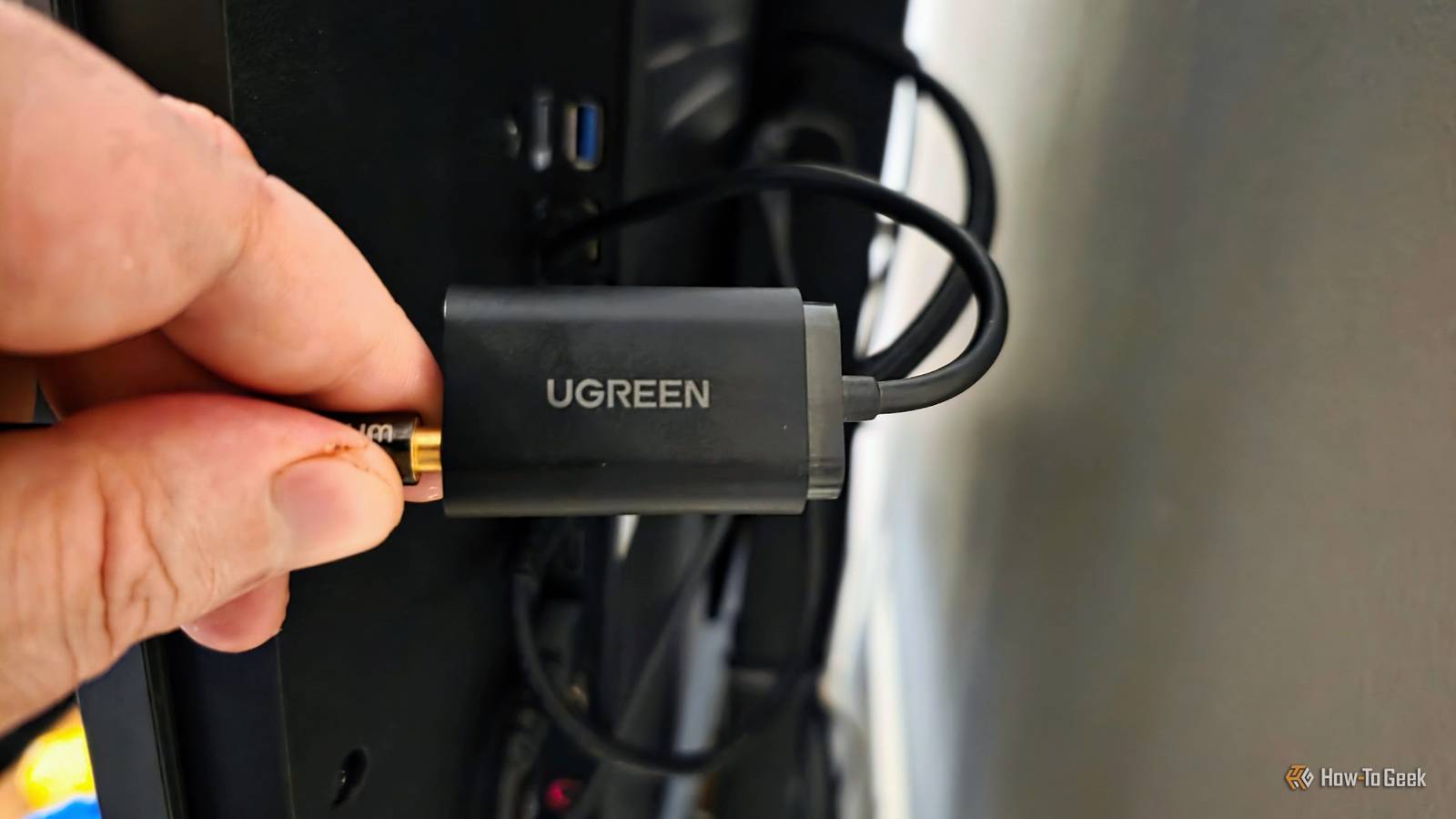
But it has two digital ports that can do the job in a pinch.You can use a USB sound card with (some) TVs When in doubt, just plug it in and see I was digging around my drawer full of old cables when I found an old UGREEN DAC (Digital to Analog Converter) that I'd bought ages ago.I had used it in the past with Linux computers where the built-in audio didn't want to work, but this little DAC dongle always seemed to do the trick.
Now, I have a TCL TV running Google TV.In other words, this is basically just Android, and Android boxes can often use USB audio devices with no extra effort.So, I thought, why not plug this DAC into the USB port on the side of my TV and see what happens? As soon as I did that, the TV's volume icon changed to a USB plug, and the audio shifted over to the speakers.
I didn't have to do a darn thing.On some Android or Google TV devices, you might have to activate Developer Mode and flip the toggle on USB audio switching if you find it doesn't work out of the box, though.That old optical audio output still has many uses It will outlive us all Close It's incredible how the decades-old optical TOSLINK connection has survived the port culling with aplomb.
It's still on just about every piece of AV gear, largely because it's a fail-safe backup that will give you pristine CD-quality stereo audio and serviceable basic 5.1 surround sound.Since my TV still has one of these, all I had to do was buy a $15 optical to 3.5mm headphone jack converter.These usually even come with a TOSLINK cable, so that's not an extra cost.
They are USB-powered, but you've probably got at least one free USB port on your TV, which will work without problems.This was actually the first solution I tried, and I really liked it too.If I hadn't randomly discovered my old DAC in a drawer and tried it on a whim, I'd still be using the optical solution.
The reason I didn't stick with it is simply that one cable plugged into my TV is less messy than two cables.Also, I needed a way to get clean audio out of my PlayStation 2 Slim, which happens to have an optical out port too.Now I can connect my headphones to it without the annoying buzz you get from the RCA audio outputs thanks to this little converter box.
As long as your TV has an optical port, this method is guaranteed to work, while the USB DAC solution is a gamble, because it requires the right TV, with the right OS, and the right settings.If you already have a USB audio device you can test, or you can confirm upfront that it will work, it's a good solution.However, if you have to spend money without knowing if the USB solution will work, go for the cheap optical port converter instead.
There are other (more expensive) ways to add a headphone jack These two solutions I found are cheap and easy, but if neither of them appeals to you, then you also have the option of buying an HDMI audio extractor, which is more expensive than the optical-to-3.5mm converter and the DAC but is capable of higher quality.Not that you're likely to notice.If you have an AV receiver, that may also have a front or rear headphone jack, or some other analog output (like RCA) that can easily be adapted to work with a headphone.
If the AV receiver works with HDMI eARC, you can get all your TV's audio to your headphones that way.It's worth checking before you try anything else.
Read More