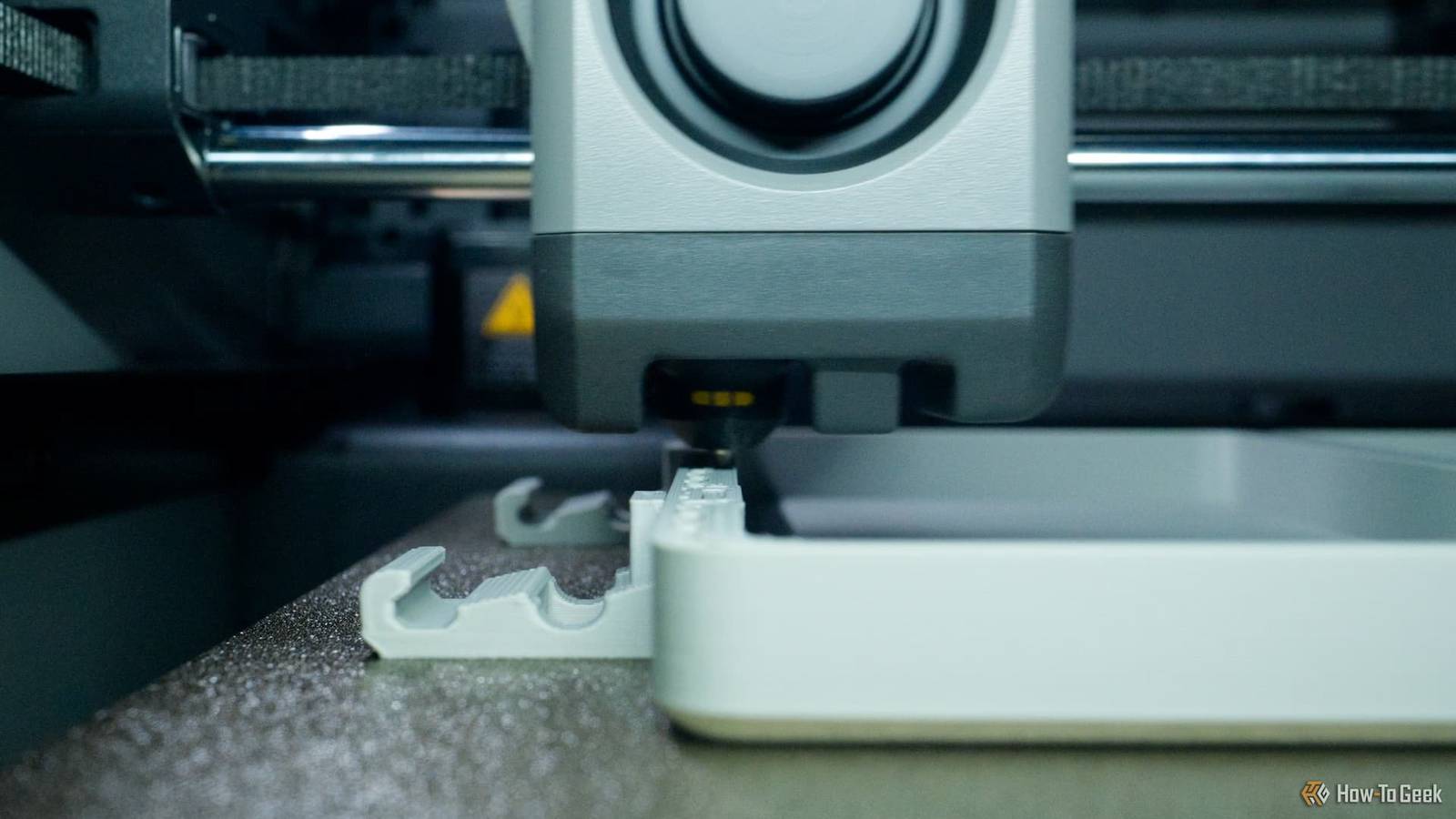
3D printers are not simple machines.Even though a good modern printer is reliable and produces great results without much effort, it only takes one or two small things to go awry to ruin your prints.Tracking down the exact reason a print went wrong can be maddening, and sometimes it's a transient issue, which has only accelerated my balding, I fear.
It's natural to instantly think that something's physically gone wrong with your printer, but before you start dismantling the poor thing consider that the issue has been hiding in plain sight all along.Your slicer settings are sabotaging perfectly good hardware Any way you slice it, most problems start during the planning phase The root of many printing problems can be traced back to your slicer.This is the software that translates a 3D model file into the specific instructions the printer will follow in order to create that model.
How well the slicer does this has a huge impact on the final print's quality or whether it even completes successfully.This is why I always say that the slicer is more important than the printer itself.Experienced operators learn to tweak certain slicer defaults to speed up printing, improve strength, or deal with common quality issues.
However, if something in the instructions goes wrong, it can the print to fail.I went through a painful learning experience with one of my old 3D printers where we just could not get the first layer to adhere to the bed.I even paid to ship the printer back to the dealer, and they could not figure it out.
Eventually, we tracked it down to a weird toggle in the printer's slicer software that turns off the cooling fan.This caused the first layer to bead and curl up from the bad, scuppering the print right from the start.Bad filament can mimic serious printer defects Garbage in, garbage out My wife runs a small business that includes selling 3D-printed models at local markets.
This means we are always looking for cheaper filament to improve profit margins.The models we print are just decorative, they don't have to be strong, and so generally any old filament will do.However, this quest for cheaper filament has taught me that your printer is only as good as the material you feed it.
Two basic filament spools can look and feel the same, but act very differently.Some local cheap brands that I took a chance on would clog up my printers like clockwork.Especially multi-material printers during the changeover.
It's not just material quality.Cheap filaments tend to have an inconsistent diameter, which leads to extrusion issues.In the end, the time I save by buying better filament is worth more than the buck or two I save from cheaping out.
Another issue worth mentioning is wet filament, which I know can cause awful stringing and other problems.I don't personally encounter this much because, from cracking the seal to printing through an entire spool is usually a matter of a day or two for me, but if your spools are standing for weeks, you'll want to invest in a filament dryer.SUNLU S1 Plus filament dryer The SUNLU S1 Plus can dry filament while printing to improve 3Ds model, reducing the impact of a humid environment on the printing of 3d filaments. Adjust the temperature of the filament dry box according to different filament requirements, ambient temperature, humidity and other factors.
The adjustable temperature range of 35℃-55℃ is suitable for more than 20 kinds of filament.$40 at Amazon $60 at SUNLU Expand Collapse Your model files may be the source of the failure Blame it on the designer I've bought some 3D models for my wife's business that just do not print correctly.This often happens because the modeler did not actually print out and iterate their creation.
Your slicer will catch the most egregious issues, such as air gaps and unsupported overhangs, but I've had some print-in-place models with some subtle failure points.These were usually linkages or joints that aren't engineered correctly, so they break almost immediately.There isn't anything wrong with your printer, and the only way to fix the issue is by altering the original design.
Environmental conditions can ruin prints without touching the printer Location, location, location A print going wrong can be something as simple as running the print with the lid on when it should have been off, or leaving a window open next to your bed-slinger and ending up with warped prints.If you have a modern enclosed 3D printer, you'll run into environmental issues less often, since these machines try to regulate the chamber's climate properly, but even then there are limits.Deals Save on Maker & Creator deals for 3D-printing gear and supplies Discover discounts on filament, filament-drying systems, enclosures, maintenance kits, and creator tools.
Shop Maker & Creator deals to save on the accessories and gear that keep prints reliable and profits higher.Deals Explore Maker & Creator Deals When it's too humid or too cold, some types of prints aren't going to be easy.Of course, if you print in a climate-controlled room, you can nip this in the bud, but that's not a cheap solution.
Maintenance mistakes often get blamed on failing hardware Listen, we are all busy and no one likes chores, but if you don't do the maintenance on your printer, it's going to affect print quality.Knowing how to maintain your printer is one of the essential things every 3D printer owner has to know.The good news is that the maintenance requirements, procedure, and intervals should be in your printer's documentation.
If you're lucky, there might even be some online videos showing you how to do it.For the most part, it's largely replacing worn belts, making sure screws and bolts are still tight, and applying lubrication.It's not rocket science, but it is crucial.
Read More