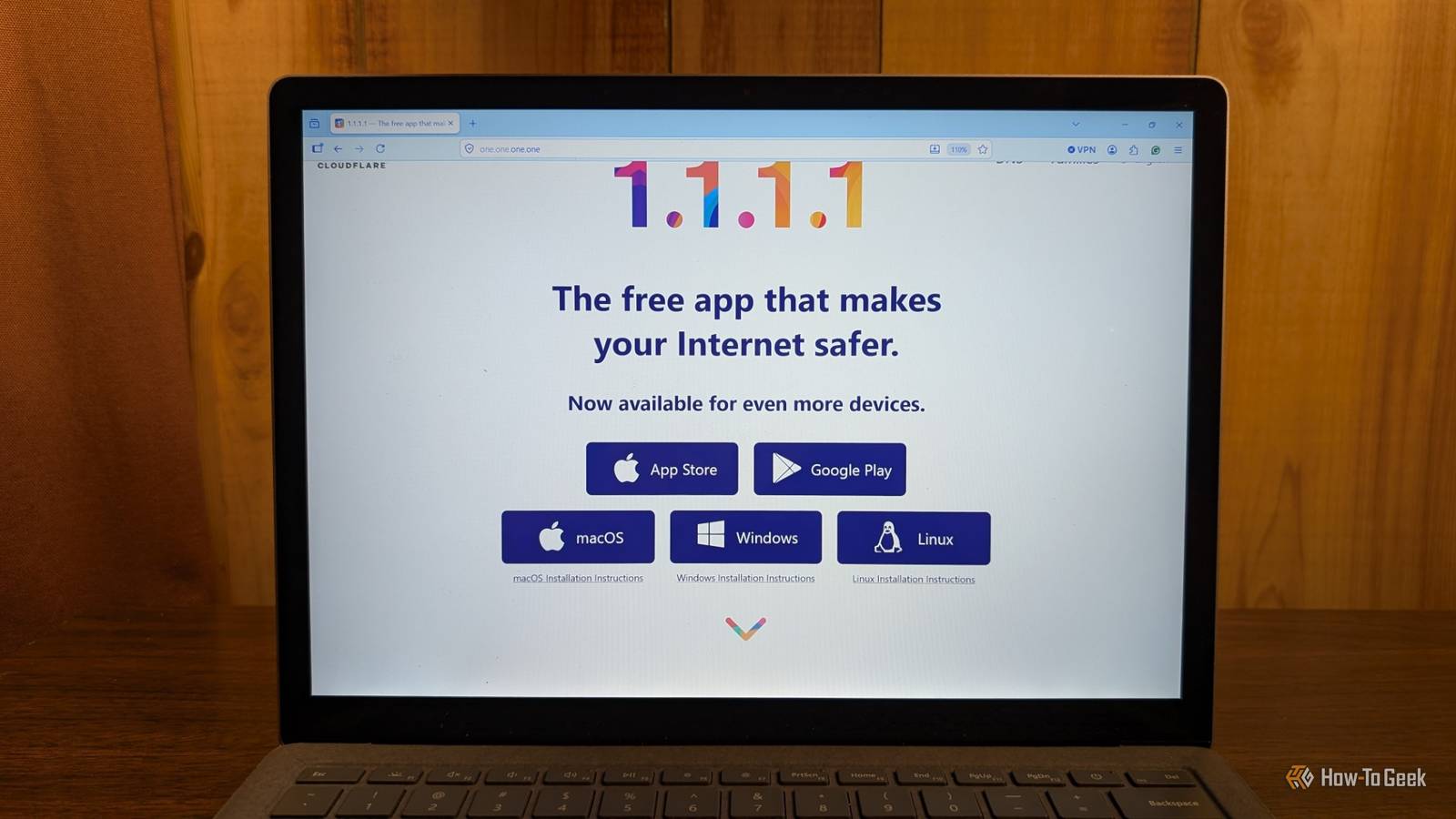
Did you know that your internet service provider can very likely see every website you visit? Scary, I know, but the fix for that is actually easier than you think.Here's how to make your network safer with just one change—your DNS server.What does the DNS actually do on your network? It's way more important than you realize If you're sitting there trying to figure out what in the world DNS even is, and how it can be insecure at all, let me explain it for you.
DNS, or domain name system, is how your computer knows where a domain name goes.For instance, when you type google.com, you're actually just accessing a placeholder.Your computer then reaches out through the DNS server it's using to find out what server it needs to access—in this case it could be any of the following or even more: 192.178.155.100 192.178.155.102 192.178.155.139 192.178.155.138 192.178.155.101 192.178.155.113 142.251.210.46 142.251.41.174 Since you probably don't want to have to try to memorize which IP address Google is currently using, you just need to remember google.com and your DNS does the rest.
As such, DNS is entirely crucial to how your home network functions.Without a DNS server, you wouldn't be able to load websites using their domain names, making the modern web virtually unusable.Why is your ISP's default DNS so insecure? They're watching...always watching Since every time you type a domain name into your browser, the request is sent to the DNS server you're using, it's actually pretty easy to extrapolate out what happens.
Let's say you use AT&T as your ISP (internet service provider).If you're using AT&T's DNS servers, then every time you go to a website, you're effectively telling AT&T exactly where you're going.Every request you make is logged somewhere on their servers, whether they plan to use it or not.
The problem is, you never know when or if they do plan to use that information.It's a security nightmare.Related I ditched Cloudflare DNS—its replacement exposed what my devices were secretly doing in the background You are flying completely blind on your home network if you are still just using standard DNS Posts 20 By Nick Lewis Your ISP controls your internet.
So, if you visit sites they don't approve of, they can (and have in the past) completely shut your internet off.It's definitely not something that frequently happens, but it happen, and that's the problem.Also, I don't want you to think that your ISP's DNS is constantly leaking your information out there—it likely isn't.
But, they get all the information, and they can choose what to do with it, which does include selling it to the highest bidder.What you should look for in a new DNS provider Cloudflare, Quad9, Google, and so many others are all vying for you to use their services There are a ton of DNS providers out there.Cloudflare and Google are two of the biggest for obvious reasons, but they themselves have security issues to worry about too.
Do you really want Google knowing every website you visit? They already know every term you search and all of your email data.Quad9 is a newer DNS provider on the scene but they're a pretty great option all things considered.Quad9 is definitely considered a security-first DNS, making it a great choice if you want to utilize a DNS that won't log and sell every request you make.
Another good option is OpenDNS, which is run by Cisco.It's designed as a family-focused DNS that blocks adult websites from loading.Yep, the DNS you choose to use can determine what websites do and don't load on your network.
Choosing a filtered DNS like OpenDNS means that requests made to blocked sites simply won't load because OpenDNS is filtering them out.You can also somewhat act as your own DNS, if you want to go that far.This is typically done by running Pi-hole, AdGuard, or Technitium alongside a service called Unbound.
Unbound is a DNS recursive resolver.What that means is when you request a domain for the first time from a DNS server, it caches the results so that way subsequent requests go to your own server and not someone else's.Another option would be to self-host your own authoritative DNS server using something like BIND, NSD, or Knot DNS, though this is definitely a much more complex option and something that beginners shouldn't try to tackle.
Changing the DNS on your router is more important than changing it on a single device It's how you protect your entire network at one time Once you settle on what DNS provider you want to use, make sure to set it on your router itself.It's definitely possible (and often easier) to just change the DNS on your device, but that's still not nearly as secure because other devices on your network are still using your ISP's DNS.So, whenever making a change to DNS, always make it at the router level.
It's pretty straightforward.Just open up your router's admin interface or app and look for advanced settings, as that's where DNS normally is.It'll ask you for two (or more) IP addresses for DNS, make sure to try and fill both of those, as if requests fail with one IP address, the other can be used for fallback.
UniFi Dream Router 7 9 Brand Unifi Range 1,750 square feet Wi-Fi Bands 2.4/5/6GHz Ethernet Ports 4 2.5G The Unifi Dream Router 7 is a full-fledged network appliance offering NVR capabilities, fully managed switching,a built-in firewall, VLANs, and more.With four 2.5G Ethernet ports (one with PoE+) and a 10G SFP+ port, the Unifi Dream Router 7 also features dual WAN capabilities should you have two ISP connections.It includes a 64GB microSD card for IP camera storage, but can be upgraded for more storage if needed.
With Wi-Fi 7, you'll be able to reach up to a theoretical 5.7 Gbps network speed when using the 10G SFP+ port, or 2.5 Gbps when using Ethernet. $295 at B&H Photo Video $279 at Unifi Expand Collapse A more secure DNS is only the first step If you're trying to get a more secure network at home, a secure DNS is only a partial fix—but it's definitely the first step.Once you get your network on a more secure DNS—or simply host your own DNS—then the next step is to start setting up VLANs, or virtual local area networks.What a VLAN will do for you is give you the ability to segregate devices on your network and control what access they get.
For example, those Chinese smart plugs you have, you can put them on their own network and then make it so they can only access the external network, and not any other devices on your local network.Or, you can make it so they can only access your local network, but not the outside world.VLANs are really the best security upgrade for any home network.
But, it all starts with getting your DNS right, so make that your next priority for securing your home network.
Read More