Power outages are rude and arrive without knocking, cutting through your plans, and leaving your filesystem looking at you like it has just been betrayed.The usual answer is to buy a UPS, plug everything into it, pray the batteries still work, and pretend the problem has been solved until the UPS starts beeping like a dying microwave.I wanted something a little different.
Instead of building a storage setup that assumes power will always be there, I built one that assumes power can go anytime (power outages are very common in my area).The main storage stays online because I still need files, media, backups, sync folders, and the usual digital clutter that slowly grows around a person like ivy around an abandoned house.The rest of the system stays offline by default.
It wakes up only when it has work to do.The hot tier does the daily work This is where the live mess lives The hot tier is the part of my setup that stays awake.In data management terms, balancing hot and cold storage is all about matching accessibility with data longevity.
It holds the data I often use: working files, photos I am still sorting, documents, current projects, media libraries, sync folders, VM images, and the backup targets for laptops and other machines on the network.This tier is built for convenience first and needs to be available whenever I sit down to work.It does not need to be a museum vault.
It needs to be fast enough, and easy to restore from when I break something with confidence.Related Your Homelab Needs a Backup Battery Seriously.Don't play with your homelab's future and just get a backup battery.
Posts 2 By Patrick Campanale The hot tier runs on hardware that can handle being online all day without turning the room into a server closet.I do not want every disk in my house spinning because I opened one Markdown file.I also do not want five machines awake just so one laptop can back up a few changed files.
So the hot tier has a limited job.It keeps the current working set online.It receives frequent backups, takes snapshots, and gives me quick access to recent versions.
It is where the live mess lives.Hot storage gets messy because life gets messy.Downloads pile up, projects change names and a directory called "final" gives birth to "final2", "final-real", and "final-use-this-one" like some cursed family tree despite using git.
The hot tier absorbs that chaos, but it is not the final resting place for anything important.Seagate IronWolf 4TB NAS HDD Storage Capacity 4TB Brand Seagate Transfer rate 180MB/s Workload 180TB/year $144 at Amazon Expand Collapse Cold storage Is offline by default The safest machine is often the one doing nothing The cold tiers exist for a different reason.They are there to preserve data, not serve it all day.
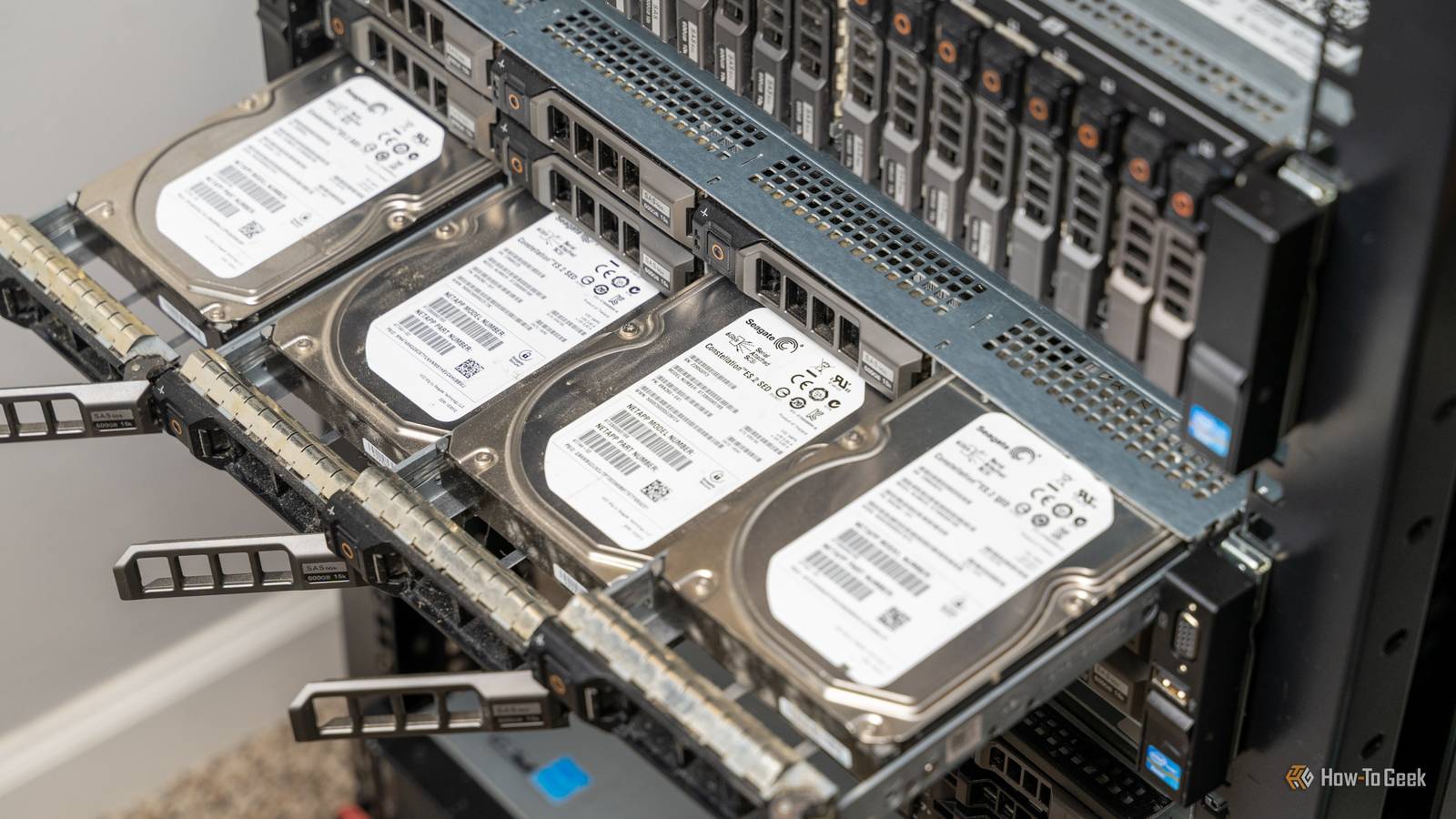
Each cold node is powered off most of the time.Some are small machines with large drives attached.Some are old boxes that no longer make sense as full-time servers but are still fine as backup receivers.
The important part is that they are not part of the always-on storage pool.Related Stop storing everything on your main SSD: A guide to Hot vs Cold data Your messy file storage habits are actually putting your PC at risk Posts 12 By Arol Wright A scheduled job wakes a node using Wake-on-LAN or a smart plug, depending on what that machine supports and how much dignity I am willing to sacrifice.Once the node is up, the hot tier pushes backups to it, or the cold node pulls from the hot tier.
I prefer pull-based backups where possible because the backup target stays in control.If the hot machine gets compromised, I do not want it to have a blank cheque to delete every older copy.The cold node mounts its backup storage, receives new snapshots, verifies the backup, writes logs, and then shuts down.
If something fails, it stays awake long enough to report the problem.If everything works, it disappears from the network again.When the backup node is off, I know it is outside the blast radius of many common failures.
A bad update on the hot server cannot corrupt disks that are not powered.Similarly, a power outage cannot interrupt a backup job that is not running.Scheduling beats constant availability Not every copy needs to be awake all day The trick is to stop thinking that every storage tier needs to be available at every minute.
Most backup data is not needed until something has gone wrong.A copy of last month's photo archive does not need to sit online at noon on a Tuesday, waiting for attention like an unemployed daemon.My cold nodes wake on different schedules.
One might wake every night for small backups.Another wakes once or twice a week for larger archival jobs.A third wakes less often and stores a deeper history.
The schedule depends on how painful it would be to lose the data and how often it changes.Related If your external drive is always plugged in, it isn't a backup Why your 'backup' drive is corrupting files: The danger of USB hubs and micro-disconnects Posts 10 By Monica J.White The important data gets more frequent treatment.
Active writing projects, financial documents, family photos, config files, SSH keys, and local service data get copied often.Large media files, old ISOs, archived projects, and things I can download again get a slower schedule because there is no honor in backing up junk with military discipline.This gives the whole setup a rhythm.
The hot tier works during the day, cold nodes wake at low-traffic hours.Disks spin up, receive changes, verify them, and spin down.The network gets used when I am not using it and the machines make noise when I am not around to be annoyed by it.
It is still a backup system, not a religion This setup does not remove the need for other layers.I still want snapshots on the hot tier and I also want multiple copies.I still want one copy that is not in the same room, because houses contain water pipes, theft, fire, and human beings.
Human beings are the scariest ones! The offline-by-default idea is only one part of the design.It reduces exposure, cuts power use, and makes outages less exciting while giving storage tiers clear roles, but it does not turn a single copy into a backup, and it does not make bad restore planning acceptable.The real gain is that the system matches reality.
Power is not always stable.Hardware does not deserve to run all the time.Most archived data does not need instant access.
A home storage setup should not behave like a small corporate data center unless there is a good reason for it, and "I forgot to turn things off" is not a good reason.
Read More