I love a good podcast, but there are so many available that it can be hard to know what to listen to next.I decided to build my own podcast server using a Raspberry Pi, which would automatically download the latest episodes of my favorite podcasts.I started with a Raspberry Pi and a USB drive A low-power server that's always running A Raspberry Pi is a perfect option for a podcast server.
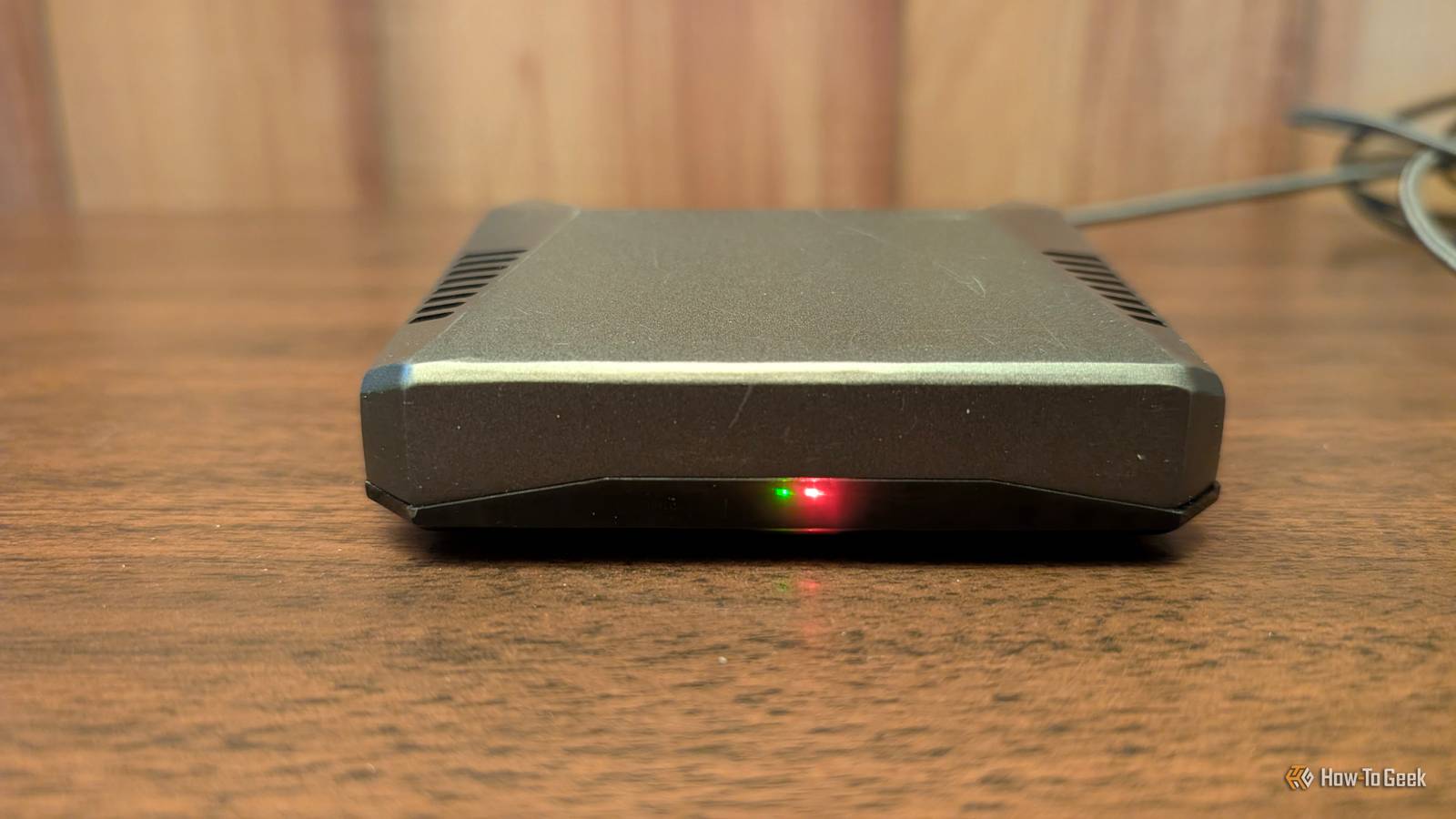
Downloading podcasts doesn't require a powerful CPU, it doesn't need to be blazing fast, and it works best when the server runs 24/7.A Raspberry Pi can handle the task, but it uses very little power, so running it non-stop isn't going to cost a fortune.I used to run Home Assistant on my Raspberry Pi, and the constant reading and writing that happens with Home Assistant isn't well-suited to microSD cards, which can fail over time.
I already had an external USB hard drive that I was using with Home Assistant, so this was perfect for storing all of my downloaded podcasts.I had all the hardware I needed.Now I just needed to set up my podcast server.
The first option I tried was Podgrab, a self-hosted podcast manager that worked well for grabbing new podcast episodes.The problem was that there was no simple way to delete older podcasts, so I looked for an alternative option.Raspberry Pi 5 Brand Raspberry Pi Storage 8GB It's only recommended for tech-savvy users, but the Raspberry Pi 5 is a tinkerer's dream.
Cheap, highly customizable, and with great onboard specs, it's a solid base for your next mini PC.$199 at Amazon $175 at CanaKit Expand Collapse Audiobookshelf turned the Pi into a podcast server It's for more than just audiobooks Audiobookshelf is primarily known as an audiobook server, which is why it wasn't initially on my radar when I started working on my podcast server.When Podgrab proved to lack a key feature that I wanted, I decided to try Audiobookshelf instead.
I installed Raspberry Pi OS Lite on my Pi, mounted the USB drive, and created folders for my podcasts and Audiobookshelf data.Audiobookshelf is available as a Docker container that includes the application and everything it needs to run.I installed Docker on the Pi, used a Docker Compose file to deploy Audiobookshelf, and mapped the relevant folders.
In just a few minutes, I had everything set up and Audiobookshelf running on my Raspberry Pi.Related Listening to podcasts on Spotify? You need to change these 8 settings now Turn Spotify into a real podcast app.Posts By Andy Betts New episodes are downloaded automatically The Pi does all the work Once Audiobookshelf was up and running, setting things up was simple to do.
Audiobookshelf exposes a web interface that you can access on your local network.You can use this interface to add podcasts and configure how episodes are automatically downloaded and removed.You can add podcasts in a couple of ways.
You can provide the RSS feed URL for a podcast if you already have it, or you can enter the title and search for the relevant podcast.Both methods worked well, and I was able to add the podcasts I wanted with very little effort.For each podcast, you can change a wide range of settings.
The most important, from my point of view, were the schedule settings.Here you can choose how often Audiobookshelf will check for new episodes, the number of episodes to download per check, and how many episodes to keep in total.Once the total number of downloaded episodes reaches your maximum, Audiobookshelf will automatically delete the oldest episode of the same podcast, so that you don't end up with a hard drive full of old podcast episodes.
I can listen from any device in my home Downloading episodes to my phone lets me listen anywhere Audiobookshelf serves the podcast episodes over my local network from the Raspberry Pi.It means that I can open the web UI and play episodes from any browser that's connected to my home network.If I want to listen on my computer, my tablet, or my phone, all I need to do is navigate to the appropriate URL, and I can access all of the episodes that have been downloaded to the hard drive connected to my Raspberry Pi.
Deals Save on maker deals: single-board computers & DIY gear Score discounts on single-board computers, USB drives, enclosures, and networking gear for building a home podcast server.Explore maker deals for low-power boards, external storage, power supplies, cases, and accessories to save on your DIY setup.Deals Explore Maker & Creator Deals I also downloaded the AudioBooth app on my iPhone, which can connect to the Audiobookshelf server and play the podcast episodes.
It's a little nicer using a dedicated app than a web interface.Using the app, I can download episodes to my phone and listen to them even when I'm away from home.If I wanted to, I could set up a method of accessing my podcast server from outside my home, such as a Cloudflare Tunnel.
As I mostly listen at home, this wasn't something I wanted to do.A Raspberry Pi makes a great podcast server Raspberry Pis aren't the dirt-cheap option they once were, but if you have an old Raspberry Pi lying around, you might consider putting it to use as a podcast downloading server.It gives you local access to all the podcast episodes you want, and the latest episodes should always be there when you need them.
Read More