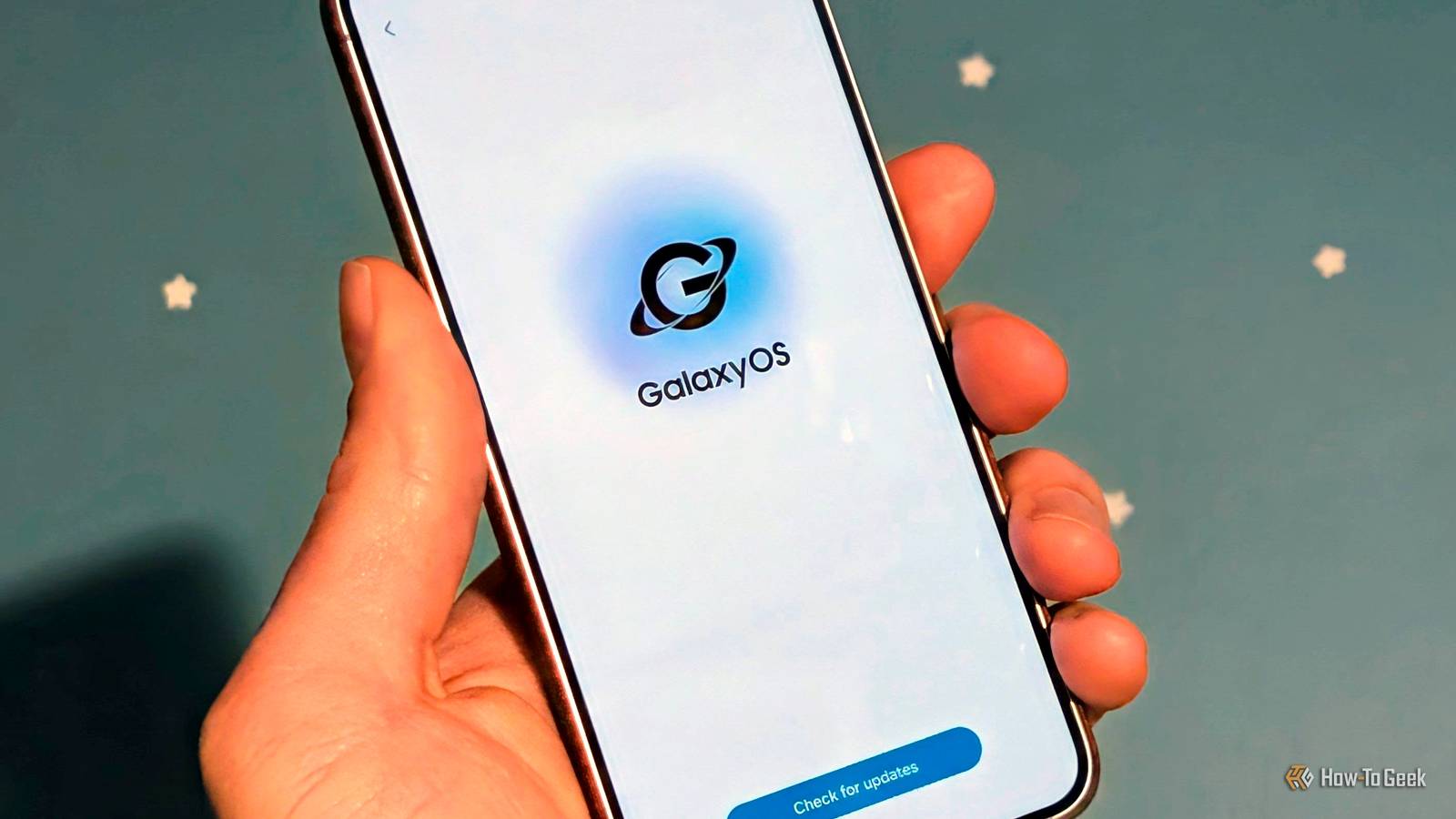
The next version of Samsung's One UI will be a big one — One UI 10 — and rumors suggest it could come with a brand new name: Galaxy OS.This wouldn't be the first time Samsung rebranded its Android software, but I hope it comes with much more substantial changes.Add How-To Geek on Google Add as Preferred Source Follow on Google Discover One UI is actually the third name Samsung has used for its Android software.
It was "TouchWiz" from 2008 to 2017, then "Samsung Experience" for only a year, until it became "One UI" in 2018.The rumors are thin right now, but a change to "Galaxy OS" would certainly make sense.Here's what I hope to see in the next version, regardless of name.
Admit no one cares about Bixby It's time for retirement Gemini.Siri.ChatGPT.
Claude.Copilot.These are AI tools and assistants that most people know.
Samsung's Bixby has been around longer than all of them, but most people are only aware of it accidentally.The truth is, regardless of how good or bad it is, no one cares about Bixby.At this point, Bixby is just wasted space on a Galaxy phone.
Samsung itself seems to understand this since it's AI features are branded under "Galaxy AI." Yet, when you get a new Galaxy phone, long-pressing the power button still brings up Bixby, as it has for nearly a decade.How many people actually keep it like that? For better or worse, Google and Gemini are the digital assistants that people associate with Android.Continuing to pre-install Bixby and several other stock apps alongside Google equivalents makes Samsung phones feel bloated and spammy.
Ditch the split notifications Why copy the worst thing about iPhones? Ask almost anyone who has used an iPhone what their least favorite feature is, and there's a good chance they'll mention the Notification Center.It's simply never been a strength of the iPhone.I've always felt like Android nailed notifications, and Apple had to settle for a worse implementation to avoid copying it.
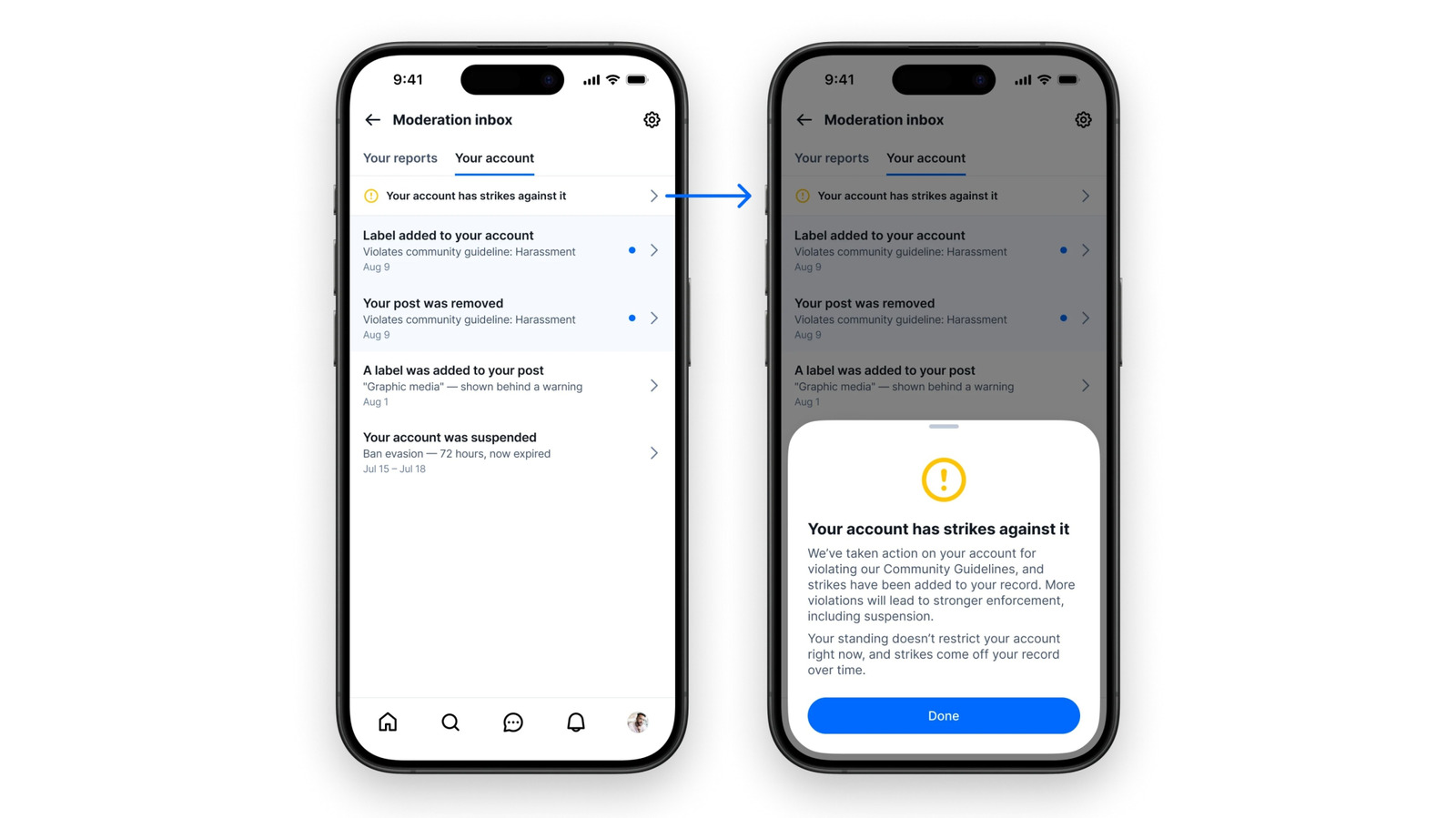
Close Well, the last couple of versions of One UI have started to copy Apple's system.Rather than a unified panel with both notifications and Quick Settings toggles, they're split apart.You have to swipe down on the left side of the screen for notifications and the right side for Quick Settings — just like the iPhone's Notification Center and Control Center.
I can't explain how much this annoys me.It's such an obvious downgrade that it feels like a change for the sake of change.Android already has a quick way to expand the Quick Settings in one swipe! Just use two fingers.
This is one area where One UI or Galaxy OS should not be taking any inspiration from iOS.More consistency in the UI Are we doing reachability or not? When One UI was first introduced, Samsung put a big emphasis on one-handed reachability.Phones were getting bigger, and it made a lot of sense to adapt the software to it.
You can still see this throughout One UI.Many of Samsung's apps push content down to the lower half of the screen.Now, I have no issue with the concept of making the software easier to reach, but it's incredibly inconsistent in One UI.
First of all, most of the apps you use on a Galaxy phone are not from Samsung, so they don't match at all.The bigger problem, though, is in Samsung's apps.Close Take the Galaxy Store, for example.
The search button is at the very top of the screen, but when you tap it, the search text box appears at the bottom of the screen.The same thing happens in the Calendar, Phone, Gallery, and Contacts.But then in other apps, like Weather, Settings, and Files, the search bar is at the bottom of the screen.
One UI 10 or Galaxy OS needs to pick a side and stick with it.Stop messing with Android notifications Let Android be Android I have to talk about notifications again.As I said, I think Android's native notification system is the best of the best.
That's why it's so frustrating when Samsung decides to change things.There are two specific notification features that Samsung disables for no apparent reason.First up is "Notification Channels." This is a long-time Android feature that gives you the ability to turn off specific types of notifications from an app without turning them off completely.
It's an essential feature, but Samsung turns it off by default.Second is a lesser-known feature called "Conversations." It essentially allows you to make specific conversations from messaging apps look special in the status bar.For example, when my wife texts me, I see her contact photo in the status bar rather than the Messages icon.
It's a simple way to know when you have more important notifications.Conversations are broken in One UI.Just make the app drawer alphabetical It's such a weird decision Close The last thing I'll mention is a small complaint, but it baffles me nonetheless.
For as long as I can remember, the app drawer in Samsung's stock home screen launcher defaults to a non-alphabetical sort.As far as I can tell, Samsung is the only company doing this, and it makes absolutely no sense to me.I always immediately switch to the alphabetical sort.
What's the deal, Samsung?
Read More