Let's face it, major PC upgrades are kind of a no-go this year.The RAM-pocalypse has made sure of that in every way possible.Fortunately, there are still ways to give your PC a boost, even to the extent of gaming at 1440p, without spending $7,000-$10,000 on an RTX 5090.
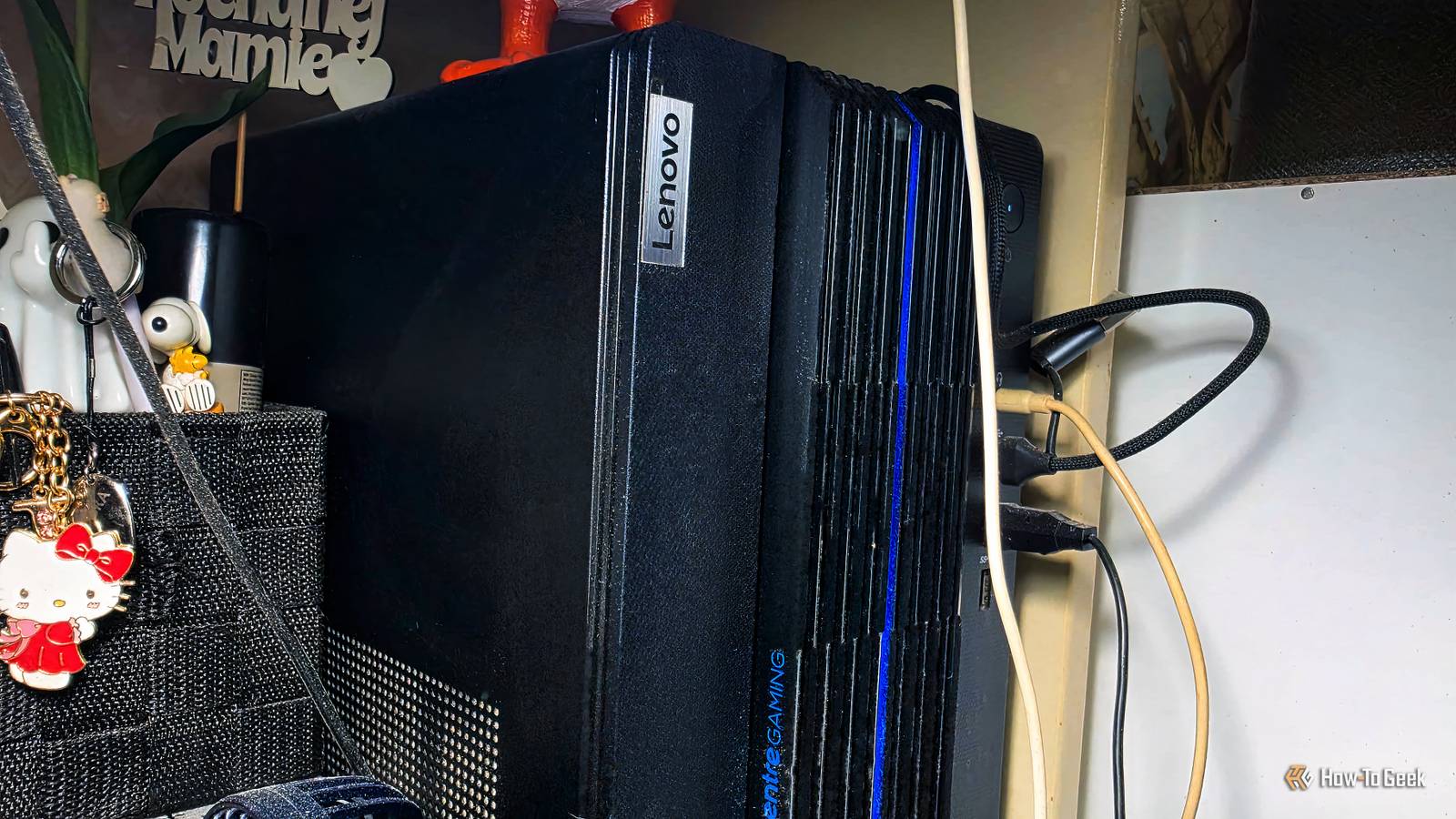
(Yes, those price brackets are very much real.) Add How-To Geek on Google Add as Preferred Source Follow on Google Discover Used office PCs can be surprisingly good gaming foundations There's plenty of usable hardware inside those plain cases Close Back when I last had a proper office job, the PC that I used was a real tragedy.It took no less than 20 minutes to boot, performed miserably, and had all manner of issues on top of all of that.It was one of those $100 Windows desktops that pretty much no one actively wants to own, but many people end up with thanks to their employer's endless quest to cut costs.
Such PCs are just about the last thing you'd imagine can run games, and in the case of that old office PC from a decade+ ago, I'd agree.But modern office PCs have solid foundations, and with a bit of an investment, they can turn out to be more-than-tolerable gaming PCs.Related RAM is $400 and GPUs are $3,700: The PC market has officially crashed The next PC crash is already here, and none of us are prepared Posts 3 By Monica J.
White A gaming PC, even at 1440p, doesn't need a whole lot of power to be able to run decently well.You need a solid PSU, which those PCs tend to have due to prioritizing reliability over performance.You need an acceptable amount of RAM, which I'd put at a minimum of 16GB in 2026, and many office PCs will have that much (provided they've been bought in the last few years).
The CPU often plays second fiddle to the GPU in a gaming build, so you don't even have to worry about CPU bottlenecks all too much.Sure, the case might look painfully plain when you compare it to a fancy-schmancy RGB chassis with all the tempered glass and bling you could ever imagine, but that's not a problem.The cooling may not be outstanding, but not everyone needs an AIO cooler, and with proper maintenance, even those more cramped cases can do just fine.
There's one thing many office PCs miss, however, and that's the one component you should invest in.A used GPU is the only upgrade that's really necessary Even an ancient graphics card can make a huge difference Many, or shall I say most, office PCs just don't have a discrete graphics card.I get that: their workloads don't justify having one.
Some office PCs need discrete GPUs for things like running local AI or creative work, but the vast majority of them are stuck running Chrome and Excel with a dash of Zoom for their entire lives, so a GPU really has no business in such a computer.But for gaming? That's a whole other story. XDB Builder Free PC planner Tell XDB what you want the PC to do and how much you want to spend.
We'll find parts that fit, with current prices. What will you use it for? Pick any 1440p gaming 4K gaming Video Streaming Local AI 3D & CAD Photo Home server Games or apps Optional Budget $750 $1,000 $1,500 $2,000 $3,000 No limit Plan my build→ Opens XDB, XDA's free PC builder, in a new tab. Pick at least one use, or name a game or app. While a GPU is the one upgrade you probably can't pass up on in this scenario, especially for 1080p gaming, it doesn't have to be a beefy graphics card along the likes of the RTX 5090 or the RTX 5080.Buying a new graphics card in 2026 (and likely 2027 and even 2028) is a pricey affair, but luckily, used GPUs can do just fine in an average office PC.AMD is a solid pick here, if all you're after is acceptable gaming at 1440p without needing to max out every single setting.
The RX 6600 is a cheap starting point, although it's a 1080p graphics card, so only go for it if you're willing to compromise on settings.But choosing something with more VRAM, like the RX 6700 XT/RX 7700 XT, or even Nvidia's old RTX 3060 12GB, is usually a better pick.Power supplies and proprietary parts can ruin the whole plan Not every office PC is worth upgrading The problem with office PCs is that they're usually prebuilts, and that means they might come with proprietary parts that make upgrading difficult, if not impossible.
In fact, there are two separate problems: overall upgradability and the limitations of the PC.For upgradability, you might just run into a situation where a PC can't easily be upgraded.Proprietary PSUs, motherboards, and other parts can make it difficult to just add your own stuff into the chassis.
Related I'd sooner set $2,000 on fire than buy an RTX 5080, but Nvidia knows I don't have anywhere else to go The GPU market knows no mercy.Posts 1 By Monica J.White And that alone can block you from adding in a GPU.
The PC itself may not be able to use one, such as due to the chassis being too small to fit a decent graphics card, and you may not be able to do much about that if it's a prebuilt.The second potential roadblock lies in the PSU: you may need to upgrade it in order to accommodate the graphics card, but if it's proprietary, the whole thing gets trickier.Gaming at 1440p is possible, with some compromises Don't expect Ultra settings in every modern AAA game Let's say you slot in one of those used, not-so-overpriced GPUs into that office PC.
What happens next? That depends entirely on what your PC had to begin with.Will a cheap office PC, with 8GB RAM and a seven-year-old CPU, suddenly breeze through AAA games on ultra settings if you give it a five-year-old GPU? No, it won't, but a lot of games will become playable at 1440p.At 1080p, it'll be even less of a struggle, but I know it can be done at higher resolutions; I built a PC for a friend a couple of years ago with 1080p in mind, and he went ahead and used it for 4K.
It's all about compromise.The upgrade only makes sense if the total cost stays low The caveat here is that your upgrade needs to stay cheap.There's no point in buying a $1,000 GPU for a $500 PC and hoping for the best.
You'd be better off buying a $1,200 prebuilt with a discrete GPU at that price point.Instead, look for deals and find something that works for your PC without breaking the bank.Related Your CPU travels through three generations of computer history every time you turn on your PC Your CPU revisits nearly 50 years of computing history every time you boot Posts 1 By Monica J.
White
Read More