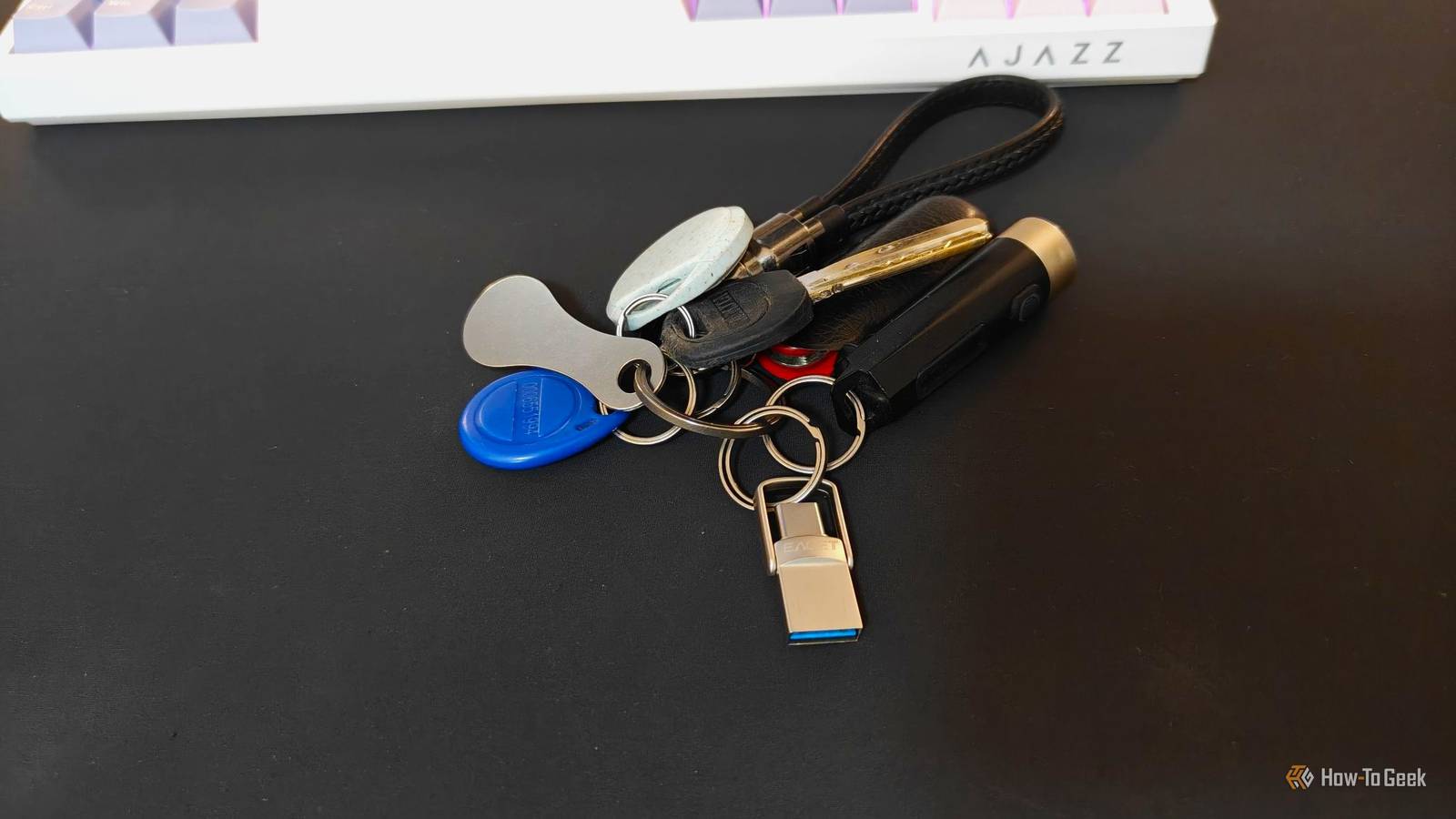
I stopped using portable applications for a long time.Between cloud storage, web apps, modern package managers, and the ever-growing number of regular apps you can download and install, they just didn't seem all that necessary.That changed when I ran into a situation with a friend's laptop where the operating system was so badly messed up that nothing would work correctly, including internet connectivity.
All the cloud apps and installers in the world couldn't help.So, I went home and put together a toolkit to repair any PC I might encounter.What does the drive include? One physical drive with multiple partitions To ensure that this setup works on any PC, I used one physical drive that was partitioned by function.
The first partition I set up required Ventoy, which allows me to drag and drop any ISO I want into the partition.Then, whenever I boot to that partition, I can just launch a temporary operating system.Windows to-go requires a bit of setup in advance.
The second partition is an exFAT partition, since every major operating system supports it these days.That holds a mix of tools for Windows and Linux, and it could hold macOS tools, though I don't ordinarily carry any.The third and final partition is also exFAT, but it is just free space.
It is there in case I need to reformat it as SWAP space or move files off a malfunctioning computer to ensure they don't get lost.It is "wasted" space most of the time, but it is nice to have it available when necessary.The Windows repair tools Fix nearly any broken Windows PC Close The Windows repair tools are designed to work on a system that can still but isn't working well.
I included the entire Sysinternals Suite—which includes Autoruns, Process Explorer, and TCPView, among others—HWinfo64 for sensor data to rule out some hardware issues, and CrystalDiskInfo to look for signs of trouble with the storage drives.For cleanup and recovery, I have Malwarebytes and a Windows ISO in the event that Windows needs a clean image to reinstall from.There are also a handful of more general utilities, including 7-Zip, VS Code, and Everything.
If you don't want to track down a bunch of portable apps manually, I'd suggest checking out PortableApps.com.It makes finding and using a range of portable apps a bit easier.I have a Linux rescue partition Sometimes Linux breaks; other times it is the rescue partition When the OS is completely dead, you often need to boot into a different operating system to save the data.
At a minimum, I'd recommend carrying the following tools: GNU Parted (and GParted) FSArchiver ddrescue Rsync SystemRescue is a great way to get a number of troubleshooting tools without curating them all manually.I also include a general-purpose live ISO—like Kubuntu—which provides a familiar Linux distro for pulling files off the drive and moving them to the spare partition.Finally, I include Memtest86+.
Bad RAM is especially devastating news these days, since replacement costs have risen and show no signs of improving, but it is still an important test.Bad memory can manifest in weird, intermittent instability that can be challenging to isolate without a dedicated RAM testing setup.Putting together your own repair USB in an afternoon The sequence matters, because getting the partitioning wrong means starting over Close You'll need an external SSD or flash drive with a total volume of at least 64GB.
You can get by with less, but the extra space is important if you want to have any kind of persistence for your Linux distro.To begin, start by installing Ventoy first and create your extra partitions.Ventoy will try to overwrite any existing partitions you have set up, so it is better just to avoid that problem from the beginning.
Make sure you adjust the installer to leave yourself some free space.Related Why I Stopped Flashing USB Drives and Use Ventoy Instead Say goodbye to the frustrations of constantly reformatting USB drives.Posts 50 By Ali Haider Once you have your drive partitioned, start moving the ISOs you want into the Ventoy partition.
At a minimum, I'd always have at least one Linux distro, but a portable Windows ISO would be helpful too.Then just drag and drop whichever applications you want.I'd suggest writing out a small document that explains what every application does too.
Sometimes the file names of portable programs are pretty opaque, and no one wants to open up 10 apps just to find the correct one.Don't wait until a problem comes up I created my repair USB when I was helping repair someone else's computer.Realistically, I got lucky.
Software sometimes just breaks, and if it was my computer, I wouldn't have been able to build the repair USB without someone else's help.I would have been forced to completely reinstall Windows.Don't wait until you need a repair flash drive to make one—at that point, it's too late.
Read More