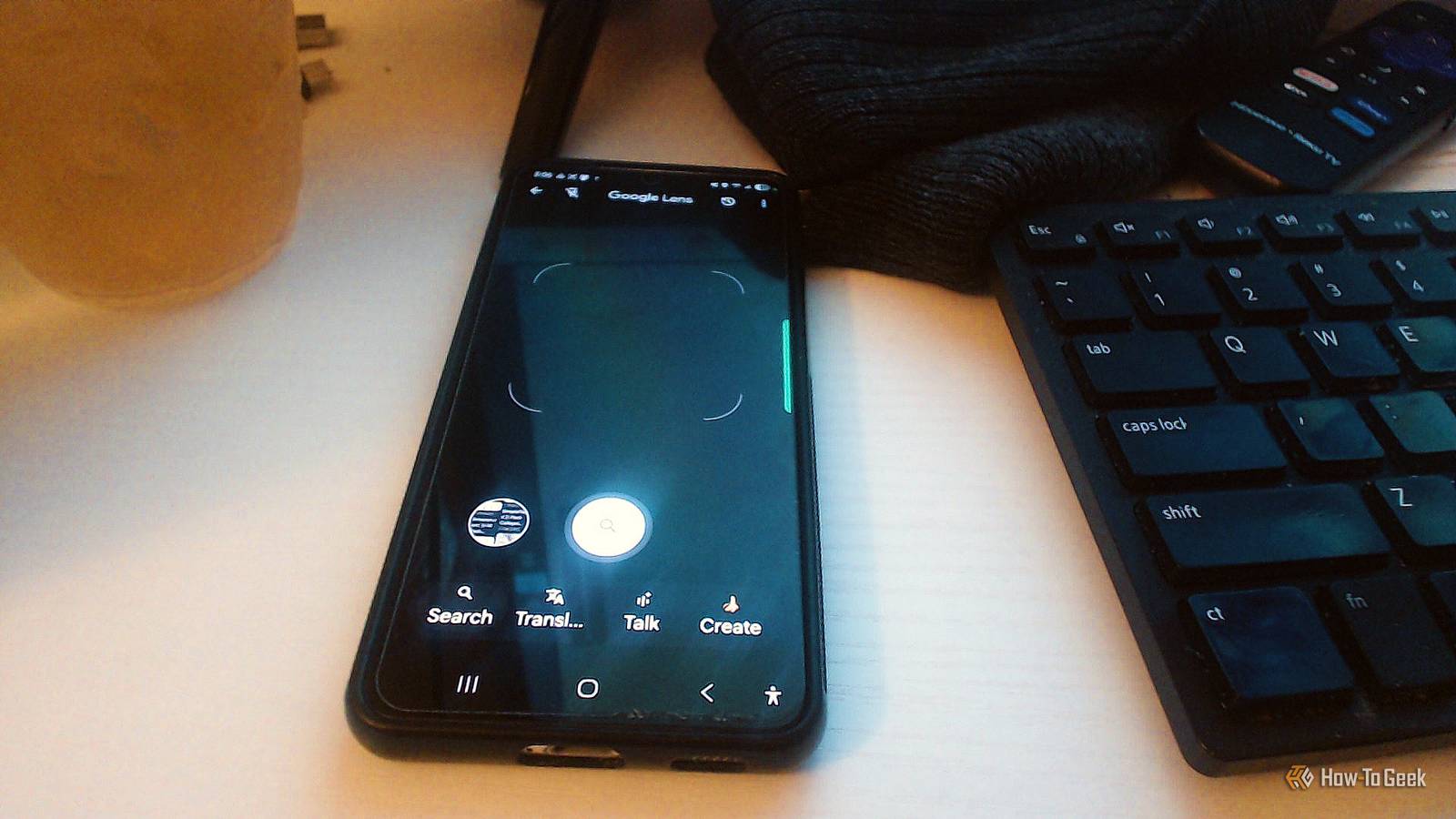
Google Lens tends to get catalogued as a way to figure out how to identify plants or translate a menu while traveling.That's true, but it can do a lot more than that.You don't need to wonder about stuff or run vague Google searches to figure it out; Google Lens is basically Google search on your phone.
Appliance labels have all the numbers you need Finding replacement parts gets a lot easier Close Those little stickers or metal plates on the back or bottom of your appliances or gadgets come with the model and serial numbers.Google Lens fixes this by just reading the whole label for you using its camera.You point your phone at it, and it reads everything in a couple of seconds instead of you hunting and pecking.
What's interesting is how it actually gets the characters right.A normal OCR system would try to autocorrect weird model numbers into real dictionary words, which would totally ruin it.Lens is made to avoid that, and this is a good reason to use it regularly.
That comes in handy for DIY repairs and maintenance.If something breaks on your dishwasher or lawnmower, having the exact model number means you can find replacement parts, warranty info, a digital manual, or a step-by-step guide without guessing.You just open the Google app or your camera, tap the Lens icon, point it at the label, and it pulls up the relevant pages for you.
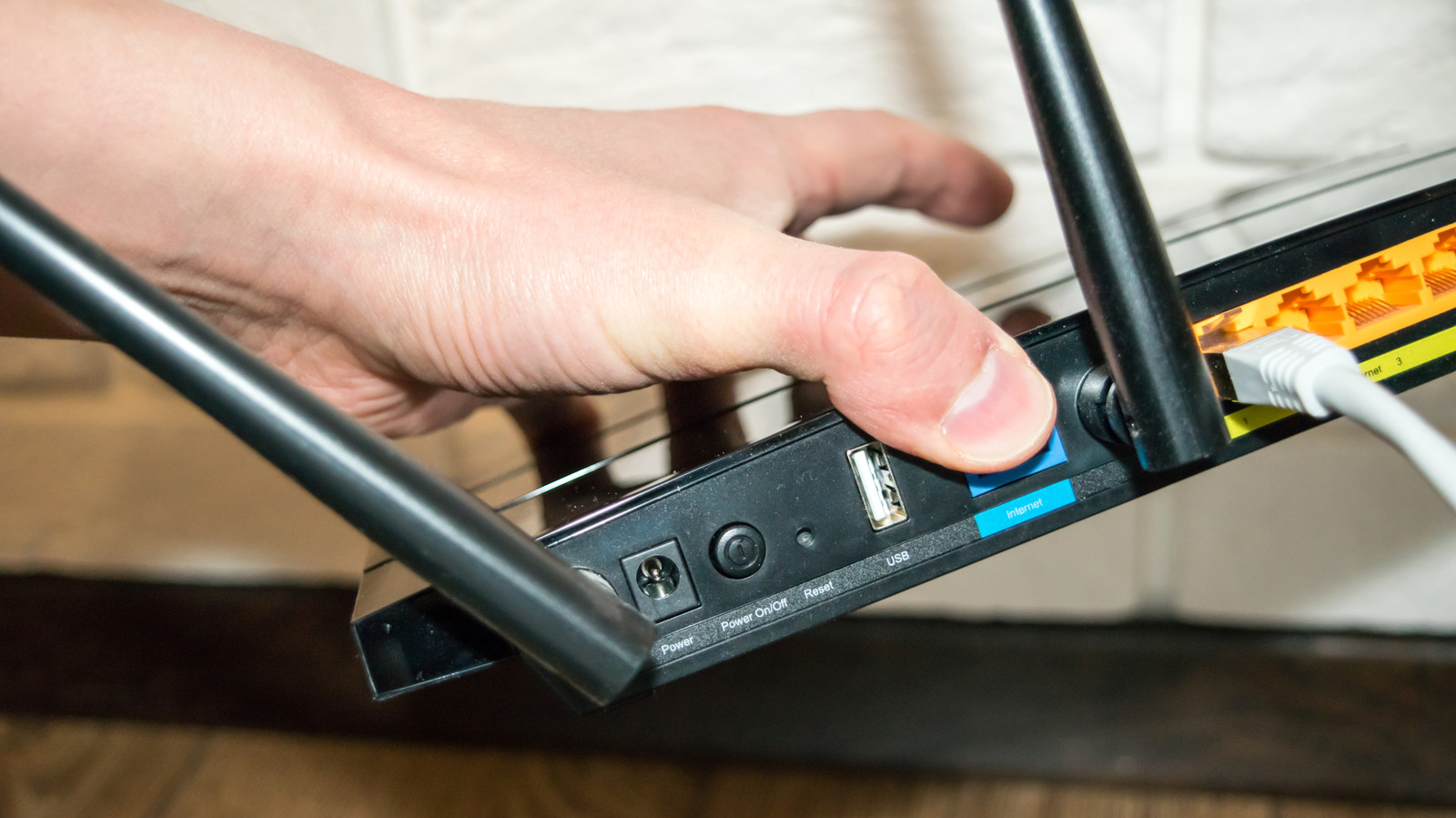
Tiny router passwords are a pain to copy You can connect to the network in one tap Close I have always had trouble getting the 26-character Wi-Fi password off the back of my router after installing it.I always forget to take a picture beforehand.Google Lens basically turns your phone camera into a copy machine for stuff like this.
It reads the text directly off the physical surface, and then you can copy and paste it in seconds.No typos, no trial-and-error.It's especially handy for connecting to guest networks or redeeming gift cards and software licenses, which is an awesome use for this.
You never know what thrift store finds are worth It pulls up live listings so you can check prices Close If you spend any time thrifting, hitting estate sales, or flipping stuff on eBay, then you'll know how hard it is to judge whether something is worth your time and money.Figuring that out used to mean hours on old archivist forums or guessing random search terms, which took time and didn't always work.With Google Lens, you just snap a decent photo, and it identifies the category, brand, era, or designer style.
So, instead of just matching colors, it can tell that an unlabeled wooden chair is probably mid-century modern and pulls up relevant styles and comps.Once it knows what the item is, it cross-references Google's Shopping Graph to grab products and current prices that are similar.It won't show you actual sold prices, so you'll still want to check completed listings on eBay or Etsy yourself to find the resale demand on each site.
Reading tiny ingredient lists takes too long You can look up weird ingredients quickly Close If you're dealing with allergies or a strict diet, you basically have to read every single label.Half the time the print is tiny, the contrast is awful, or the ingredients are crammed into this microscopic grid.You end up squinting at some unpronounceable preservative and then trying to type it into your phone to make sure it's what you think.
Google Lens basically kills that whole process.You just point your camera at the label, and it reads everything for you.It still reads each letter, so it works even if the package is curved or you're holding the phone at a weird angle.
Once the label is read the label, the text becomes selectable and copyable.You can paste the whole ingredient list into your notes or a food tracking app without typing a thing.It also treats what it reads as search terms, so it'll automatically suggest stuff like nutrition facts or calories for whatever it recognizes.
If there's an ingredient you don't recognize, you just tap the word on screen and Lens connects it to Google's Knowledge Graph.It pulls up a verified description of what that ingredient actually is, along with search results and health summaries for anyone with an allergy.Laundry care tags make no sense on their own Lens tells you how to wash it right Close Those little tags sewn into your clothes are supposed to help you take care of them, but they're usually covered in cryptic symbols that make zero sense unless you've memorized some weird laundry language.
If you guess wrong, you end up with a shrunken sweater or dye bleeding all over your favorite shirt.Point your phone camera at the tag, and if there's any actual printed text on it, Lens will read and even translate it for you.For the pictogram-only symbols, Lens can run a visual search on them, which will pull up the manufacturer's care guides or reference pages explaining what each one means.
You don't have to jump out of a browser or anything.And if the tag uses some unfamiliar overseas system, you can tap the symbol in the viewfinder, and it'll run a deeper search, pulling up manufacturer info, community guides, or catalog references.Handwritten notes usually stay stuck on paper Your phone turns your writing into text Close Plenty of people still use paper planners, bullet journals, notebooks, or whiteboards to think through ideas, plan their day, or journal.
The obvious downside is that handwritten notes are stuck in one spot where they can be erased or lost.You can't search them, and sharing them digitally means retyping everything.Handwriting doesn't have to be neat either; it's actually pretty good at understanding what you've written.
This still isn't perfect, but it's getting there Handwriting recognition can still stumble on messier letters, and thrift store checks are only as good as the listings found.It also needs a decent photo, so low light or extreme angles can trip it up.Even with all that said, it does the job well enough that you'll stop reaching for a manual workaround.
Read More