Android Auto does a great job of putting the things you actually need behind your car’s screen, so you can leave your phone alone and focus on driving.But there are still plenty of moments when your phone is simply the easiest way to get something done.That becomes especially awkward when you’re driving with a passenger who wants to take over for a moment.
I'm not particularly protective of my device, but handing over an unlocked phone comes with an obvious problem.I don’t necessarily want to give someone unrestricted access to everything on it.With some tweaks to your settings, though, you don’t have to choose between making your phone convenient for your passenger and keeping some control over what they can access.
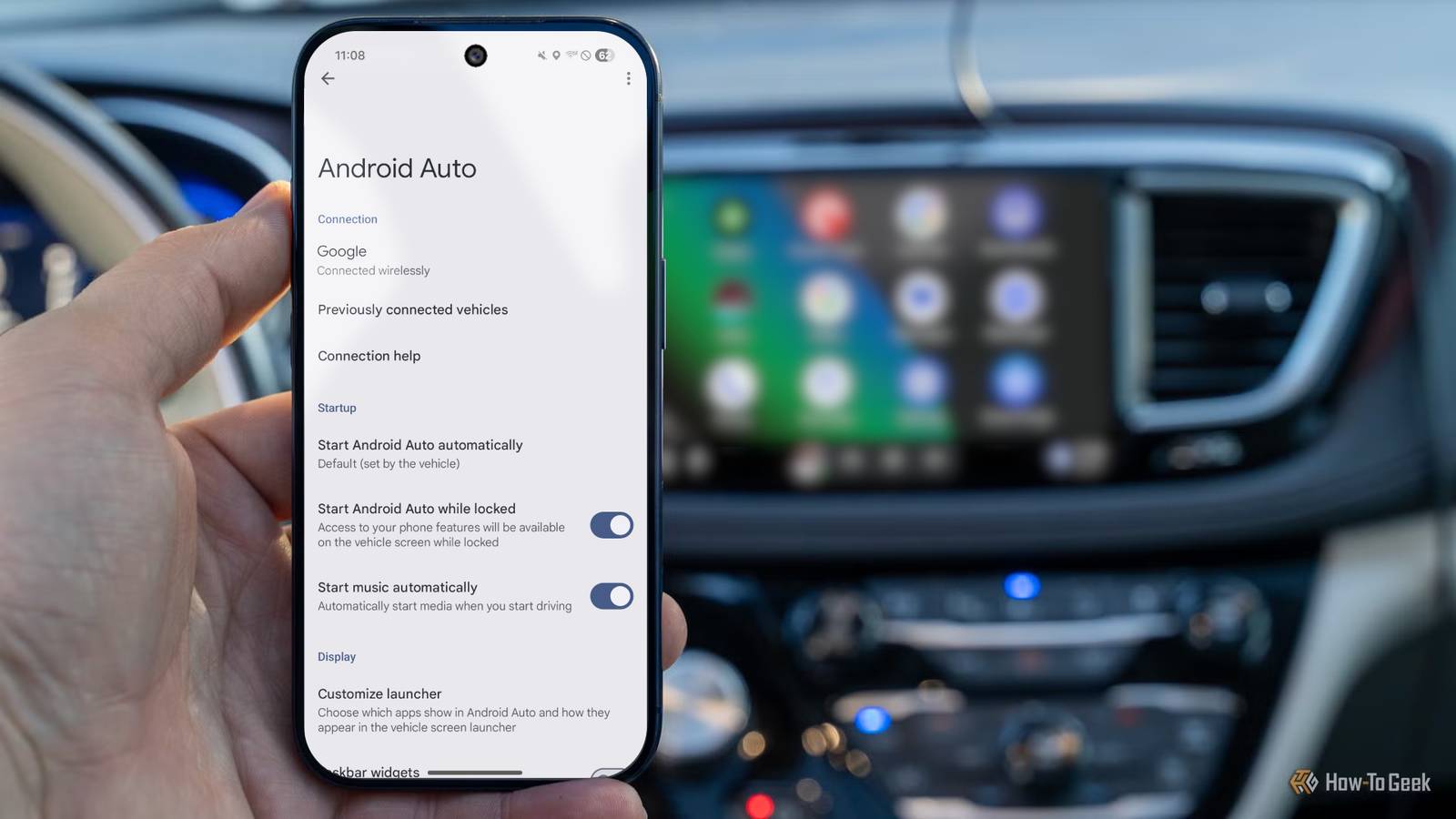
Android has a couple of ways to make this arrangement much less awkward.Android Auto makes your infotainment system more user-friendly Until you pass your phone to your passenger Car infotainment systems have come a long way in the last couple of years, but most people still prefer to use good old Android Auto.Its simple setup makes using your phone much easier while you're on the move, and it makes your car that much more connected, mirroring apps and sending you notifications without you ever having to lift your phone.
However, if your passenger wants to switch up something like the music playing, you can hit a bit of a wall.You still need to use your phone for some things, though Android Auto allows you to have things like Spotify or Apple Music pinned to your infotainment system.This allows you to control your music fairly easily when you're on the move.
While you can control certain things pretty easily, if you want to play something from outside your library, the easiest way is still to jump on your phone.I don't like using my phone while I'm driving at all, and I'm not always the best at curating playlists, so I don't mind my passenger taking control of the music.This is especially true because my most frequent passenger is my wife.
The annoying part about this is that I don't want to give everyone that wants to change the music the password to my phone.There's a way to make your phone more accessible Make your car a trusted device There is a pretty straightforward way to get rid of this roadblock and make your phone easier to use while it's connected to your car.On your Android device, you can change a simple setting to make sure that anytime you're connected to your car, whether via Android Auto or a simple Bluetooth connection, it stays unlocked.
Extend Unlock makes things easier for your passenger If you're like me, and don't find the idea of giving your password out to anyone who wants to swap up your playlist, you can enable Extend Unlock.This feature, previously called Smart Unlock, is available on all Android smartphones.It allows you to set trusted devices, such as your vehicle, and keep your phone unlocked while it is connected.
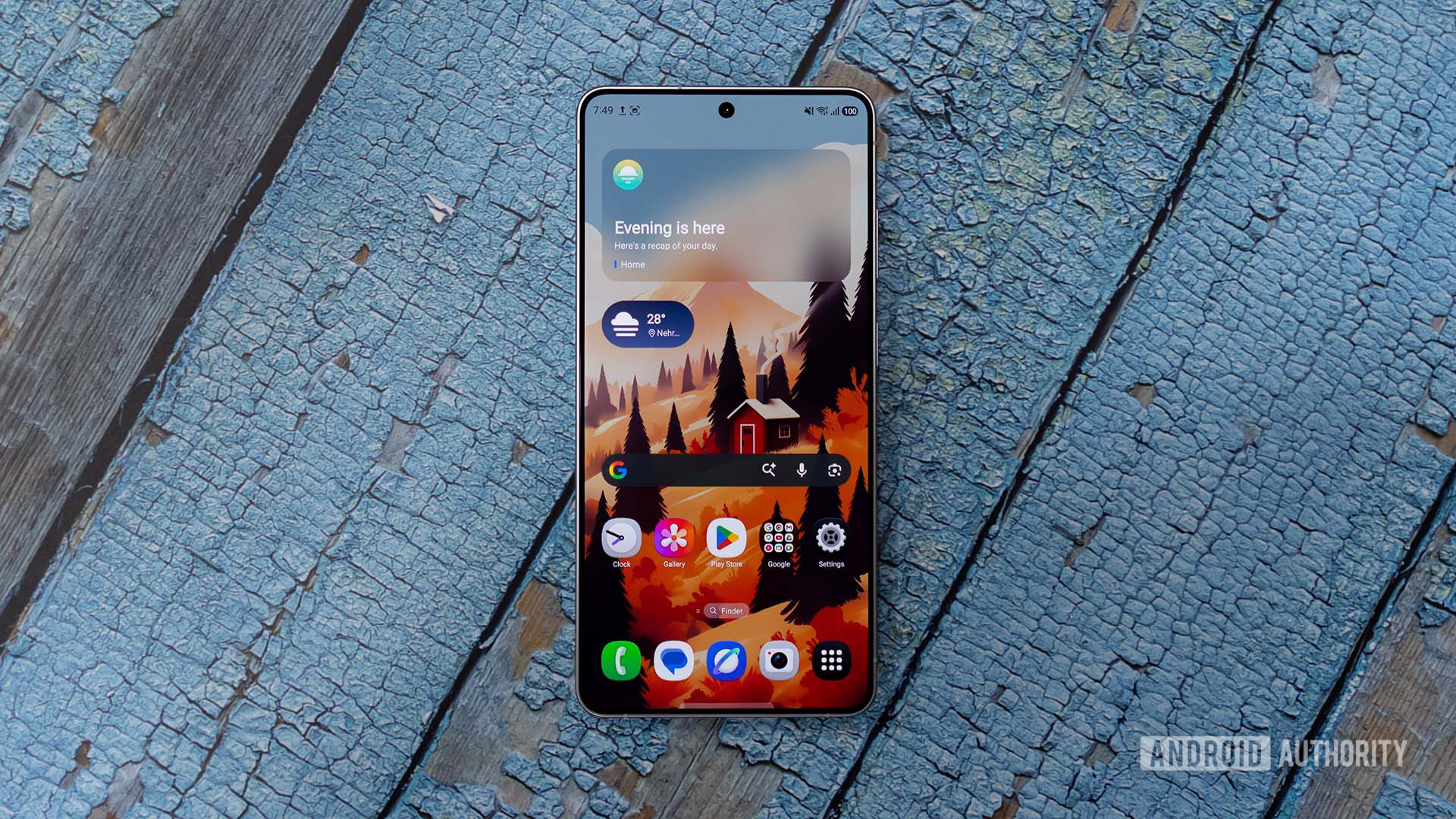
This makes it much easier for your passenger to jump on your phone while you're on the move, and you don't have to give out your passcode.You can find the Extend Unlock function in your device's settings.On my Samsung S24 FE, it was under the Lock Screen and AOD tab.
On other devices, you might find it by going to the Security & privacy tab and then More security & privacy.As well as being able to set trusted devices, you can also have the Extend Unlock feature work when your device recognizes it as being on your body or at a trusted location.You might not want people snooping when changing music, though A fix if you're after more privacy Close Some people might not be quite as open with their devices, and won't like the idea of their passenger being able to rifle through their phone when they say that they want to pick something else to listen to.
This is completely understandable, and Android allows you to keep your phone locked to a particular app to prevent any snooping.Enable app pinning The simple solution to making sure that your passenger sticks to Spotify or Apple Music when you hand over your phone is to enable app pinning.From your Android phone's settings, navigate to the Security & privacy tab and then More security & privacy, just like you would to find the Extend Unlock feature.
You should find a toggle to allow apps to be pinned.Turn this on, and you're good to go.Open your music streaming app, swipe up to see your recent apps, tap the app's icon, and select pin this app.
This will make it so that your phone is locked into that one app until you enter your passcode, meaning that your passenger can't do anything other than scroll through your music playlists.Control what your passenger can do with your phone Whether you're looking to get rid of lock screens or you want your phone to be a little more secure, Android gives you access to some pretty straightforward settings.Extend Unlock and app pinning aren't often talked about, but they both give you much more control over what your passenger can do on your phone while you're focusing on the road.
Read More