Cold storage is all about keeping your files and making them last for years, just in case you ever need to retrieve them to look at old memories.Improper methods of storage can cause those memories to be lost forever, which is why some formats are better than others for storing stuff over the long term.M-Discs could be the very best format...
if only they were actually taken seriously.What are M-Discs? The disc designed to outlast everyone The M-Disc, short for Millennial Disc, are what could have been the best cold storage format out there.And it's as simple as a regular Blu-ray, except with some key differences.
While traditional recordable DVDs and Blu-rays rely on an organic dye layer to store data, the M-Disc was engineered to solve the persistent problem of data degradation, commonly known as "disc rot." In a standard recordable disc, the drive’s laser burns the data into the organic dye, changing its opacity to represent binary code.Over time, however, heat, humidity, and light can cause this organic dye to break down, rendering the data unreadable, sometimes in as little as five to ten years.The M-Disc was created to bypass this vulnerability entirely by utilizing a patented rock-like inorganic recording layer composed of glassy carbon.
When data is written to an M-Disc, the writing laser does not merely darken a chemical dye; it physically engraves pits into this inorganic layer.The process is often described as etching data into stone, requiring a more powerful laser than standard optical media.Because the data layer is composed of materials that are chemically stable and resistant to oxidation, the manufacturers claimed the discs could withstand extreme environmental conditions.
Early marketing materials famously touted that M-Discs could survive boiling water and liquid nitrogen, boasting a theoretical lifespan of up to 1,000 years.This longevity made them the theoretical gold standard for archival cold storage, appealing to governments, archivists, and data hoarders who needed a "write once, read forever" solution.Your files would actually outlast you, and several generations of your family.
Related Zip drives were supposed to end the floppy era—until one design flaw destroyed everything The contagious hardware failure that turned Zip disks into data traps Posts 33 By Sydney Butler What happened to them? The product itself isn't bad, it was just mishandled They have a bit of a complicated history.Originally developed by a company called Millenniata, the technology was launched with significant fanfare and partnerships with major hardware manufacturers like LG.However, despite the promise of permanent storage, Millenniata faced the harsh reality of a shrinking optical media market.
As cloud storage and solid-state drives became cheaper and more ubiquitous, the consumer demand for burning discs plummeted.Millenniata eventually went bankrupt in 2016, and the intellectual property and manufacturing rights were acquired by other entities, primarily flowing to CMC Magnetics and Verbatim (a subsidiary of Mitsubishi Chemical).Following this transition, the provenance and chemical composition of M-Discs became a subject of intense debate within the data archiving community.
While Verbatim continues to sell branded M-Discs, independent testing by users suggests that the technology under the hood may have changed, particularly regarding the Blu-ray variants.Detailed scans of media identification codes on newer M-Disc Blu-rays (specifically the 25GB and 50GB capacities) have revealed that some of them share the same media IDs as standard, high-quality inorganic Blu-ray recordable discs.This has led to widespread speculation that the unique, "rock-like" glassy carbon layer that defined the original M-Disc DVD format may not be present in all current iterations of the format.
Instead, some modern M-Discs may simply be high-grade standard archival discs sold at a premium.Without the original transparency of Millenniata, it has become difficult for consumers to verify whether the product they are buying today utilizes the exact physical engraving technology that justified the format’s initial fame, or if the brand name has simply survived while the proprietary science faded away.Quiz 8 Questions · Test Your KnowledgeStorage Through the AgesFrom ancient clay tablets to modern SSDs — how much do you really know about the wild history and quirky facts of data storage?HistoryHardwareCapacityOdditiesModern TechBegin 01 / 8HistoryWhat was the storage capacity of the very first commercially sold hard disk drive, IBM's 350 RAMAC introduced in 1956?A1 megabyteB5 megabytesC10 megabytesD50 megabytesCorrect! The IBM 350 RAMAC stored a whopping 5 megabytes — and weighed over a ton.
It was the size of two refrigerators and leased for around $3,200 per month, which is roughly $35,000 in today's money.Not quite.The IBM 350 RAMAC, launched in 1956, stored just 5 megabytes of data.Despite that tiny capacity by modern standards, it was a revolutionary machine that filled an entire room and cost thousands per month to lease.Continue 02 / 8OdditiesWhich of these has genuinely been used as a data storage medium by researchers and engineers?AFrozen ice crystalsBDNA moleculesCSoap bubblesDTree ringsCorrect! DNA storage is a real and rapidly advancing field.
Researchers have successfully encoded entire books, images, and even operating systems into synthetic DNA strands, which can theoretically store 215 petabytes per gram of material.Not quite.The answer is DNA molecules.Scientists have encoded movies, books, and even malware into synthetic DNA strands.
DNA storage is extraordinarily dense — theoretically capable of holding 215 petabytes per gram — making it one of the most promising future storage technologies.Continue 03 / 8HardwareWhat does the 'SSD' in SSD storage stand for?AStatic State DriveBSolid State DriveCSequential Storage DeviceDSolid Silicon DiskCorrect! SSD stands for Solid State Drive.The 'solid state' refers to the fact that it uses solid-state electronics — NAND flash memory chips — with no moving mechanical parts, unlike traditional spinning hard disk drives.Not quite.SSD stands for Solid State Drive.
The term 'solid state' comes from electronics jargon meaning the device uses semiconductor components rather than moving mechanical parts, which is why SSDs are faster, quieter, and more durable than HDDs.Continue 04 / 8CapacityApproximately how many standard 1.44 MB floppy disks would you need to match the storage of a single modern 1 terabyte hard drive?AAround 70,000BAround 350,000CAround 700,000DAround 1,400,000Correct! One terabyte equals roughly 1,048,576 megabytes, and dividing by 1.44 MB per floppy gives you about 728,000 disks.Stacked, that pile would be taller than most skyscrapers — a humbling reminder of how far storage has come.Not quite.You'd need approximately 700,000 floppy disks to match a single 1 TB drive.
That stack of disks would reach over a mile high if laid flat, which is a staggering way to visualize the enormous leap in storage density over just a few decades.Continue 05 / 8HistoryWhat storage medium did NASA use to store data from the original Apollo moon missions in the 1960s and 1970s?AEarly magnetic hard disksBMagnetic tape reelsCPunched paper cardsDOptical laser discsCorrect! NASA relied heavily on magnetic tape reels during the Apollo era.In fact, thousands of original Apollo-era data tapes were eventually lost or accidentally erased and reused, leading to a massive archival effort years later to recover what footage remained.Not quite.NASA used magnetic tape reels to store Apollo mission data.
Tragically, many of these original tapes were later lost or even deliberately erased and reused due to tape shortages, which is why some original high-quality Apollo footage is gone forever.Continue 06 / 8Modern TechWhat is the name of the technique used in modern NAND flash storage that stores multiple bits per cell to increase density?AQLC (Quad-Level Cell)BMRC (Multi-Read Cell)CDBC (Dual-Bit Compression)DTPC (Triple-Pack Cell)Correct! QLC, or Quad-Level Cell, stores 4 bits per cell and is used in high-capacity, budget-friendly SSDs.While it offers great density and lower cost, QLC NAND typically has lower endurance and slower write speeds compared to TLC (3-bit) or MLC (2-bit) designs.Not quite.QLC stands for Quad-Level Cell, and it's a real NAND flash technology that stores four bits per cell.
It allows for very high storage densities at lower cost, but trades off endurance and write performance compared to older, less dense cell types like MLC or SLC.Continue 07 / 8OdditiesThe Svalbard Global Seed Vault in Norway stores seeds for agricultural preservation — but what famous tech company also operates a nearby 'Arctic Code Vault' to preserve software?AGoogleBMicrosoftCGitHubDIBMCorrect! GitHub operates the Arctic Code Vault in Svalbard, Norway, where they stored a snapshot of all active public repositories on film designed to last 1,000 years.The project is part of GitHub's Arctic Vault Program to preserve open-source software for future generations.Not quite.It's GitHub — owned by Microsoft — that runs the Arctic Code Vault.
In February 2020, they photographed every active public repository onto special archival film and stored it deep within a decommissioned coal mine in Svalbard, designed to last a thousand years.Continue 08 / 8HardwareWhat was the primary reason early floppy disks were called 'floppy'?AThey failed frequently and were considered unreliableBTheir magnetic coating was applied in a loose, uneven layerCThe plastic disk inside was thin and physically flexibleDThey could be folded and stored flat in a walletCorrect! Early floppy disks — especially the original 8-inch variety from IBM in 1971 — used a thin, genuinely flexible magnetic disk inside a soft protective sleeve.You could literally flop the thing around.Later 3.5-inch versions came in rigid plastic cases, but kept the 'floppy' name.Not quite.
The name 'floppy' came from the physical flexibility of the magnetic disk inside the sleeve.The original 8-inch IBM floppy disks introduced in 1971 had a noticeably limp, floppy disk that you could bend.Even the rigid-cased 3.5-inch disks that followed kept the iconic nickname.See My Score Challenge CompleteYour Score/ 8Thanks for playing!Try Again You shouldn't buy them today Other backup options make more realistic promises Aside from the fact M-Discs sold today might not be M-Discs at all now, there are still reasons why you should stay clear of them.
The primary deterrent is the exorbitant cost per gigabyte compared to modern alternatives.A single 100GB BDXL M-Disc can cost significantly more than a standard hard drive or SSD of equivalent capacity, making it financially ruinous to back up large media libraries or system images.Furthermore, the capacity limits of optical media are severely outdated.
In an era where 4K video footage and raw photography files consume terabytes of space, managing a library of 25GB, 50GB, or even 100GB discs becomes a logistical nightmare of physical swapping and indexing.Beyond the cost and capacity issues, there is the looming threat of hardware obsolescence.While the disc itself might theoretically last a millennium, the drives required to read them will not.
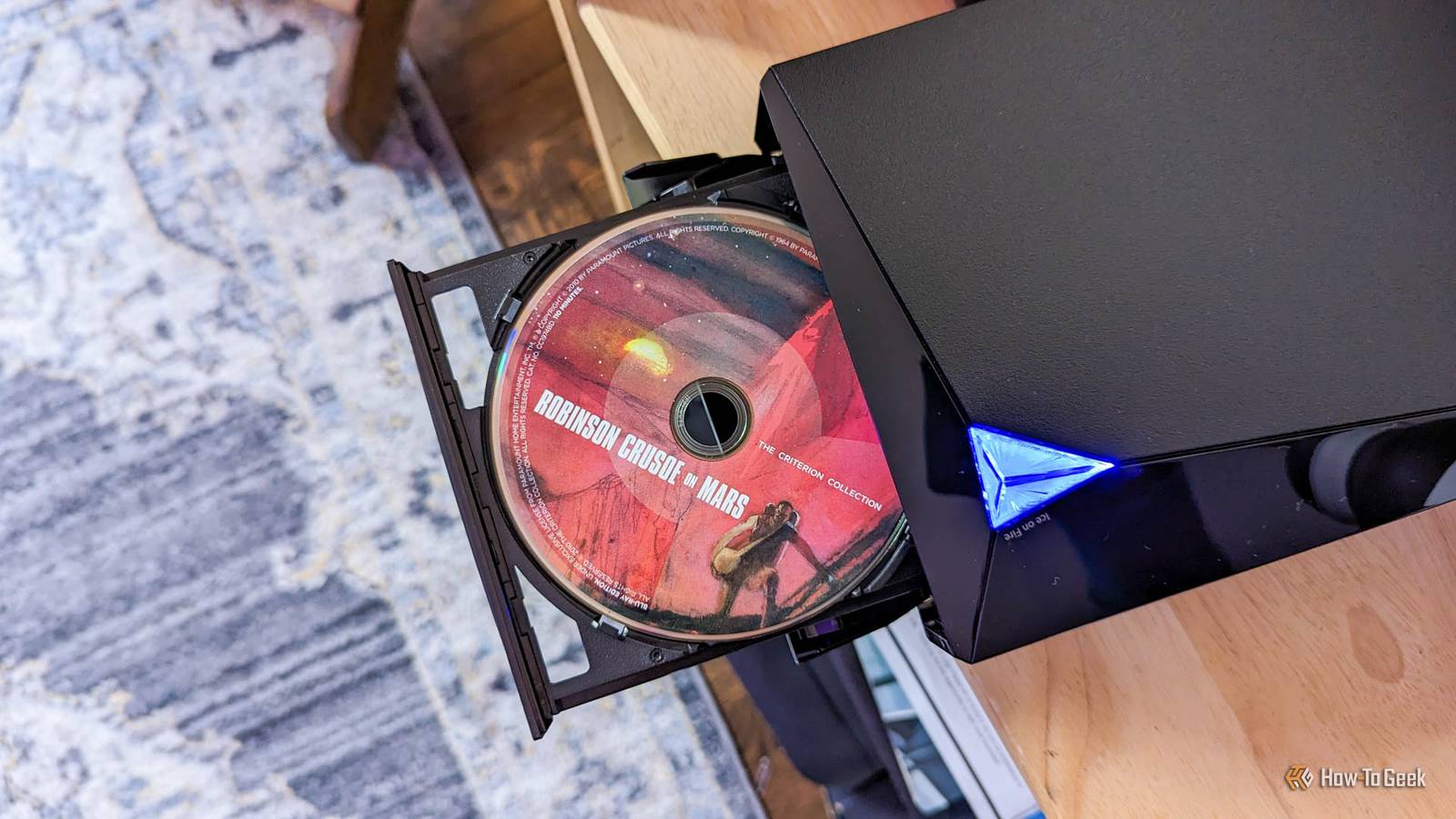
Optical drives are rapidly disappearing from consumer electronics; laptop manufacturers abandoned them years ago, and even desktop case manufacturers rarely include 5.25-inch drive bays anymore.Relying on an M-Disc means betting that you will be able to find a working optical drive and a compatible connection interface (like USB-A) thirty or forty years from now.If the specialized drives required to write or read these discs become extinct, the longevity of the media becomes irrelevant.
Finally, the ambiguity regarding the current manufacturing standards mentioned previously adds a layer of risk.If you are paying a heavy premium for M-Disc branding but receiving standard archival-grade media, you are effectively wasting money.A more robust backup strategy today involves the "3-2-1" rule using magnetic hard drives and cloud storage, where data is migrated to new mediums every few years, ensuring that your files live on active, accessible hardware rather than sitting on a shelf waiting for a laser reader that may no longer exist.
You don't need a special disc to back up your data Backups are easy, most people just don't take the time to do them.Take the time to set up automated cloud backups, plus hardware backups with redundancy, and your data should be last a very long time.NAS devices and external SSDs can be an excellent part of your backup strategy, so long as you don't rely on them as your only backup source—be as diverse and redundant as possible.
Read More