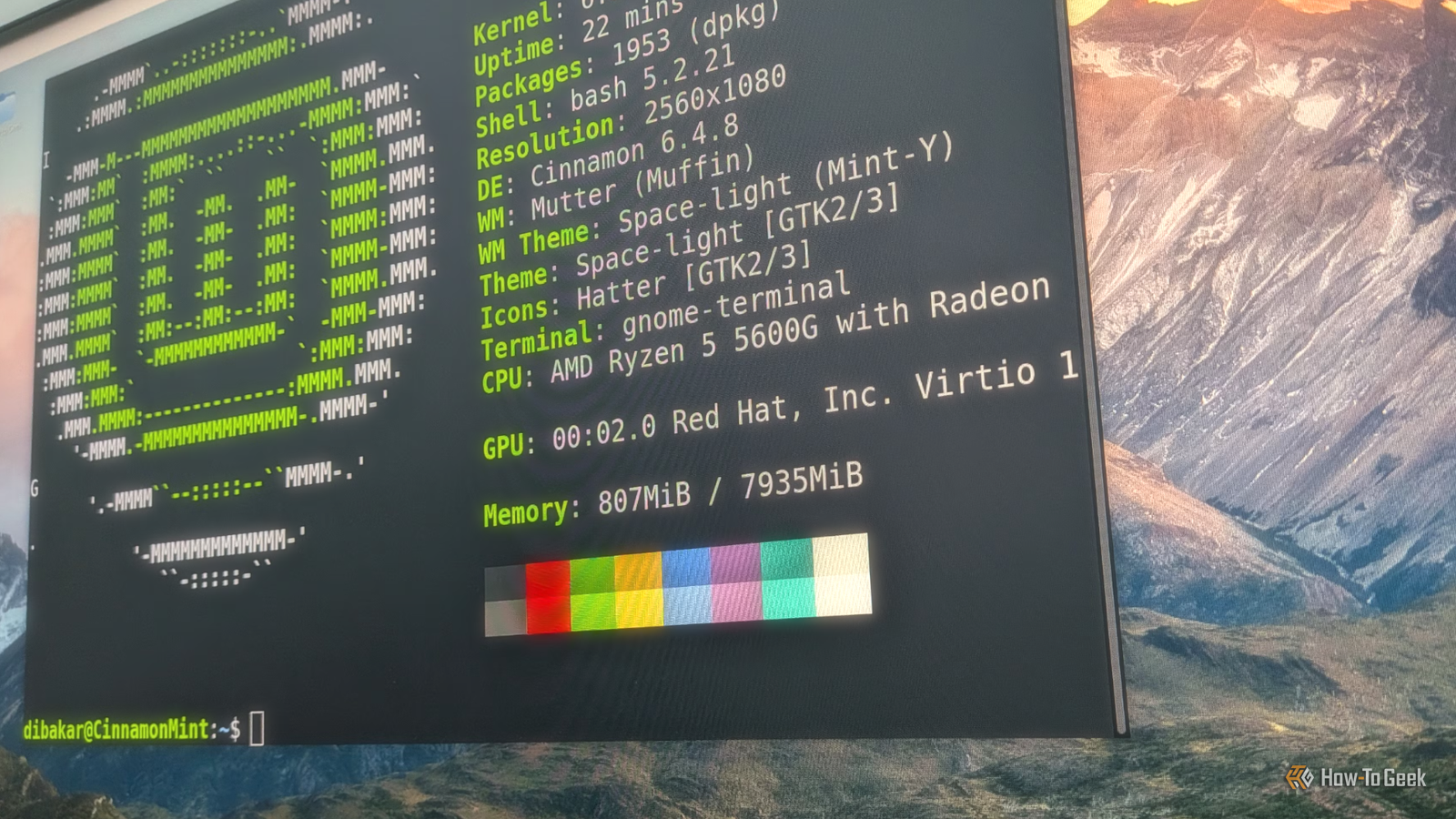
I'd heard the name Linux Mint, but I only knew it was a derivative of Ubuntu.I've been with Ubuntu and Debian for most of my Linux life.I decided to check out Linux Mint recently, and I was impressed by what I saw.
It's easy to install Linux installation without tears I remember when you practically needed a Ph.D.in computer science just to install a "regular" Linux distro.Because Linux could be finicky on real hardware, live distros like Knoppix, the first distro I ever tried, were popular.
It's still common to run modern Linux distros in a live environment, since people can test-drive a distro before committing to an installation on their machine.Mint is no exception.There are several versions of Linux Mint available, but I chose the one based on Xfce, because it's my favorite distro and lightweight enough for the virtual machine I was installing it in.
The installation went through the typical steps you would expect from a Linux distribution, such as setting up users, keyboard layout, and the partition.All of these would be daunting not only for a new Linux user, but for anyone who had never installed an operating system before.The installation program was well thought out.
It explained things in terms nontechnical users could understand, and Linux veterans like me could breeze through or tweak things if they wanted to.Anyone without Linux experience might want a friend handy who has installed a Linux distro, just in case, but distros like Mint are much better at detecting hardware and carving up the hard drive/SSD without intervention than they used to be.Mint is refreshingly boring A desktop you can ignore and get straight to work Close I've written before that people shouldn't expect Linux to be a drop-in replacement for Windows, but Linux Mint comes surprisingly close.
While many Linux distros like to tout how "Linuxy" and "advanced" they are, Linux Mint seems to do the opposite.It just tries to be familiar to ordinary computer users.And since Windows is still the most popular desktop operating system, it emulates as much of Windows' look and feel as possible.
Even on the Xfce variant, the development team has made modifications to make it recognizable to Windows users.The main panel has been moved to the bottom, likely to emulate the Windows taskbar.Having used Windows desktops for the vast majority of my computing life, I could get started using it immediately.
Instead of forcing you into a mold with different window environments or desktops, Linux Mint's user interface seems to disappear into the background, letting people concentrate on what they want to do.The system comes with the usual stable of Linux desktop apps, including Firefox and LibreOffice.While Chrome is more popular, browsers have standardized their UI elements, so a Chrome user could likely muddle through.
LibreOffice differs more from Office, but it's mostly compatible if you stick to standard formatting and fonts, and it was good enough that a former freelance writing client of mine who insisted on Word documents never caught on that the .doc files I was submitting weren't written in Word.Having a Linux desktop be ignorable is quite a user interface achievement.The Software Center suggests familiar apps Your favorite apps are only a click away Linux Mint, like most desktop Linux distros, has a "store" where people can download and install new software.
It seems that people will want a new app or two out of the box.What's interesting is that the Software Center suggests popular, proprietary apps.This might be anathema to open-source/Free Software diehards, but the first thing a lot of people new to Linux will ask is something like "Where's Excel?" While Excel is unavailable on Linux, a growing number of apps and games are being ported to it.
I was surprised to see popular apps like Spotify made available.Many Linux and open-source fans would probably prefer that people stick with open-source programs; a lot of users might really need to use something proprietary.Listening to music from people you've heard of will likely mean dealing with a proprietary software maker, likely because of the copyright regime.
That's something that's bigger than the software and the subject of another article.What I like about Linux Mint is that this exemplifies the Linux value of meeting users where they are and interoperating with what they already have.Batteries are included Watch and listen with your codecs What I like about Linux Mint is that it comes as a complete system that you can use to get productive.
The option to install codecs for video and audio playback was one thing that distinguished Mint from other distros that stuck with open-source software.It might have been a compromise, but it reduced a lot of friction for potential users when local media playback mattered more.Even in the streaming era, streaming providers still insist on proprietary codecs.
I can see why Linux Mint is so popular as a desktop.It's easy to update You'll actually want to update your system People love to gripe about Windows Update, but many popular Linux distros like Mint offer a way to keep the system updated.I suggest people use it.
It's one less thing to worry about.Linux Mint offered to do so right after installation.Despite using a "lightweight" option, I was surprised at the heft of the installed packages.
After the updates, the installed system weighed in at around 15GB, about half of the virtual drive I'd allocated to it.A solid desktop that eases Windows users into Linux If I had to start over in Linux, Linux Mint could very well be the first distro I would seriously consider.If I were coming over straight from Windows, it could hold my hand while I learned about Linux.
It's easily one of the most pleasant desktop experiences I've ever had.
Read More