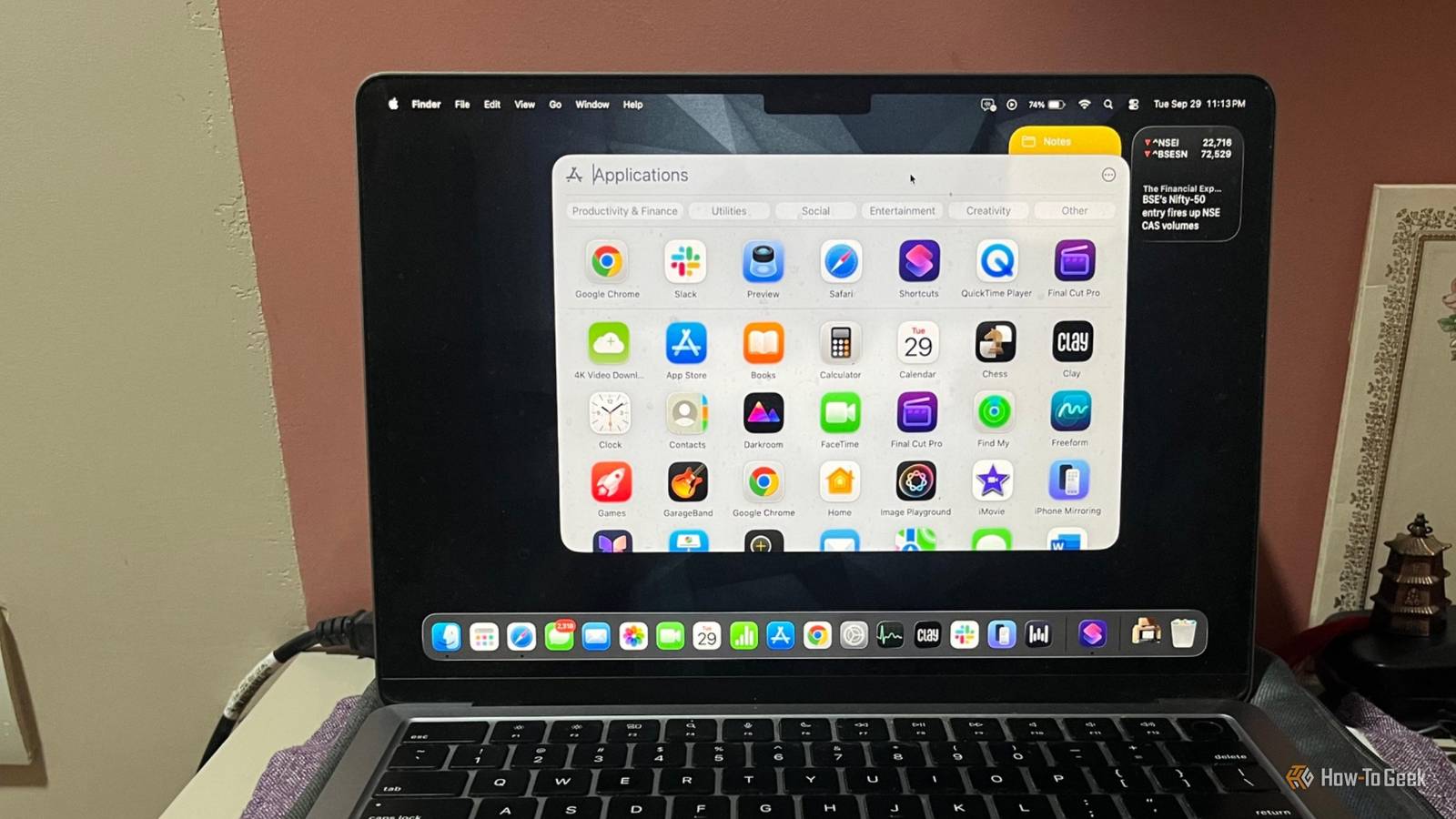
I made the switch to Mac as my daily driver two years ago after decades of being a Windows user.Still, I spend enough time between the two PC platforms — and both have their pull.I understand the appeal of having access to the same software everywhere.
Windows has an enormous software library, but it’s not the same thing as what Mac’s best apps offer.The most celebrated macOS apps aren’t just functional—they’re known for their design, workflow, and tight integration with the operating system.These are some of the legendary macOS apps that Windows users simply never had access to, even though there are perfectly good alternatives on the other side.
Final Cut Pro Why video editors don’t leave Mac Final Cut Pro has been one of the biggest reasons for creative professionals to stick with a Mac.It’s a fan favorite among editors and YouTube creators.The video editor handles demanding timelines without the drama and packs a deep collection of editing, effects, audio, and organization tools.
Apple continues to add new features to the app and on the company’s silicon machines, and its performance advantage over Windows video editors has only become more pronounced.There’s no Windows equivalent that matches the specific combination of speed and approachability as Final Cut Pro.But that doesn’t mean Windows is short on serious video editors.
DaVinci Resolve is the closest you’ll get, but its extensive feature set means a steeper learning curve.Another established cross-platform option is Adobe Premiere Pro.Both come with ongoing subscription costs, unlike Final Cut’s one-time purchase.
It’s unlikely that Final Cut Pro will arrive on Windows anytime soon, as it is positioned as part of Apple’s Mac and iPad ecosystem.Logic Pro A professional DAW What Final Cut Pro is to video, Logic Pro is to music production.It is a digital audio workstation that offers recording, editing, virtual instruments, and a vast sound library.
The app is the ideal choice for Grammy-winning engineers and most producers.It is used for everything from songwriting and home recording to professional studio production.Notably, casual GarageBand projects open directly in Logic Pro too, as a natural next step for anyone who's outgrown Apple’s free app.
Windows users have some excellent alternatives — FL Studio offers beat-making and electronic music, while Ableton Live is another major option for music production and live performances.Both are strong alternatives, but neither pack the same features for the same price as Logic Pro with a one-time cost of $199.Xcode A particularly big omission for Apple developers Xcode is Apple’s primary IDE for building apps for iPhone, iPad, Mac, Apple Watch, Apple TV, and Vision Pro.
So, this isn’t optional; it’s a requirement for developers.Xcode isn’t simply a code editor.It bundles Apple’s SDKs, debugging tools, signing workflow, and platform-specific development features into one environment.
The built-in simulator lets you run and test your app across virtual Apple devices without owning the hardware.There are several Windows development tools, such as Visual Studio and VS Code, while cross-platform frameworks like Flutter can cover much of the development process.But if you ever wanted to ship an iOS app from a Windows machine, you’ve run face-first into the wall.
GarageBand Apple’s beginner-friendly music app Close GarageBand is Logic Pro’s free sibling and Apple’s beginner-friendly music app.It lets users record various instruments, experiment with loops, and put songs together without learning a complicated digital audio workstation.You can plug in a guitar, tap out a beat, record vocals, or start with built-in loops and instruments.
The app’s interface is immediately inviting to new musicians, and its simplicity is part of its appeal.It is also available on iPad and iPhone alongside Mac.Windows has Cakewalk Sonar, which is a capable alternative for recording and music production, but it’s not as polished as GarageBand for beginners.
Shortcuts Apple’s automation advantage Apple has shipped built-in automation tools since 2005.The capability has only gotten more powerful with the Shortcuts app.It is useful when you perform the same sequence of actions repeatedly and turn several manual steps into a single click.
You can build a personal workflow, automate repetitive tasks, trigger functions based on conditions, and chain actions together — all without writing a single line of code.These run across Mac, iPhone, and iPad.Windows has several of these, like Power Automate for enterprise-level workflows and AutoHotkey for custom shortcuts and desktop automation.
However, they don’t reproduce the same native, ready-to-use experience as Apple’s Shortcuts out of the box.Preview Built-in and better than you think Preview is the most underrated built-in app on any desktop platform.Most Mac users never think twice about it.
You can annotate PDFs, sign documents, crop images, and manage multi-page files.You can also convert between image formats, combine separate PDFs into a single file, extract or rearrange individual pages, remove background from images, and password-protect files.These features don't require you to install another application.
All these little tools are simply sitting in one app when you need them.Windows doesn’t ship with anything built-in that comes close to Preview.Adobe Acrobat and third-party PDF editors cover the basics, but anything beyond opening and viewing the file is locked behind a paywall.
Related 10 Alternative Mac Apps That Are Better Than the Ones You Use Now Are you using the best tools for the job? Posts 1 By Tim Brookes The gap that keeps Mac users from switching None of this means that Windows is missing essential software.There are powerful alternatives for everything on this list that work well on PCs.It’s just that Apple’s most recognizable professional and creative applications are tied to its hardware ecosystem — and for the people who rely on them, the integration is often the reason they never left.
Read More