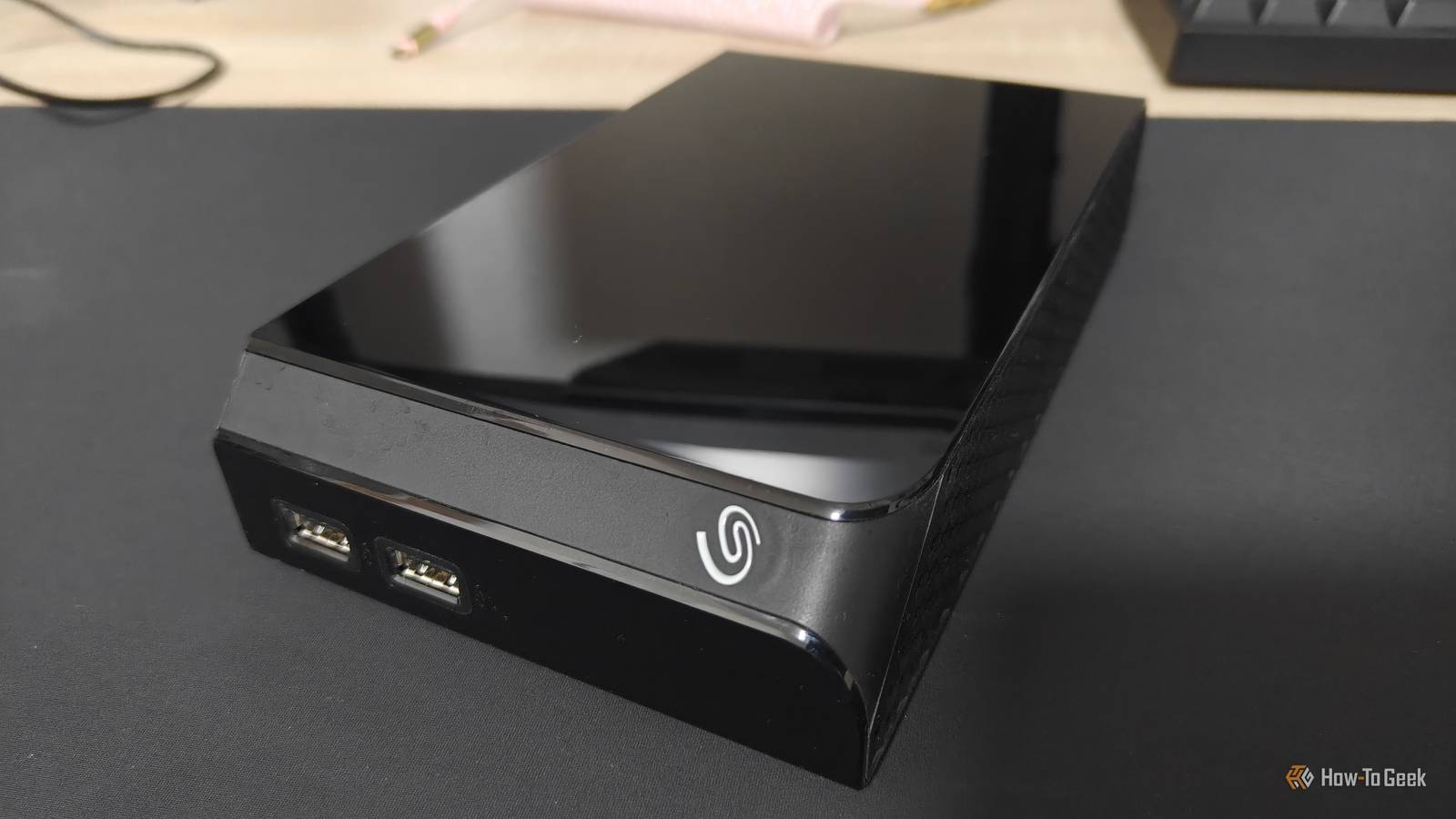
External HDDs have their merits.Slower than SSDs, they make great backup targets (especially if you don't leave them on 24/7).They also feel a lot sturdier than an SSD, what with their massive size, at least by comparison.
And in many ways, they are pretty durable, but no piece of electronics is immortal.Did you know that something as simple as mishandling a drop can kill your HDD stone dead, costing you all your data? Plugging it back in immediately after you drop it I get the urge, but don't Close Have you ever dropped your phone? Probably, right? What about your external HDD? I'd hope not, but you may have.I haven't, but that's only because my HDDs are largely static; I buy them and plop them down, then they live there for years on end.
My experience isn't universal, because HDDs do get dropped pretty frequently: Secure Data Recovery names accidental drops among the leading causes of failure, and this is based on a study of 3,453 failed external HDDs.They may survive a drop sometimes, or even often.The problem is that we often mistreat them post-impact.
Secure Data Recovery, as well as other expert sources, all warn against powering an HDD back on after a drop.If the impact damaged the read/write heads, platters, or other mechanical parts, making it all power on and spin could be the final nail in the coffin of your data.It's easier to recover a dropped HDD that hasn't been powered on.
This is annoying, because obviously, if you drop your HDD, the first thing you want to do is power it on and check if the files are still there.But if the files are super important, I'd advise against that; take it to a professional recovery service instead.Related Half of failed hard drives die in year one—here is the one thing you must do before trusting yours Your new hard drive is hiding a fatal flaw, and SMART data won't save you Posts 25 By Monica J.
White Moving it around while it's still spinning Powered-on HDDs really don't appreciate being jostled Similarly (or well, somewhat), there are times when you don't want to move your HDD.External HDDs are portable, so obviously they be moved, but please let it finish doing its thing.Western Digital's own guidance says not to handle or move an external HDD while it's powered on or in use.
Basically, you want to not just turn it off but also unplug it, then transport it.Many will tell you that these guidelines are overkill, but when you have an expensive HDD filled with irreplaceable data, it's always better to be safe than sorry.It's also deceptively easy to move an HDD without meaning to.
If it's plugged into your laptop, you might just grab it by reflex alongside the PC.My advice is to unplug it whenever you're not using it, and don't move it when it's in use.Cooking it because you've blocked all the airflow That soft blanket is a terrible drive stand In that Secure Data Recovery study I mentioned above, extreme heat shows up as one of the leading causes of failure in the cohort.
Western Digital echoes that general concern, saying that you need to use the HDD in a well-ventilated space, and warning that operating HDDs outside their specified temperature range can lead to data loss or drive failure.Oof.Somehow, you don't really hear about this often, but then again, I don't know many people who leave their HDD out on a beach in the middle of the summer.
But just in case the urge ever strikes you, here's my warning: You shouldn't expose your HDD to extreme temperatures, and you shouldn't even keep it on a blanket in your lap, alongside your poor, long-suffering laptop.Playing roulette with its power supply We don't like power surges here Power is another thing that's easy to take for granted.You may be finding ways to keep your PC or your router online during a power outage, but are you protecting these devices, alongside your HDD, from power surges? That same study names power surges as another external HDD killer, and no wonder.
The study specifically says that a surge can damage components on the drive's PCB.Western Digital also recommends that you use surge protection with externally powered drives, and yeah, that makes sense—your files are at stake, after all.The other mistake is treating power adapters as a "one-size-fits-all" type of thing.
The plug might fit, but the adapter doesn't necessarily need to be great for your HDD.Seagate explicitly says to use the power supply that came with the drive, or, at the very least, one with the same specifications.Yanking the USB cable as soon as possible Give it a second or two Remember that you used to have to "safely remove" external drives? Many people didn't bother, but it was a thing.
It's not so much a thing anymore, but there's still a reason not to yank the cable while the HDD is busy.You should properly eject external HDDs so that your operating system can wrap up whatever work it's doing on the drive, especially pending writes.Microsoft backs that up, and while it all feels a little dated, it's one of those best practices that can help you keep your data safe, similar to the 3-2-1 rule.
Keeping an old HDD running against all odds Just because SMART data is optimistic Using old HDDs can be a lesson in letting go sometimes.A different Secure Data Recovery study found that HDDs fail even when their SMART data doesn't indicate that something is majorly wrong.In fact, 27.2% of failed external HDDs in the company's latest study had zero current pending sectors at the time of failure.
What this means is that a clean-looking SMART report doesn't guarantee your HDD will live forever, so always assume it'll die on you at the worst possible time.Your external HDD doesn't need to die for all data to go bye-bye At the end of the day, not abusing your HDD and trying to keep it alive is just one half the battle.Accidental deletion, corruption, malware, or a drop can all be disastrous to your data.
Back it up, not once, not twice, but three times if it's important, and check those backups frequently to make sure everything is in top shape.Related Your unpowered SSD is a ticking time bomb Long-term cold storage on an SSD could be a risky business.There are better options.
Posts By Monica J.White
Read More