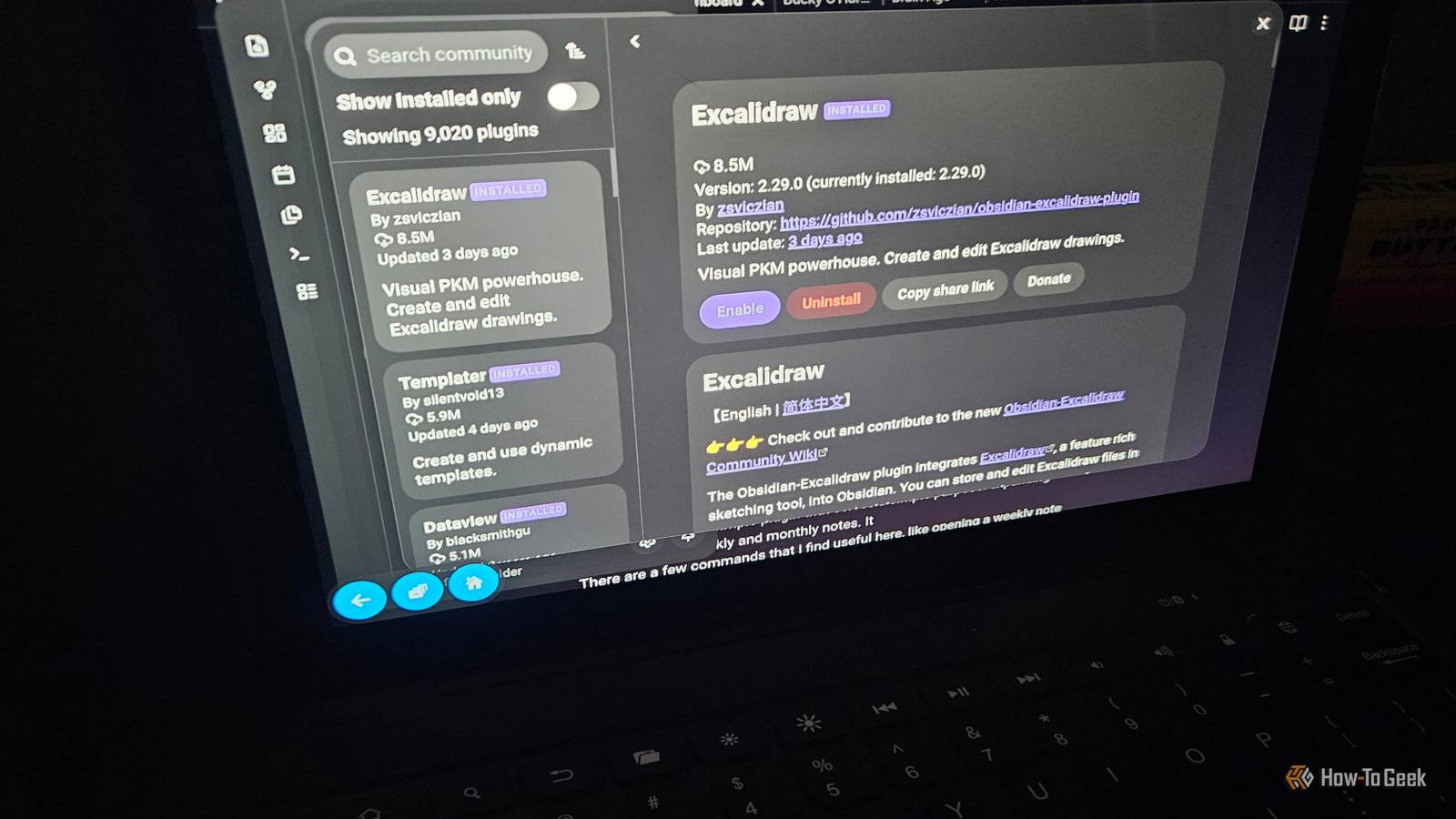
Obsidian is, in my opinion, incredibly powerful because it keeps its core feature set intentionally lean.It’s designed to be customizable, and the community plugins are what fill those gaps.But sometimes, those plugins don't just add cool features—they fix fundamental problems that, honestly, feel like things the app should have out of the box.
Here are the three best plugins I've found, in no particular order.Add How-To Geek on Google Add as Preferred Source Follow on Google Discover You can look them all up on Obsidian's internal plugin searcher, so you don't need to look for anything external here.Image Converter Smaller files, cleaner names, and editing without leaving Obsidian Obsidian treats images almost like an afterthought.
It’s a pain point that every note-taker runs into.You paste a screenshot, and the app drops the raw file into your vault with a generic, timestamped name like “Pasted image.” It doesn't care about format or resolution.Do this a hundred times, and your vault quietly swells with unnecessary megabytes—especially painful if you’re syncing across devices or using Git.
Image Converter, built by xRyul, intercepts images the moment they enter the vault, solving this mess immediately.You can convert pasted or dropped files to WEBP, JPG, or PNG, and it handles compression and resizing automatically.A huge, bulky PNG screenshot can end up in your notes at a fraction of its original size, zero manual work required.
Bonus: it supports HEIC (the default iPhone image format), which Obsidian struggles to display natively depending on your operating system's built-in codec support.But it does much more than just shrink files.You can resize images simply by dragging their corners, or using a modifier key and the scroll wheel—and it writes those perfect dimensions right into the link.
The built-in annotation tool means you no longer need external editors just to draw on or mark up a diagram.Plus, it lets you rename attachments using custom rules with variables, ensuring every file lands in your vault in a predictable way.Need a quick copy? The right-click menu adds immediate actions, like copying the image or deleting it from the vault alongside its link.
Cool stuff, right? That last option is the clincher.Managing attachments is a basic requirement for modern note-taking app, and Obsidian’s current handling stops right at "save the file." Image Converter has attracted over 400,000 downloads and functions perfectly on both desktop and mobile.The one problem: it doesn't really work on phones.
But it's neat for the desktop version.Related How to Sync Obsidian Notes For Free With or without the cloud.Posts 5 By Faisal Rasool Omnisearch Relevant search that reaches deep into PDFs and images Close Obsidian’s built-in search is technically impressive.
It supports operators, regex, and scoped queries like path: and tag:, which is fantastic if you know exactly what you're looking for.But most of us don't start that way.We remember a vague phrase, a partially spelled word, or just the general of a note, and the core search engine rarely returns the most relevant result first.
Omnisearch, created by Simon Cambier, takes a radically different approach to this.It's designed to be the search engine that just works, in a way.Using the BM25 scoring algorithm under the hood, it intelligently ranks results by relevance.
It tolerates typos, prioritizes matches found in titles and headings over text buried in the body, and truly surfaces the note you meant, instead of just listing every note that happens to contain a random keyword.It feels less like a text filter and more like a Google search.Its biggest game-changer? Files that aren't Markdown.
Paired with its companion plugin, Text Extractor, Omnisearch indexes PDFs, Office documents, and even images.It runs OCR, meaning text inside scanned pages or lecture slides instantly becomes searchable.For students and researchers managing massive vaults of PDFs and photos, this turns a pile of attachments into actionable, findable knowledge.
Users have spoken: Omnisearch boasts over 1.3 million downloads and was recognized in Obsidian’s Gems of the Year awards.A note-taking app is only as valuable as its ability to retrieve what you’ve written.When a third-party plugin consistently outperforms the native tool, that feature belongs in the core experience.
Tag Wrangler The ability to rename and merge tags across your entire vault Close Renaming a note in Obsidian is pure magic.The app updates every link pointing to it across your vault, and you never have to think about it.But tags? They get no such treatment.
If you decide that #ml should actually be #machine-learning the core app offers zero way to rename that tag everywhere at once.This request has been running on the Obsidian forum for years, and the consensus answer from power users is simple: install Tag Wrangler.Tag Wrangler, by PJ Eby, adds powerful controls to the Tags view, allowing you to rename, merge, toggle, and search tags globally.
Renaming isn't a blind find-and-replace; it uses Obsidian’s own parse data to locate genuine tags, ensuring your change never accidentally affects text that just like a tag.Even hierarchical tags behave intelligently: renaming a parent like #project automatically renames all its child tags.Merging tags is risky, as you might imagine, and the plugin handles this by asking for confirmation and warning you that the change is permanent.
It’s sophisticated enough to handle these edge cases.And it keeps improving: newer versions add dedicated tag pages, making tags more robust.Even with some technical gaps (like certain newer database views), the plugin has nearly a million downloads and fills a structural gap in the core app that has persisted far too long.
The bottom line All three of these solve some of the most common and frustrating problems every Obsidian user eventually hits.And until Obsidian builds these core capabilities in, I firmly believe that all three are must-installs on day one.
Read More