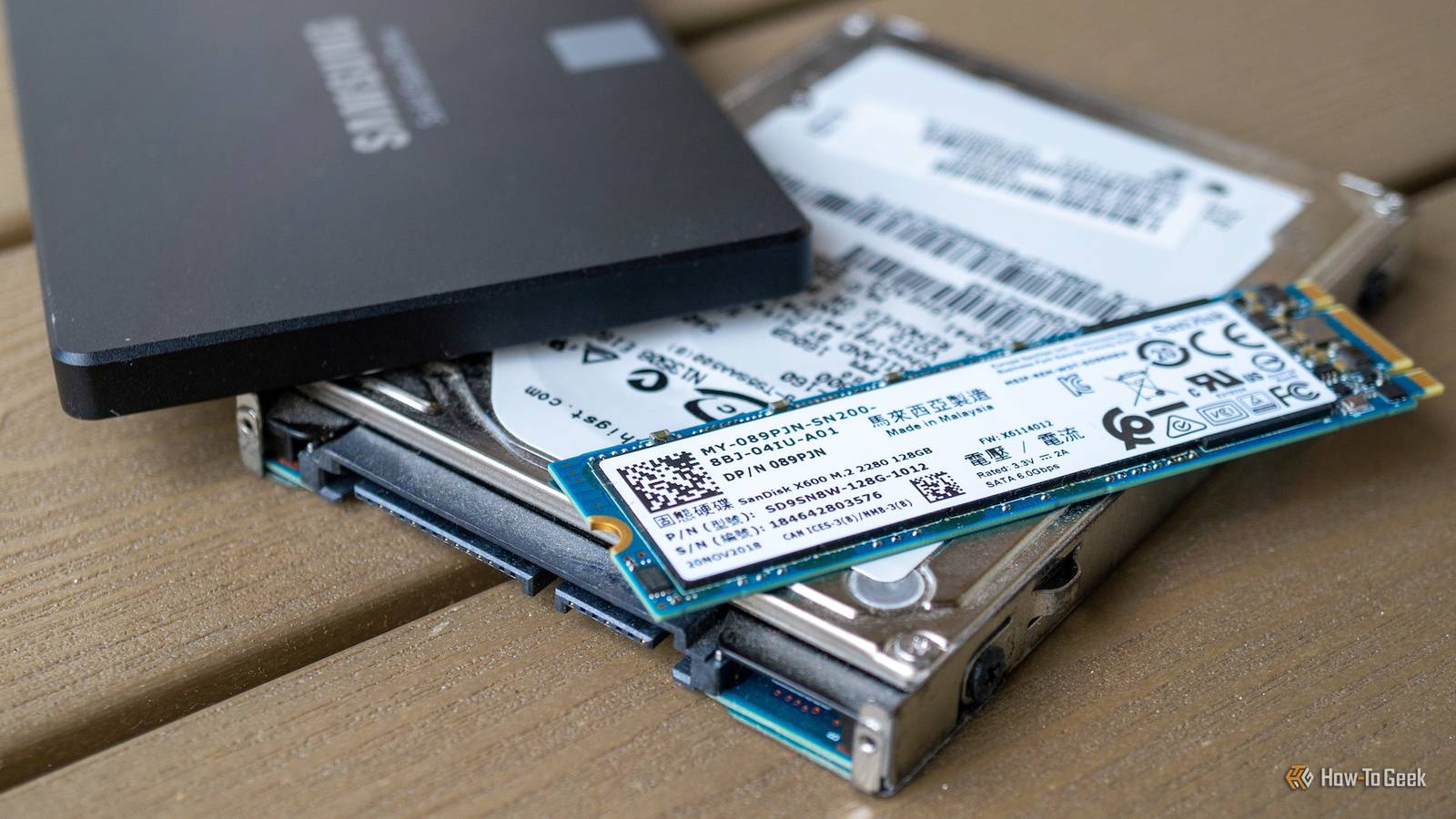
SSDs (Solid State Drives) were not created in a vacuum.Since these flash-based storage devices had to fill a (literal) gap left by hard drives, it was necessary to create them in a way that bridged the gap between the two technologies.Add How-To Geek on Google Add as Preferred Source Follow on Google Discover The first widely available commercial desktop SSDs used the same SATA form factor as desktop and laptop hard drives.
Even though most of that space was filled with air.Today, we mainly use the M.2 form factor, which takes up only as much space as the SSD needs, but there are still a few HDD leftovers in your SSD soup.Your SSD still has room for a read/write head It might even feel phantom pains Close On an SSD formatted with GPT, the first logical block contains data that only applies to mechanical hard drives.
There are still fields for the starting and ending cylinders, head, and sectors.These coordinates point to specific locations on a mechanical drive, but mean nothing to an SSD.While the fields are still there, they are now filled with dummy data.
This hasn't been left in due to laziness or anything.Firstly, we still use mechanical hard drives, and will probably keep using them for decades to come.So the data does still have a purpose when you format those drives.
Secondly, keeping the drive format consistent maintains backward compatibility with drive utilities, even old ones.As long as they understand the format, they can read the SSD.Your PC still talks to flash in hard-drive sectors It's an older code, sir...
On a mechanical hard drive, there's a translator module that maps the LBAs (Logical Block Addresses) that the operating system uses as a reference for data location to specific spots on the hard drive's platters.In other words, there's a direct correlation between the LBA address and the physical location of the data.In a modern SSD, we still use LBAs, and the OS still addresses the SSD using the same system, but the FTL (Flash Translation Layer) keeps tabs on where the data physically resides.
That's because there's no 1:1 connection between the LBA and data location.The SSD controller may decide to change the location of data as part of optimization or wear leveling.The interesting bit here is that the logical sector size as well as the sector numbering scheme are leftovers from mechanical drives that aren't technically needed in an SSD.
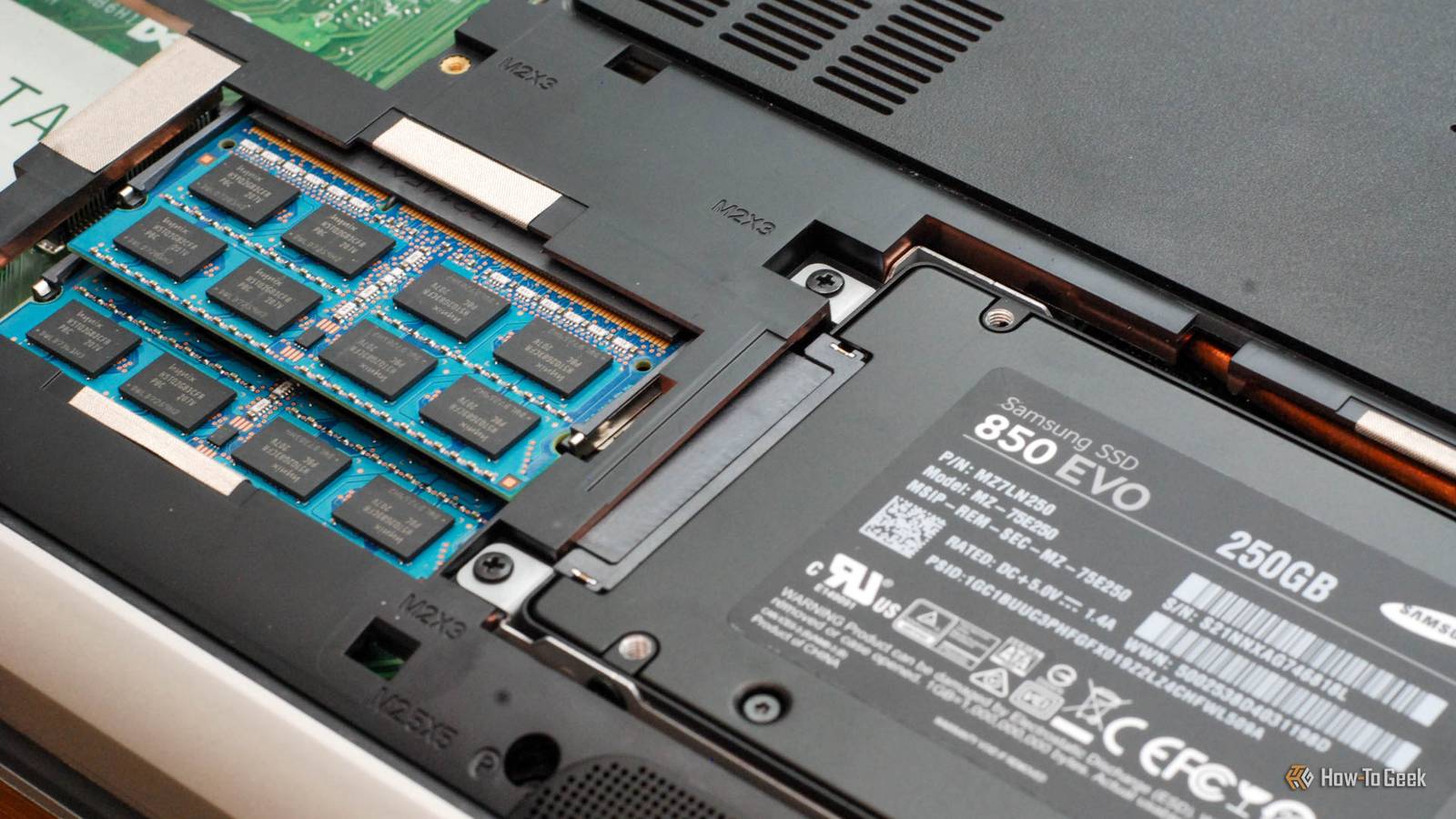
Some SSDs are still shaped like a ’90s laptop hard drive If not a hard drive, why hard-drive shaped? When SSDs first hit mainstream computers, there wasn't a special SSD connection standard like we have today in the form of the M.2 slot.The first commercial SSDs needed to be a drop-in replacement for mechanical hard drives, and those hard drives used the SATA interface and fit into the same drive bays that mechanical drives already used.While there is such a thing as a 3.5-inch SATA SSD, the 2.5-inch form factor became dominant in the consumer space.
It's easy enough to adapt a device designed to mimic a 2.5-inch laptop hard drive into a 3.5-inch bay, and it didn't take long for desktop PC cases to offer 2.5-inch drive bays out of the box.Laptops, however, can't accommodate the larger size, so it makes perfect sense that the 2.5-inch laptop form factor became the SATA SSD standard.While SATA SSDs are on the way out thanks to M.2 NVMe drives, they are still perfectly relevant.
Most software, including video games, run just fine on these drives, and they can be a cheaper form of flash storage than NVMe while still being significantly faster than mechanical laptop drives.Hilariously, the inside of a 2.5-inch SATA SSD is mostly empty space, since the actual electronics only take up a small portion of its volume.Every PC is filled with ghosts from the past Modern PCs are built on the foundations laid by what came before.
Most of that comes from the IBM PC platform, but that computer system was in turn partly built on older technology too.There are plenty of examples of new tech still using parts of older tech under the hood.Your HDMI display still uses the same EDID standard that VGA monitors do, to tell your GPU what its specs are.
The Scroll Lock key is on every keyboard, but it's pretty much just Microsoft Excel that even recognizes it anymore.PCI Express still presents itself as an old-school PCI-to-PCI bridge.Some high-end (and low-end) motherboards still have old PS/2 ports.
The list goes on and on.Pure inertia and the need for an unbroken chain of compatibility keep the spirit of old tech alive in the new.Maybe one day, computers will make a clean break, but for now you can trace that family tree back much further than you'd expect.
XDB Builder Free PC planner Tell XDB what you want the PC to do and how much you want to spend.We'll find parts that fit, with current prices. What will you use it for? Pick any 1440p gaming 4K gaming Video Streaming Local AI 3D & CAD Photo Home server Games or apps Optional Budget $750 $1,000 $1,500 $2,000 $3,000 No limit Plan my build→ Opens XDB, XDA's free PC builder, in a new tab. Pick at least one use, or name a game or app.
Read More